Your Browsing History
Meet Your Seller
Wireless HDMI Transmitter and Receiver 100ft/30m,1080P Output Wireless HDMI,2.4G/5G Plug&Play for Streaming Video and Audio to Monitor from Laptop/TV Box
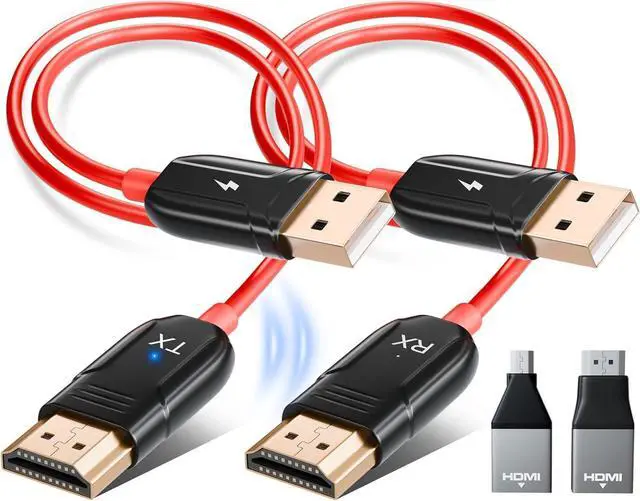
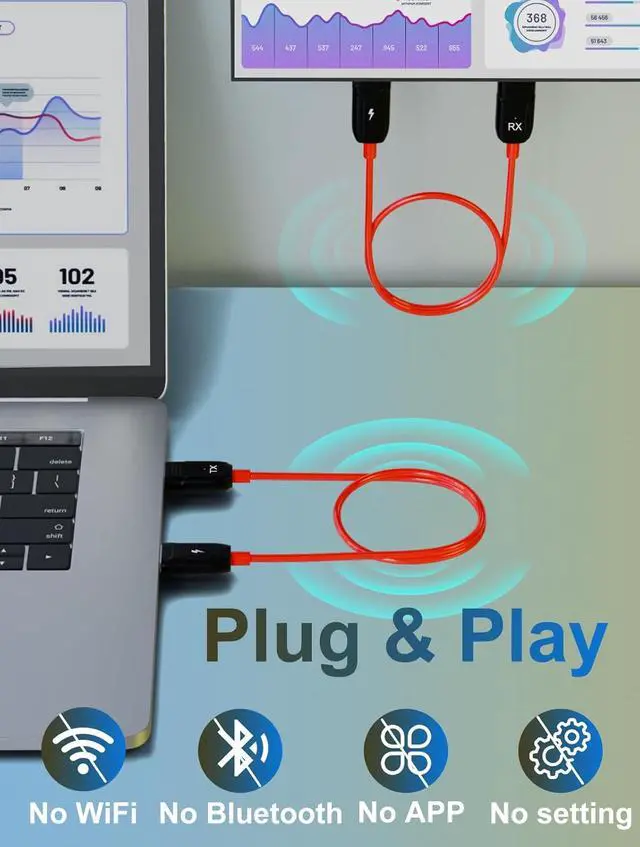
- Easy PLUG & PLAYNo Apps! No Bluetooth! No Wifi required! Easy to operate, Auto paired. Simply attach the HDMI Transmitter to the device and then to your TV or Projector screen via an wireless HDMI receiver. In just 5 to 10 seconds, video content (movies, TV shows, captured video) is output to your big screen in HD up to 1080p.
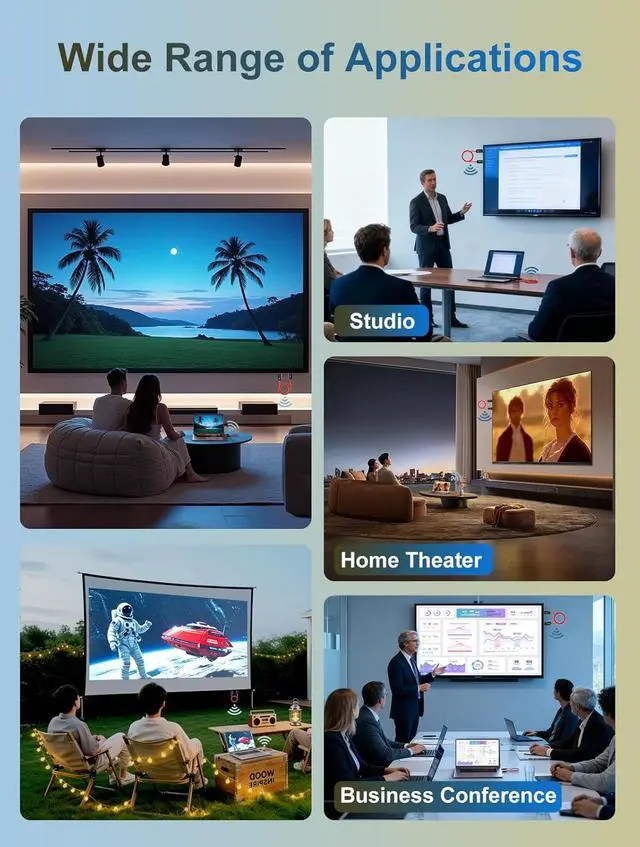
- Screen Mirroring Video/ Audio To Big ScreeThe LXJADAP wireless HDMI transmitter and receiver provides a smooth and effortless experience for wirelessly connecting your computer, Laptop, PC, Carmera, or iMac Pro to your HDMI-equipped TV, display, projector, or other compatible display. This wireless hdmi supports mirroring of what is displayed on your your big screen in up to 1080p HD including video, apps, presentations, websites, slideshows, and more.
+
+
Overview
Reviews
Any questions? Our AI beta will help you find out quickly.
Try me now
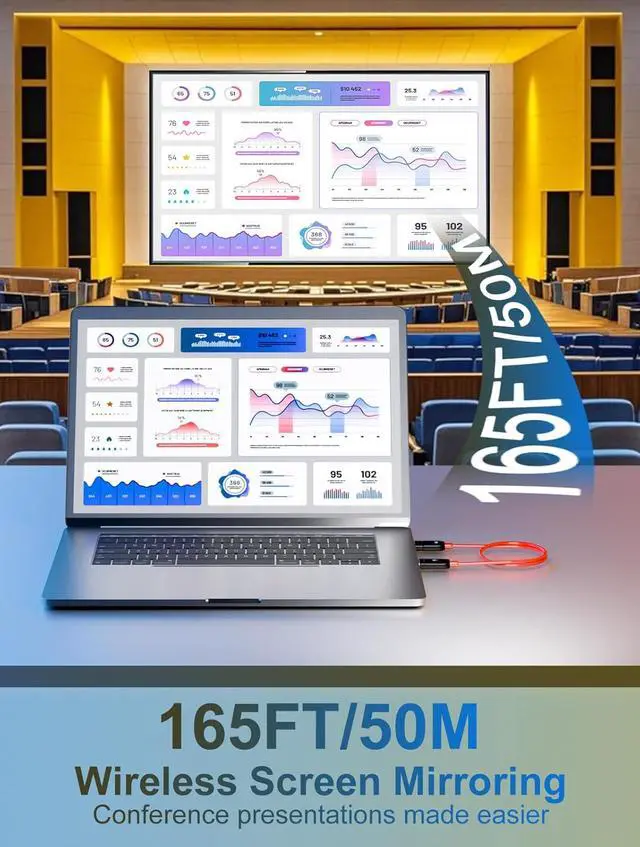
Stable transmission, Ultra low latencyThe wireless HDMI transmitter and receiver incorporating the efficient 5G chip brings seamless setup and switching for your devices, up to 50M mirroring distance, the industry-leading classification for range and signal strength. With this Communication technology, you can easily move about and keep the video going.
Installation Guide 1. Connect the RX cable to an HDMI input device and use a 5V 2A power adapter. The RX device does not have an indicator light, so it is normal for no display to light up. 2. Connect the TX transmitter to an HDMI output device and also use a 5V 2A power adapter. 3. Upon successful connection, the transmitter's LED will remain lit continuously. After 5 seconds, the automatic streaming process will begin.
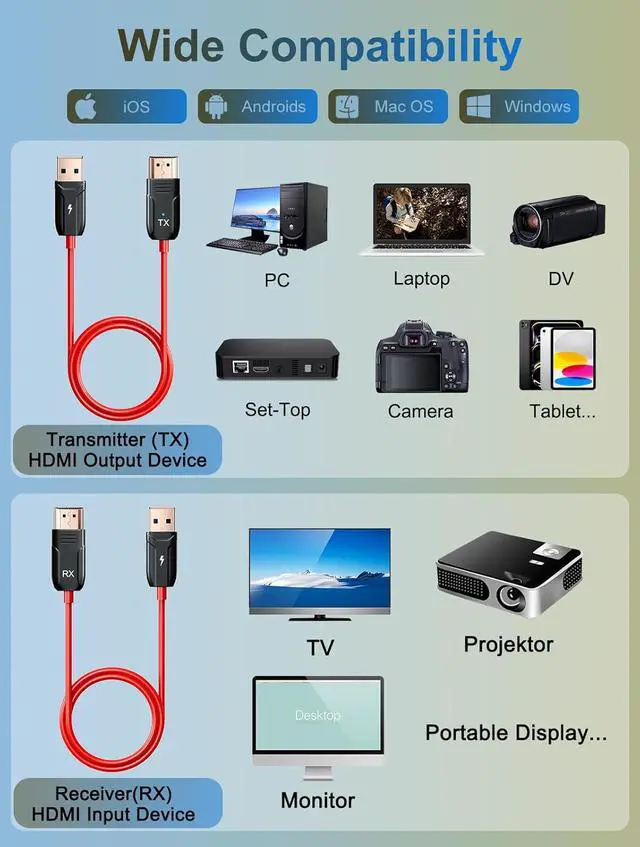
Wide Compatibility1.
Supported transmitter devices: support computers with HDMI, cameras, and tablets through dedicated HDMI adapters. 2.
Supported receiver: Support TVs, projectors and monitors with HDMI. 3. Support Youtube, Netflix, Prime Video, Hulu, Dirctv, HBO and other paid video playback software. 4. Support Windows/Mac OS/Android Systerm

Installation Guide 1. Connect the RX cable to an HDMI input device and use a 5V 2A power adapter. The RX device does not have an indicator light, so it is normal for no display to light up. 2. Connect the TX transmitter to an HDMI output device and also use a 5V 2A power adapter. 3. Upon successful connection, the transmitter's LED will remain lit continuously. After 5 seconds, the automatic streaming process will begin.
Wide Compatibility1.
Supported transmitter devices: support computers with HDMI, cameras, and tablets through dedicated HDMI adapters. 2.
Supported receiver: Support TVs, projectors and monitors with HDMI. 3. Support Youtube, Netflix, Prime Video, Hulu, Dirctv, HBO and other paid video playback software. 4. Support Windows/Mac OS/Android Systerm
Warranty & Returns
Warranty, Returns, And Additional Information
Warranty
- Please contact the Seller directly for warranty information. Warranty information may also be found on the Manufacturer's website.
- CONTACT
Return Policies
- Return for refund within: 30 days
- Return for replacement within: 30 days
- This item is covered by MINGPIN YOUCHUANG E-COMMERCE LIMITED Return Policy
Manufacturer Contact Info
- For a directory of all our manufacturers, please click below.
- Manufacturers Directory
LOADING...