4.
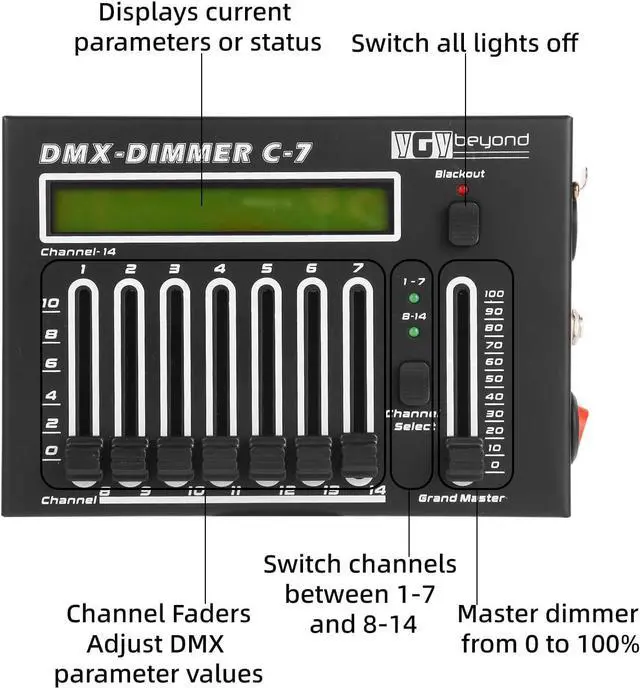
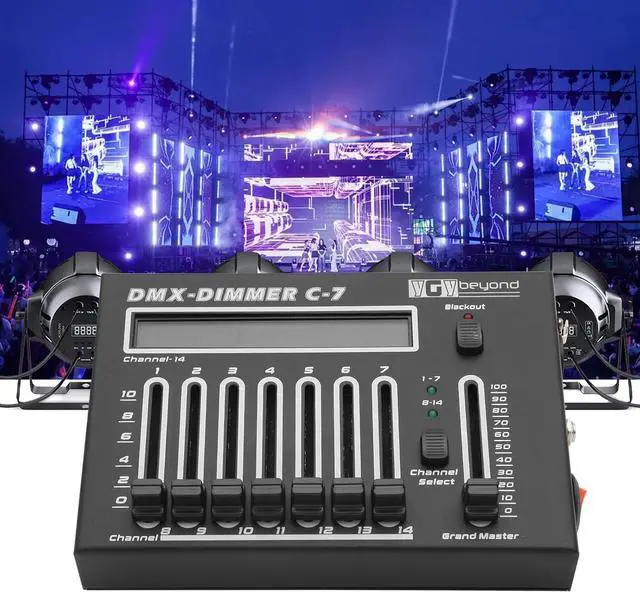
Grand Master Fader: Positioned on the right side of the console, it adjusts the total output of all channels from 0 to 100% for overall light brightness control.
5.
Blackout Button: On the right side of the console, pressing this button instantly turns off all light outputs for quick on/off control.
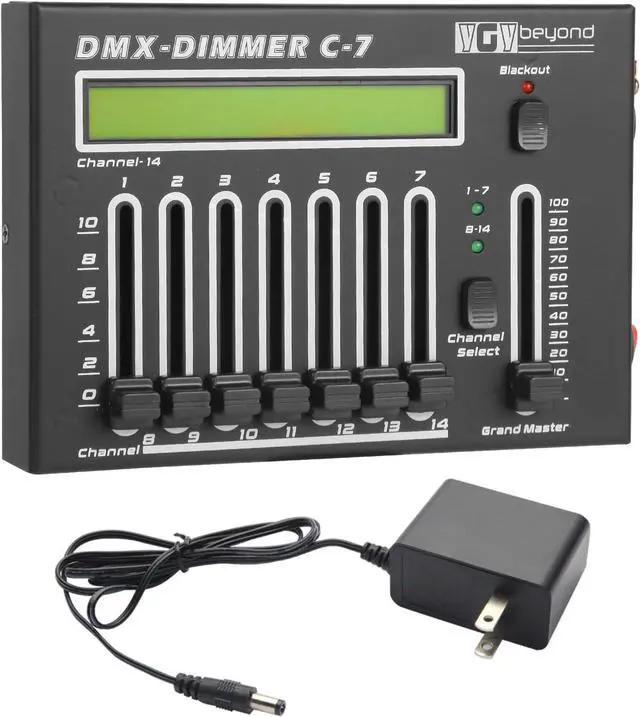
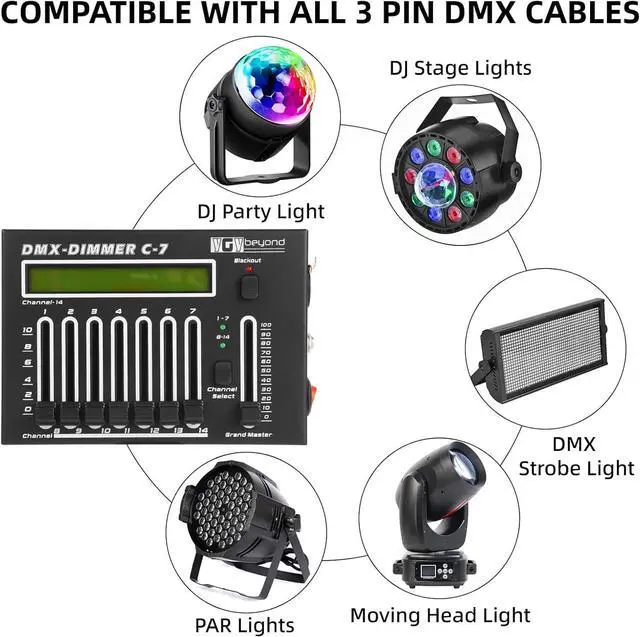
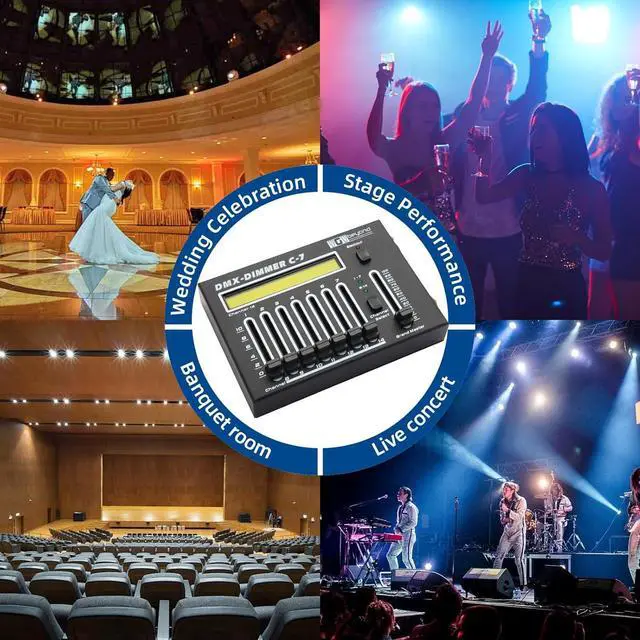
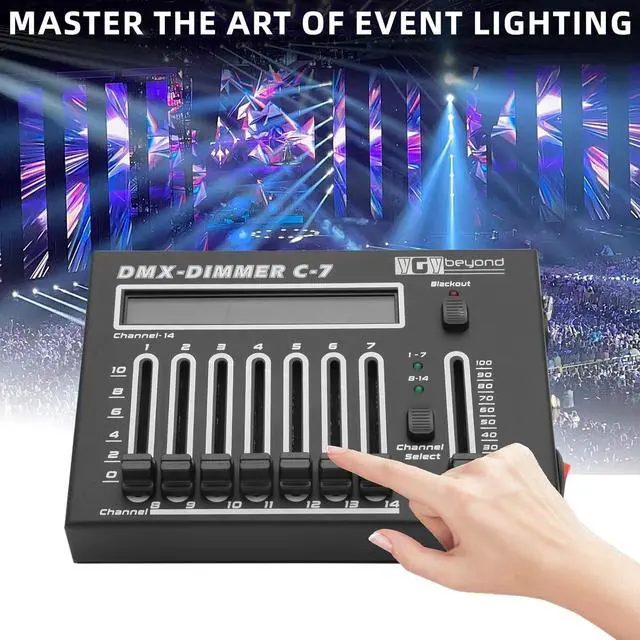
dmx controllerProduct IntroductionThe DMX-DIMMER C-7 is a professional lighting console mainly used to control various DMX512 protocol-compatible lighting devices, such as stage lights and landscape lights. It has 14 channels, enabling precise dimming and control of lights to create rich and diverse lighting effects for various performances and scenes.
dmx light controller Product Appearance and Component Description1.
Display Screen: Located at the top of the console, it shows current channel parameters, working modes, and other information for users to monitor the device status in real time.
2.
Channel Faders (1-14): A total of 14 faders correspond to 14 channels. Pushing the faders up/down adjusts the brightness or other parameters of each channel's lights, with channel numbers labeled below the faders.
3. Channel Selection Buttons (1-7, 8-14): Used to switch between channel groups. Pressing "1-7" controls channels 1-7; pressing "8-14" controls channels 8-14. Indicator lights above the buttons show the currently selected channel group.
4.
Grand Master Fader: Positioned on the right side of the console, it adjusts the total output of all channels from 0 to 100% for overall light brightness control.
5.
Blackout Button: On the right side of the console, pressing this button instantly turns off all light outputs for quick on/off control.
stage light controllerV. Precautions1.
Power Safety: Use the required power adapter and avoid using the device in wet, high-temperature, or flammable environments to prevent electrical faults or fire hazards.
2.
Signal Connection: Ensure correct interface connections when wiring DMX signal cables to avoid damaging device interfaces or affecting signal transmission quality. If connecting multiple lighting devices, follow DMX signal connection rules to ensure proper signal transmission to each device.
3.
Device Maintenance: Regularly clean dust and debris from the console's surface to prevent dust from entering the device and affecting heat dissipation and normal operation. Do not disassemble or touch internal components while the device is running. In case of faults or maintenance needs, contact professional technicians.
stage lighting equipment & accessories Product SpecificationsNumber of Channels: 14
- Power Input: [Specific voltage range and frequency, e. g., 100-240V AC, 50/60Hz]
- DMX Output Interface: Standard 5-core XLR interface
- Operating Temperature Range: [e. g., 0°C-40°C]
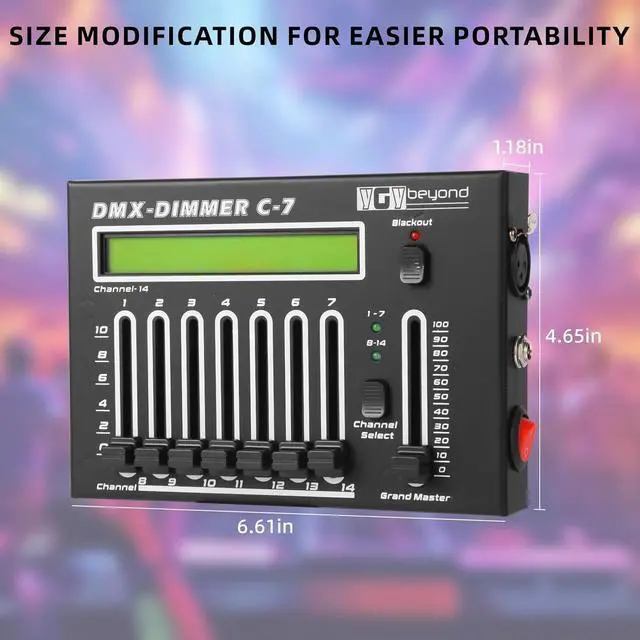
- Dimensions (L×W×H): [Specific dimensions, e. g., 300mm×200mm×80mm]
- Weight: [Specific weight, e. g., 1.5 kg]
The above manual is for reference only, and the specific content may vary depending on the actual product. Before use, carefully read the detailed manual and safety precautions included with the product to ensure correct and safe operation of the lighting console.
dmx512 controller





 here!
here!