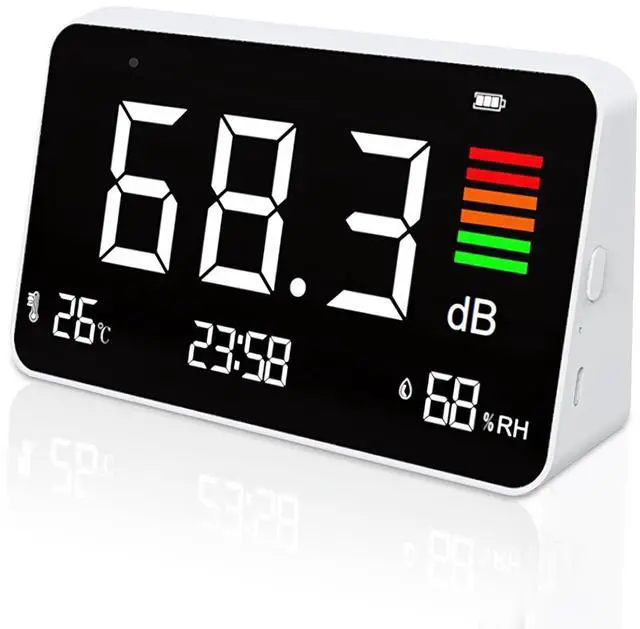
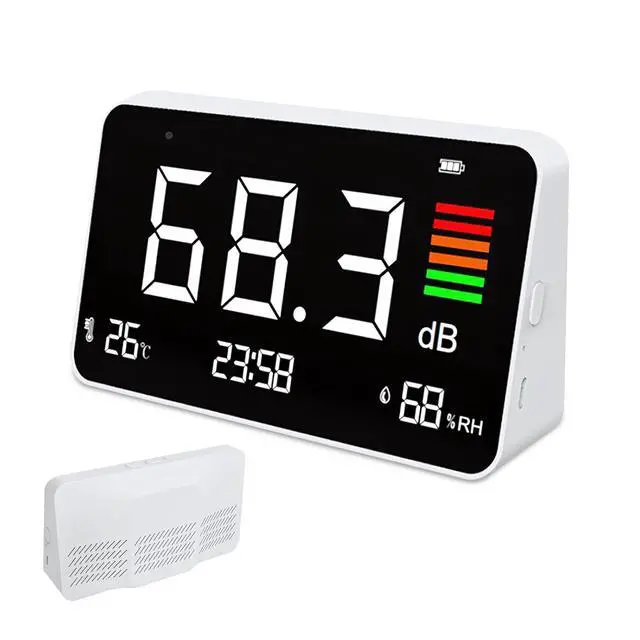
NoteThe product is calibrated and tested and sent out, it will consume a certain amount of power, So generally out-of-the-box batteries are in a non-full state. The battery level indicator shows red when charging and green when full.
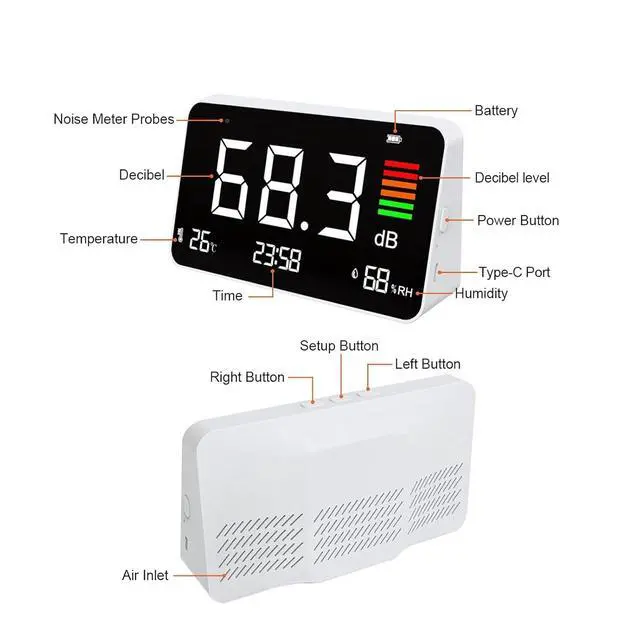
Easy to UseClick "left button" to enhance the brightness, click "right button" to reduce the brightness, Long-press "M" to adjust the time. We prefer to use Portable Decibel Meter on the countertop.
Display Method: LED Screen
Atmospheric Pressure: 12.5 PSI - 15.4 PSI
Sampling Time: 11.5 Seconds
Temperature Range: -10°C - 60°C (14-140)
Storage Temperature: -10°C - 60°C (14-140)
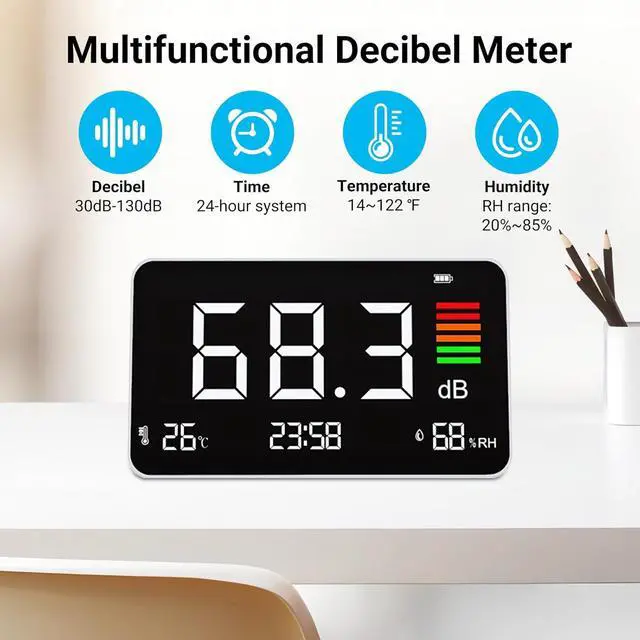
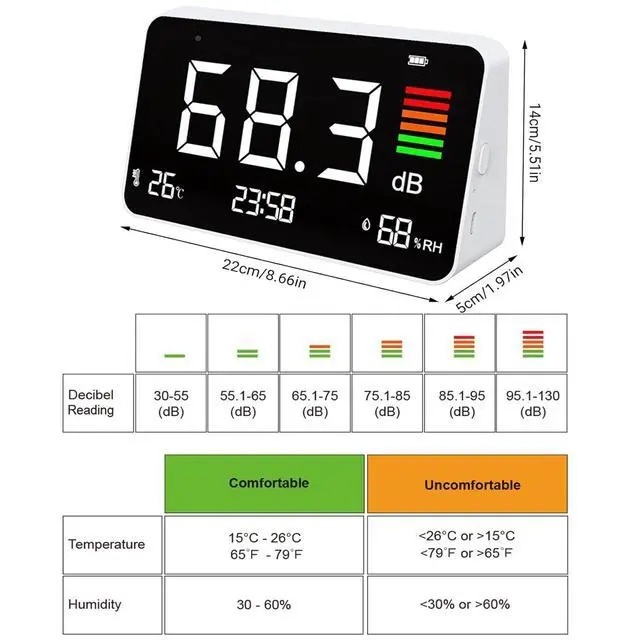
Measuring Range: 30 - 130 dB
Relative Humidity: 20% - 85%
Humidity Range: 20% - 85%
Accuracy ± 1.5 dB
Frequency Range 50Hz - 8.5 kHz A
Frequency Weighting: A
Resolution: 100dB 1dB
Concentration Unit Decibel: dBA
Charging: 1A/2A 5V
Battery: 2000 mAh Lit
Product Weigh: t 208g ( 7.34 oz )
Product Size: 6.3 x 3.5 x 1.96 Inches
Considerations:
DO NOT touch or poke the Microphone Sensor! It is Not a reset button.
DO NOT use chemicals or solvents to clean the product as residual fumes will skew air quality readings.
DO NOT put water or other liquids on or near the product to avoid electrical damage.
DO NO Tallow unauthorized modication or repair of this product.
DO NOT take apart or disassemble this monitor. Doing so may damage the product and will invalidate the warranty.
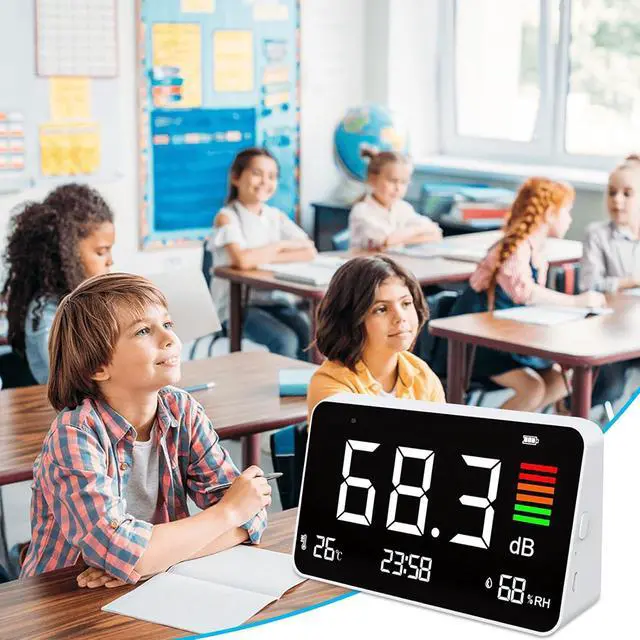
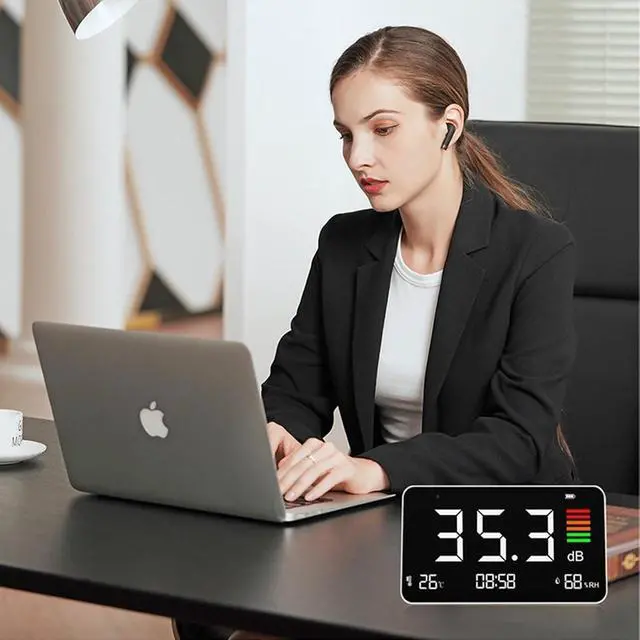
This decibel meter is meant to be used indoors and kept This decibel meter is meant to be used indoors and kept This decibel meter is meant to be used indoors and kept.
How to use:
Step 1: Short press the power button to turn on the device.
Note: If the device does not start up immediately, please charge it first.
Step 2: Press the M button twice quickly to enter the hour time setting, use the left/right buttons to adjust to the desired value, then press the M button to enter the minute time setting, use the left/right buttons to adjust to the desired value and finally press the M button to confirm. The time setting is complete.
Step 3: Press the LEFT button and RIGHT button to adjust the screen brightness to the desired setting.
Note: Short press the left button to decrease the brightness and press the right button to increase the brightness.
Step 4: Press the right button twice quickly to change the temperature unit from Celsius to Fahrenheit. Press the left button twice quickly to change the temperature units from Fahrenheit to Celsius.
Step 5: While the unit is on, press and hold the power button for 2 seconds to turn off the power.
Step 6: Charge using the upcoming Type-C connector. The battery level indicator shows red when charging and green when full.