

Your Browsing History

- Free 30-day Returns
$127.20

Meet Your Seller

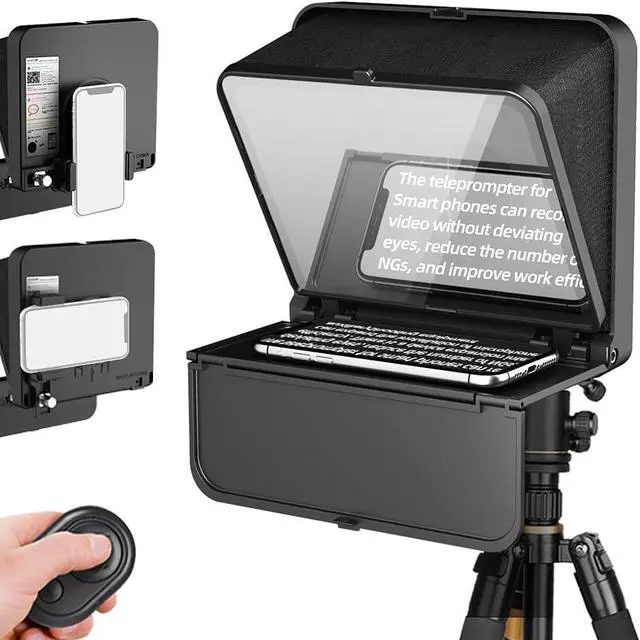


TC7S Portable Teleprompter for Phone, One-Second Fold Mini Teleprompter with Remote Control,App Compatible with iPhone & Android for Online Teaching Vlog Live Streaming Interview
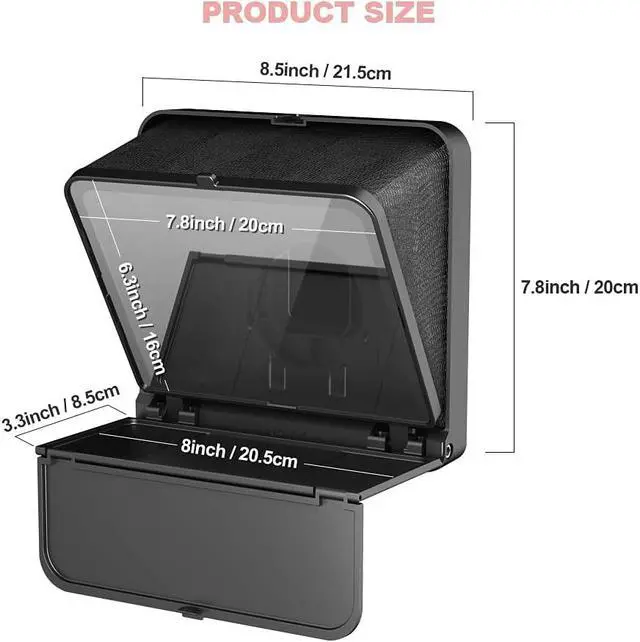
- One-Second Fold Teleprompter for PhoneUltra-Light 7.9 inch teleprompter can be folded in 1 second.Indoor or outdoor Shooting Compact studio teleprompter perfect for vlogging, live Streams & travel
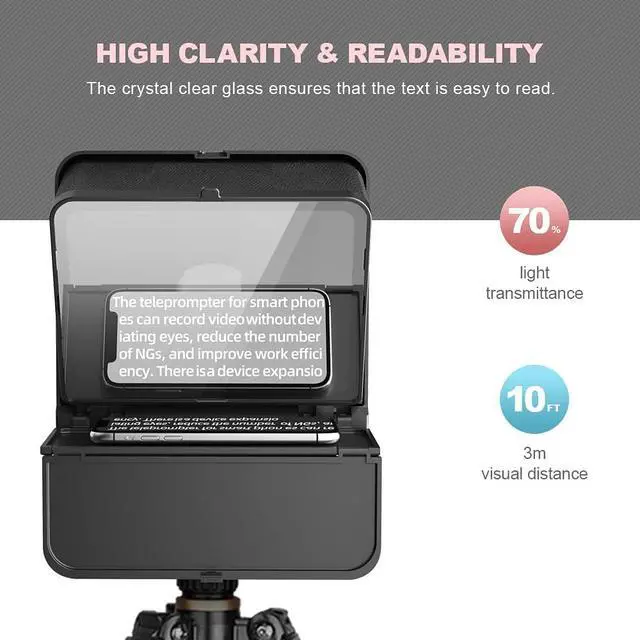
- High-definition Display TC7S Teleprompter was used Industry standard glass for high quality of definition display and great transmission. Adopts special coating process and beam splitter glass, wont affect the quality of image and making the front reflection clear and easy to read, give clear prompting and decreases NG frequency
- Efficient Video Accessories Foldable Teleprompter Allows you to clearly read scrolling text while looking directly into the camera. Perfect for vlog, live broadcast, online class, video recording, interviews, presentation and so on. Give great help while live streaming or recording. Bring you a better shooting experience
+
+
Overview
Specs
Reviews

Any questions? Our AI mode will help you find out quickly.
Try me now
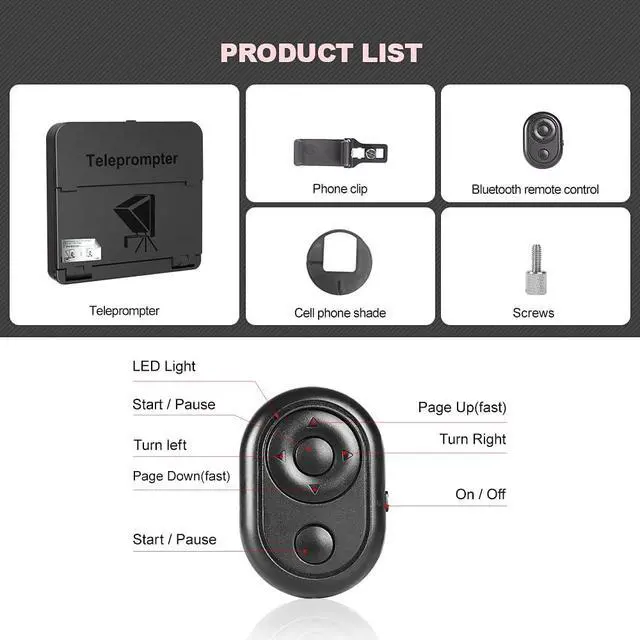
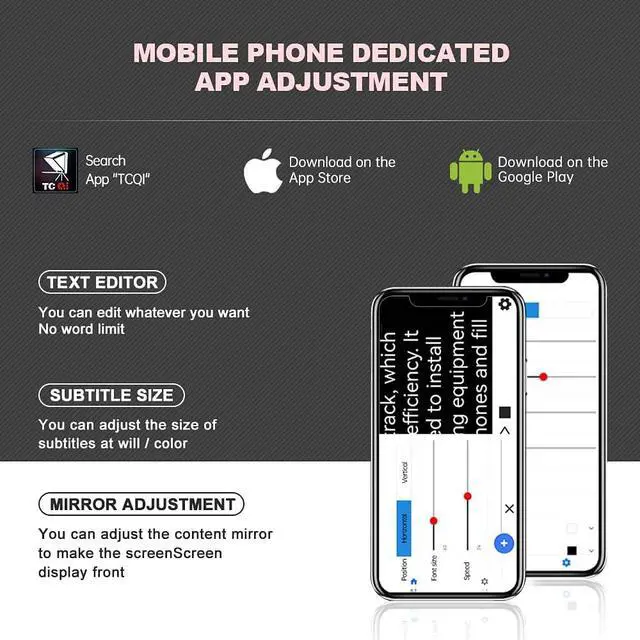
Bluetooth Remote ControlDownload the free APP (TCQI) from App store or Play store to your smart phone or tablet to display the manuscript with remote controller, you could freely turn on, pause, speed up or down the page. And also could change the color of background and font
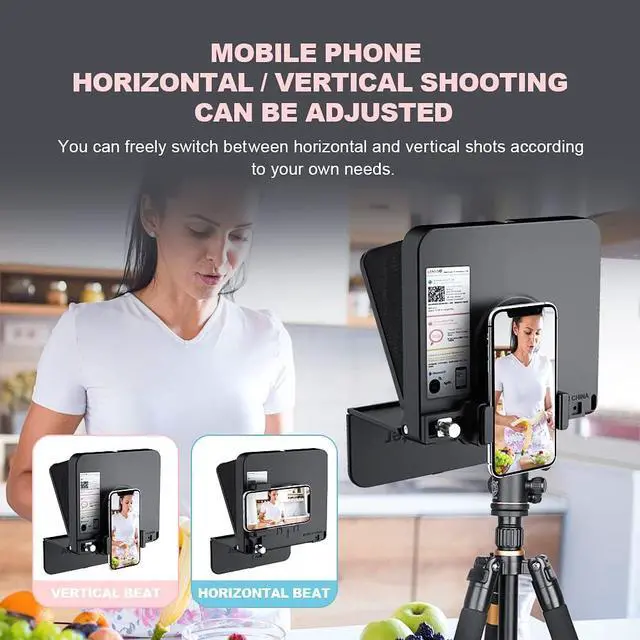
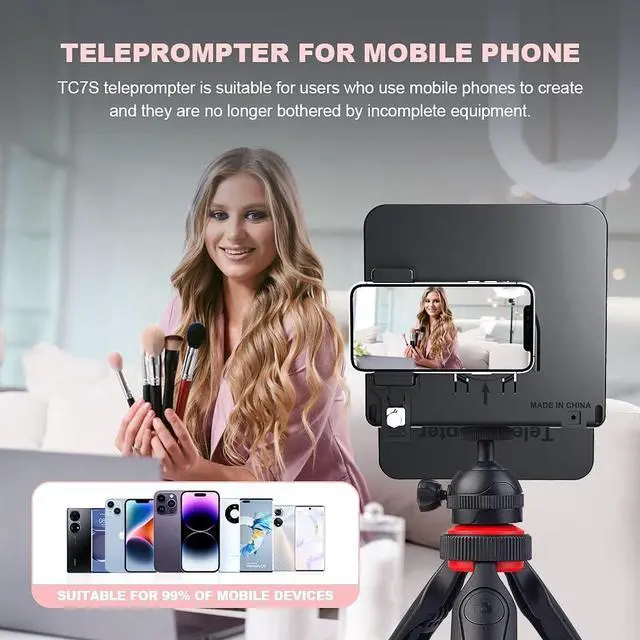
Features and CompatibilityTC7S prompter can fit all models of smart phones, IPAND MINI, APP Compatible with iOS & Android System. Universally supports flexible tablet (below 8 inch) / smart phone prompting shootings. (come with phone lens shading ring ). It supports the device vertical/horizontal placement and left/right shooting
TCQI APP Three Ways to Add Scripts: 1) Fill in the script directly or copy your script from elsewhere to TCQI; 2) "Select a text document", you need to create a script in the TXT text document format and download it on your mobile phone. Thenupload it to TCQI app; 3) "Select an image" (not very recommended)
Features and CompatibilityTC7S prompter can fit all models of smart phones, IPAND MINI, APP Compatible with iOS & Android System. Universally supports flexible tablet (below 8 inch) / smart phone prompting shootings. (come with phone lens shading ring ). It supports the device vertical/horizontal placement and left/right shooting
TCQI APP Three Ways to Add Scripts: 1) Fill in the script directly or copy your script from elsewhere to TCQI; 2) "Select a text document", you need to create a script in the TXT text document format and download it on your mobile phone. Thenupload it to TCQI app; 3) "Select an image" (not very recommended)
Warranty & Returns
Warranty, Returns, And Additional Information
Warranty
- Please contact the Seller directly for warranty information. Warranty information may also be found on the Manufacturer's website.
- CONTACT
Return Policies
- Return for refund within: 30 days
- Return for replacement within: 30 days
- This item is covered by Group Can Trading Limited Return Policy
Manufacturer Contact Info
- For a directory of all our manufacturers, please click below.
- Manufacturers Directory
LOADING...