

Your Browsing History
- Free 30-day Returns
$156.78

Meet Your Seller


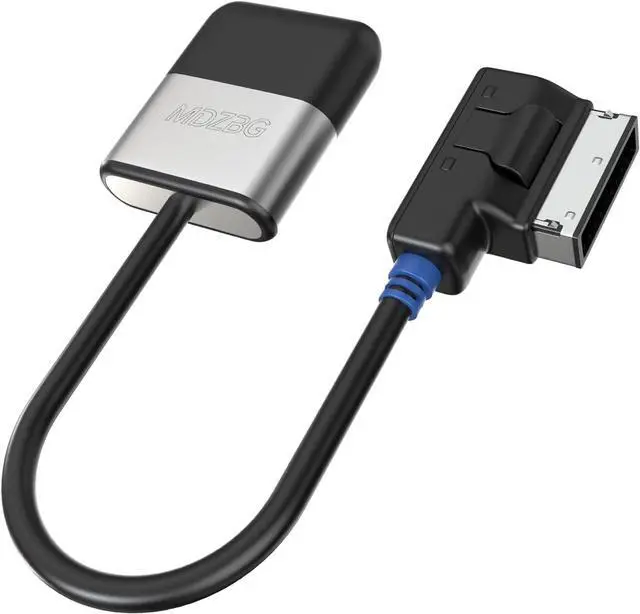
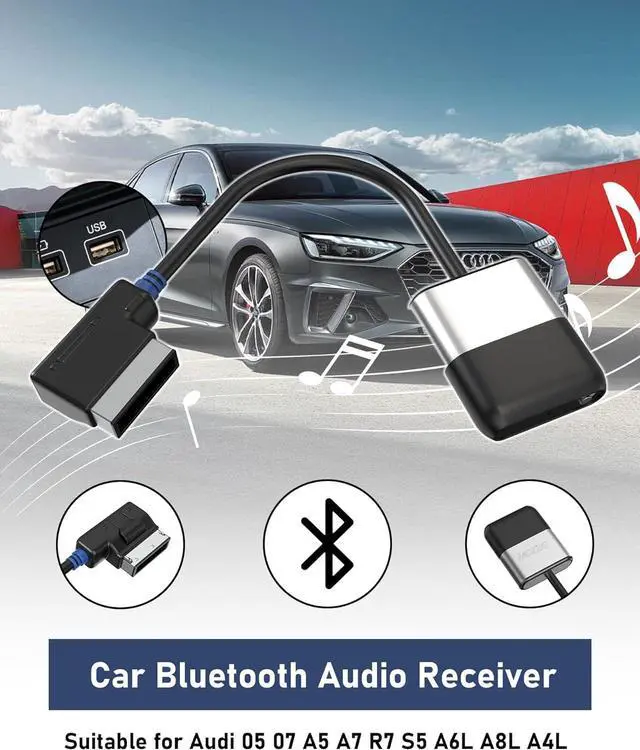


AMI Bluetooth Audio Adapter for Audi MDI MMI 3G System, Airdual-3G Audio Adapter Compatible for Mercedes Benz VW Audi (2010-2020 Series) for Music Interface, Audi Symphony/Concert
- Compatible and Not Compatible2010-2020 year Audi MMI 3G, 3G+, 2010-2020 year Audi Concert/Symphony, A3 A4 A7 R7 S5 Q3 Q5 Q7 A4L A6L A8L TT R8.2010-2020 year VW RNS 510,VW 3G for RNS 315,VW Premium 8 systems,2010-2020 year Mercedes-Benz 3G. Not Compatible:Audi MMI/AMI 2G ranged from 2004 year to 2009 year. NOT compatible for Audi Navigation Plus. Doesn't support phone call
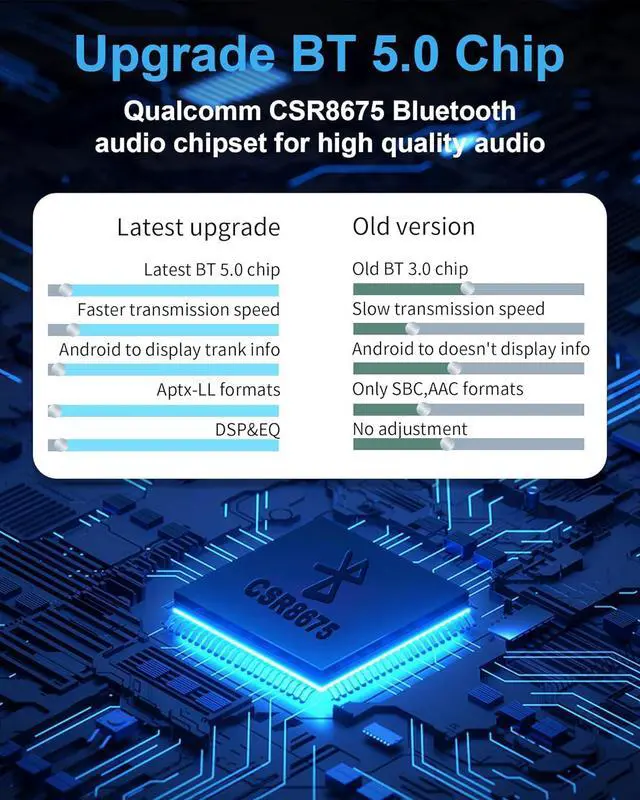
- 2025 UpgradeAdopting the powerful advanced audio chipset, providing a better sound quality experience. Supports 24 bit audio processing and 120MHz DSP, supporting high-quality audio formats for crystal clear music playback
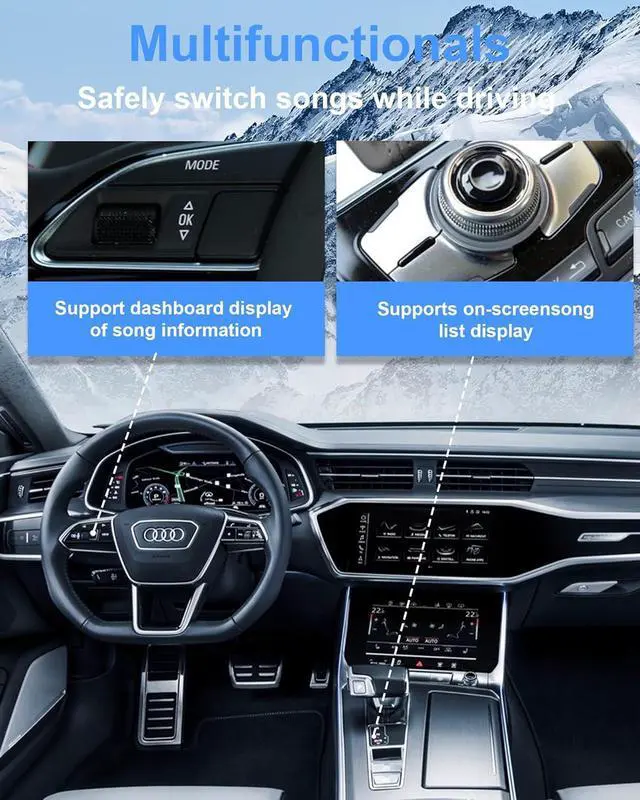
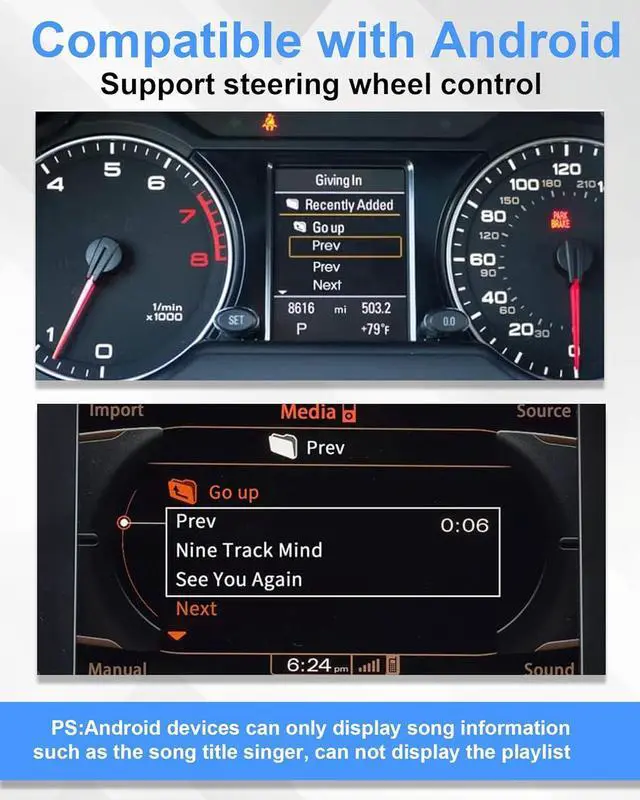
- Supports Steering Wheel and In-Car Screen Controls: You can switch tracks using your vehicle's steering wheel buttons or operate music functions via the main unit panel. Enhance driving safety, optimize your music experience, and enjoy wonderful music while making your drive more convenient!
+
+
Overview
Specs
Reviews

Any questions? Our AI mode will help you find out quickly.
Try me now
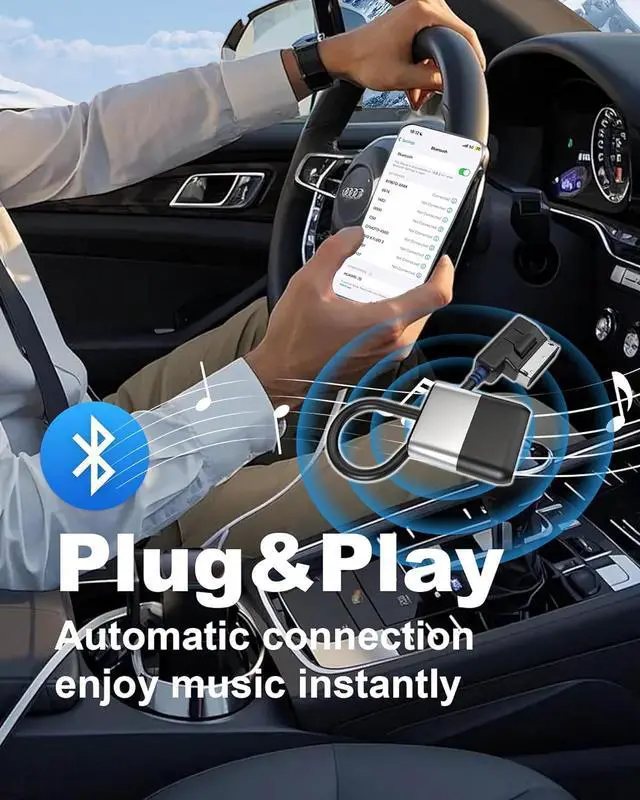
Plug and Play Simply plug our adapter into the common AMI/MDI connector in the glove box or center console, connect your phone (device named BT), the red light on indicates unconnected, and the blue light on indicates successful connection. You can enjoy music streaming without the need for additional installations. Every time the phone approaches the car, it will automatically play music.
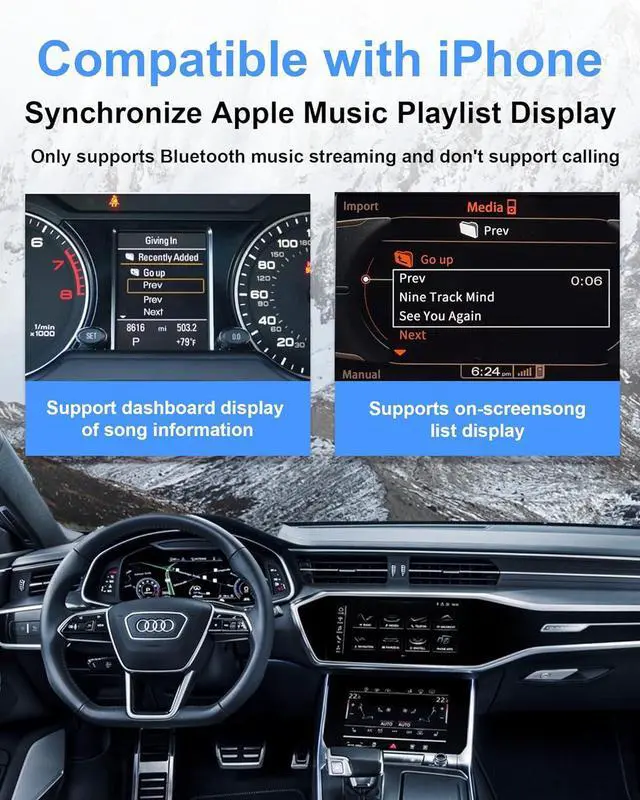
Before You BuyThis adapter only supports music streaming and does not support calling, but if your car has a built-in phone system, the car hands-free phone and Airdual audio streaming can work simultaneously. If your car has a built-in phone system, please ensure that your phone is connected to the car before pairing with Airdual. iPhone does not support displaying Spotify/Pandora playlists, only supports displaying iPhone Music playlists (iTunes playlists). Supports displaying current track information on iPhone and Android Spotify/Pandora.
NotesIf you are an Audi owner, you need to find your car options [setup] and select the option [Display Track Info] to enable the track information display function.
Before You BuyThis adapter only supports music streaming and does not support calling, but if your car has a built-in phone system, the car hands-free phone and Airdual audio streaming can work simultaneously. If your car has a built-in phone system, please ensure that your phone is connected to the car before pairing with Airdual. iPhone does not support displaying Spotify/Pandora playlists, only supports displaying iPhone Music playlists (iTunes playlists). Supports displaying current track information on iPhone and Android Spotify/Pandora.
NotesIf you are an Audi owner, you need to find your car options [setup] and select the option [Display Track Info] to enable the track information display function.
Warranty & Returns
Warranty, Returns, And Additional Information
Warranty
- Please contact the Seller directly for warranty information. Warranty information may also be found on the Manufacturer's website.
- CONTACT
Return Policies
- Return for refund within: 30 days
- Return for replacement within: 30 days
- This item is covered by Group Can Trading Limited Return Policy
Manufacturer Contact Info
- For a directory of all our manufacturers, please click below.
- Manufacturers Directory
LOADING...