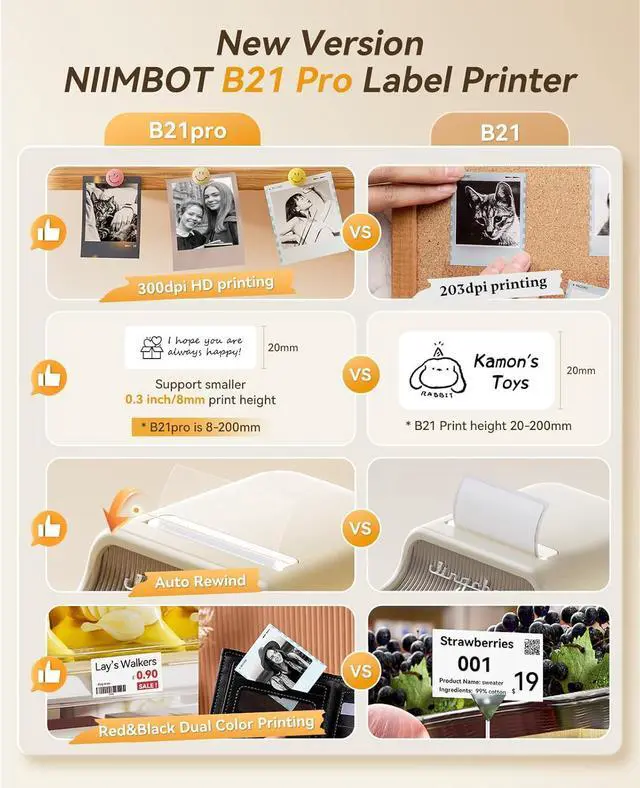
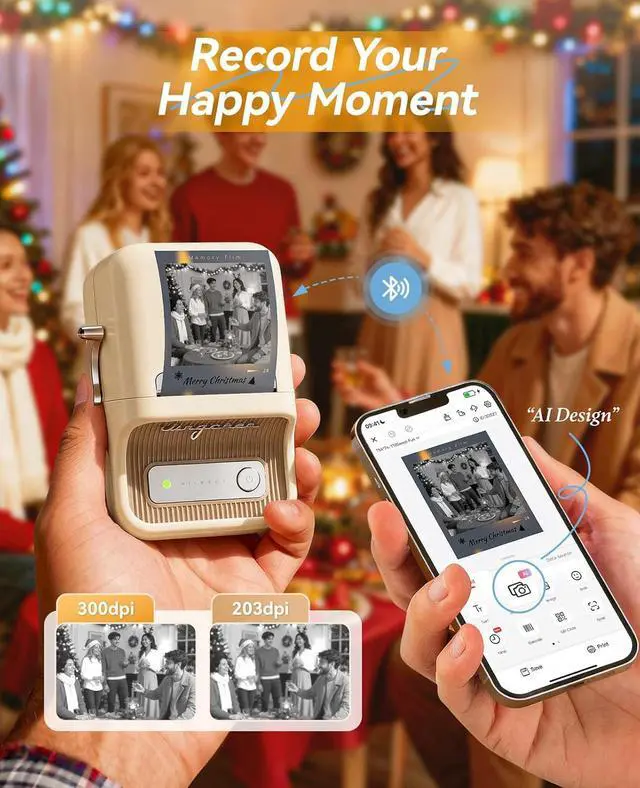
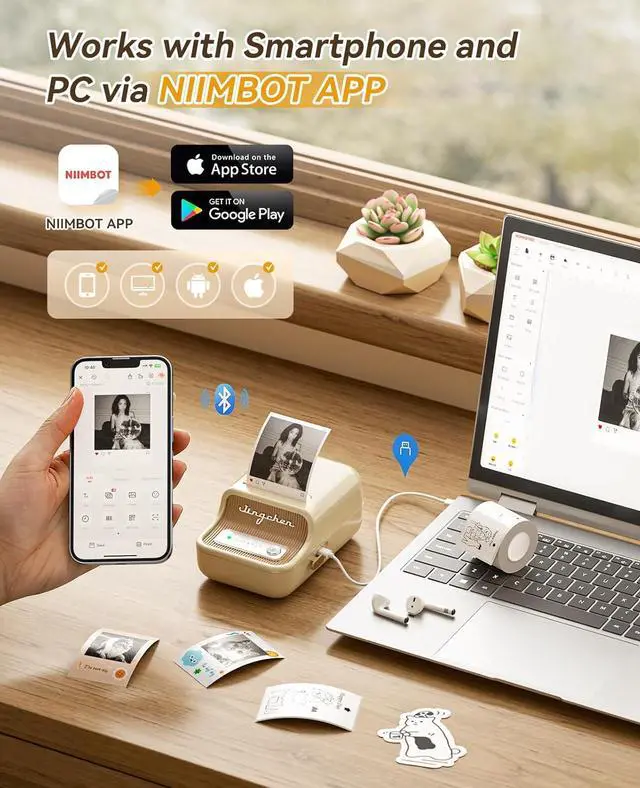
Easy Printing via APPWith the fonction of automatic label identification, The app included more than support fonts/Languages, 100+ borders, and 1500+ symbols, excel, QR code, OCR print etc... Just need to download the free app, choosing and connecting printer model B21pro from APP, Then Enjoy Printing. There is no need to buy VIP monthly fee for daily use, just use the existing free fonts and icons. Please be assured that we will update the free resource regularly.
Two Ways for ConnectingThe B21 Pro label maker is compatible with Android and IOS via bluetooth, USB cable connection for PC, need to download the application on computer(Not compatible with Pad, not recommended for use with Pad. )
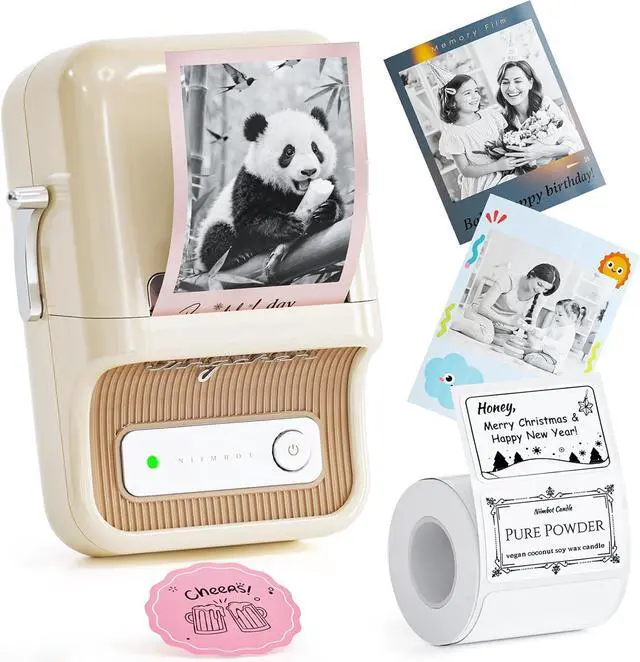
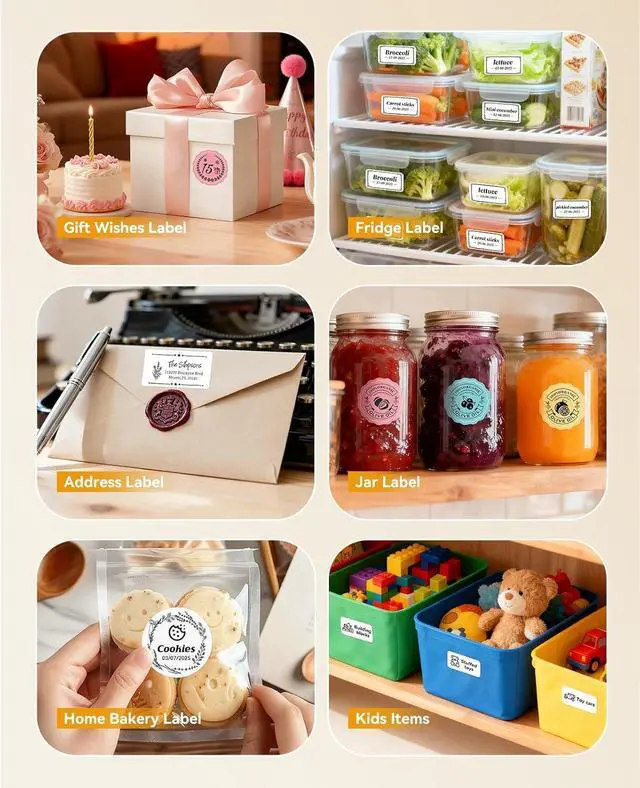
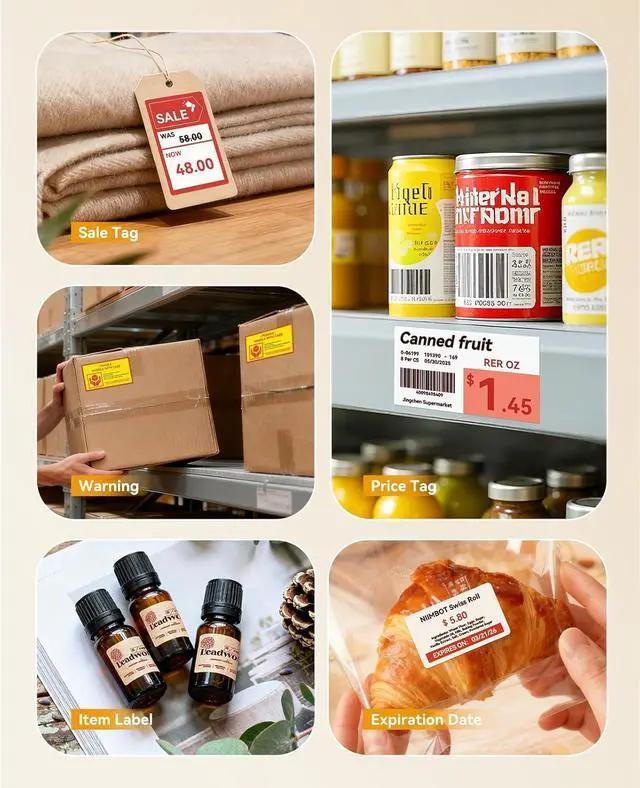
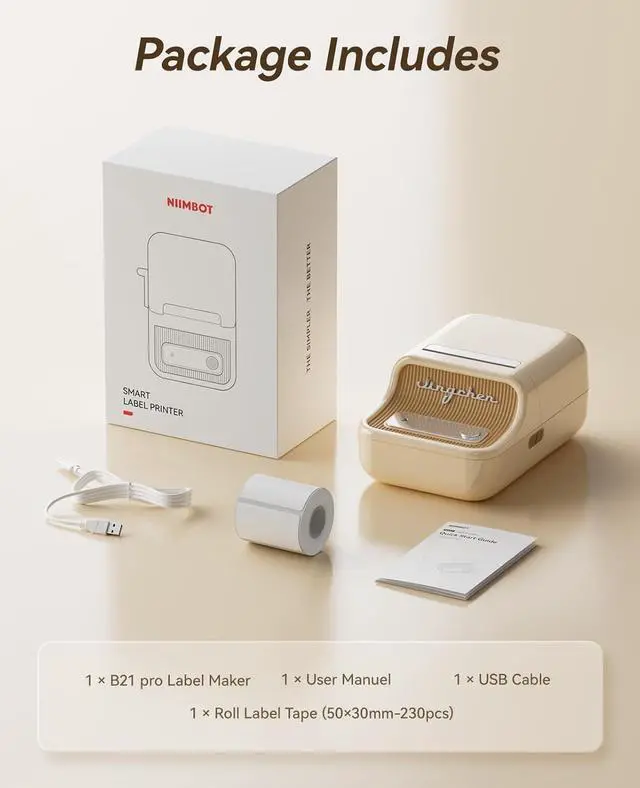
Widely UseMade of high quality material with retro style, this b21 pro label maker can be widely used in home organization, retail, wedding, party, clothing, bakery, jewellery, small business, school, home office. And this label maker also is a nice choice as present for Birthday, Anniversary, Housewarming, Christmas, Halloween, Thanksgiving, Mother's Day.
Update for firmwareWhen facing Bluetooth connection issues with Android phones, upgrade the printer's Bluetooth firmware via iOS or PC cloud printing. After the upgrade, double-press the printers power button to print a self-test page. The firmware version remains unchanged, but the Bluetooth version will become 7470, confirming a successful upgrade.





 here!
here!