• $102.98
  • Free 30-day Returns
  • Price alert
    Shop it at NeweggBusiness.

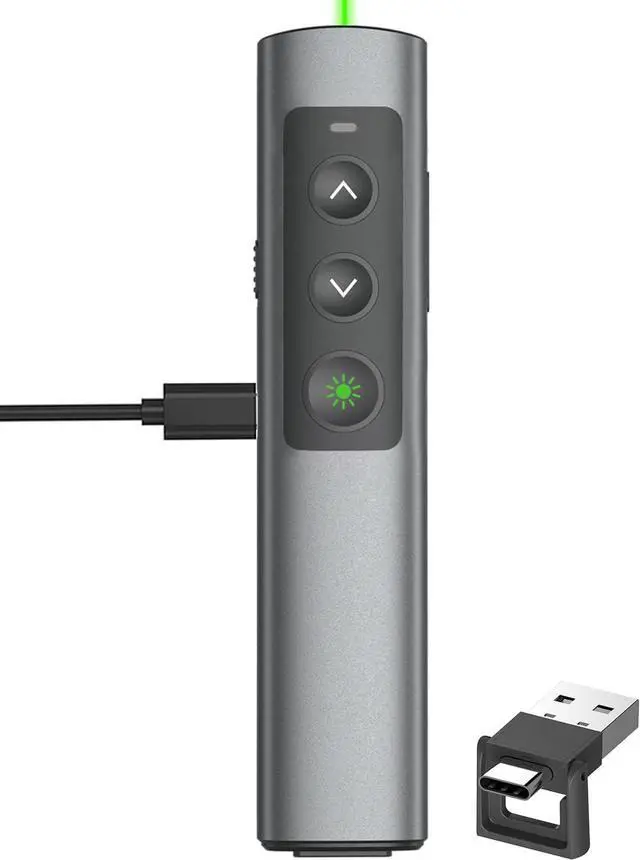
    Rechargeable Green Laser Pointer Presentation Clicker for Laptop PowerPoint, USB-A USB-C Wireless Presenter Remote Power Point Clicker for Computer/Mac/PPT/Slideshow/Google Slide Advancer

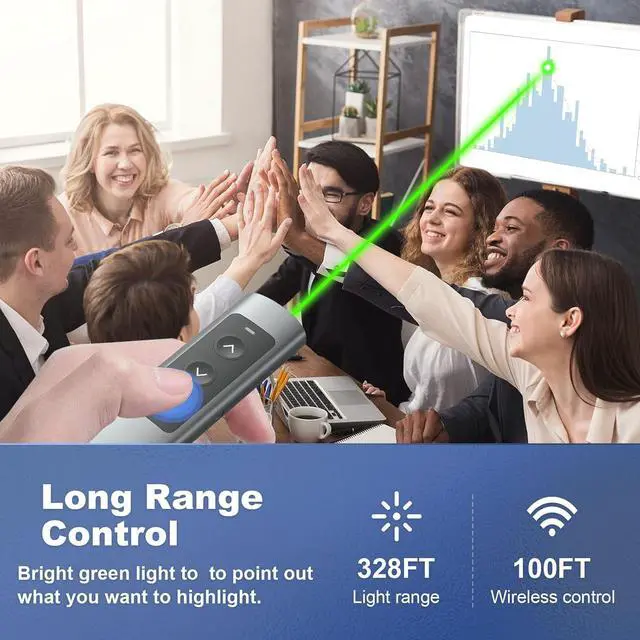
    • [Wireless Presentation Clicker & Bright Green Light Pointer] Clicker for PowerPoint presentations has a 100FT long control distance. Light Range: 328FT/100M. PPT clicker is a important tool which guides your listeners to the very item you are highlighting. At the same time, you can switch your PowerPoint, Keynote or Google slides.
    • [COMPACT METAL PPT Remote Control] Anti-drop metal power point remote clicker has a super quick response and works well without the need of any software installation, just plug-and-play. Slideshow clicker supports Volume Control,Green Light Pointer, Switch Windows, Full/Black Screen, Page Up/Down.
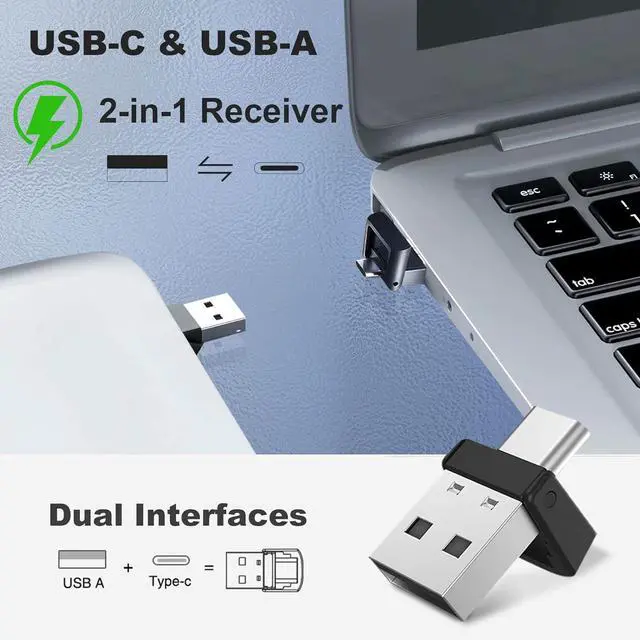
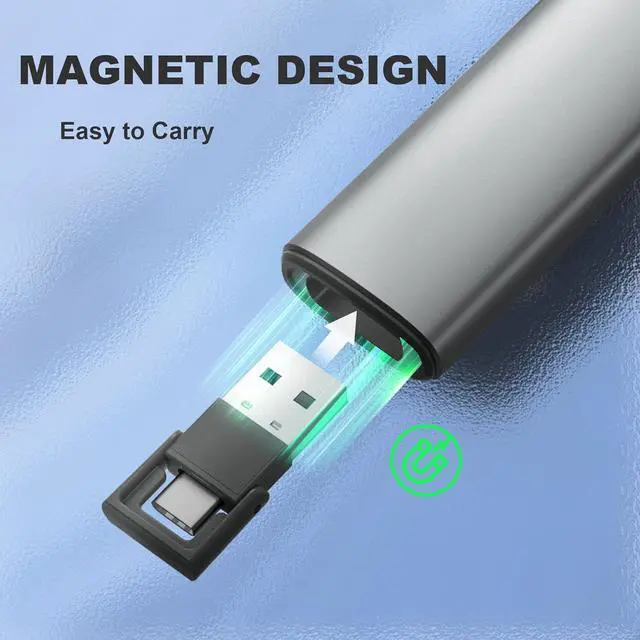
    • [USB-C & USB-A 2 in 1 Dongle] With the special & practical patented design of Type-C & USB-A 2 in 1 Dongle, Wireless presentation remote receiver is not only fit for devices with USB A interface, but also for devices with Type-C interface, such as recent edition MacBook, Mac Mini, HP EliteBook 1050/755, Latitude Vestro 7000/5000 Series, etc.
    +
    +
    Overview
    Reviews
    avatar

    Any questions? Our AI beta will help you find out quickly.

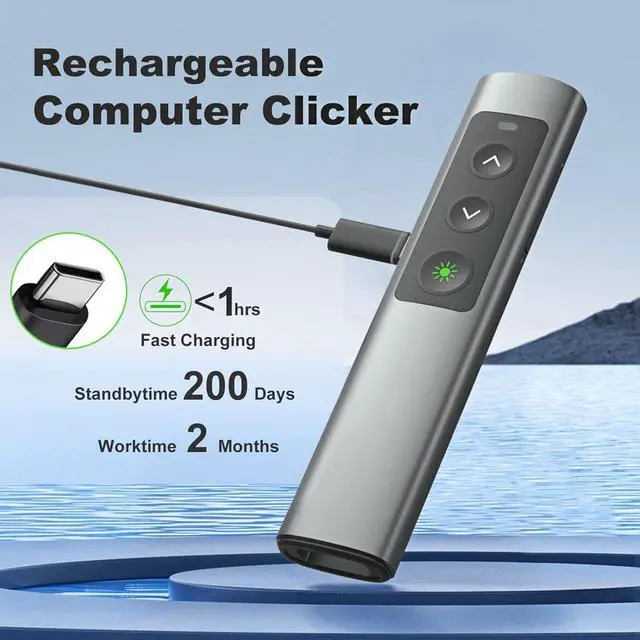
    [Rechargeable Project Clicker] PowerPoint clicker worktime lasts for over two months or 200 days standby time from single charge. Enjoy fast charging, to fully charge the remote clicker for presentations only 55 minutes via cable. Providing convenient charging way with no strings attached.
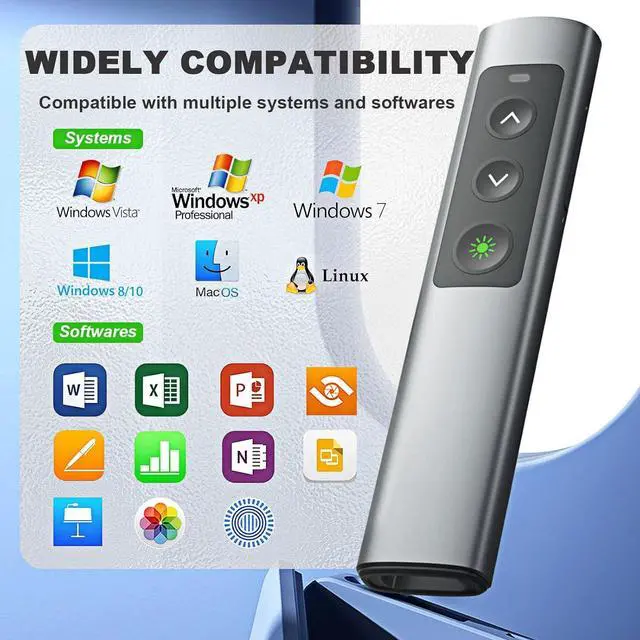
    [Powerful Compatibility Wireless Presenter Remote for Presentations] Slide Advancer supports these operating systems: Windows 2003/XP/Vista/7/8/10, Mac OS, Linux. This office presentation remote clicker supports softwares: PowerPoint, Keynote, Prezi/Word/Excel/ACD See/iWork, etc.

    Warranty & Returns

    Warranty, Returns, And Additional Information

    Warranty

    • Please contact the Seller directly for warranty information. Warranty information may also be found on the Manufacturer's website.
    • CONTACT

    Return Policies

    Manufacturer Contact Info

    LOADING...