

Your Browsing History
- Free 30-day Returns
$189.98

Meet Your Seller

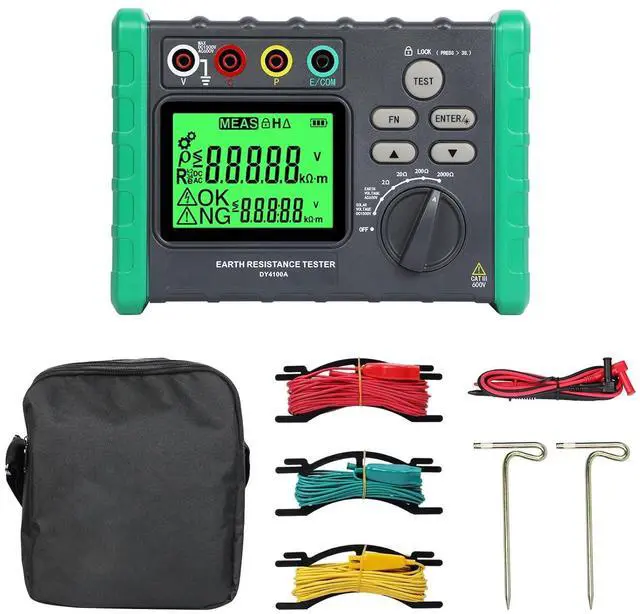
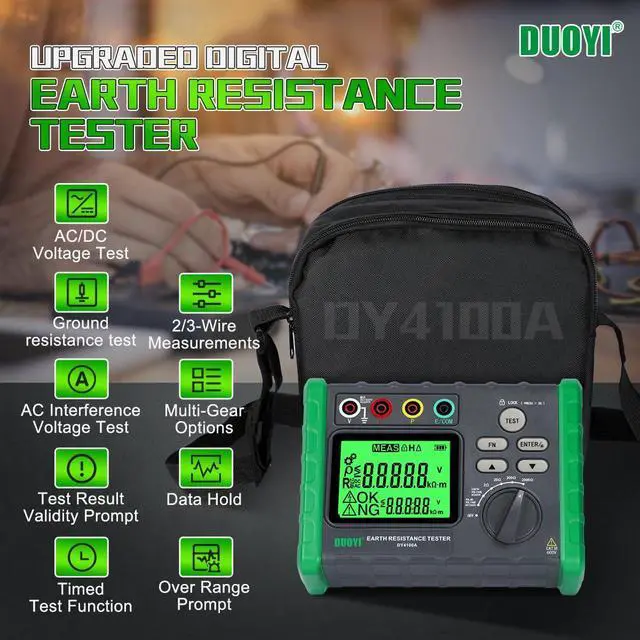


Earth Ground Resistance Tester 0.03-2000 Soil Resistivity Meter,Upgraded Earth Resistance Tester Auto Measurement 600V AC Ground Voltage Meter with 6pcs 1.5V Batteries,Tool Bag
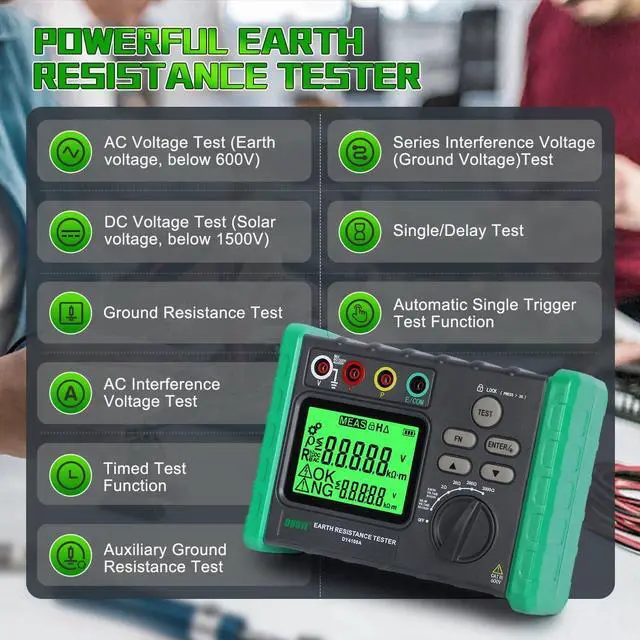
- Upgraded Ground Resistance Tester - Various FunctionsResistance tester is powerful and can perform precise 3-wire measurements or simple 2-wire measurements. It provides functions including AC voltage test (earth voltage, below 600V), DC voltage test (solar voltage, below 1500V), ground resistance test, AC interference voltage test,single/delay test,series interference voltage test,measurement function of residual resistance Rk of test leads, etc.It is easy to operate and has high reliability
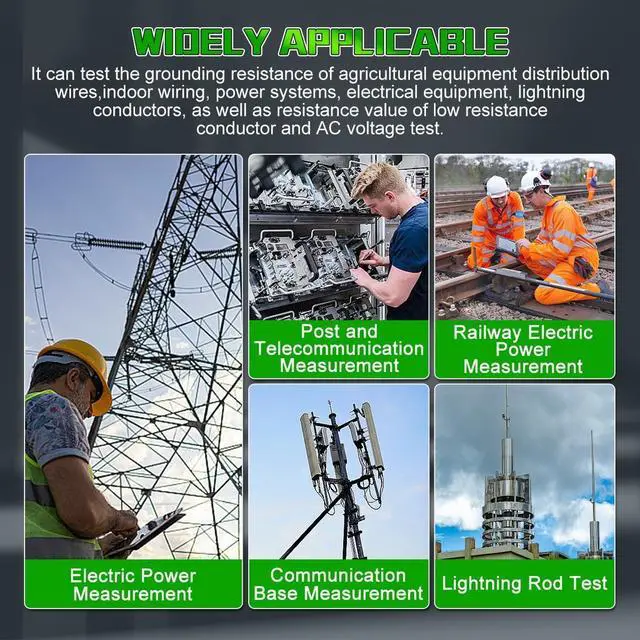
- Widely ApplicableResistance tester has high accuracy and strong anti-interference ability, and can be used to test the grounding resistance of agricultural equipment distribution wires, indoor wiring, power systems, electrical equipment, lightning conductors, as well as resistance value of low resistance conductor and AC voltage test, and widely used in measurement in electric power, post and telecommunications, railways, petroleum, chemical industry, communications, mining and other sectors.
+
+
Overview
Reviews

Any questions? Our AI mode will help you find out quickly.
Try me now
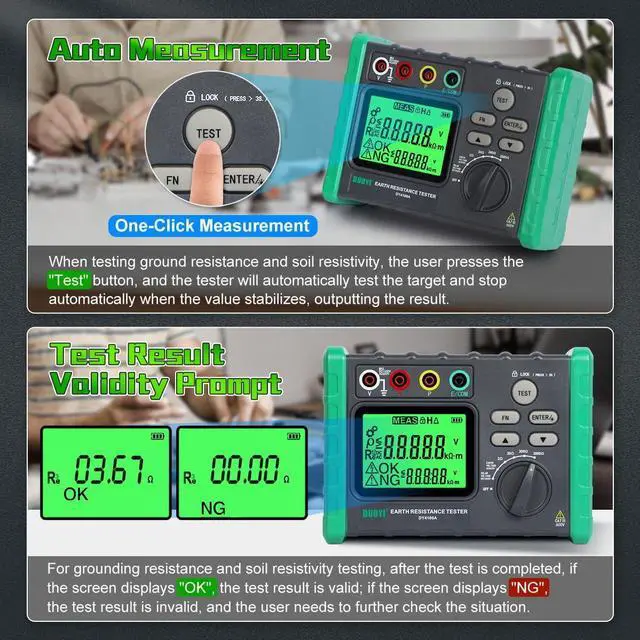
Quick Response & Auto MeasurementResistance tester adopts one-button quick measurement function. When testing ground resistance, the user presses the "Test" button, and the tester will automatically test the target and stop automatically when the value stabilizes, outputting the result. After the test is completed, if the screen displays "OK", the test result is valid; if the screen displays "NG", the test result is invalid and the user needs to further check the situation
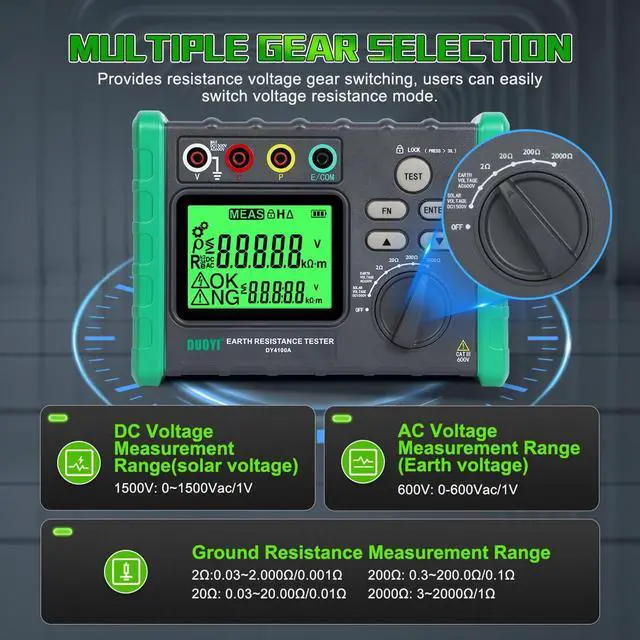
Multiple Gear SelectionEarth ground resistance tester provides resistance voltage gear switching, which can easily switch the voltage resistance mode. The resistance tester has 4 resistance measurement ranges, which can accurately measure resistance up to 2000, meet the use of a variety of different occasions.
Resistance measurement range: 0.03 -2; 0.03 -20; 0.3 -200; 3-2000. Earth voltage (AC voltage) measurement range: 0-600 VAC; Solar voltage (DC voltage) measurement range: 0-1500 VDC
Data Hold & Over-Range PromptDuring the voltage test, the user can press the "Test" button to hold the test reading for easy viewing or recording of the test value, at this time, the screen will display "H". During the numerical reading hold process, if there is a dangerous voltage input, the tester will also warn with "Danger" or "Dangerous" prompts. The resistance tester has an over-range prompt function, when the input exceeds the range, the display will display "OL" to prompt the user
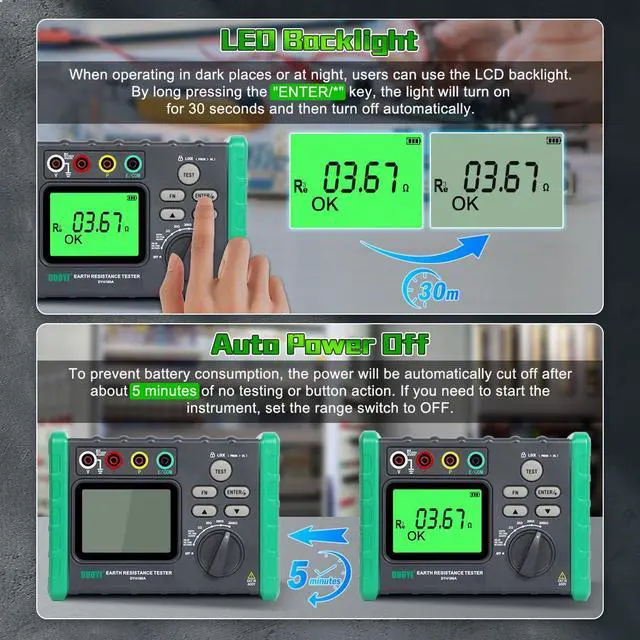
LED Backlight Display & Auto Power OffWhen operating in dark places or at night, users can use the LCD backlight. By long pressing the "ENTER/*" key, the light will turn on for 30 seconds and then turn off automatically. If you want to turn off the light halfway, long press the "ENTER/*" key again. To prevent battery consumption, the power will be automatically cut off after about 5 minutes of no testing or button action. If you need to start the instrument, set the range switch to OFF
Multiple Gear SelectionEarth ground resistance tester provides resistance voltage gear switching, which can easily switch the voltage resistance mode. The resistance tester has 4 resistance measurement ranges, which can accurately measure resistance up to 2000, meet the use of a variety of different occasions.
Resistance measurement range: 0.03 -2; 0.03 -20; 0.3 -200; 3-2000. Earth voltage (AC voltage) measurement range: 0-600 VAC; Solar voltage (DC voltage) measurement range: 0-1500 VDC
Data Hold & Over-Range PromptDuring the voltage test, the user can press the "Test" button to hold the test reading for easy viewing or recording of the test value, at this time, the screen will display "H". During the numerical reading hold process, if there is a dangerous voltage input, the tester will also warn with "Danger" or "Dangerous" prompts. The resistance tester has an over-range prompt function, when the input exceeds the range, the display will display "OL" to prompt the user
LED Backlight Display & Auto Power OffWhen operating in dark places or at night, users can use the LCD backlight. By long pressing the "ENTER/*" key, the light will turn on for 30 seconds and then turn off automatically. If you want to turn off the light halfway, long press the "ENTER/*" key again. To prevent battery consumption, the power will be automatically cut off after about 5 minutes of no testing or button action. If you need to start the instrument, set the range switch to OFF
Warranty & Returns
Warranty, Returns, And Additional Information
Warranty
- Please contact the Seller directly for warranty information. Warranty information may also be found on the Manufacturer's website.
- CONTACT
Return Policies
- Return for refund within: 30 days
- Return for replacement within: 30 days
- This item is covered by Group Can Trading Limited Return Policy
Manufacturer Contact Info
- For a directory of all our manufacturers, please click below.
- Manufacturers Directory
LOADING...