10X Smoother, No Drops on
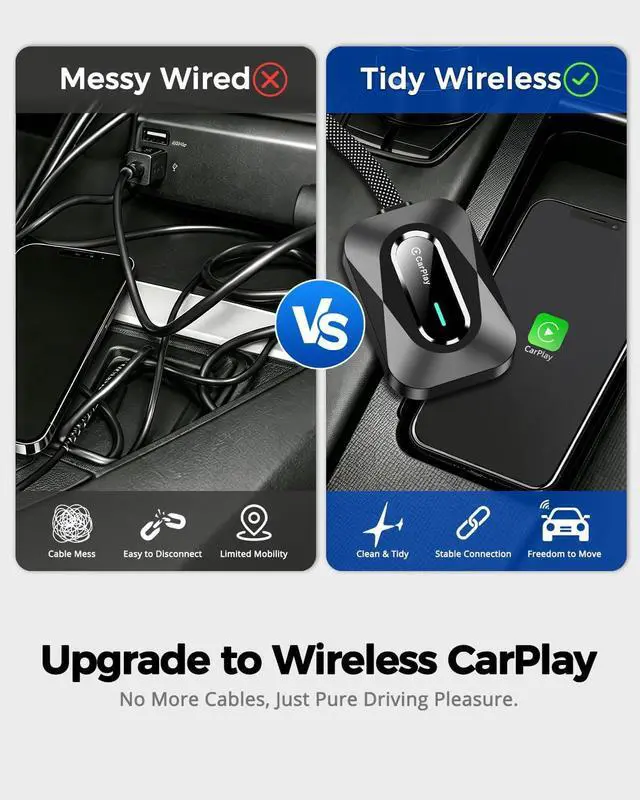
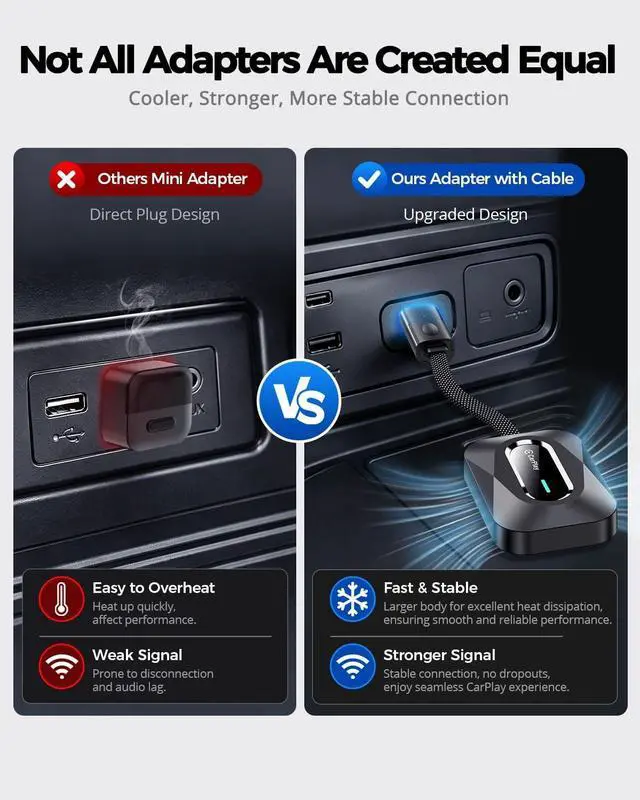
Long Drives: Advanced chip technology keeps your car play wireless adapter running stable and responsive. No freezing, no disconnects, just reliable performance wherever you go
Smarter,
Sleeker,
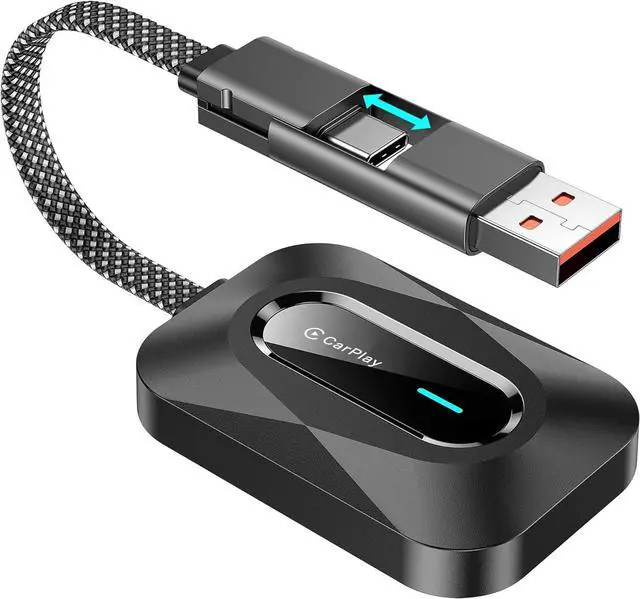
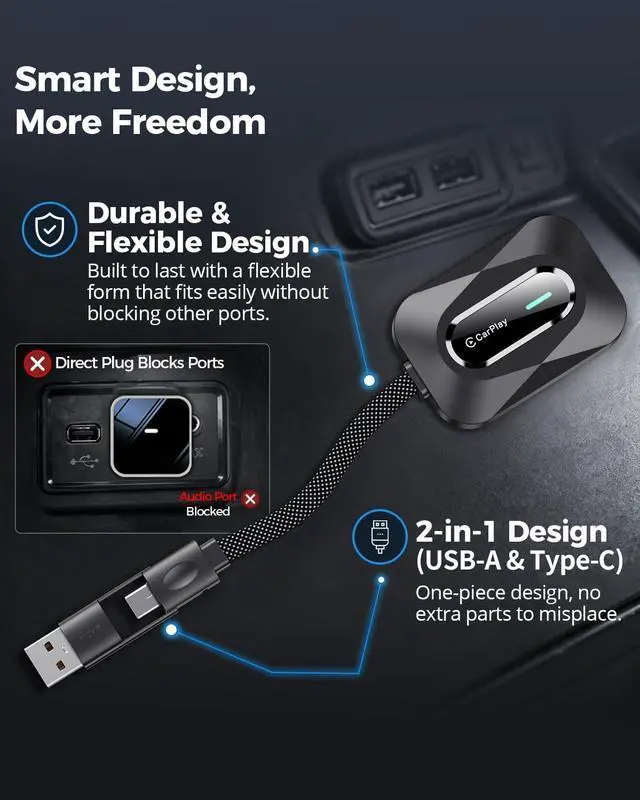
Fully Supported: Compact with a flexible braided cable that wont block nearby ports, plus a 2-in-1 USB & Type-C connectorno extra adapters to lose. OTA updates keep your CarPlay wireless adapter optimized, and our professional technical support team is always ready to help for a worry-free experience
Why cant my iPhone find the wireless carplay adapter?
Make sure Bluetooth and WiFi are enabled on your iPhone. Restart your phone and reset network settings if needed. Test with another iPhone to confirm whether the wireless carplay adapter or phone has a connection issue.
Will this wireless carplay work with my car and phone?
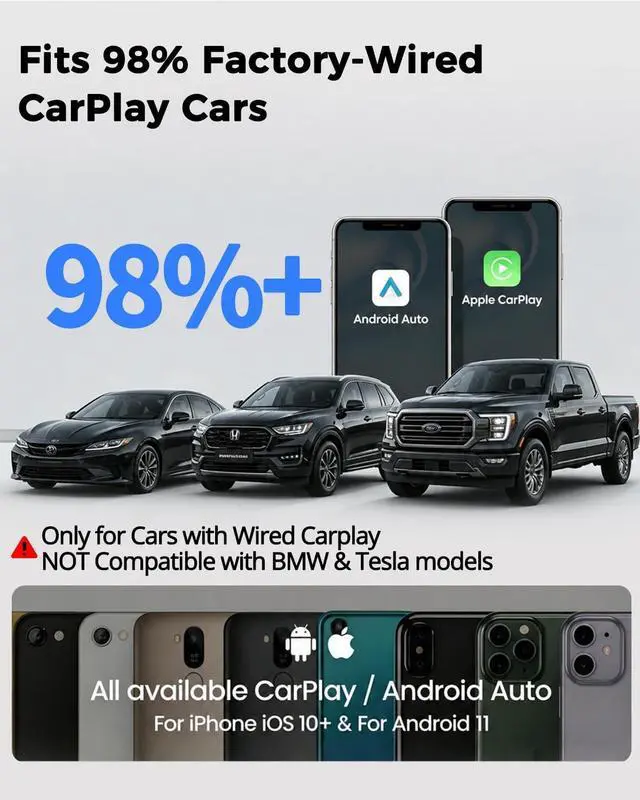
Plug your iPhone into your car's USB port using an original cable. If CarPlay pops up automatically, it's compatible. This adapter works with factory wired CarPlay.
Why wont the wireless carplay adapter reconnect automatically?
Enable Auto-Join for the adapter WiFi and turn on Bluetooth and WiFi before starting the car. Some vehicles also require Automatic Connection to be enabled in CarPlay settings.
Is the wireless carplay adapter easy to set up?
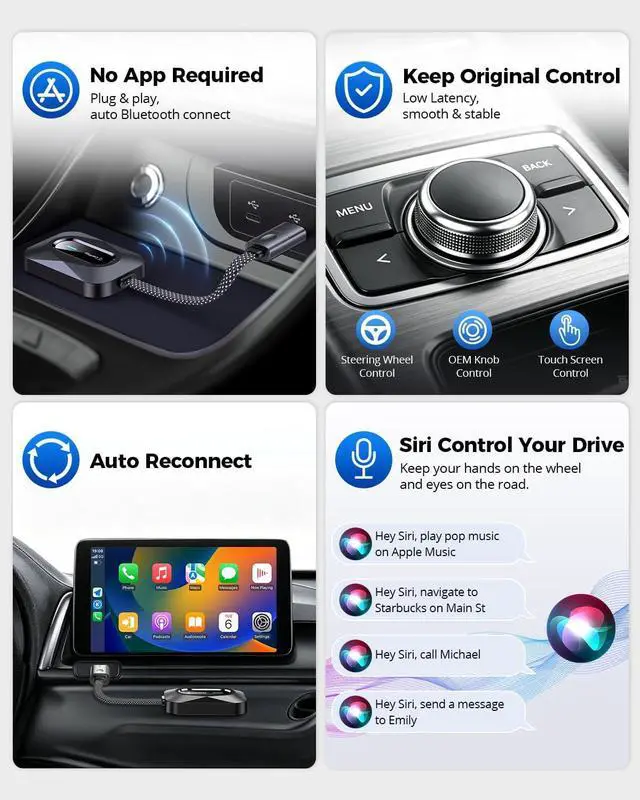
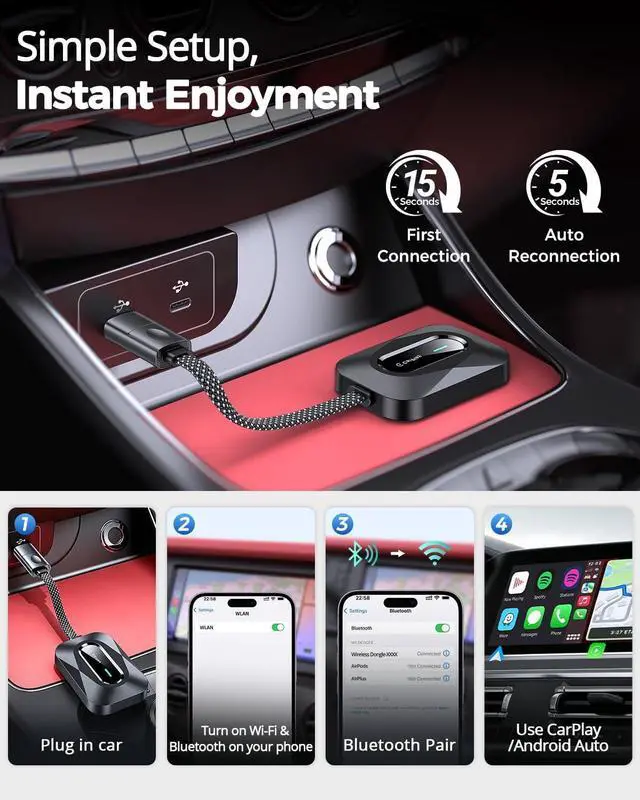
Yes! Simply plug in the wireless carplay adapter and pair your phone once. No apps or tools are required. It will automatically reconnect to wireless carplay within seconds every time you start your car.
Why does my wireless carplay adapter for iPhone have audio issues?
Disconnect other Bluetooth devices and select CarPlay as the audio output during calls. Closing background apps can also improve audio stability on your wireless carplay adapter for iPhone.





 here!
here!