

Your Browsing History
- Free 30-day Returns
$115.99

Meet Your Seller

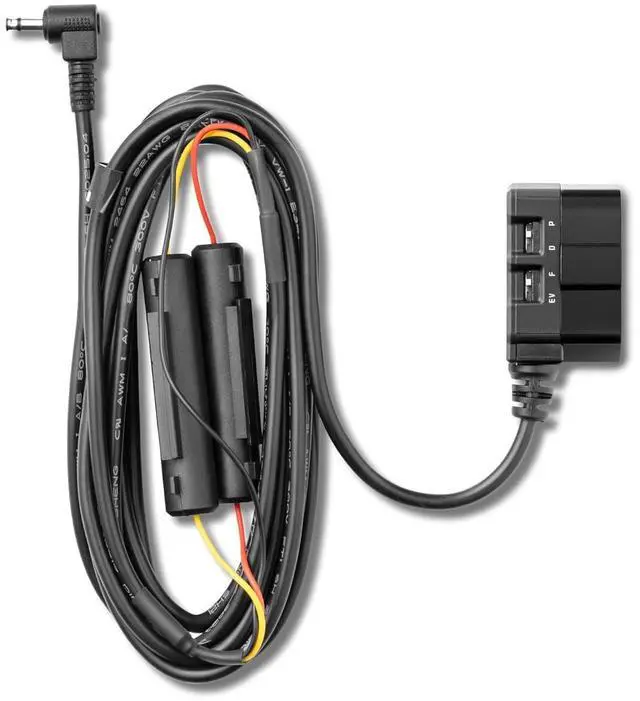
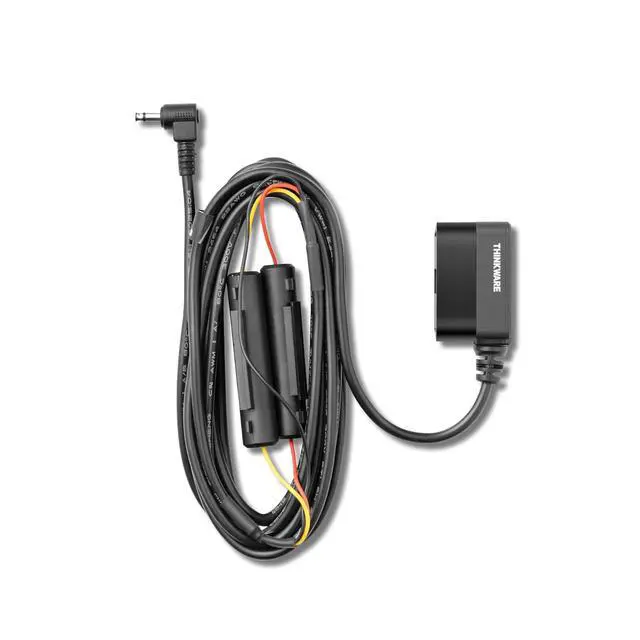
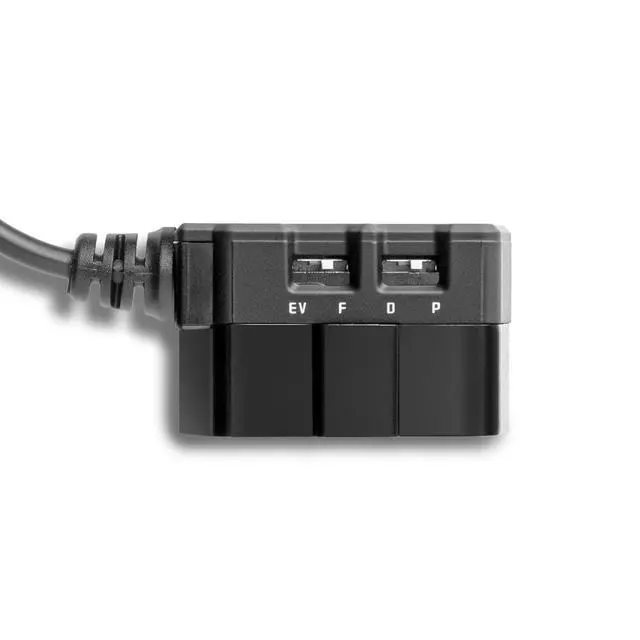


OBD II Power Cable for Select Dash Cams, Plug-and-Play Parking Surveillance Mode
- Instant parking protection - Plug-and-play OBD II power unlocks parking surveillance on select dash cams; no hardwiring; captures parked-event video that complements car tracker gps tracking
- Cleaner install, zero fuse pulling - Simple OBD connection; 3 meters (10 feet) cable for flexible routing; avoid intrusive hardwire kits; consistent power for parking features
- Wide vehicle compatibility - Works with electric, hybrid, stop-start, and gasoline vehicles; not compatible with all Tesla models; not compatible with F790
+
+
Overview
Reviews

Any questions? Our AI mode will help you find out quickly.
Try me now
Made for real-life parking - Ideal for apartment garages, street parking, travel, and workplaces; documents motion and impact while away; pairs alongside a car locator device or fleet tracker setup
Expanded monitoring options - Enables motion and impact detection; supports time lapse mode, energy saving mode, and radar parking mode on select dash cams; efficient draw helps preserve vehicle battery
The OBD-II Power Cable will allow installation of a Dash Cam into any vehicle*. This kit was designed to simplify installation and ensure seamless integration for enabling the built-in Parking Surveillance Mode in your Dash Cam.
Built-in Parking Surveillance Modes
Motion Detection
Impact Detection
Time Lapse Mode**
Energy Saving Mode**
*Compatible with most gas, electric, hybrid, and start-and-stop enabled vehicles. Should you wish to unlock Parking Mode functionality, install the dash cam using a Hardwiring Cable (sold separately or may be included in some dash cam bundles).
*See website for compatibility list
**Available on Select Dash Cams
NOTE: Not compatible with F790 and F550 Dash Cams
Expanded monitoring options - Enables motion and impact detection; supports time lapse mode, energy saving mode, and radar parking mode on select dash cams; efficient draw helps preserve vehicle battery
The OBD-II Power Cable will allow installation of a Dash Cam into any vehicle*. This kit was designed to simplify installation and ensure seamless integration for enabling the built-in Parking Surveillance Mode in your Dash Cam.
Built-in Parking Surveillance Modes
Motion Detection
Impact Detection
Time Lapse Mode**
Energy Saving Mode**
*Compatible with most gas, electric, hybrid, and start-and-stop enabled vehicles. Should you wish to unlock Parking Mode functionality, install the dash cam using a Hardwiring Cable (sold separately or may be included in some dash cam bundles).
*See website for compatibility list
**Available on Select Dash Cams
NOTE: Not compatible with F790 and F550 Dash Cams
Warranty & Returns
Warranty, Returns, And Additional Information
Warranty
- Please contact the Seller directly for warranty information. Warranty information may also be found on the Manufacturer's website.
- CONTACT
Return Policies
- Return for refund within: 30 days
- Return for replacement within: 30 days
- This item is covered by Grandwood Tech Limited Return Policy
Manufacturer Contact Info
- For a directory of all our manufacturers, please click below.
- Manufacturers Directory
LOADING...