

Your Browsing History
- Free 30-day Returns
$248.99

Meet Your Seller


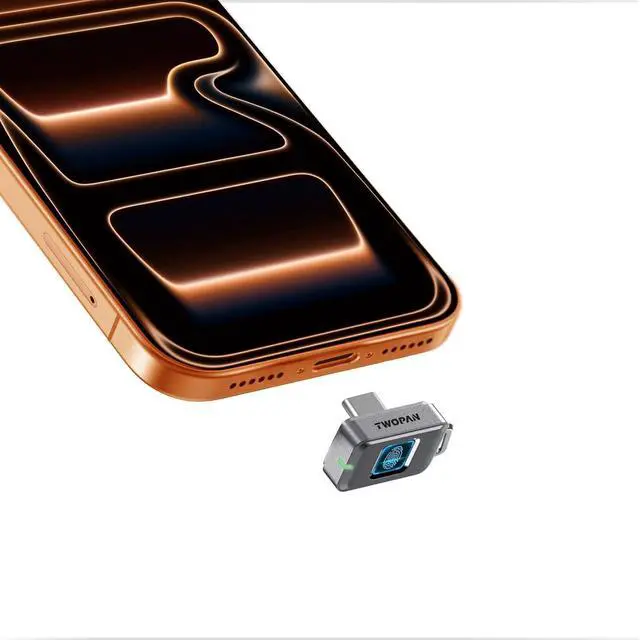

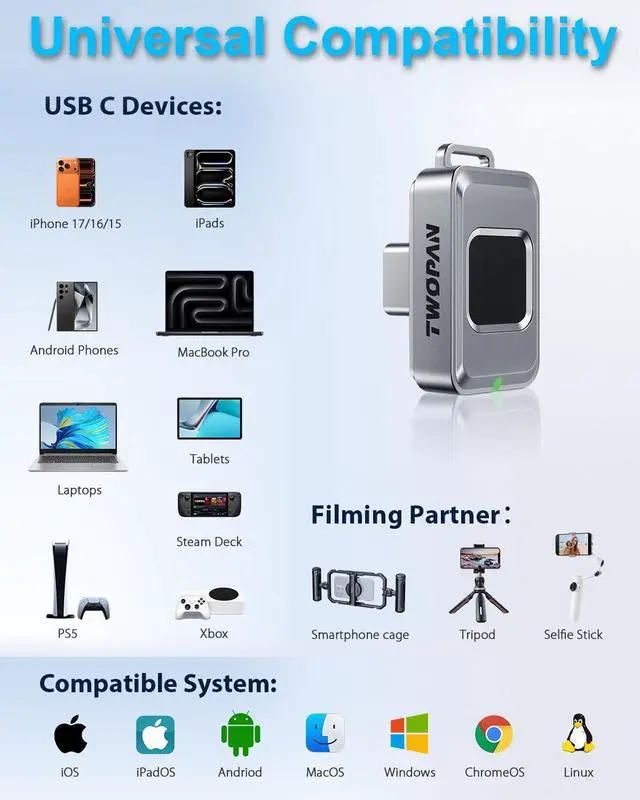



512GB Fingerprint Nano SSD External SSD Storage up to 450MB/s for iPhone 17/16/15, MacBook, iPad, Steam Deck, PS5, Android, Travel & Backup
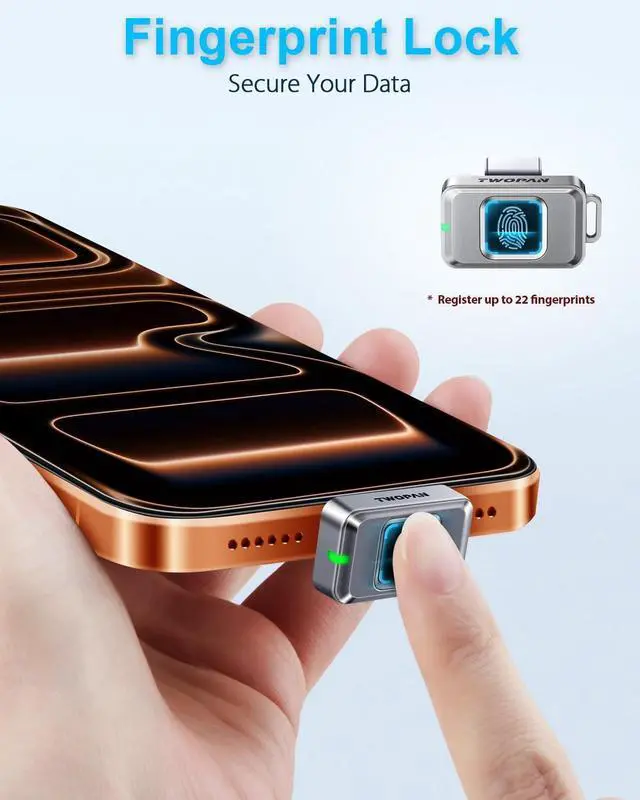
- Fingerprint Security Only You Can Unlock: Touch to unlock only your registered prints work (up to 22). No apps, no passwords, no software. Just your finger. So even if you lose the external SSD, your files are still yours.
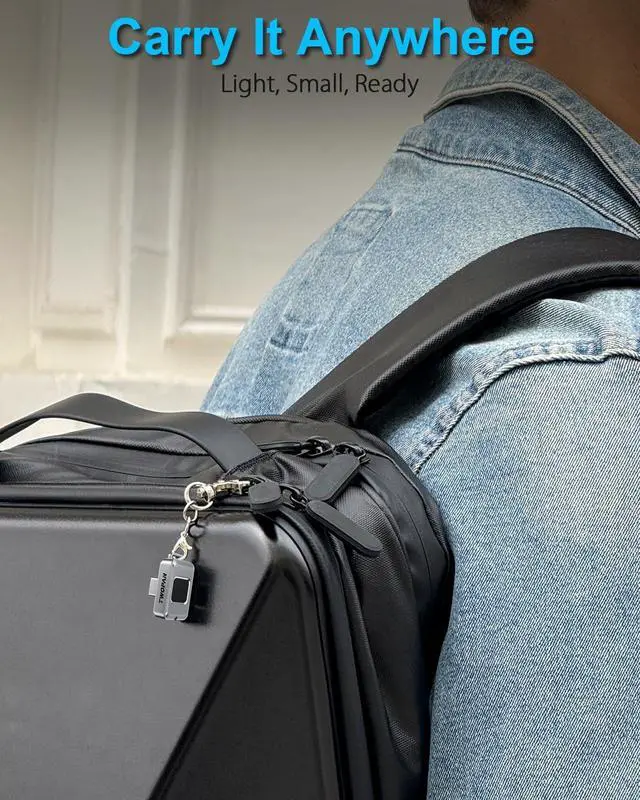
- Ultra-Compact & Keychain-Ready: Smaller than a stick of gum and lighter than a quarter (just 0.2 oz!). This tiny ssd external hard drive clips to your keychain or slips into your pocket. With 512GB, youve got room for photos, docs, and backups no bulky external hard drive to lug around.
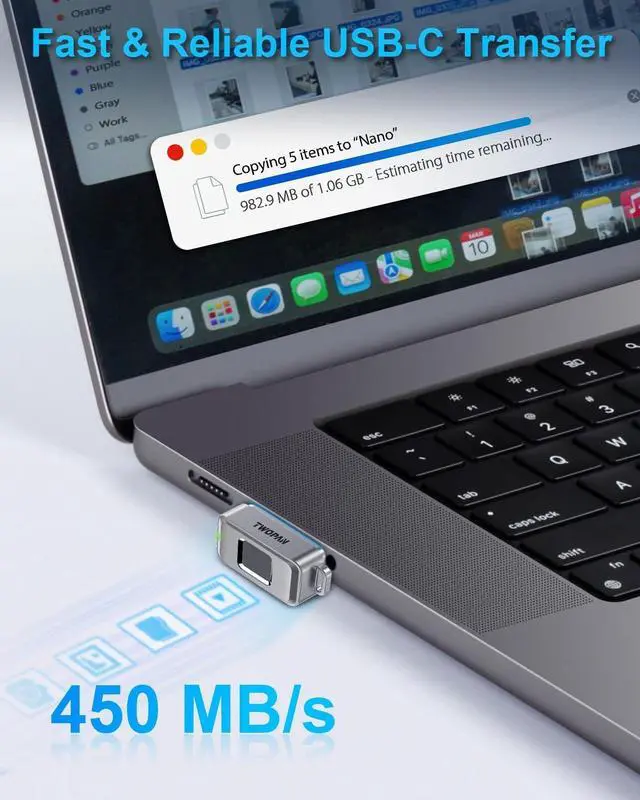
- Fast & Stable Transfers (450MB/s): USB-C 3.1 Gen1 gets the job done quick backups, photo transfers, moving videos. We focused on reliable, predictable speed smooth file handling, no weird slowdowns.
+
+
Overview
Reviews

Any questions? Our AI mode will help you find out quickly.
Try me now
Rugged & Travel-Ready: Gear gets knocked around this iPhone SSD handles bumps, dust, and water splashes. Commute, travel, field work its a solid iPhone external storage that wont let you down when you need it most.
SSD warmth during use normal and safe: Your SSD naturally warms up during heavy read/write tasks thats just highspeed data processing at work. When you also have your iPhone running hard (like playing a graphicsintensive game), the heat from both can make the drive feel warm to the touch. This wont damage your files or your device. A MagSafe phone cooler can help keep both your phone and the SSD cooler if you want.
Trouble Unlocking?
A Few Quick Fixes: If a registered fingerprint doesnt work, dust or a worn fingerprint might be the reason. Wipe the sensor and your finger, then try again. Registering multiple fingers (like index and thumb) gives you backup options. If a random finger opens it after setup, dont worry you likely just activated the drive without full enrollment. Watch our short video to lock it down properly.
SSD warmth during use normal and safe: Your SSD naturally warms up during heavy read/write tasks thats just highspeed data processing at work. When you also have your iPhone running hard (like playing a graphicsintensive game), the heat from both can make the drive feel warm to the touch. This wont damage your files or your device. A MagSafe phone cooler can help keep both your phone and the SSD cooler if you want.
Trouble Unlocking?
A Few Quick Fixes: If a registered fingerprint doesnt work, dust or a worn fingerprint might be the reason. Wipe the sensor and your finger, then try again. Registering multiple fingers (like index and thumb) gives you backup options. If a random finger opens it after setup, dont worry you likely just activated the drive without full enrollment. Watch our short video to lock it down properly.
Warranty & Returns
Warranty, Returns, And Additional Information
Warranty
- Please contact the Seller directly for warranty information. Warranty information may also be found on the Manufacturer's website.
- CONTACT
Return Policies
- Return for refund within: 30 days
- Return for replacement within: 30 days
- This item is covered by Grandwood Tech Limited Return Policy
Manufacturer Contact Info
- For a directory of all our manufacturers, please click below.
- Manufacturers Directory
LOADING...