• $176.99
  • Free 30-day Returns
  • Price alert
    Shop it at NeweggBusiness.

    Quick Keys for PC, MacBook, Desktop, Drawing Tablet, Pen Display, OLED Display, 44 Customizable Shortcuts Keydail for Digital Drawing, Video Editing, Photo Retouching, Windows/macOS

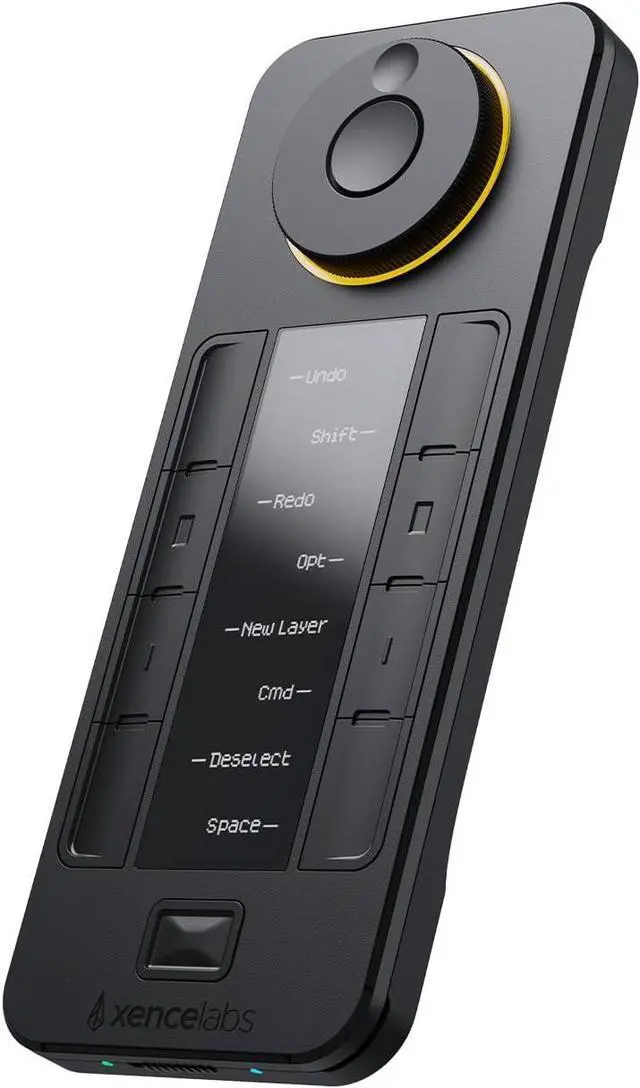
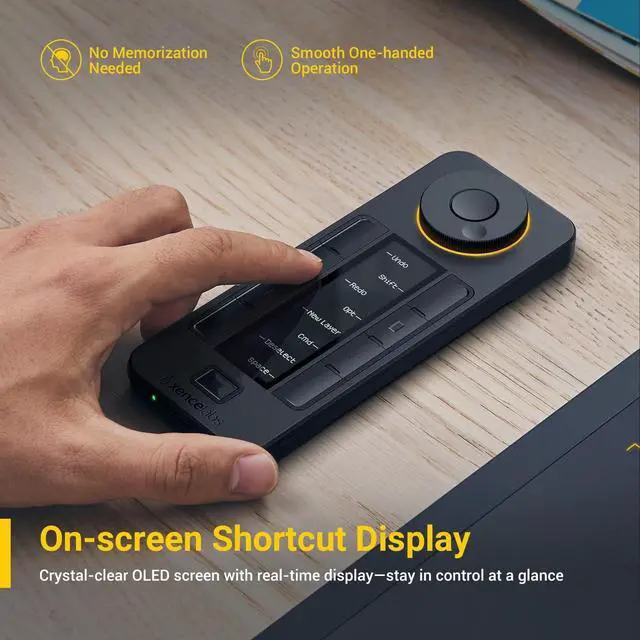
    • Visualized Shortcuts with OLED Display: Easily identify and switch between shortcut sets with the built-in OLED screen. Instantly know what each key does no guesswork, no overlay software needed.
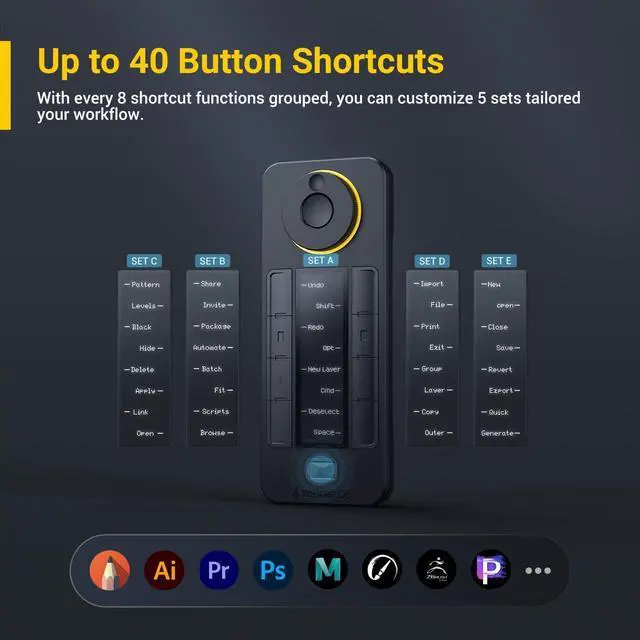
    • 40 Programmable Keys - The Ultimate Shortcut Keypad: Access up to 40 shortcut commands (8 keys × 5 sets) that auto-switch with your creative software. From Photoshop brushes to Premiere hotkeys every tap is tailored to your flow.
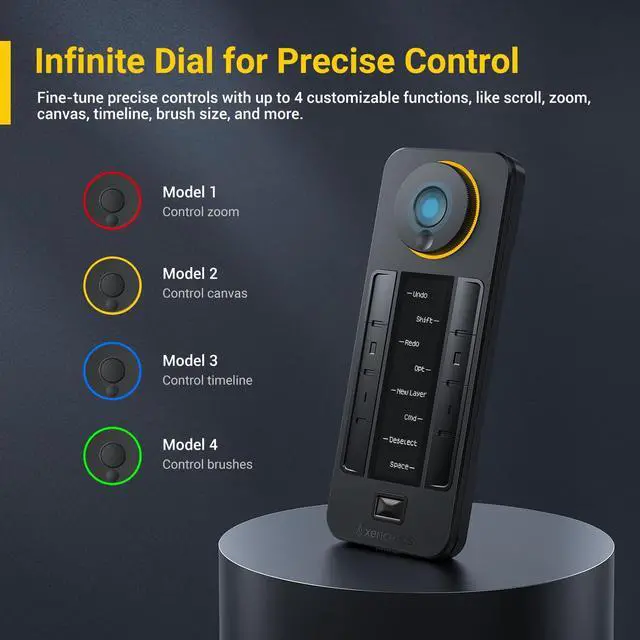
    • Dial Control with 4 Programmable Modes: The multi-function rotary mini keydial offers smooth control over zoom, canvas rotation, brush size, and timeline navigation. Designed for fluid workflow across photo, video, and audio editing.
    +
    +
    Overview
    Specs
    Reviews
    avatar

    Any questions? Our AI beta will help you find out quickly.

    Built for
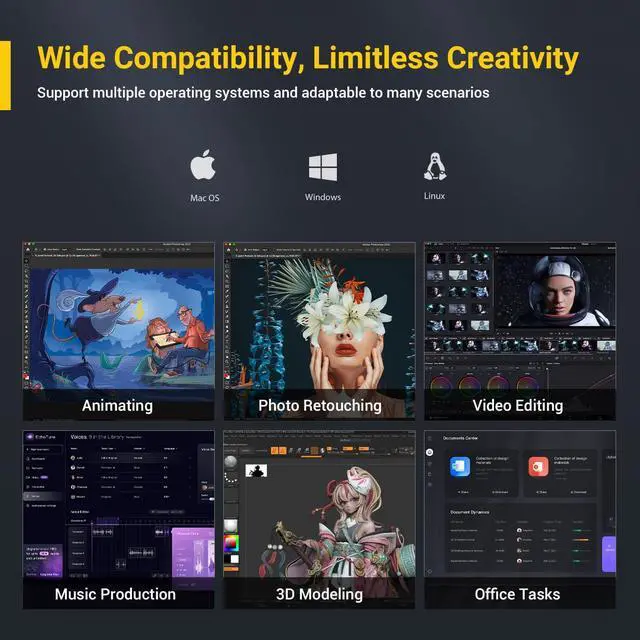
    Multi-Scenario Creation: Perfect for digital artists, video editors, photographers, and music producers. Seamlessly integrates with Photoshop, Lightroom, Premiere Pro, DaVinci Resolve, Clip Studio Paint, and more.
    Standalone Shortcut Pad No Drawing Tablet Required: Supports Windows 7 and later, macOS 10.13 and later, and Linux systems. Whether you're on a desktop, laptop, tablet, or hybrid device, experience seamless performance with your favorite creative tools. From digital painting and video editing to audio editing, photo retouching, and office tasks.
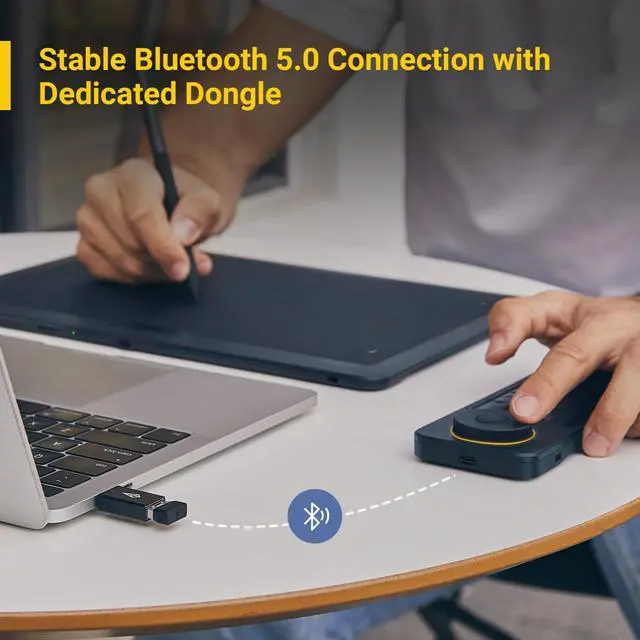
    Wireless Shortcut Remote with Private Bluetooth 5.0:
    Channel: delivers a faster, more reliable connection than regular Bluetooth, even in high-interference environments. The dedicated dongle allows for hassle-free pairingJust plug it in and start creating. USB wired connectivity is also available for added convenience.
    Note: Not supported on iOS or Android; cannot run on tablets such as iPads. Does not support macro commands, script automation, third-party plugin integration, or multitasking automation.

    Warranty & Returns

    Warranty, Returns, And Additional Information

    Warranty

    • Please contact the Seller directly for warranty information. Warranty information may also be found on the Manufacturer's website.
    • CONTACT

    Return Policies

    Manufacturer Contact Info

    LOADING...