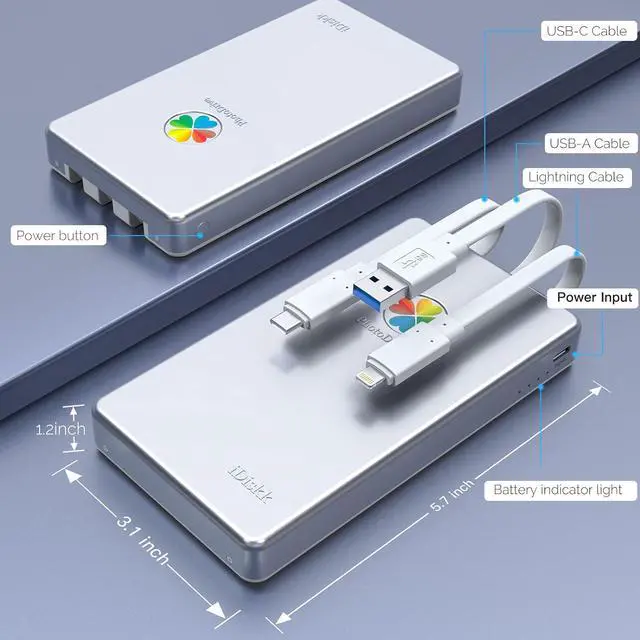
Highly Confidential Data Encryption Technology - You can enable all data or partial to be protected via setting password, all the encrypted files stored in this hard drive are invisible on computer, please do not worry about disclosure of your privacy. s and colleagues. You can enable all data or partial to be protected via setting password, all the encrypted files stored in this hard drive are invisible on computer, please do not worry about disclosure of your privacy.
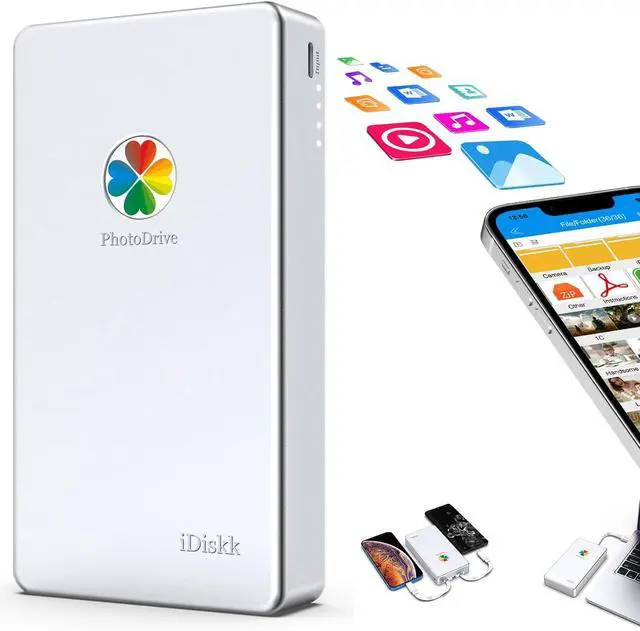
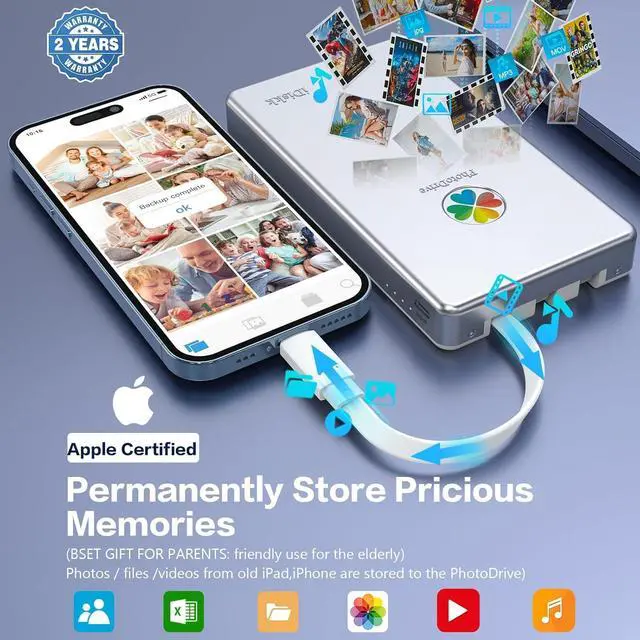
Plug & Play- iDiskk Portable Hard Drive (photo drive) offer simple plug-play operation, just plug it into your iPhone/iPad and watch the movies directly from the hard drive on your trip or on travel. No software installation required and intuitively drag and drop files to and from your PC or Macbook.
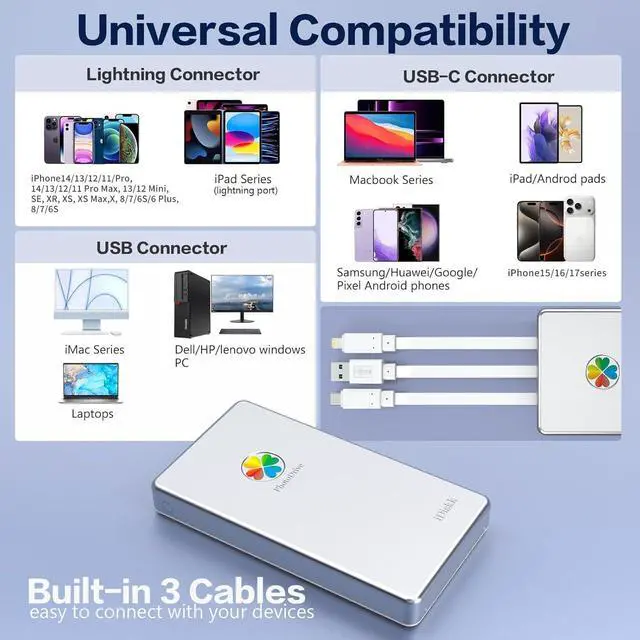
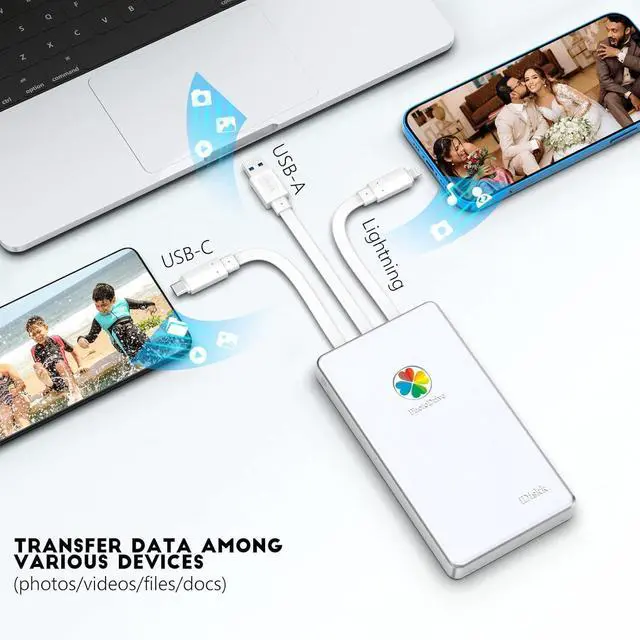
MFi Certified & Widely Compatibility with iPhone/iPad/Mac/Android/PC- MFi Certified chip and connector guarantee stable and safe data transfer for your iPhone and iPad/iPad pro series. ( iPhone 17/16/15/1413/12/11, 13/12/11 Pro, 13/12/11 Pro Max, 13/12 Mini, SE, XR, XS, XS Max, X, 8 /7/6S/6 Plus, 8/7/6S/6, 6/5S, iPad 5/6/7/8/9, Mini 2/3/4/5/6 iPad Air-Serie, iPad Pro-Series)
Compatible with phones, laptops, iPad, and Computer - This external hard drive can also be used as a general HDD for laptops and computers; It will help you more conveniently achieve the function of backing up and transferring files among different devices
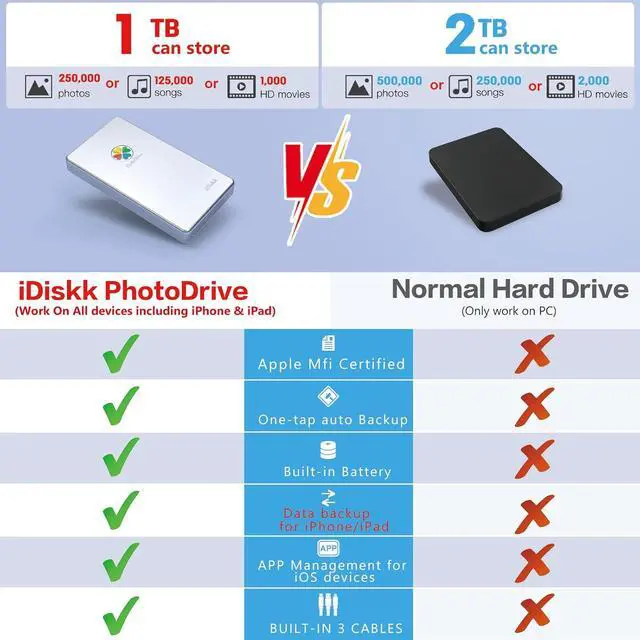
Hard Drive for Phone Computer: 1TB Photo Stick Portable Storage Device External HDD USB Flash for iPhone & iPad & Android Cellphone Backup Picture \ Photo \ Video \ Data (1TB)
The preferred solution to solve your storage difficulties
Please Note:
1. We only support iPhones with iOS 12.1 and above. With the release of iPhone 17 and iOS 26, we will update the app. Buyers are advised to update the app in a timely manner.
2. Windows currently does not support the new HEIF, HEIC, and HEVC file formats. Therefore, the system will not generate thumbnails for images, and Windows cannot open HEIF images taken with an iPhone camera (HEIF/HEVC format generated when the iPhone camera is set to "High Efficiency"; for a more compatible JPEG format, please select "Most Compatibles" in Settings > Camera > Formats). If you want to convert HEIF, HEIC, and HEVC files to JPEG or MP4 format, you can find and download "iMazing Convert" from the Mac App Store or the Microsoft Store on Windows, or download it directly from the iMazing website.
3. ExFAT is a cross-platform file system that supports multiple devices such as iOS, Android, MAC, and Windows. However, Mac Time Machine, as a Mac full-system backup and restore tool, only recognizes HFS+/AFFS and does not support working under Time Machine.
4. If you want to download the photos/videos from iCloud to the Photo Drive. You can download all the videos/photos from iCloud to your iPhone album first and then back up to your iDiskk Photo Drive.
5. Our app requires a certain amount of memory space during the backup process, and when using it, we ensure that the phone has a certain amount of exercise space.
6. Our hard drive cannot be plugged in or unplugged during the backup process to avoid file system errors. If there are file system errors, they can be restored through formatting operations.
7. Our USB-C port is engineered to align with the USB controller architecture of modern Mac devices (2021 and later). iMac models released before March 2020 ( -based) may experience recognition or connectivity issues due to their legacy USB controller design. We recommend verifying your iMac model year before purchase to ensure full compatibility.





 here!
here!