• $142.99
  • Free 30-day Returns
  • Price alert
    Shop it at NeweggBusiness.

    Stream Controller Stream Control Deck with 15 LCD Macro Keys Customizable for Content Creators Streaming Gaming to Trigger Actions in OBS, YouTube, Twitch and More, Compatible with PC & MAC

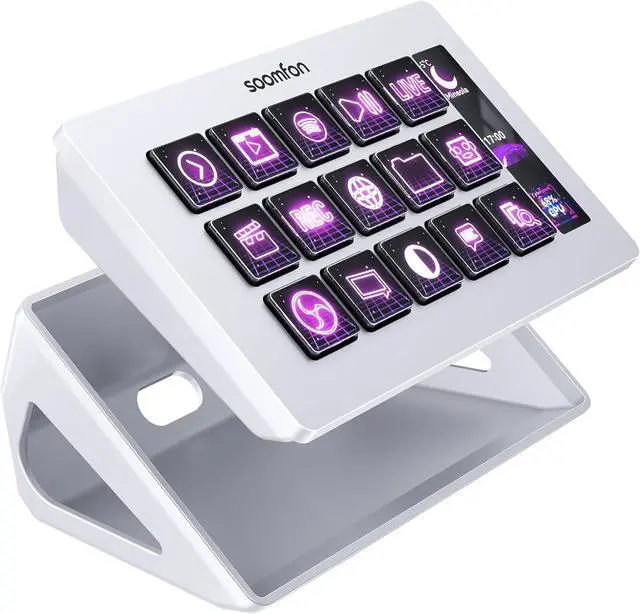
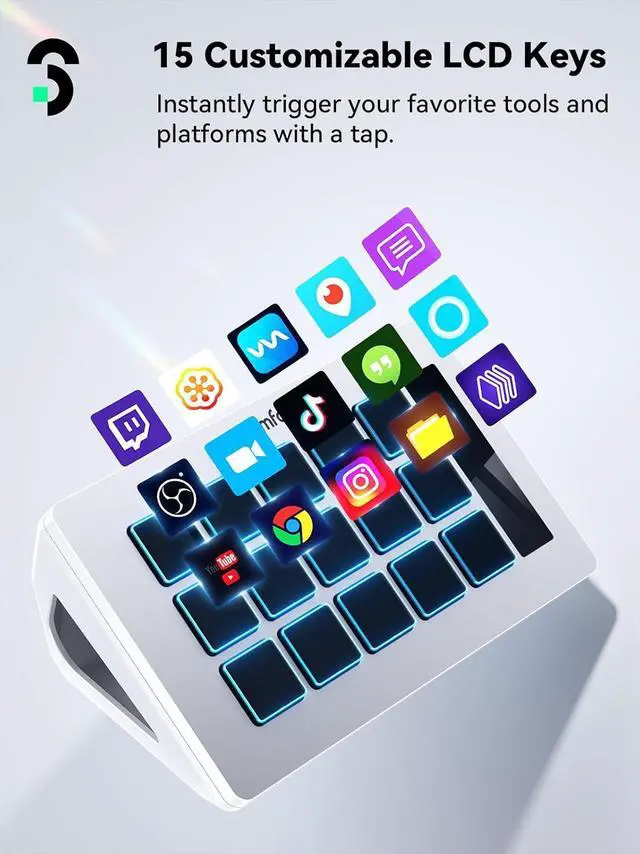
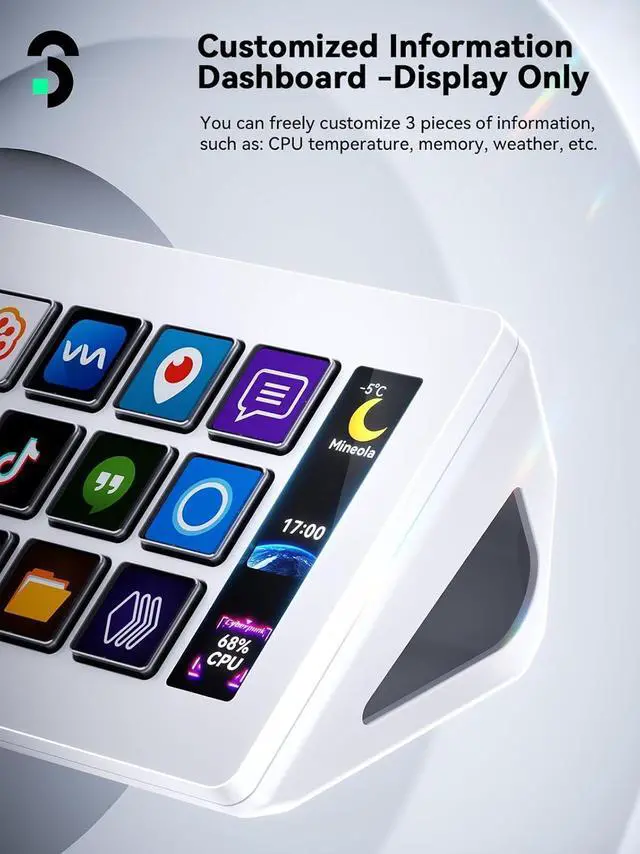
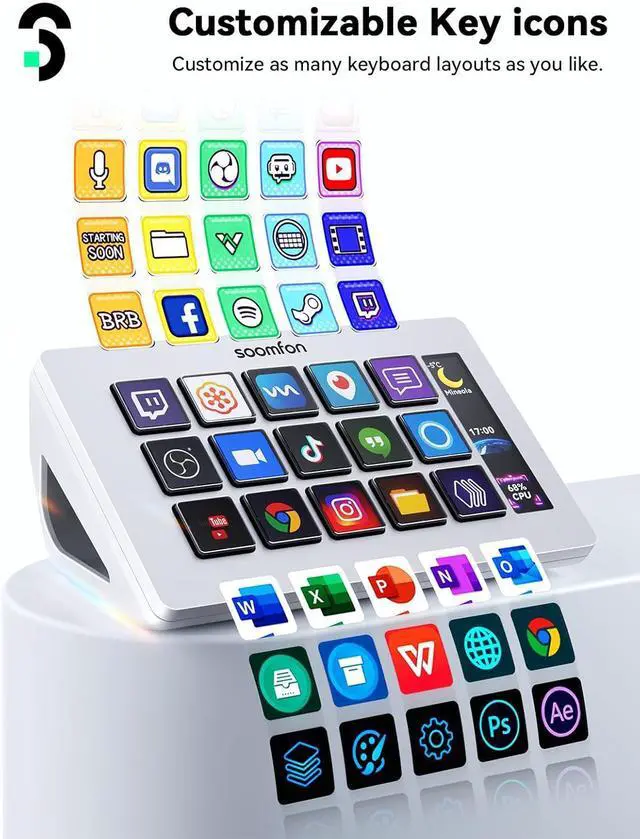
    • 15 Customizable LCD keysTrigger unlimited actions with 15 Customizable LCD Keys to control your apps, tools and platforms effortlessly without having to move windows to access what you want. The buttons include LCD screens that you can customize with your own preferred image files. The side dashboard displays instant information like computer CPU, memory, etc. Make your live streaming, video editing, music production and more visible and controllable.
    • One-touch operationYou can easily launch social posts, adjust audio, mute the microphone, turn on lights, and more with the touch of a button. The Stream Controller is a handy tool not only for streaming users, but also for all creatives and users who need a variety of hotkeys.
    +
    +
    Overview
    Specs
    Reviews
    avatar

    Any questions? Our AI beta will help you find out quickly.

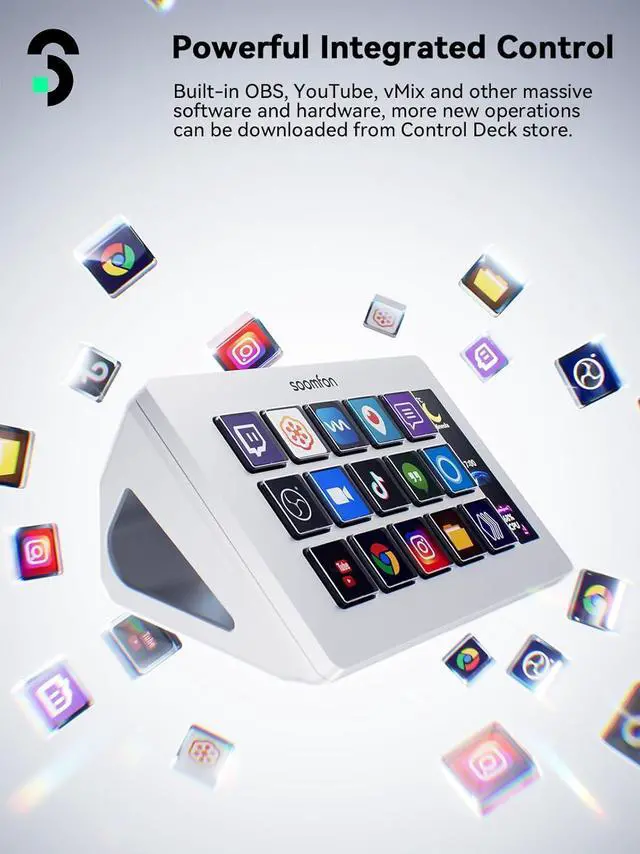
    Wide compatibilityCompatible with PC, Mac and leading software. Integrated support for OBS Studio (Windows 10 64-bit or higher; MacOS Big Sur 11.0 or higher), Twitch, YouTube, Twitter, Discord, Spotify, Voicemod and more. The included software is very easy to install and operate.
    Intelligent design and user-friendlyThe SOOMFON Studio Control Deck comes with a removable stand that allows you to customize it to your needs. You can lay it flat on the stand and connect it to your computer via USB. The bottom of the Stream Controller has rubber feet so that it won't slide around on your desktop, even when you're not using the stand.
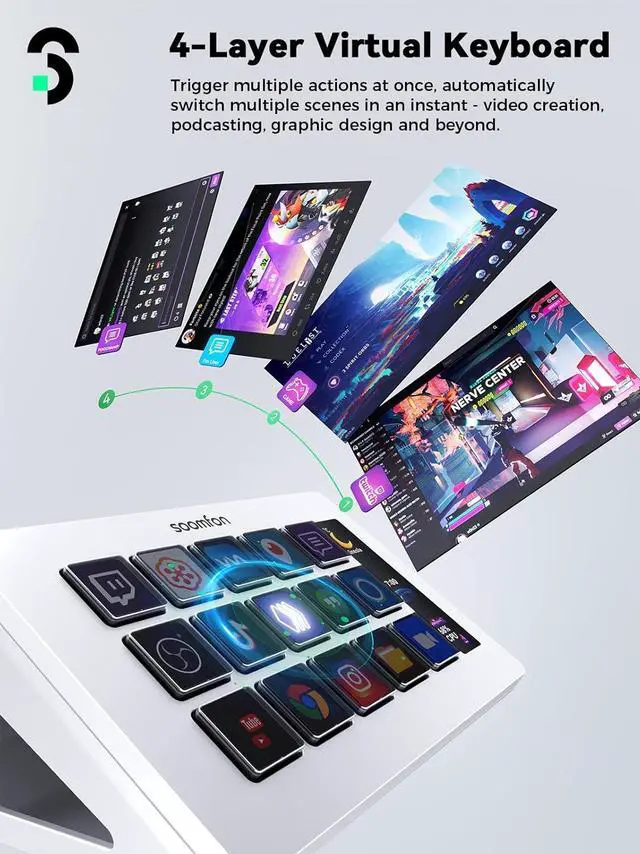
    Work efficiently and save timeIf you want to streamline your workflow and use your time more efficiently, that's where the SOOMFON Studio Controler Deck comes in, giving you control over applications and tools that streamline your workflow for film editing, music production, photography, and more.
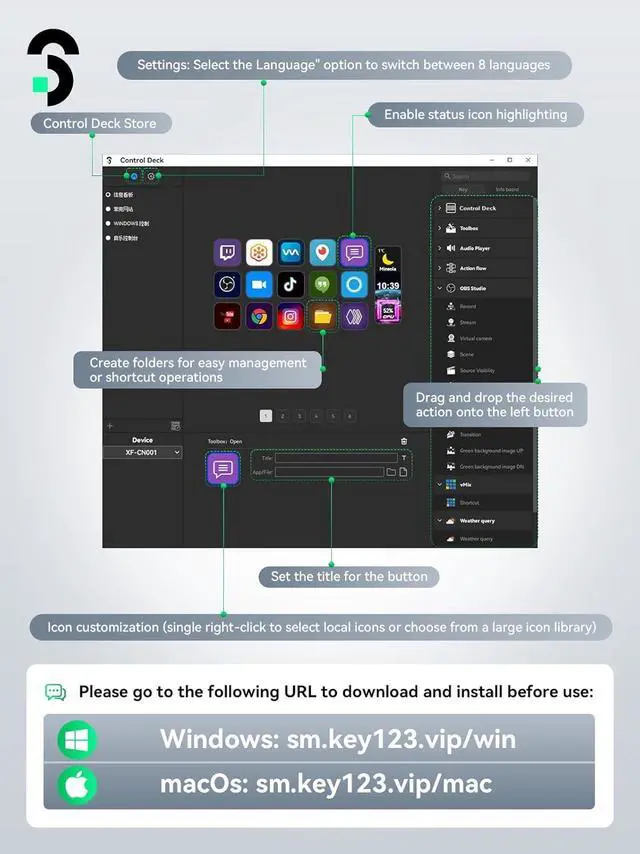
    NotesTo use Spotify integration, you must have an active Spotify Premium account. If you encounter any issues during setup or use, please don't hesitate to contact us. Our customer support team is available 24/7 to assist you with anything you need. Please update the firmware from the official software download link. Please use the original data cable and connect directly to the computer's USB port, avoiding the use of a hub for power.

    Warranty & Returns

    Warranty, Returns, And Additional Information

    Warranty

    • Please contact the Seller directly for warranty information. Warranty information may also be found on the Manufacturer's website.
    • CONTACT

    Return Policies

    Manufacturer Contact Info

    LOADING...