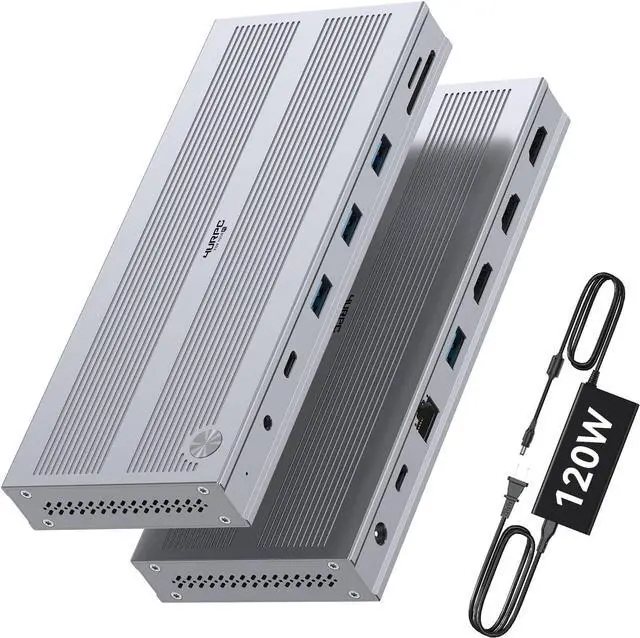
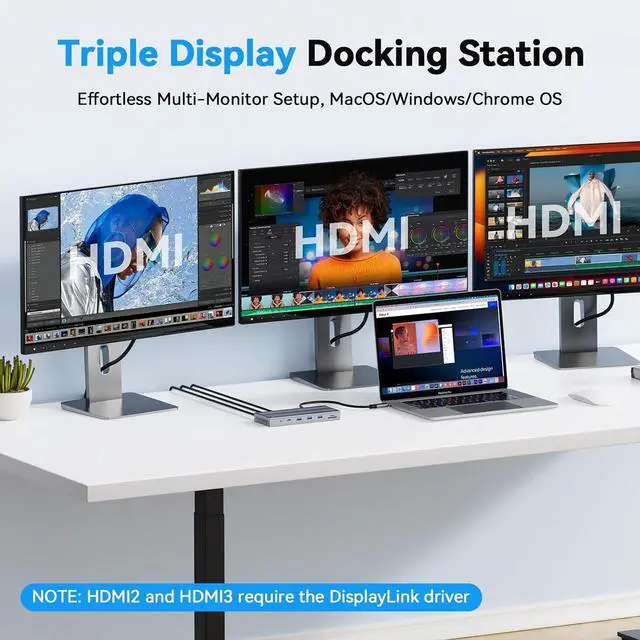
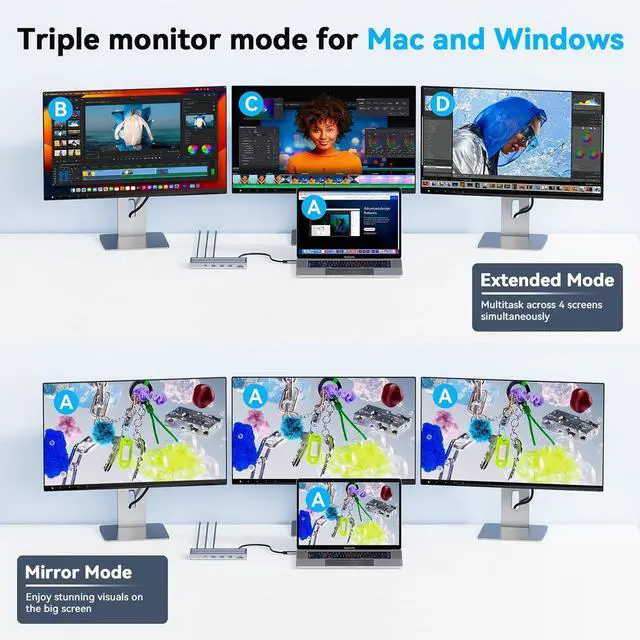
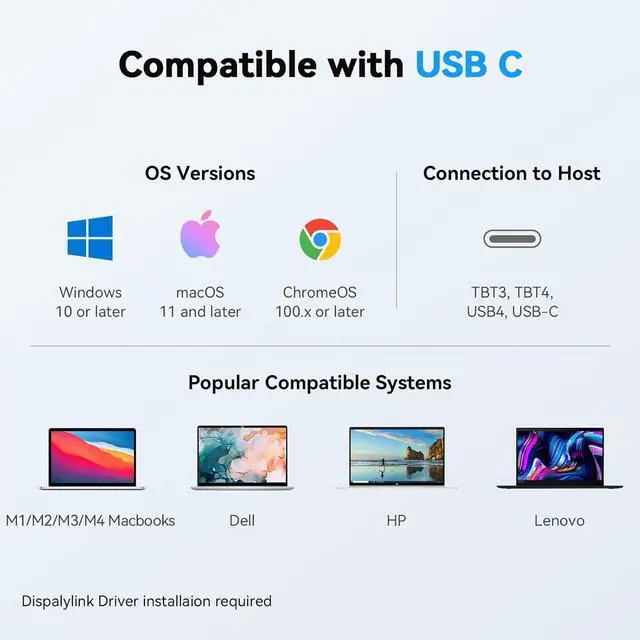
Widely Compatibility: This triple monitors docking station is widely compatible with USB4, Thunderbolt 3/4, and full-featured USB-C laptops. It supports Windows 10+, macOS 11+, and ChromeOS 100+. DisplayLink driver installation is required before use.
Note: HDCP is not supported. It ensures stable plug-and-play performance across most mainstream laptops, providing reliable connectivity for home, office, and professional users
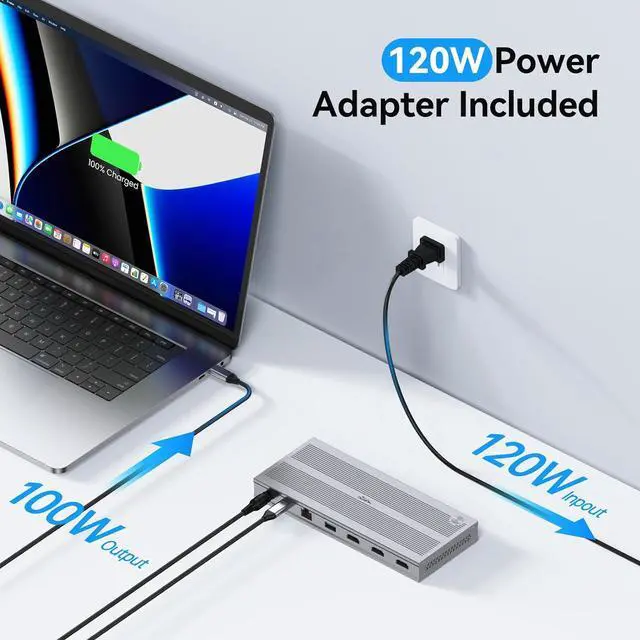
Reliable Power Supply: Equipped with a dedicated 120W power adapter, this displayLink triple monitor docking station provides stable and consistent power for your laptop and all connected peripherals. It ensures reliable charging performance, avoids power shortage or interruptions during intensive use, and maintains stable connections for external hard drives and monitors even under full load
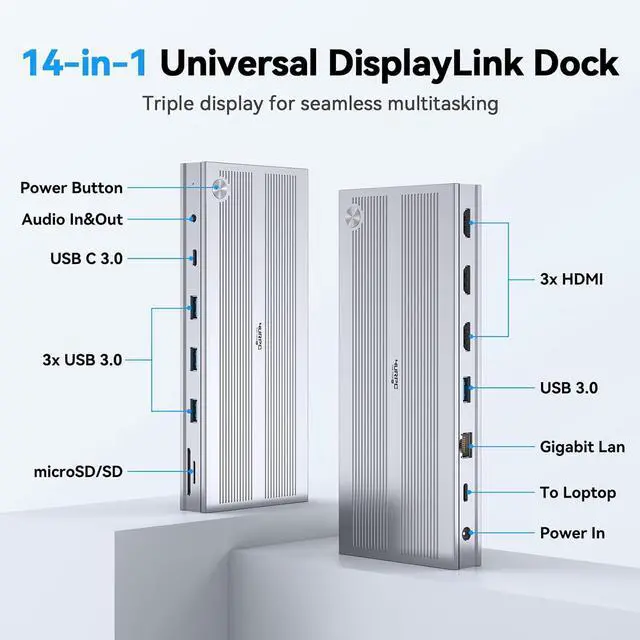
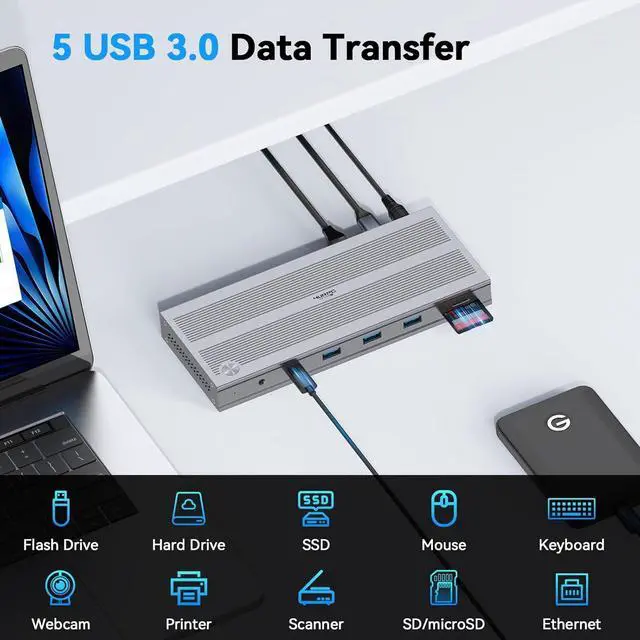
Port Arrangements: Triple display docking station offers Gigabit Ethernet, 3.5 mm audio, 5 USB ports offering 5Gbps transfer speeds. The built-in SD/MicroSD slots are a boon for photographers and creators. Supports connection of multiple USB devices, such as USB flash drives and printers. Perfect for creators and professionals alike
Each 4URPC Triple Monitors Docking station comes with a 2-year defect coverage and lifetime technical support. We prioritize your shopping experiencewhether you have a pre-purchase compatibility question or need setup assistance, we are ready to help
1 Triple Display
2 Powerful 120W Charging
3 Detail Designs
4 Compatibility
1 Multiple USB Ports
2 Usage Scenarios
3 What's in the Box
4 Display Driver
The video showcases the product in use. The video guides you through product setup. The video compares multiple products. The video shows the product being unpacked.
How to install driver
Do I need to install software to support triple monitor when using this USB C dock?
Yes, you need to install the DisplayLink driver before using this 3 monitors docking station.
Why does my MacBook display a Screen Recording prompt after installing driver and connecting the hdmi docking station?
MacBook requires the "Screen Recording" function for the DisplayLink driver to work properly, and the driver does not store or record any data, pixels, or images
My macbook fail to recognize displaylink docking stations after waking up from sleep mode? What should I do?
1. First, it's suggested that you unplug and replug the host connection. 2. Try adjusting the hibernation setting of the laptop: System - Power - Power Options - Choose" when to tun off the display" -Put the computer to sleep - Choose '' Never".
Why am I not getting 3 displays after connecting the universal docking station?
Please confirm that your laptop's USB-C port supports display and that DisplayLink is installed before use.
The usb docking station for laptop stop working. What should I do?
Please try the DisplayLink driver and disconnect all connections before reconnecting them. If the issue persists, contact client care for assistance.





 here!
here!