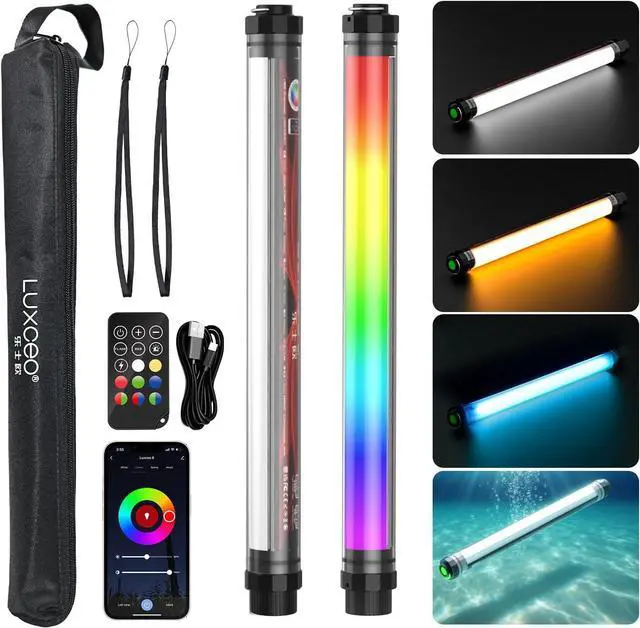
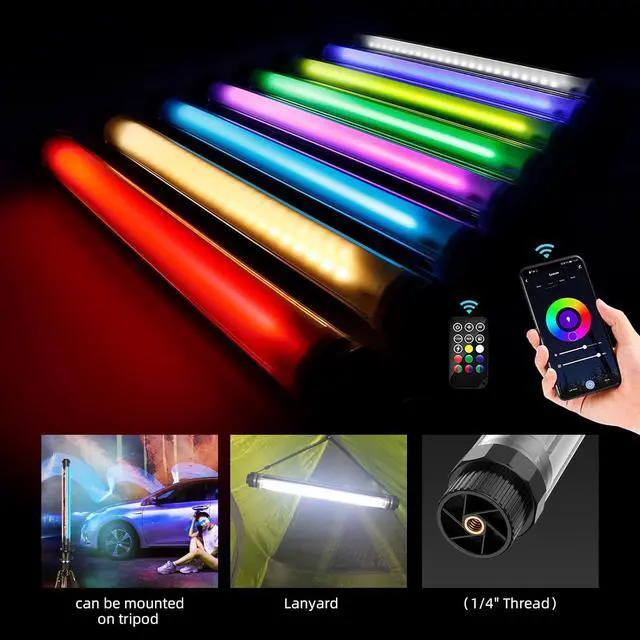
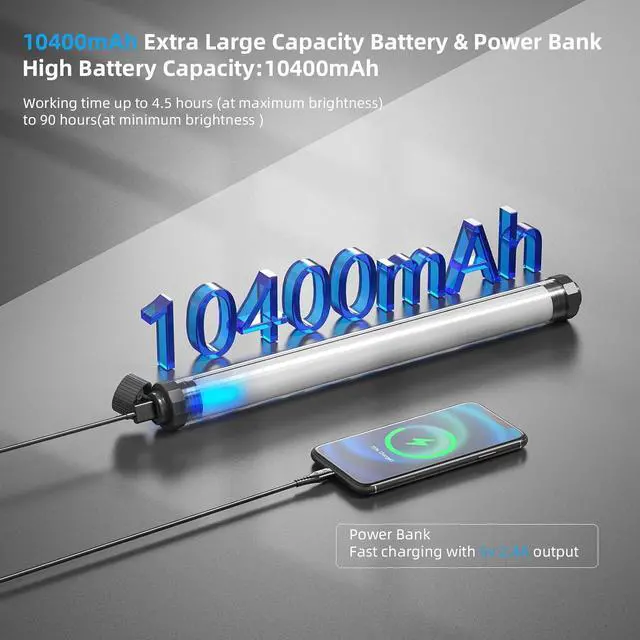
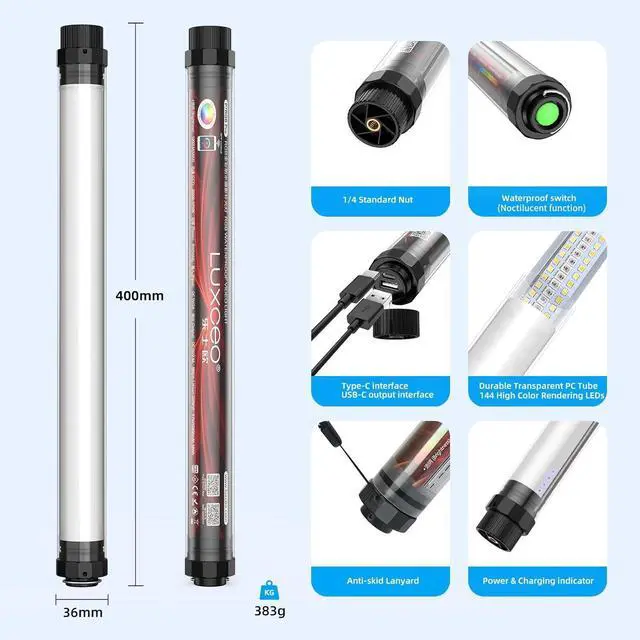
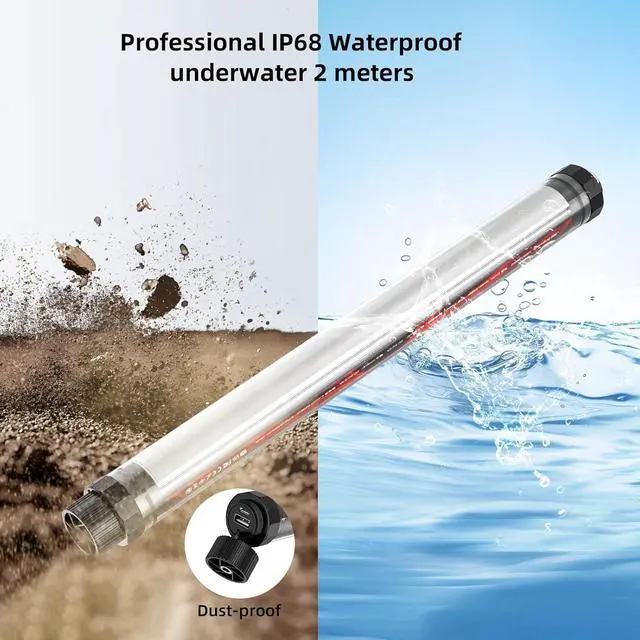
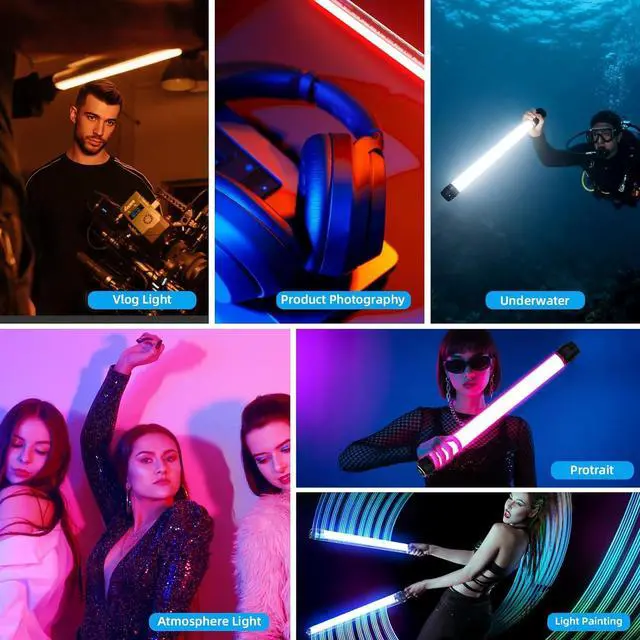
10400mAh Battery & Power Bank FunctionThe RGBW LED video light features a built-in high-capacity 3.7V /10400mAh battery, providing up to 5 hours of continuous lighting at max brightness. A Type-C charging port is located on the bottom of the lamp tube, allowing you to use it while charging without worrying about low power. The video light tube also functions as a power bank, making it versatile for various devices
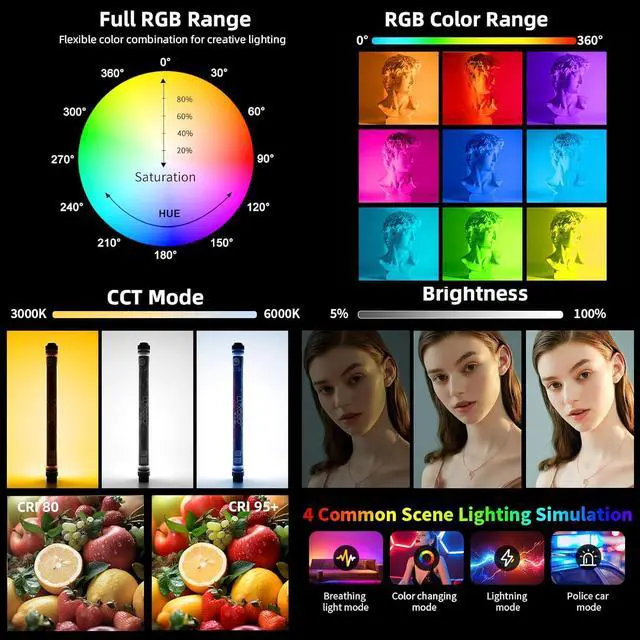
APP Intelligent ControlThis photography lights can be seamlessly connected via a mobile app, you can easily select your preferred lighting color or scene modes through the apps color palette. Equipped with full RGB color capability, the LED light wand not only enables versatile color via the remote control, but also offers more personalized options through your smartphone. Whats more, the app supports group control functionality, making it easy to manage multiple light sticks simultaneously
Universal 1/4"-20 Screw HoleThere is a 1/4 standard nut hole at the bottom of the RGB photography light stick, can be installed on most photography equipment such as lamp stands, gimbals, tripods, etc.
Note: There is a insulation clip in the remote, take it out when using it. If you push the power off button on the light, you can't turn it on with the remote control. The effective remote control distance can reach up to 7 meters. Target the remote control at the light-emitting surface
Package Includes1 x P7RGB Pro RGB Light Tube, 1 x Type-C Cable, 1 x Remote Controller, 2 x Lanyard, 1 x User Manual. If you have any questions, please contact us via the "Contact Seller" button in the "Your Orders" section. We will provide you with a satisfactory solution within 24 hours
APP Smart OperationHow to connect your phone
Widely Applicable: Built-in intelligent identification chip, suitable for most mobile phones, flat Board and other USB digital devices.
Use your mobile phone to scan the Q"R code in the manual to download the smart app.
Press and hold the switch for 3 seconds to turn on the APP when the light is off. If you have matched a mobile phone before, you can directly use the mobile phone to control the light.
If the light has not matched a mobile phone before or you want to re-match a new phone, long press again when entering the APP mode, the light flashes and enters the matching mode.
Turn on the APP of the mobile phone, enter the APP, click + in the upper right corner, click "illumine", then click "illumine", click to confirm that the indicator light is blinking, and complete the operation of connecting the phone.





 here!
here!