Multi-Device Connection Switch with
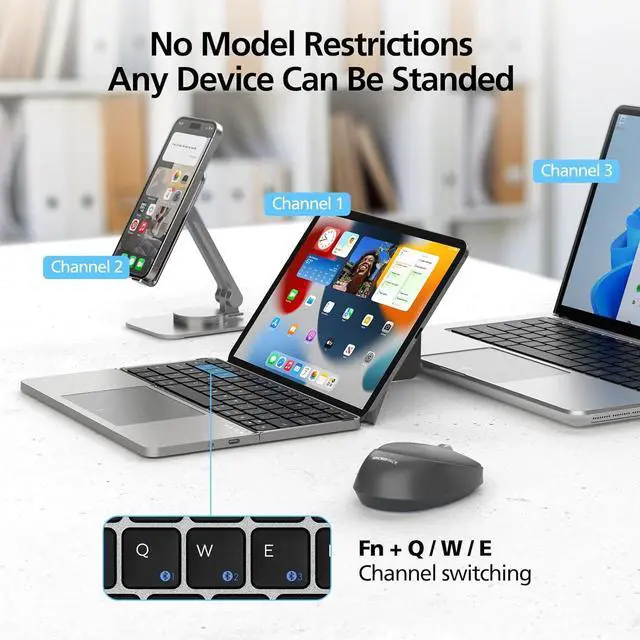
Ease: Featuring Bluetooth 5.0, this multi-device wireless keyboard connects up to 3 devices at the same time, such as your tablet, smartphone, and laptop. Easily switch between devices using simple key combinations, helping you stay productive across your iPad, iPhone, and MacBook.
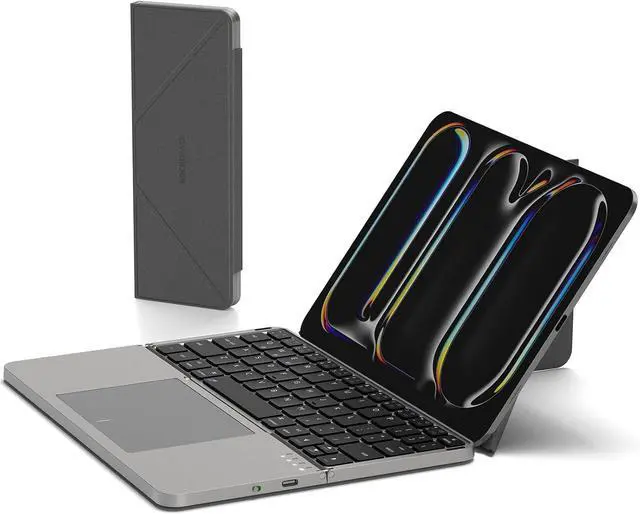
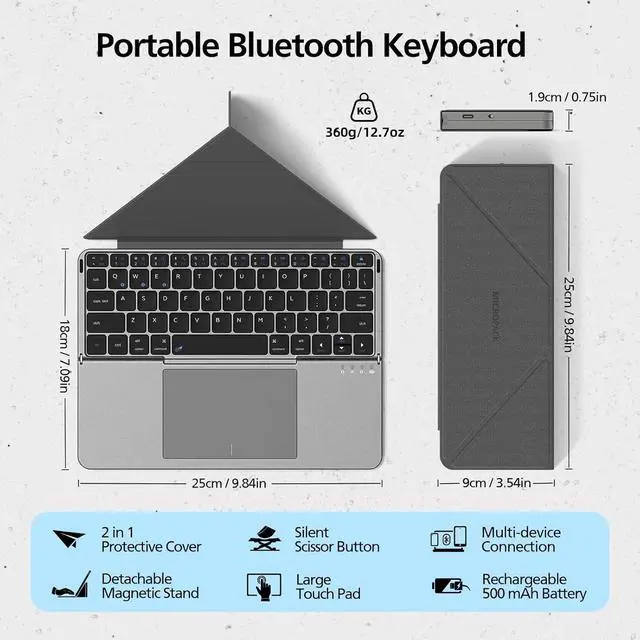
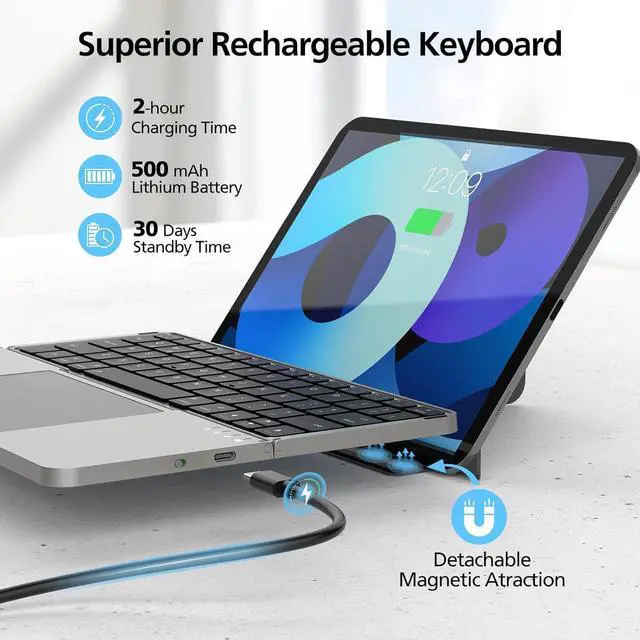
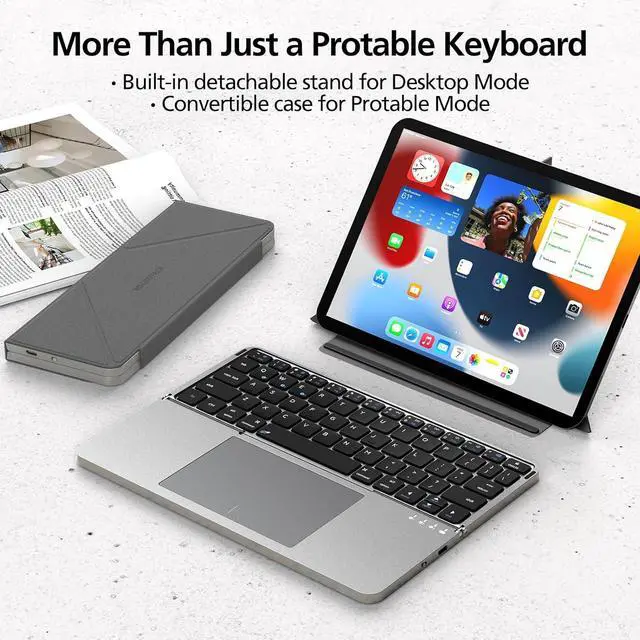
Rechargeable Battery with Long Usage Time: The built-in 500mAh rechargeable battery supports up to 80 hours of continuous use or 30 days of standby time on a full charge. A USB-C charging cable is included for convenient recharging. The package comes with the portable keyboard, magnetic PU leather case, and charging cable, providing essential accessories for mobile work
Reliable Support for Your Purchase: We are committed to providing dependable customer support. If you have any questions or need assistance, please feel free to contact uswere here to help.
Warm Tip: For optimal performance, please fully charge the keyboard before attempting to connect it for the first time. FileVault may be enabled on your mac OS computer, which could prevent youfrom entering your password at start or reboot when connected tobluetooth, please contact your computer service provider for solutions.
The video showcases the product in use. The video guides you through product setup. The video compares multiple products. The video shows the product being unpacked.
MicroPack K-F01 Portable Keyboard
iOS: Keyboard Troubleshooting Guide





 here!
here!