

Your Browsing History
- Free 30-day Returns
$554.99



Meet Your Seller

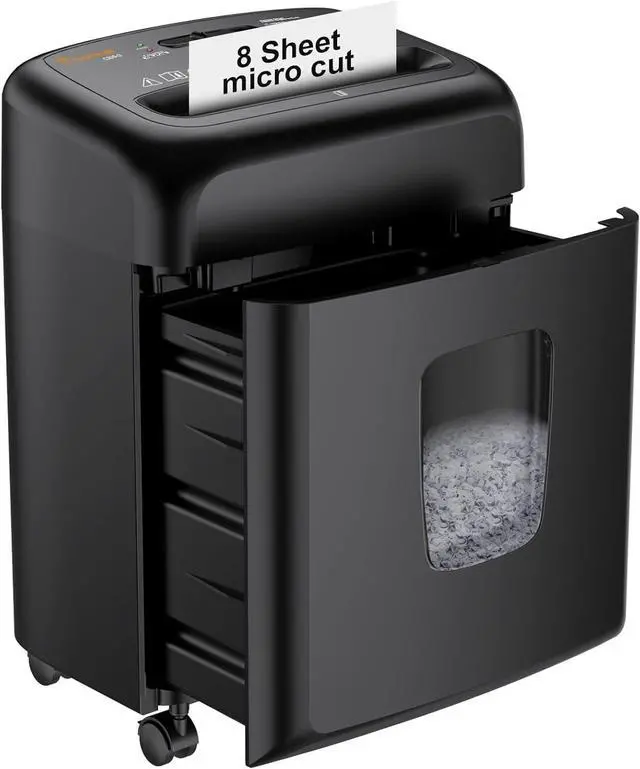


Bonsaii 8 Sheet High Security Micro Cut Paper Shredder with 4 Gallon Pullout Basket, Credit Cards/Mail/Staples/Clips Shredder for Home Office Use (C206-G)
- Please refer to the installation instruction manual, user manual, and installation instruction video before use
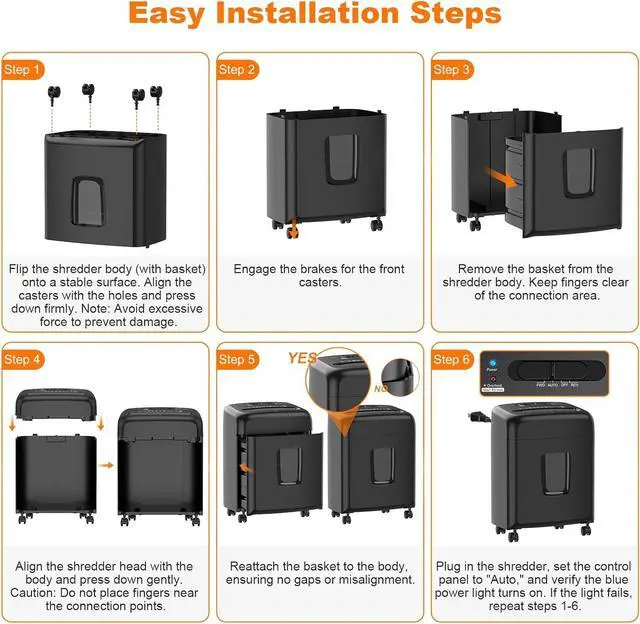
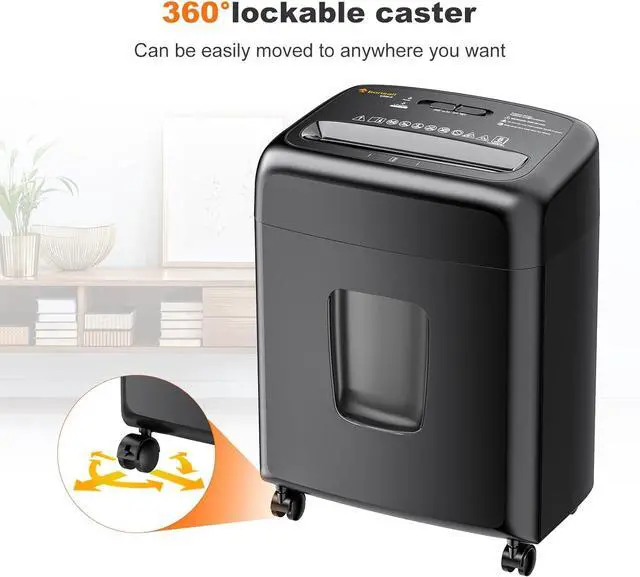
- Step 1: Flip the shredder body (with basket) onto a stable surface. Align the casters with the holes and press down firmly. Note: Avoid excessive force to prevent damage Step 2: Engage the brakes for the front casters Step 3: Remove the basket from the shredder body; Keep fingers clear of the connection area Step 4: Align the shredder head with the body and press down gently; Caution: Do not place fingers near the connection points Step 5: Reattach the basket to the body, ensuring no gaps or misalignment Step 6: Plug in the shredder, set the control panel to "Auto," and verify the blue power light turns on; If the light fails, repeat steps 16
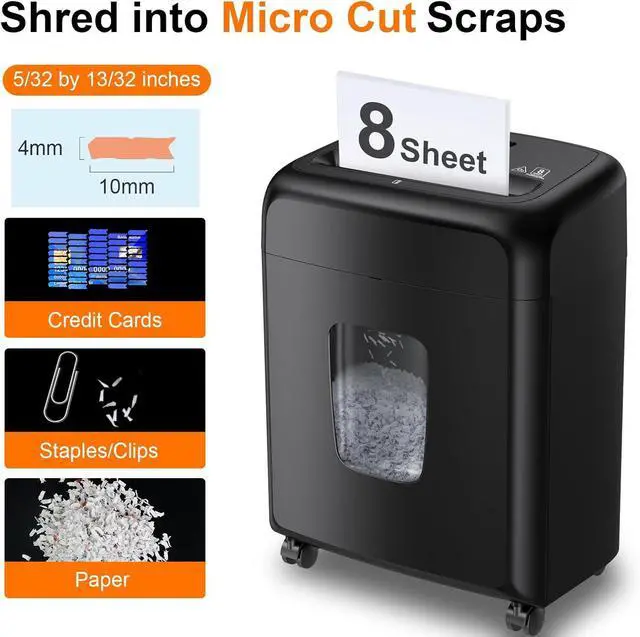
- P-4 High Security: Micro-cut shredder turns paper per pass into 5/32 by 13/32Inches (4 by 10mm) tiny particles, reaches P-4 high-security level, which keeps your information more secure
+
+
Overview
Specs
Reviews

Any questions? Our AI beta will help you find out quickly.
Try me now
8-Sheet
Shredding Capacity: This paper shredder for home can shred 8 sheets of paper (letter size, 75g/m²) at one time, also can shred credit cards (one at a time), staples, paper clips or documents (but not suitable for metal credit cards)
5-Min Shredding: 5 minutes on / 40 minutes off; If the shredder works continuously beyond the max run time, it will automatically stop to protect the motor from overheating
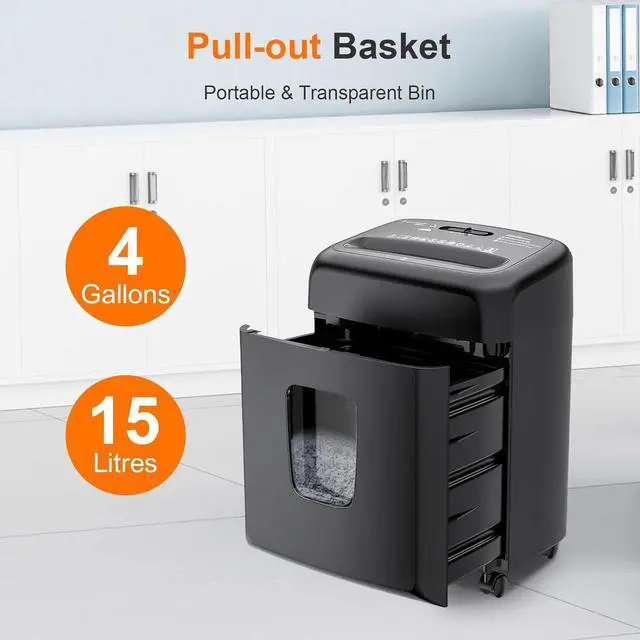
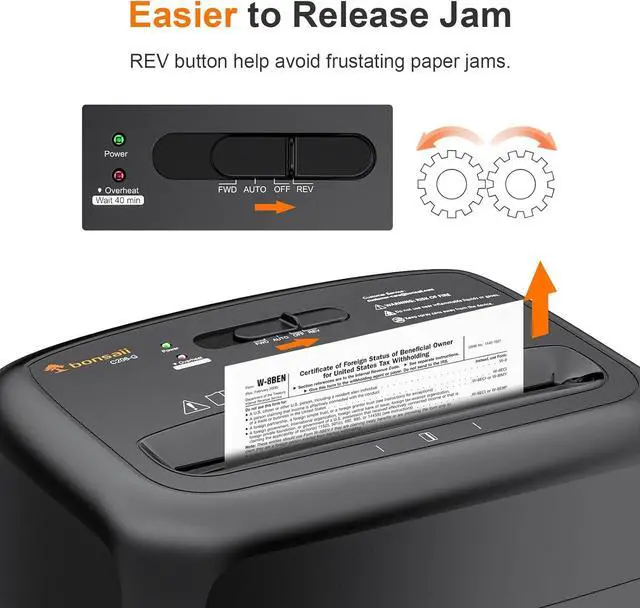
Reverse&Protection Function: Auto start/stop and manual reverse to clear paper jams; The paper entry width is 8.66 inches with 4 gallon pullout bin
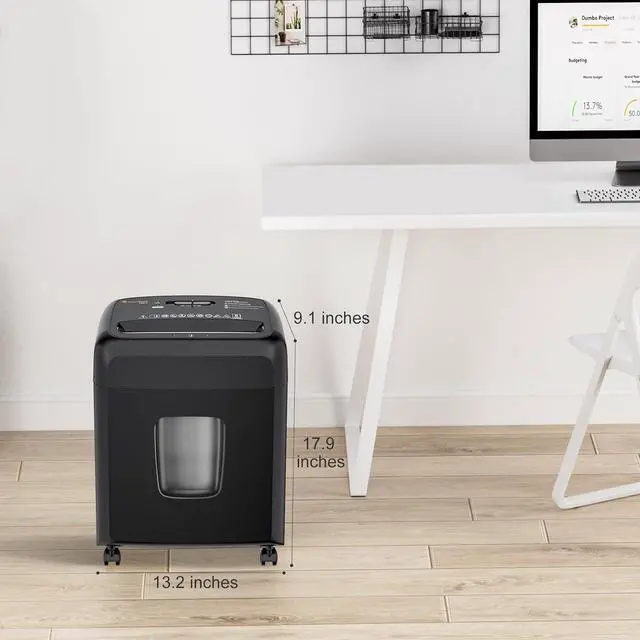
Product Dimensions: 9.1 x 13.2 x 17.9 inches (WxLxH)
The video showcases the product in use. The video guides you through product setup. The video compares multiple products. The video shows the product being unpacked.
C206-G Installation Instruction
Shredding Capacity: This paper shredder for home can shred 8 sheets of paper (letter size, 75g/m²) at one time, also can shred credit cards (one at a time), staples, paper clips or documents (but not suitable for metal credit cards)
5-Min Shredding: 5 minutes on / 40 minutes off; If the shredder works continuously beyond the max run time, it will automatically stop to protect the motor from overheating
Reverse&Protection Function: Auto start/stop and manual reverse to clear paper jams; The paper entry width is 8.66 inches with 4 gallon pullout bin
Product Dimensions: 9.1 x 13.2 x 17.9 inches (WxLxH)
The video showcases the product in use. The video guides you through product setup. The video compares multiple products. The video shows the product being unpacked.
C206-G Installation Instruction
Warranty & Returns
Warranty, Returns, And Additional Information
Warranty
- Please contact the Seller directly for warranty information. Warranty information may also be found on the Manufacturer's website.
- CONTACT
Return Policies
- Return for refund within: 30 days
- Return for replacement within: 30 days
- This item is covered by Halo Electronics Return Policy
Manufacturer Contact Info
- For a directory of all our manufacturers, please click below.
- Manufacturers Directory
LOADING...