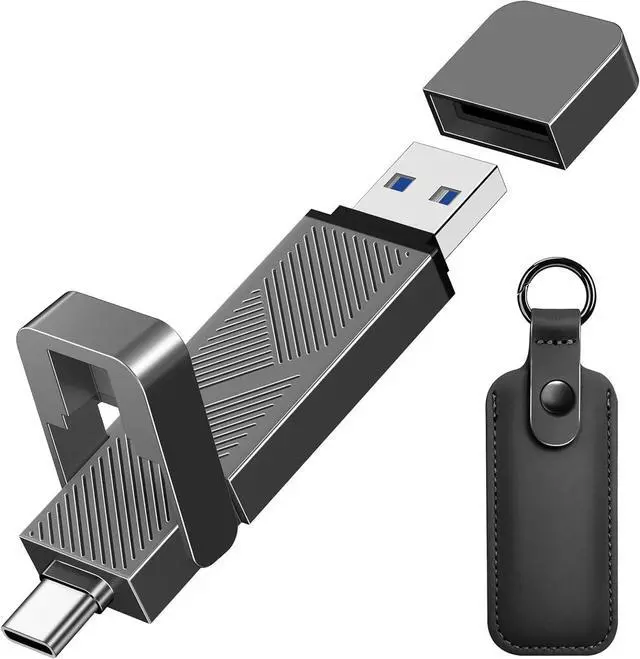
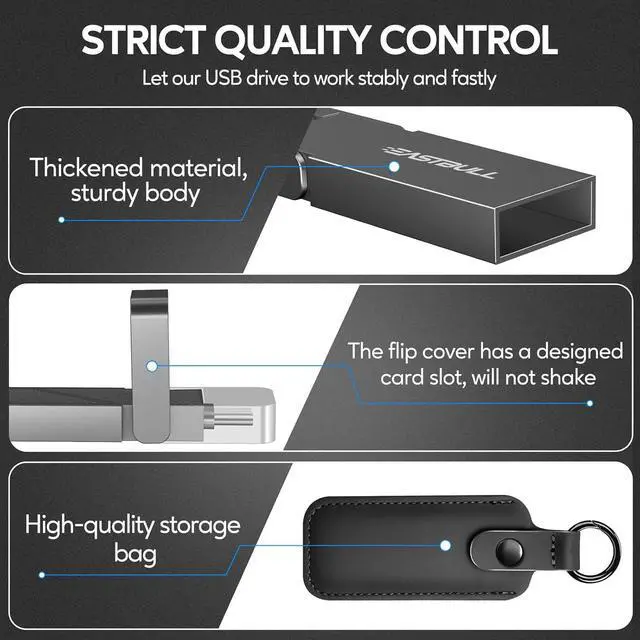
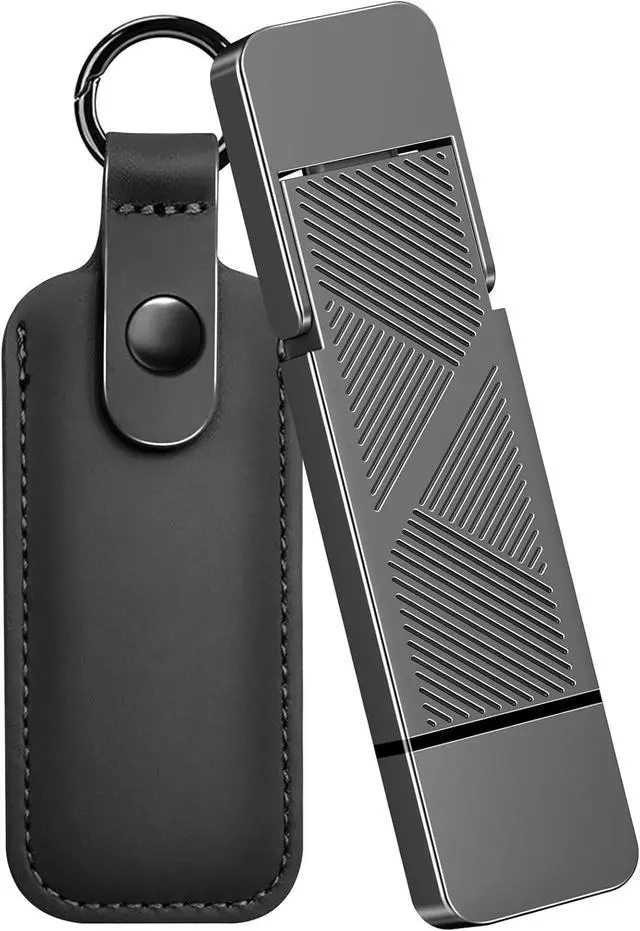
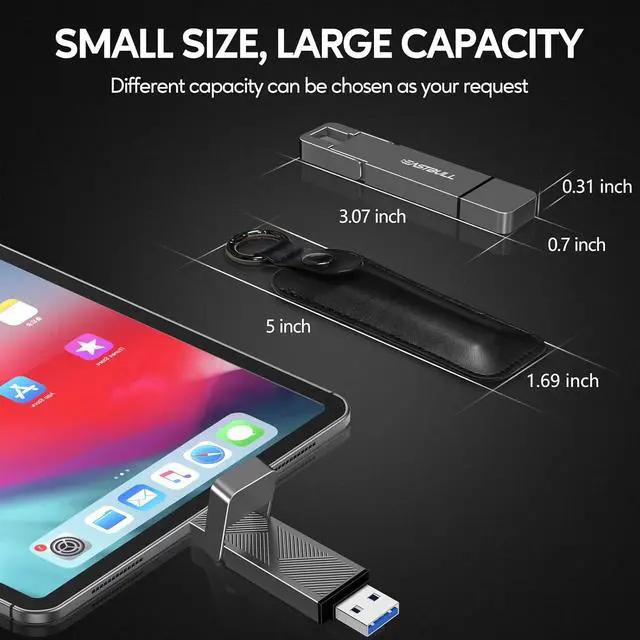
SOLID BUILD & UNIQUE DESIGN: The highly textured zinc alloy body is electroplated and painted to prevent rust and oxidation, resist fingerprints, and is wear-resistant. Built-in heat sink for efficient heat dissipation. An extra leather case is included with every buyer, making it easy to carry and a business appearance
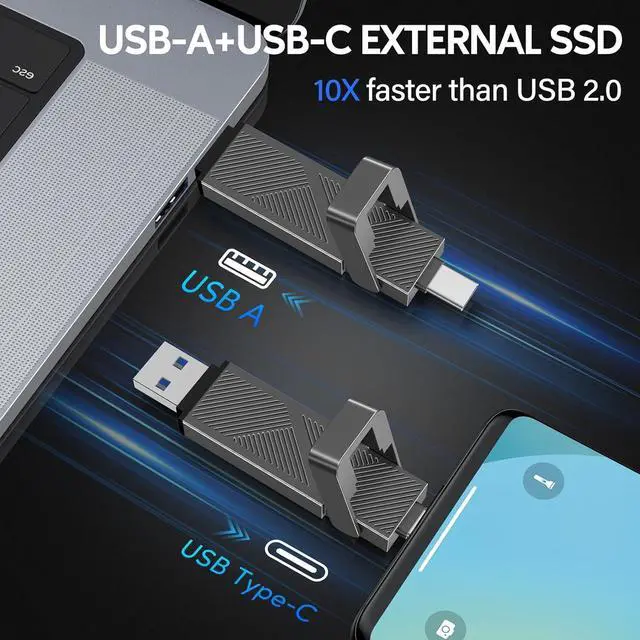
WIDE COMPATIBILITY: The USB 3.2 memoria USB 1TB is compatible with a wide range of devices with a USB-A or USB-C interface. Compatible with iPhone 15/16 series, Type-C smartphones, computers, laptops, tablets, car audio systems, or printers. It's backward-compatible with USB 3.0 and 2.0 ports, with exFAT by default. Great for students and content creators!
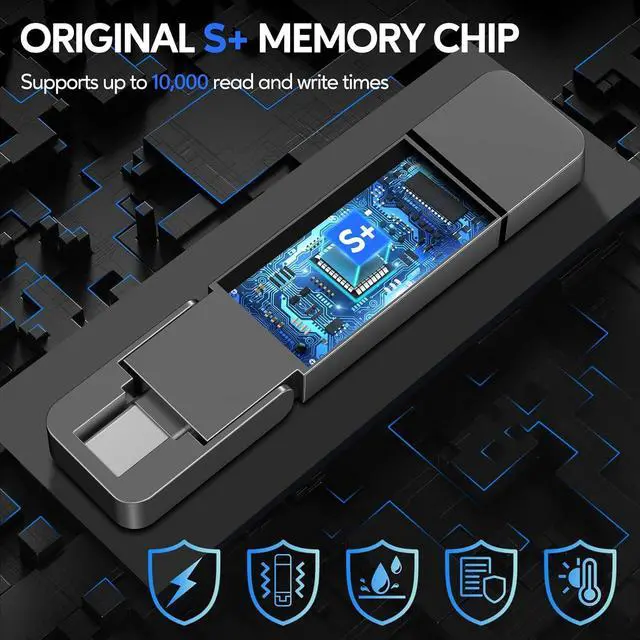
ORIGINAL PREMIUM A+ CHIP
The USB drive 1TB has undergone double testing using our H5 quality-checking device before shipping, with a lifespan of up to 100, 000 cycles
PORTABLE DIMENSION
Easy to carry and work with different scenarios. Even if it works for a long time, it won't get seriously hot.
SPEED OF 2.0 / 3.0 / 3.1 INTERFACE
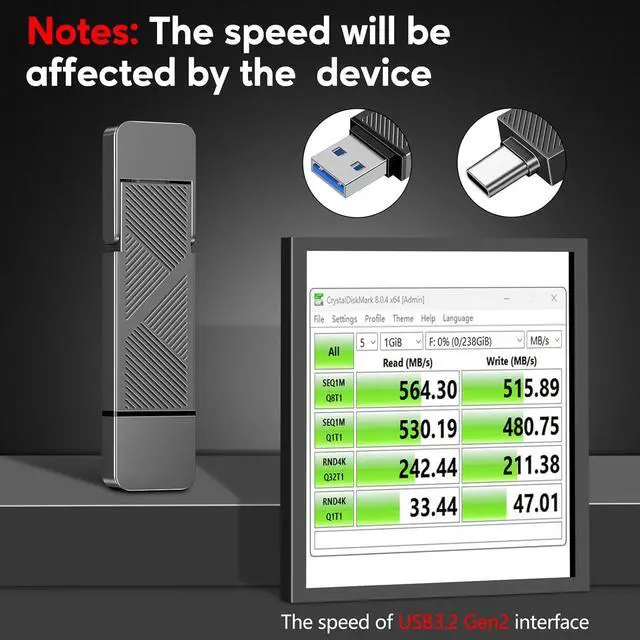
If the interface of your device is USB 2.0 / 3.0 / 3.1, the reading speed will be slowed down to 450MB/s
SPEED OF USB 3.2 GEN2 INTERFACE
If the interface of your device is USB 3.2 Gen2 (red port), the reading speed will up to 560MB/s
WHY DOES THE EXTERNAL SSD SHOW LESS SPACE THAN ADVERTISED?
The computer's counting methods differ from the drive manufacturer's. For example, when you order a 1TB SSD, your computer just will show approximately 931GB.
WHAT DEVICES IS THE USB DRIVE COMPATIBLE WITH?
Our USB 3.2 drives are compatible with laptops/pc/15/16, and work with many USB-C/USB-A interfaces.
WHY DOES THE SPEED VARY WITH THE ADVERTISED?
It depends on the interface. If we connect it to a USB 2.0, 3.0, 3.1, or 3.2 Gen1 interface, the reading speed will be limited up to 450MB/s. When we connect it to a USB 3.2 Gen 2 or higher interface, the reading speed can reach up to 550 MB/s.
HOW TO USE IT ON THE SMARTPHONE?
Plug it into your smartphone, go to the "file manager", find the drive named EASTBULL( For some phones, you just need to pull down the screen to find it after inserting). Then go to the categories, choose the files, photos, and videos to transfer.
WILL THE METAL USB SSD GET HOT EASILY?
No, because we have left enough space inside to dissipate heat, the chip will not easily get hot and will be very stable.





 here!
here!