Your Browsing History
- Free 30-day Returns
$109.99
Meet Your Seller
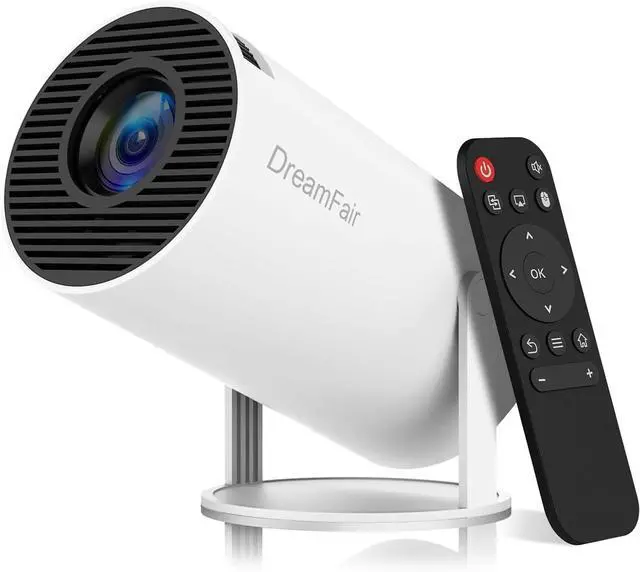
Mini Projector, Support 4K 1080P Portable Projector with Dual Band WIFI6 5G Wireless 5.2 Bluetooth Android 11, 200 ANSI Lumens, 180° Rotatable, Auto Keystone Correction,35"-130" Screen Video Projector
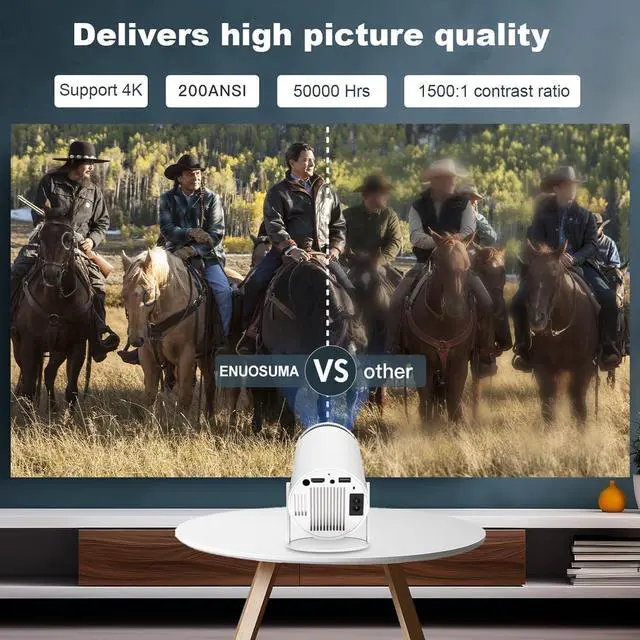
- Upgraded ModelThe HY300Pro mini projector has been upgraded based on the HY300, with more powerful performance, continuing the advantages of Mali-G31 GPU and WiFi 6 technology, 200 ANSI lumens high brightness upgrade. The built-in application ecosystem continues to expand, enjoying platforms over 500,000 film and television resources.
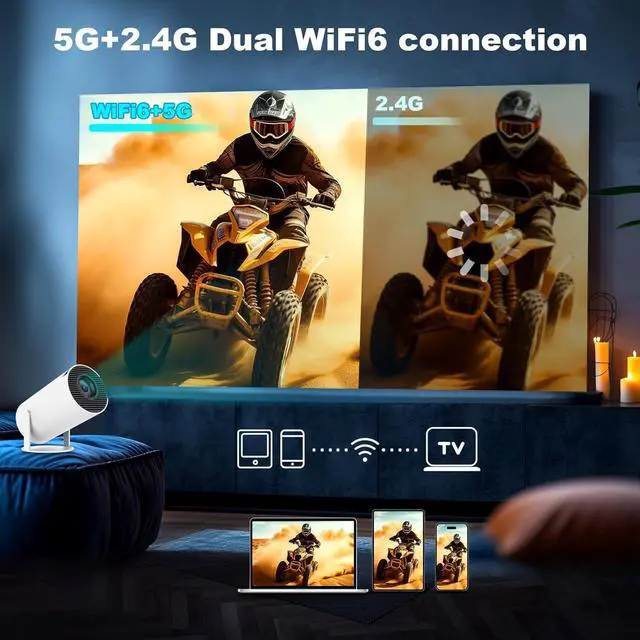
- WIFI 6 Smart Projector Say goodbye to the traditional HDMI cable conversion projection, the smart projector with built-in WiFi6, faster transmission rate and lower transmission delay, easy and fast to connect to smartphones, laptops, etc., within 5 seconds to connect successfully. It provides a fast and stable projection for videos, games, and more.
+
+
Overview
Specs
Reviews
Any questions? Our AI beta will help you find out quickly.
Try me now
BT 5.4 & Speaker Function This portable projector has a built-in Bluetooth 5.4 chip and speaker. You can pair the projector with headphones, speakers or other audio devices via Bluetooth to enhance the sound, or you can enjoy a comfortable audio-visual experience directly through the projector's speakers.
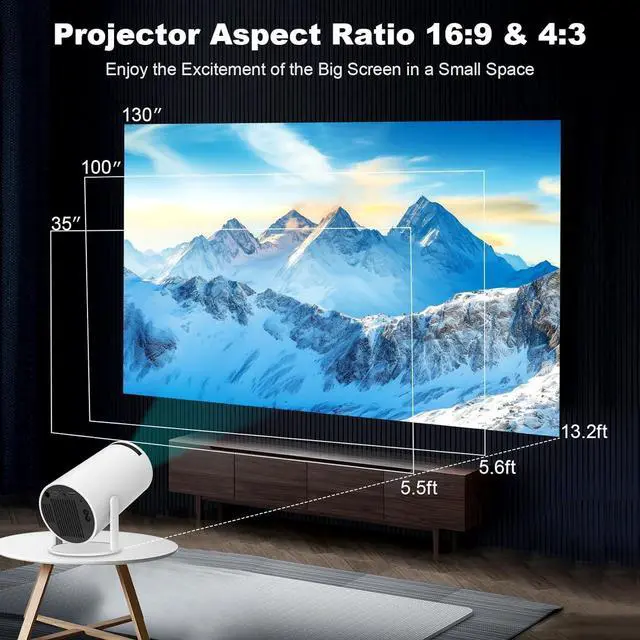
HD Projection DisplayFeaturing 1280*720 native resolution, 10, 000:1 High Dynamic Contrast Ratio, supports Full HD 4k, 1080P video, provides 25-110 inches projection screen with an optimal projection distance of 5.51 ft. 50% zoom function and low noise up to 25 dB ensures an impressive sound environment.
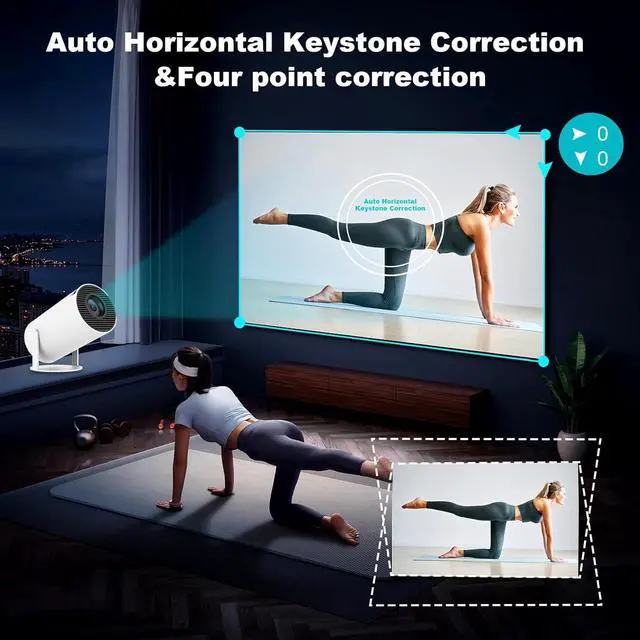
Automatic Keystone Correction & 360° SoundInstantly correct and focus with automatic keystone and manual focus adjustment for a perfect image in seconds. Enjoy room-filling 360-degree audio for an enhanced cinematic experience from this compact yet powerful smart projector.
How to Connect to an iOS/Android Device
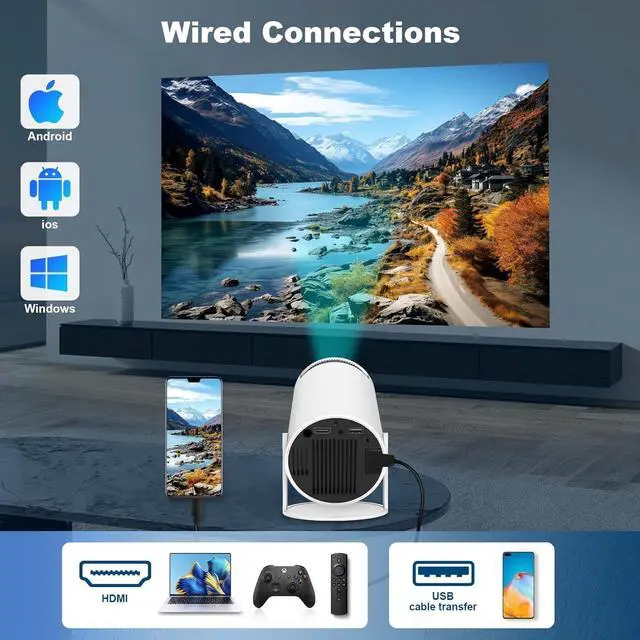
To connect an iOS or Android device, you can use the Screencast feature. Ensure both your mobile device and the projector are connected to the same Wi-Fi network during screen mirroring.
How to Watch Videos from Netflix, Amazon Prime, YouTube, etc?
1.
Update Your System: Ensure your device has the latest software update.
2.
Download Apps: Install the respective apps from the official App Store.
3. Use a TV stick for wireless streaming (note: TV sticks are not included).
The remote control becomes unresponsive when using certain applications.
1. Locate and press the mouse button on your remote control.
2. Switch to mouse mode to navigate these applications properly.
What should I do if I'm not satisfied with my DREAMFAIR projector?
DREAMFAIR is a professional projector manufacturer with a complete after-sales service system. Our dedicated team has successfully resolved issues for numerous customers. You can rest assured!
What should I do if I cannot use YouTube, Netflix and other apps normally?
Please uninstall the app first, and then download the latest version of the app from the app store.

HD Projection DisplayFeaturing 1280*720 native resolution, 10, 000:1 High Dynamic Contrast Ratio, supports Full HD 4k, 1080P video, provides 25-110 inches projection screen with an optimal projection distance of 5.51 ft. 50% zoom function and low noise up to 25 dB ensures an impressive sound environment.
Automatic Keystone Correction & 360° SoundInstantly correct and focus with automatic keystone and manual focus adjustment for a perfect image in seconds. Enjoy room-filling 360-degree audio for an enhanced cinematic experience from this compact yet powerful smart projector.
How to Connect to an iOS/Android Device
To connect an iOS or Android device, you can use the Screencast feature. Ensure both your mobile device and the projector are connected to the same Wi-Fi network during screen mirroring.
How to Watch Videos from Netflix, Amazon Prime, YouTube, etc?
1.
Update Your System: Ensure your device has the latest software update.
2.
Download Apps: Install the respective apps from the official App Store.
3. Use a TV stick for wireless streaming (note: TV sticks are not included).
The remote control becomes unresponsive when using certain applications.
1. Locate and press the mouse button on your remote control.
2. Switch to mouse mode to navigate these applications properly.
What should I do if I'm not satisfied with my DREAMFAIR projector?
DREAMFAIR is a professional projector manufacturer with a complete after-sales service system. Our dedicated team has successfully resolved issues for numerous customers. You can rest assured!
What should I do if I cannot use YouTube, Netflix and other apps normally?
Please uninstall the app first, and then download the latest version of the app from the app store.
Warranty & Returns
Warranty, Returns, And Additional Information
Warranty
- Please contact the Seller directly for warranty information. Warranty information may also be found on the Manufacturer's website.
- CONTACT
Return Policies
- Return for refund within: 30 days
- Return for replacement within: 30 days
- This item is covered by Group Can Trading Limited Return Policy
Manufacturer Contact Info
- For a directory of all our manufacturers, please click below.
- Manufacturers Directory
LOADING...