

Your Browsing History
- Free 30-day Returns
$124.99

Meet Your Seller

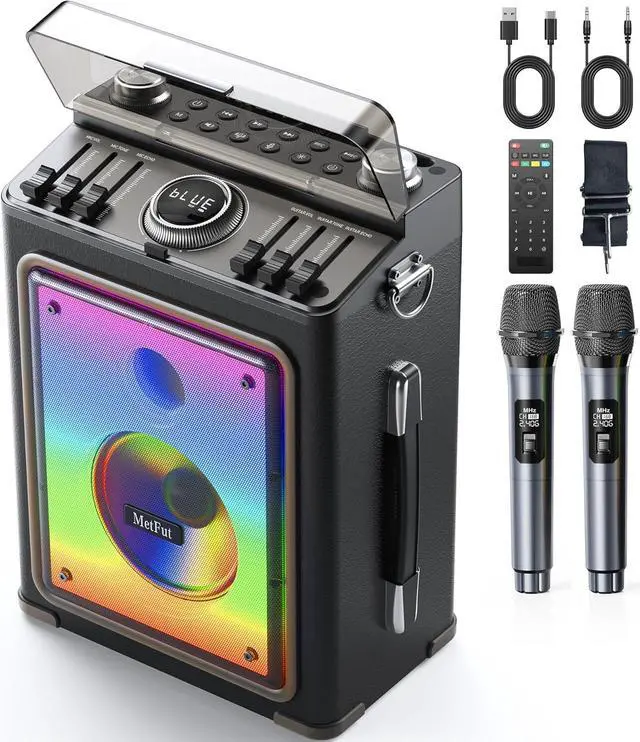


Karaoke Machine for Adults with 2 Wireless Microphones and Bluetooth 5.3, Premium Wooden Speaker with Bass and Treble Control, Stage-subwoofers
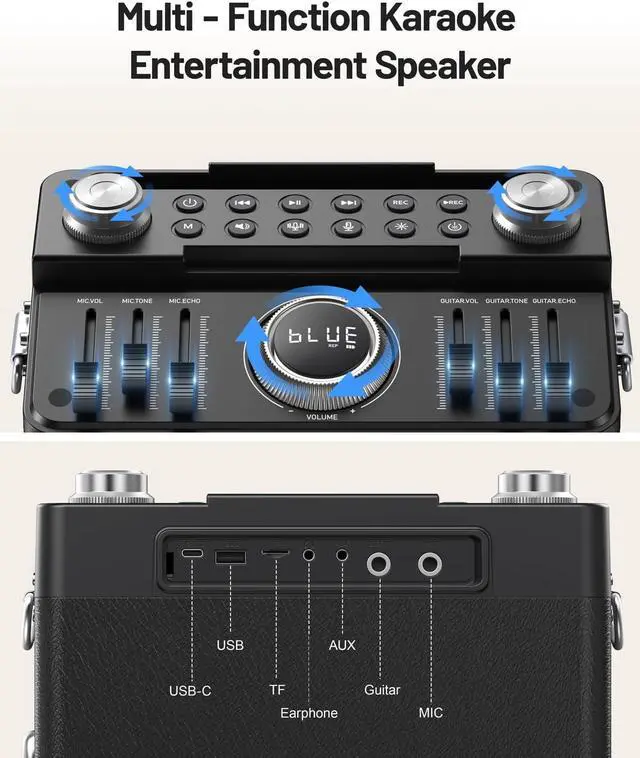
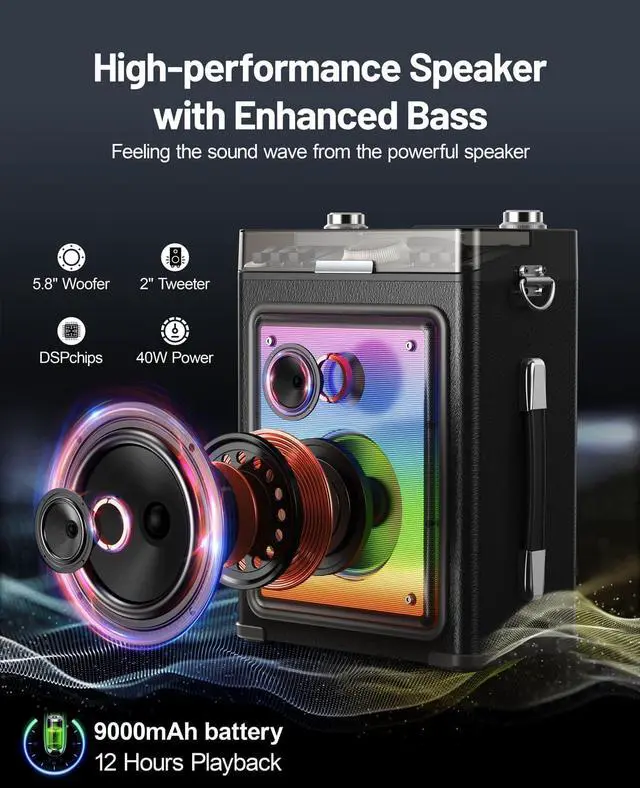
- Pro-Grade Audio with Adjustable EQ Featuring a 5.8" woofer and 2" tweeter, this professional karaoke system delivers balanced vocals and rich bass for studio-quality sound. Customize mic/guitar inputs via Bass/Treble/Tone/Echo controls to fine-tune audio for any performanceideal for clear vocals and immersive karaoke sessions.
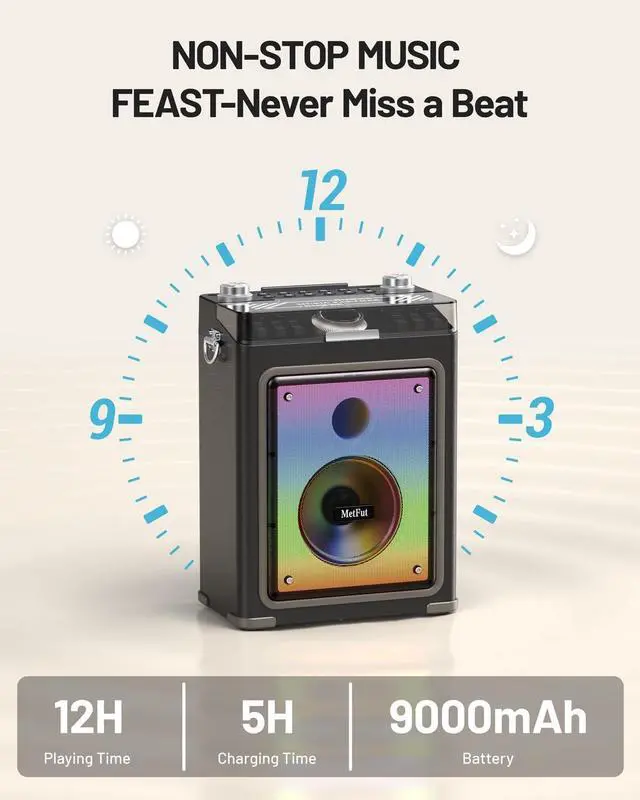
- 12-Hour Battery & Wooden Karaoke Design Crafted from premium wood for warmer, more resonant sound than plastic models. This portable Karaoke machine is equipped with dual 9,000mAh rechargeable batteries, offering 12 hours of continuous play and charge-while-using capability for non-stop parties.
- TWS Surround Sound & Party Karaoke MachinePair two MetFut Karaoke machines via TWS for 360° stereo in large spaces. Its Karaoke system features vocal removal, Magic Voice Effects, and mic/guitar adjustments for professional-grade performances. Dynamic LED lights sync with music, creating a lively atmosphere for backyard gatherings or campsite parties.
+
+
Overview
Specs
Reviews

Any questions? Our AI beta will help you find out quickly.
Try me now
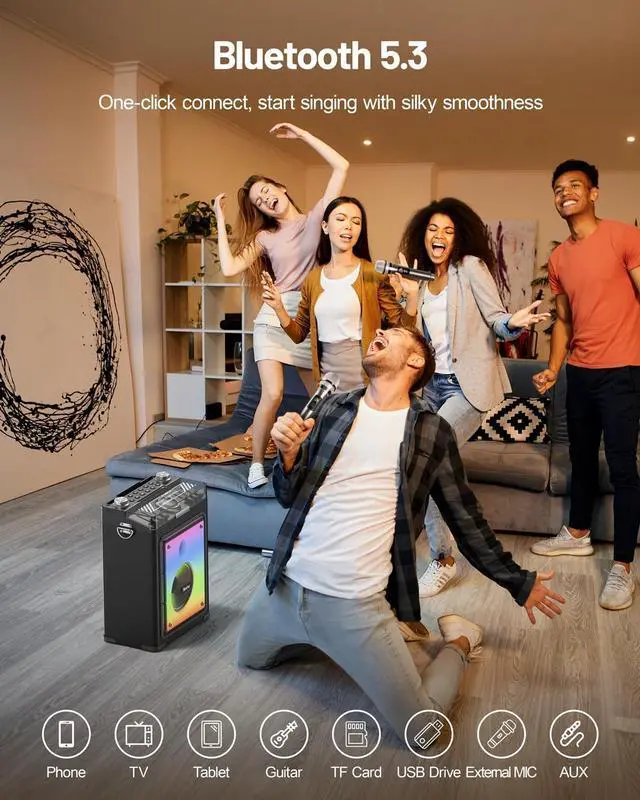
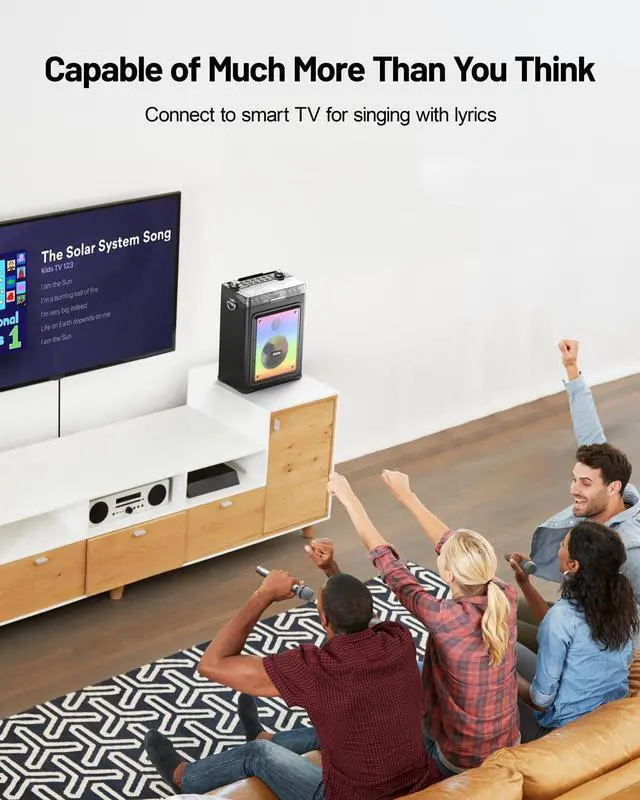
Multifunctional Party Karaoke MachineMultiple ports (Guitar/MIC/AUX/TF/USB) let you connect instruments, stream music from different devices, or play via USB/TF card (MAX 64GB, MP3/WAV). Link to smart TVs or projectors (via a 3.5 mm audio port or Bluetooth connection), transforming your space into a vibrant home karaoke setup.
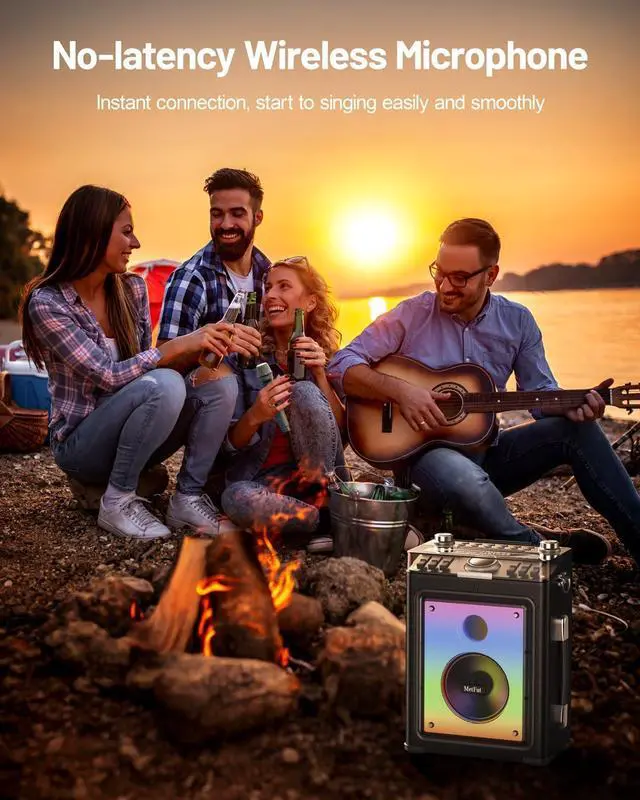
Ultra-Low Latency Wireless ConnectivityBluetooth 5.3 with DSP chip ensures that the professional karaoke speaker with the wireless microphone achieves stable, lag-free audio sync. Dual microphones (AA batteries not included) auto-pair on power-up for hassle-free setup. Enjoy interference-free transmission for seamless duets, home karaoke, or group karaoke without dropouts.
Elevate Your Karaoke Experience with the MetFut Karaoke Machine
The video showcases the product in use. The video guides you through product setup. The video compares multiple products. The video shows the product being unpacked.
MetFut wooden Karaoke machine for party
1 TWS Pairing
2 Multi-Connect
Repeated pairing attempts fail, What should I do?
Turn off the speaker and restart it. If prompted for a password during pairing, enter 0000.
How to use Magic Voice or Mic Reverb effects?
Magic Voice: Press the Magic Voice Button to toggle voice effects.
Mic Reverb: Adjust the Mic Reverb Slider or press the Mic Reverb Mode Button to enable/disable reverb.
TF card/USB drive not recognized?
Ensure the storage device is formatted to FAT32 with MP3/WAV files.
Max capacity: 64 GB.
Encrypted or partitioned drives are not supported.
Microphone has no sound or low volume?
Ensure wireless microphones are powered ON and paired. Adjust the Mic Volume Slider or replace microphone batteries.
How to Connect the Speaker to Your TV?
Wired Connect-Find your TVs headphone jack or audio output.
Use the included audio cable: plug one end into the TV, the other into the speakers AUX port.
Wireless Connect-Enable your TVs Bluetooth, search for devices, and select "PL-003K" to pair.
Ultra-Low Latency Wireless ConnectivityBluetooth 5.3 with DSP chip ensures that the professional karaoke speaker with the wireless microphone achieves stable, lag-free audio sync. Dual microphones (AA batteries not included) auto-pair on power-up for hassle-free setup. Enjoy interference-free transmission for seamless duets, home karaoke, or group karaoke without dropouts.
Elevate Your Karaoke Experience with the MetFut Karaoke Machine
The video showcases the product in use. The video guides you through product setup. The video compares multiple products. The video shows the product being unpacked.
MetFut wooden Karaoke machine for party
1 TWS Pairing
2 Multi-Connect
Repeated pairing attempts fail, What should I do?
Turn off the speaker and restart it. If prompted for a password during pairing, enter 0000.
How to use Magic Voice or Mic Reverb effects?
Magic Voice: Press the Magic Voice Button to toggle voice effects.
Mic Reverb: Adjust the Mic Reverb Slider or press the Mic Reverb Mode Button to enable/disable reverb.
TF card/USB drive not recognized?
Ensure the storage device is formatted to FAT32 with MP3/WAV files.
Max capacity: 64 GB.
Encrypted or partitioned drives are not supported.
Microphone has no sound or low volume?
Ensure wireless microphones are powered ON and paired. Adjust the Mic Volume Slider or replace microphone batteries.
How to Connect the Speaker to Your TV?
Wired Connect-Find your TVs headphone jack or audio output.
Use the included audio cable: plug one end into the TV, the other into the speakers AUX port.
Wireless Connect-Enable your TVs Bluetooth, search for devices, and select "PL-003K" to pair.
Warranty & Returns
Warranty, Returns, And Additional Information
Warranty
- Please contact the Seller directly for warranty information. Warranty information may also be found on the Manufacturer's website.
- CONTACT
Return Policies
- Return for refund within: 30 days
- Return for replacement within: 30 days
- This item is covered by Group Can Trading Limited Return Policy
Manufacturer Contact Info
- For a directory of all our manufacturers, please click below.
- Manufacturers Directory
LOADING...