

Your Browsing History
- Free 30-day Returns
$210.99

Meet Your Seller

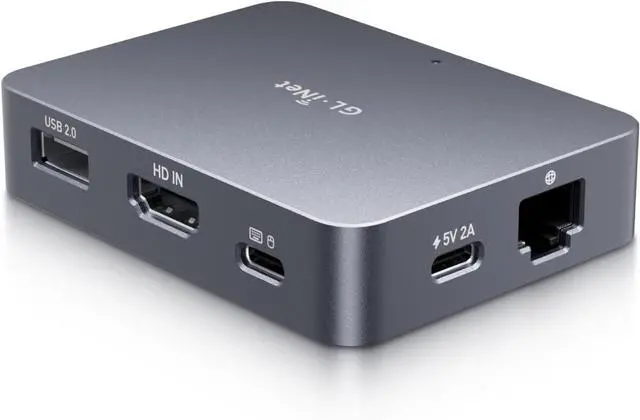
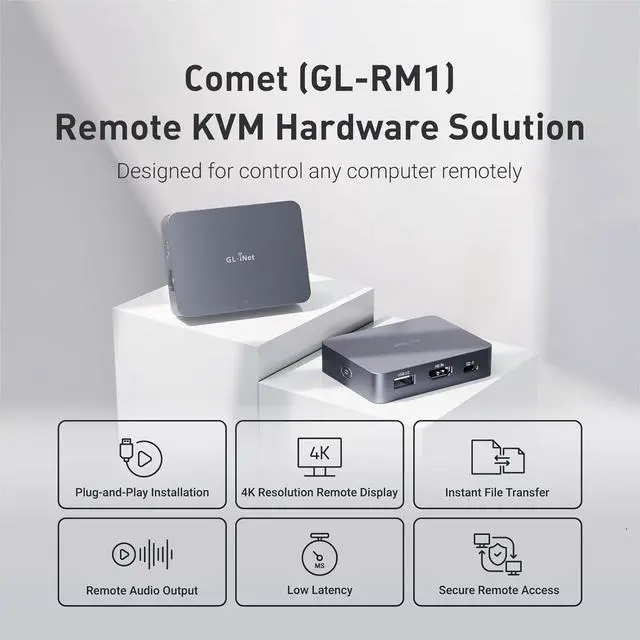
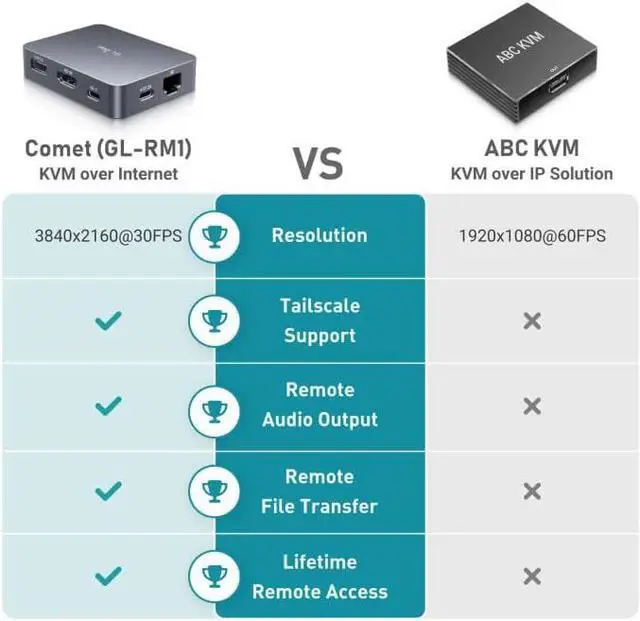


Comet (GL-RM1) Remote KVM Over Internet, 4K@30Hz Tailscale Support,Remote Keyboard, Video, Mouse, Install OS Via BIOS Control, Adapted KVM Switches for Home Offices,Data Center
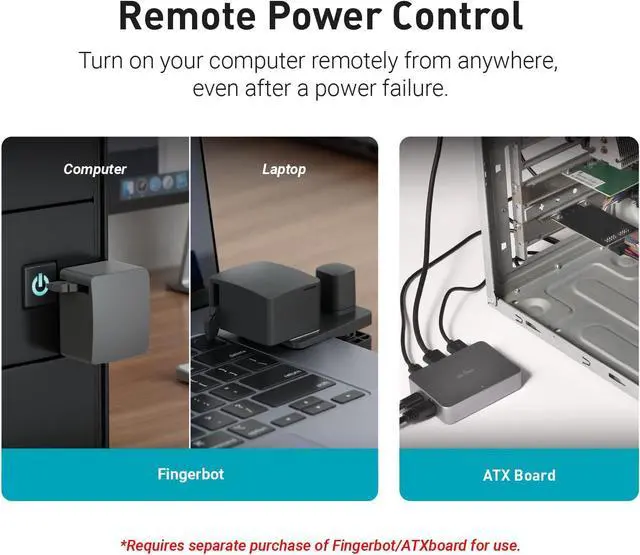
- Effortless Remote Device Control Remotely reboot, install operating systems via BIOS interface, and power on computers all without ever setting foot in the data center. Ideal for IT professionals and smart home users alike. (Note: PD adapters cannot be used.)
- Universal Compatibility & Easy Setup Seamlessly connect to laptops, desktops, servers, and more. Simple one-click connection via app the computer being controlled requires no additional software.
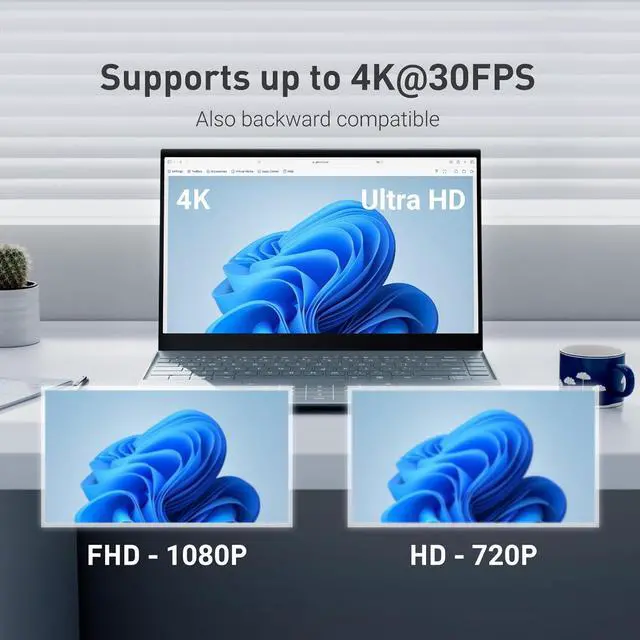
- Crystal-Clear Remote Experience Enjoy desktop-quality visuals (3840x2160@30Hz resolution, low latency) Remote audio output for immersive and complete remote control.
+
+
Overview
Specs
Reviews

Any questions? Our AI mode will help you find out quickly.
Try me now
Instant File Transfer Transfer files between computers effortlessly. No more tedious synchronization issues when working remotely.
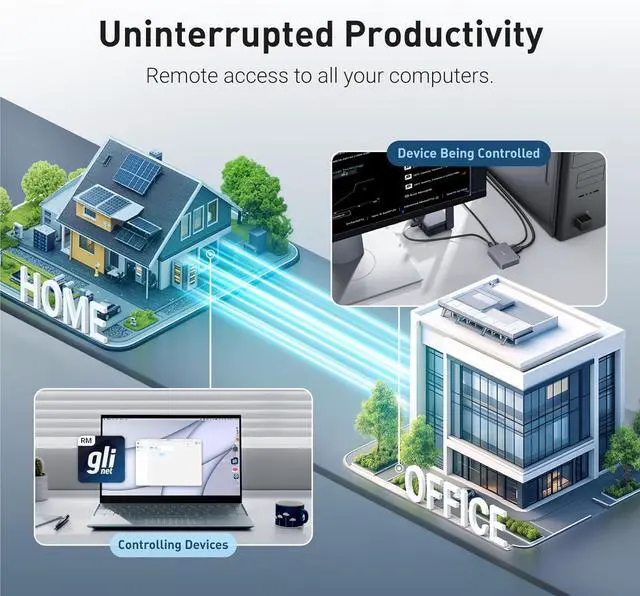
Access Anytime Anywhere Maintain constant remote access to your computers, boosting productivity whether you're at home or on the go. Perfect for remote work and managing multiple computers.
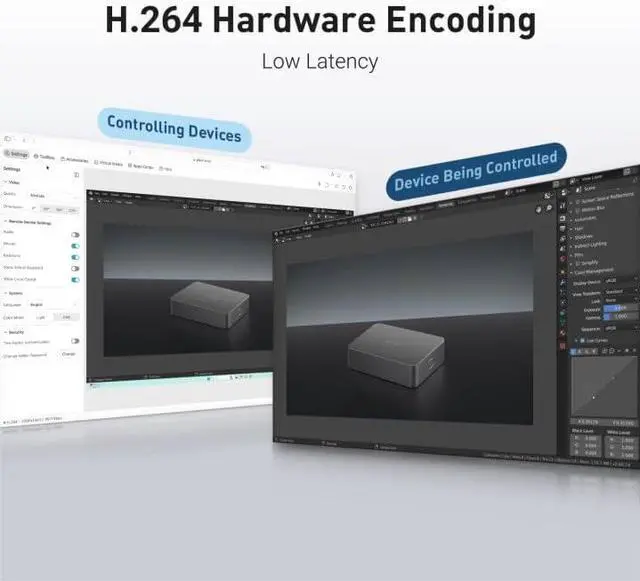
Versatile Hardware Solution With H. 264 Hardware Encoding, this hardware-based KVM solution is ideal for remote work, offline device management, technical support, and server maintenance.
What is KVM over Internet, and how does it differ from traditional KVM switch?
A traditional KVM switch allows local control of multiple computers via a single keyboard, video, and mouse.
KVM over Internet allows for actions like BIOS access and Operation System reinstallation, as if you were directly at the device.
How does Comet differ from remote desktop software?
Comet, a remote KVM offers hardware-level control, functioning even if the computer crashes or lacks an operating system. While remote desktop software unusable during system failures or a power-off device.
Do I need to know how to code to use it?
No. Set up is quick and easy-all you need to do is connect the cables and bind Comet to the APP.
That's it! You're ready to control your devices.
Is Comet suitable for personal use at home?
Yes, especially forRemote officeRemote WorkersCasual Users
Access Anytime Anywhere Maintain constant remote access to your computers, boosting productivity whether you're at home or on the go. Perfect for remote work and managing multiple computers.
Versatile Hardware Solution With H. 264 Hardware Encoding, this hardware-based KVM solution is ideal for remote work, offline device management, technical support, and server maintenance.
What is KVM over Internet, and how does it differ from traditional KVM switch?
A traditional KVM switch allows local control of multiple computers via a single keyboard, video, and mouse.
KVM over Internet allows for actions like BIOS access and Operation System reinstallation, as if you were directly at the device.
How does Comet differ from remote desktop software?
Comet, a remote KVM offers hardware-level control, functioning even if the computer crashes or lacks an operating system. While remote desktop software unusable during system failures or a power-off device.
Do I need to know how to code to use it?
No. Set up is quick and easy-all you need to do is connect the cables and bind Comet to the APP.
That's it! You're ready to control your devices.
Is Comet suitable for personal use at home?
Yes, especially forRemote officeRemote WorkersCasual Users
Warranty & Returns
Warranty, Returns, And Additional Information
Warranty
- Please contact the Seller directly for warranty information. Warranty information may also be found on the Manufacturer's website.
- CONTACT
Return Policies
- Return for refund within: 30 days
- Return for replacement within: 30 days
- This item is covered by Group Can Trading Limited Return Policy
Manufacturer Contact Info
- For a directory of all our manufacturers, please click below.
- Manufacturers Directory
LOADING...