

Your Browsing History
- Free 30-day Returns
$98.99

Meet Your Seller



Nano Coffee Scale with Timer Espresso Scale with Auto Tare, Touch Sensor & Silicone Cover
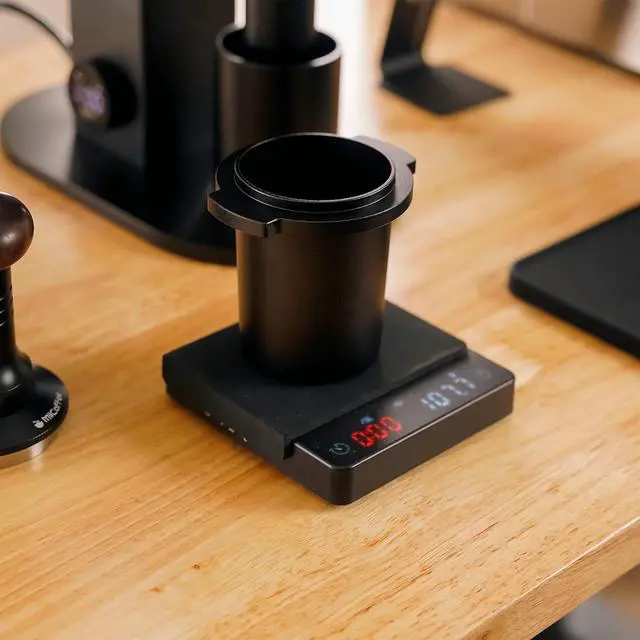
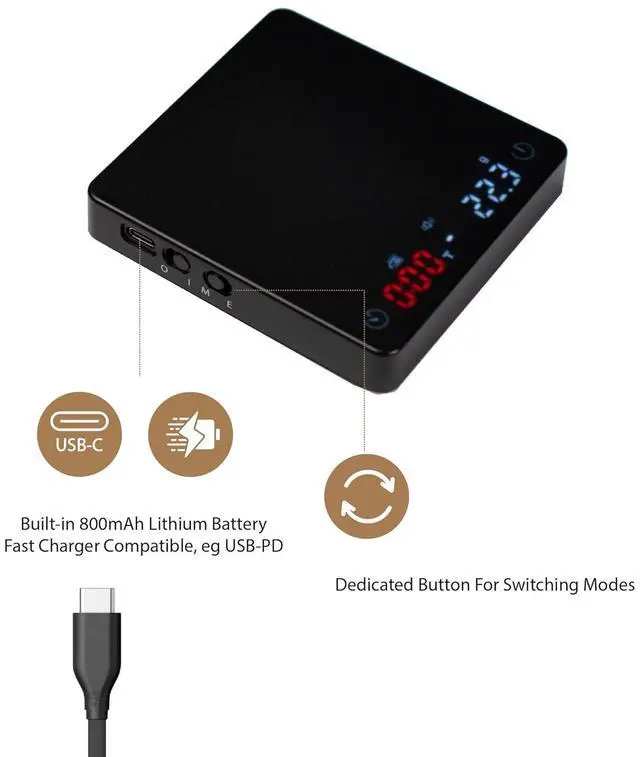
- New version V2The v2 has the charging port and switches on the left side of the scale to avoid steams coming from espresso machine. It has a dedicated button for changing modes. The base of scale is wider than the old version to provide more stable measurement.
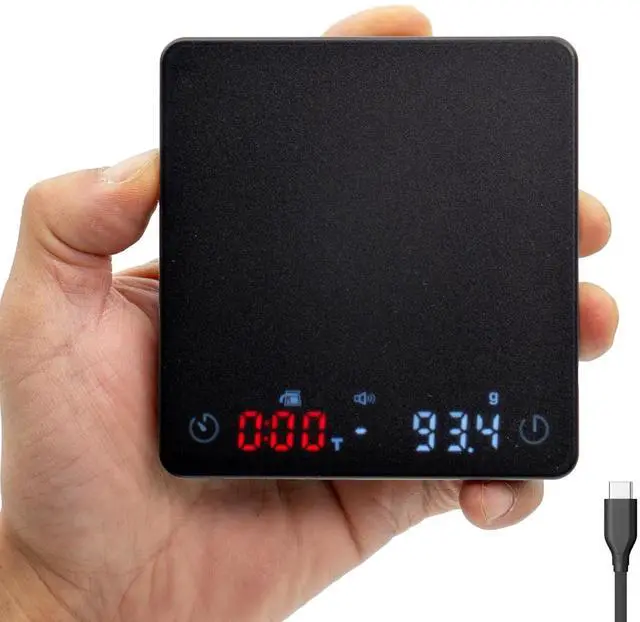
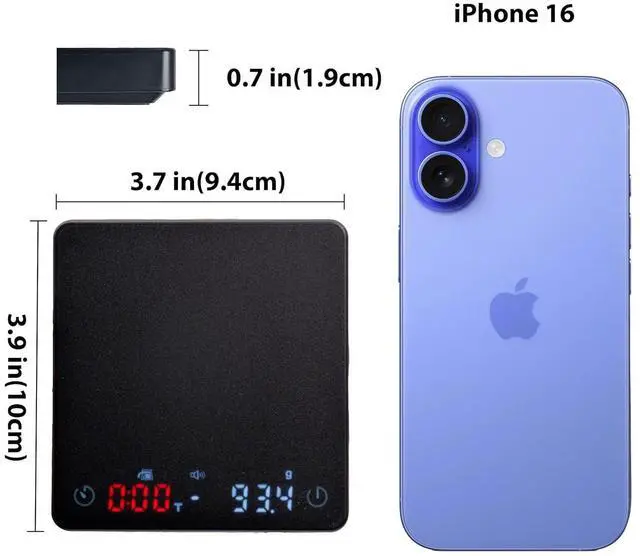
- Tiny Coffee Scale Fit Most Espresso Machines Nano Coffee Scale fits in your palm. Size is 3.9 x 3.7 x 0.7 inches.
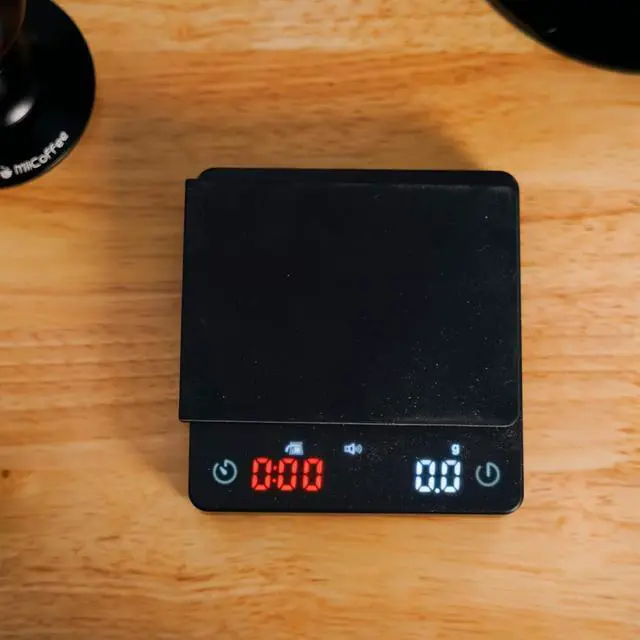
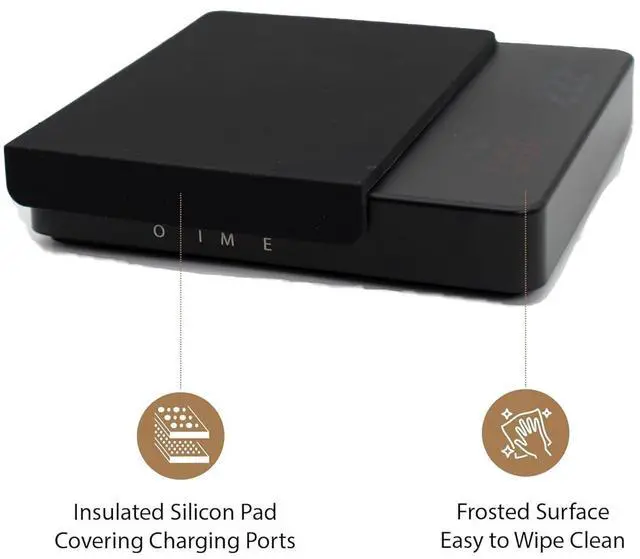
- Clean Minimalist DesginThe tiny scale is equipped with invisible LED screen and hidden touch control. It also includes heat insulation silicone pad. The smooth, flat surface can simply wipes clean.
+
+
Overview
Specs
Reviews

Any questions? Our AI mode will help you find out quickly.
Try me now
Fast & Precision for Espresso Coffee GroundsProvides split-second precision with measurements up to 3 lbs and measures in 0.1 -gram intervals; also works in ounces and mls.
Built-in Timer For Both Espresso & Pour-OverIncludes a built-in timer thats been optimized for espresso (E mode) and pour-over coffee (M mode).
Fast Type-C ChargingFast charge 800mAh lithium battery using included Type-C USB cable and it will last for 15 hours.
Nano Coffee Scale
aplus content video
Designed for Making Espresso
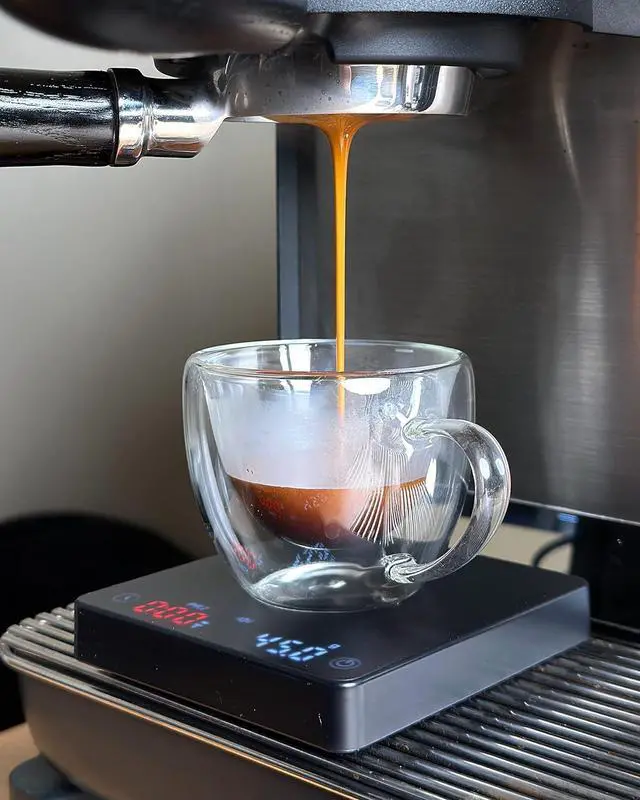
Nano Coffee Scale fits in your palm and most espresso machines. It gives split second readings with measurements up to 3 pounds, in 0.1 -gram intervals. The tiny Scale is equipped with invisible LED screen and hidden touch control. Espresso mode is designed for making espressos. The scale starts weighting and timer automatically once it senses the first drip of coffee. It stops the timer when the weight stop changing. Compatible with USB-C fast charging (USB PD), 800mAh lithium battery.
How do I switch from Manual to Espresso mode?
On the left side switch the mode button from M to E. Another way is to touch button. Double press timer button once to enable mode change and you will see mode light flashing. Then double press timer button for the second time.
How do I disable the beep sound?
Press and hold the timer button and the tare button to turn on/off the beep sound.
How do I charge the scale?
First make sure the scale is switched to the "ON" position. And then use a USB charger block that outputs 5V/1A. When it's charging you will see the battery icon flashing on the panel.
Built-in Timer For Both Espresso & Pour-OverIncludes a built-in timer thats been optimized for espresso (E mode) and pour-over coffee (M mode).
Fast Type-C ChargingFast charge 800mAh lithium battery using included Type-C USB cable and it will last for 15 hours.
Nano Coffee Scale
aplus content video
Designed for Making Espresso
Nano Coffee Scale fits in your palm and most espresso machines. It gives split second readings with measurements up to 3 pounds, in 0.1 -gram intervals. The tiny Scale is equipped with invisible LED screen and hidden touch control. Espresso mode is designed for making espressos. The scale starts weighting and timer automatically once it senses the first drip of coffee. It stops the timer when the weight stop changing. Compatible with USB-C fast charging (USB PD), 800mAh lithium battery.
How do I switch from Manual to Espresso mode?
On the left side switch the mode button from M to E. Another way is to touch button. Double press timer button once to enable mode change and you will see mode light flashing. Then double press timer button for the second time.
How do I disable the beep sound?
Press and hold the timer button and the tare button to turn on/off the beep sound.
How do I charge the scale?
First make sure the scale is switched to the "ON" position. And then use a USB charger block that outputs 5V/1A. When it's charging you will see the battery icon flashing on the panel.
Warranty & Returns
Warranty, Returns, And Additional Information
Warranty
- Please contact the Seller directly for warranty information. Warranty information may also be found on the Manufacturer's website.
- CONTACT
Return Policies
- Return for refund within: 30 days
- Return for replacement within: 30 days
- This item is covered by Grandwood Tech Limited Return Policy
Manufacturer Contact Info
- For a directory of all our manufacturers, please click below.
- Manufacturers Directory
LOADING...