

Your Browsing History
- Free 30-day Returns
$170.99

Meet Your Seller


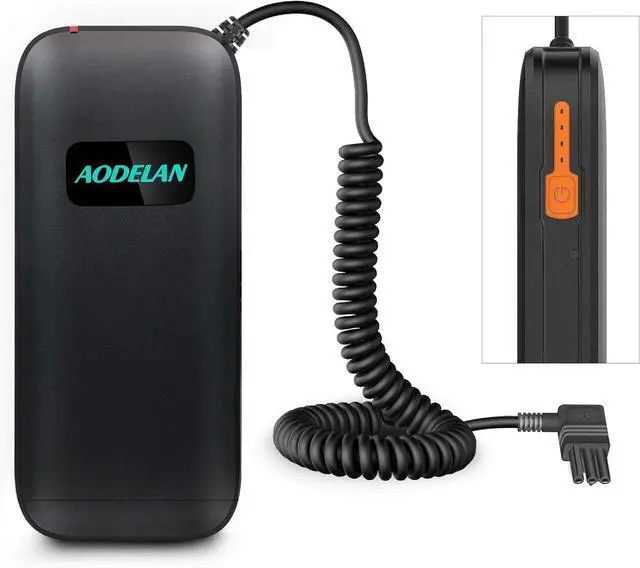
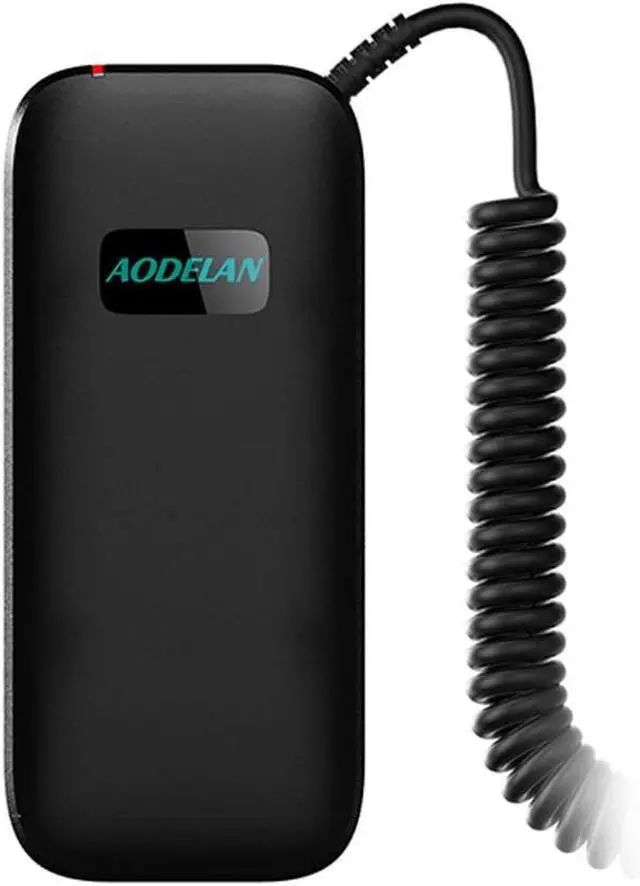
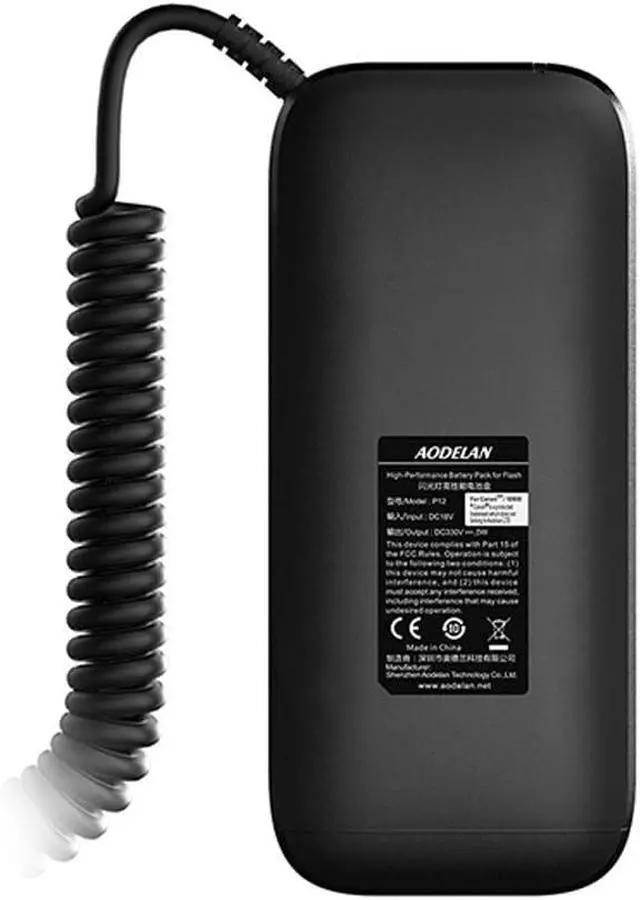
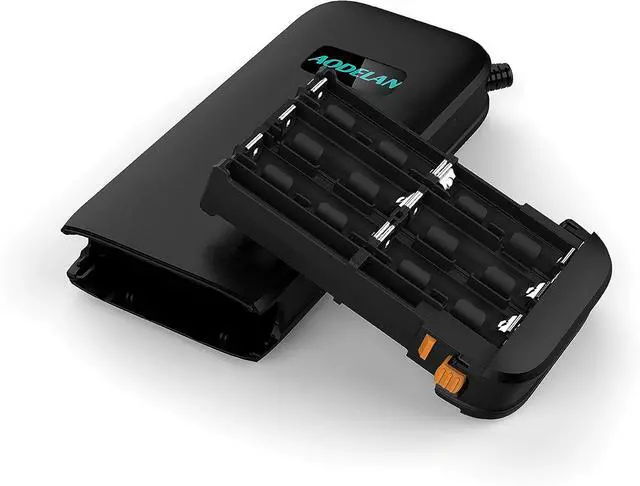
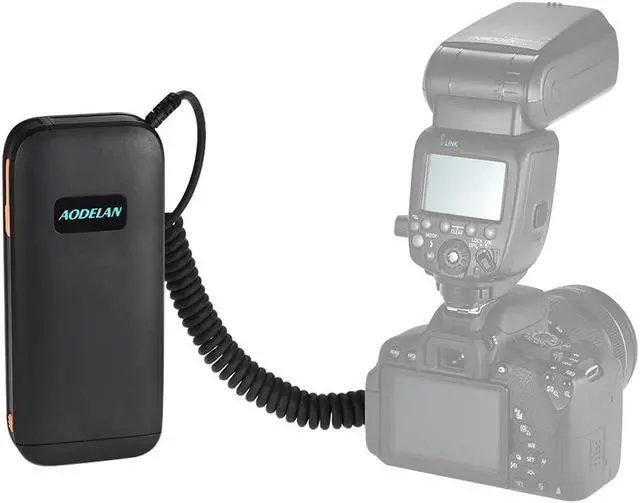


External Flash Battery Power Bank for SB-5000, SB-900, SB-910 Replaces SD-9 (12 AA Batteries)
- Extends Portable Flash replacement for you to flash in a much more effective and economic way.And provide approximately 1 second full power recycle times, and around 680 1/1 power shots with full sized speedlights
- 12 AA batteries ensure a more stable power supply for the flash, comparing with traditional battery pack
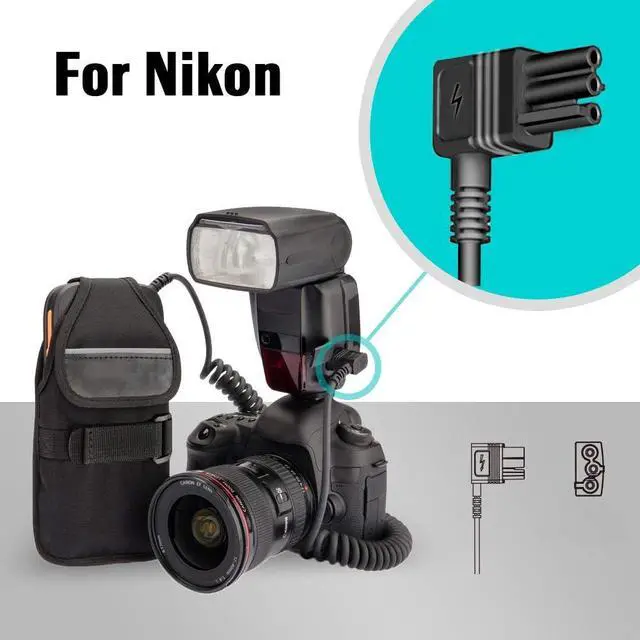
- Compatible with: SB5000, SB900, SB910
+
+
Overview
Specs
Reviews

Any questions? Our AI mode will help you find out quickly.
Try me now
Compact, portable, and easy to connect with speedlite, shoot faster, miss fewer shots and catch every wonderful moment
Package content: 1 X Flash Battery Pack, 1X Carrying Case (12 AA batteries not included)
P12 is a professional power supply for flashes with an external power port. It operates with 12 AA-type batteries, which ensures a more stable power supply for the flash, and to get a greatly increase number of flashes and a shortened recycling time. With P12, you can shoot faster, miss fewer shots and catch every wonderful moment.
Installing the batteries
1. Install batteries in accordance with the illustrated direction inside the battery lot
2. Install 12 batteries.
3. Push the battery holder into the unit until it stops with a click.
Connecting the P12 battery pack to the corresponding flash
1, Install batteries for the flash
( The battery pack only provides high voltage output when the flash is firing and doesn't power the flash's operation and display. So batteries are required in the flash itself, otherwise the falsh will not work when connecting to battery pack)
2, Plug the output plug of battery pack into the corresponding flash's external power port
3, Press and hold the power button for 2 seconds, the power level indicators will light red, the battery pack is turned on
4, Turn on the power of the flash
5, Set the flash custom function to choose external power as the power source
(Some flash models come without the setting, but with auto recognition function)
6, The high voltage output indicator on the battery pack lights up; the battery pack is now ready to power the flash
Package content: 1 X Flash Battery Pack, 1X Carrying Case (12 AA batteries not included)
P12 is a professional power supply for flashes with an external power port. It operates with 12 AA-type batteries, which ensures a more stable power supply for the flash, and to get a greatly increase number of flashes and a shortened recycling time. With P12, you can shoot faster, miss fewer shots and catch every wonderful moment.
Installing the batteries
1. Install batteries in accordance with the illustrated direction inside the battery lot
2. Install 12 batteries.
3. Push the battery holder into the unit until it stops with a click.
Connecting the P12 battery pack to the corresponding flash
1, Install batteries for the flash
( The battery pack only provides high voltage output when the flash is firing and doesn't power the flash's operation and display. So batteries are required in the flash itself, otherwise the falsh will not work when connecting to battery pack)
2, Plug the output plug of battery pack into the corresponding flash's external power port
3, Press and hold the power button for 2 seconds, the power level indicators will light red, the battery pack is turned on
4, Turn on the power of the flash
5, Set the flash custom function to choose external power as the power source
(Some flash models come without the setting, but with auto recognition function)
6, The high voltage output indicator on the battery pack lights up; the battery pack is now ready to power the flash
Warranty & Returns
Warranty, Returns, And Additional Information
Warranty
- Please contact the Seller directly for warranty information. Warranty information may also be found on the Manufacturer's website.
- CONTACT
Return Policies
- Return for refund within: 30 days
- Return for replacement within: 30 days
- This item is covered by Grandwood Tech Limited Return Policy
Manufacturer Contact Info
- For a directory of all our manufacturers, please click below.
- Manufacturers Directory
LOADING...