

Your Browsing History

Meet Your Seller

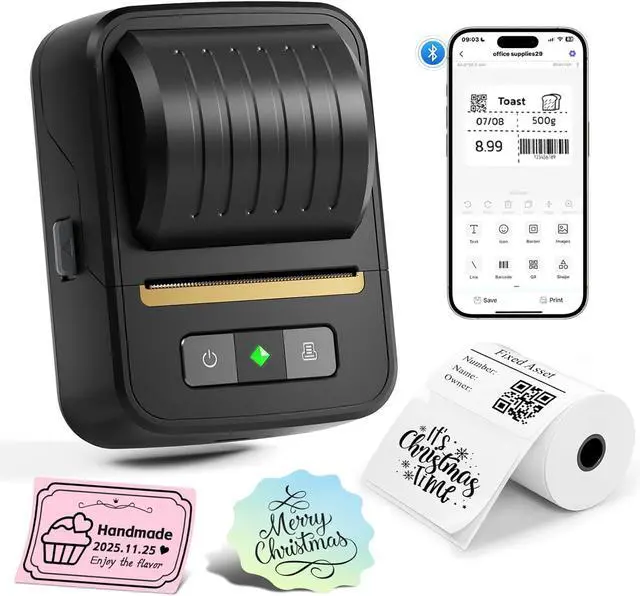


Label Maker Machine with Tape, Bluetooth Thermal Label Printer for Small Business, Address, Barcode, Logo, Clothing Label Makers for Office Home School Organization
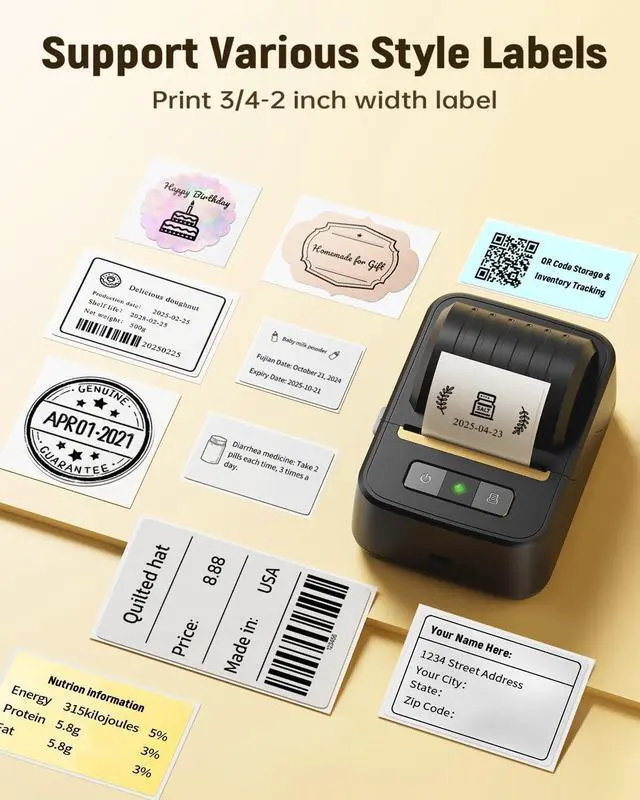
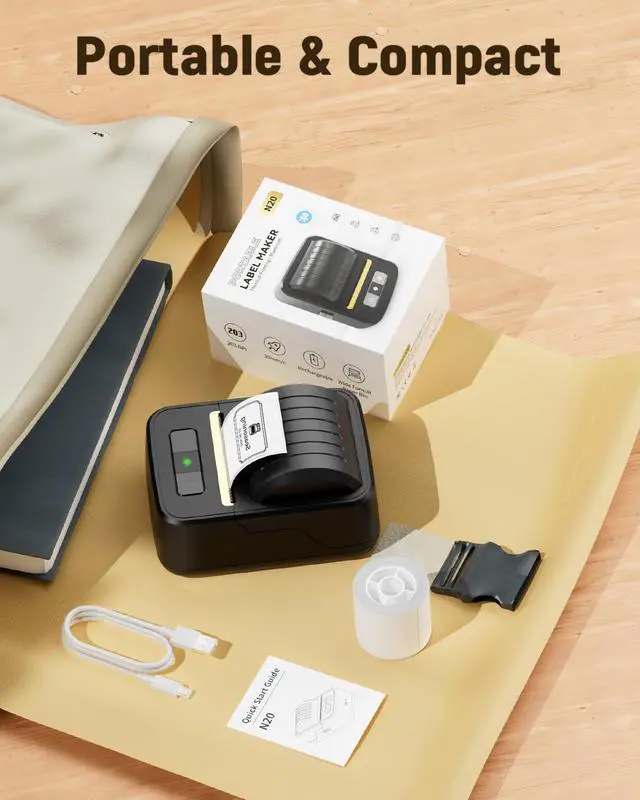
- Smart and Portable : N20 portable label maker weighs just 296g, making it compact enough to fit in your pocket and easy to carry anywhere. It features a built-in 2000mAh rechargeable battery, you can enjoy extended cordless printing sessions and support 8-hour-labeling tasks without constant recharging. This label printer supports label widths from 3/4"-2" (20mm-50mm) . Not for shipping labels and only prints black & white (NOT SUPPORT COLOR PRINTING).
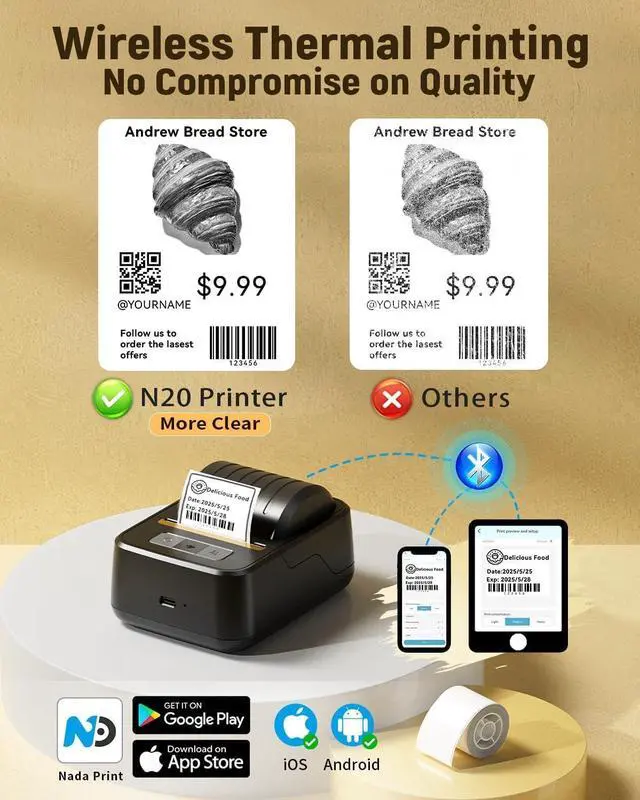
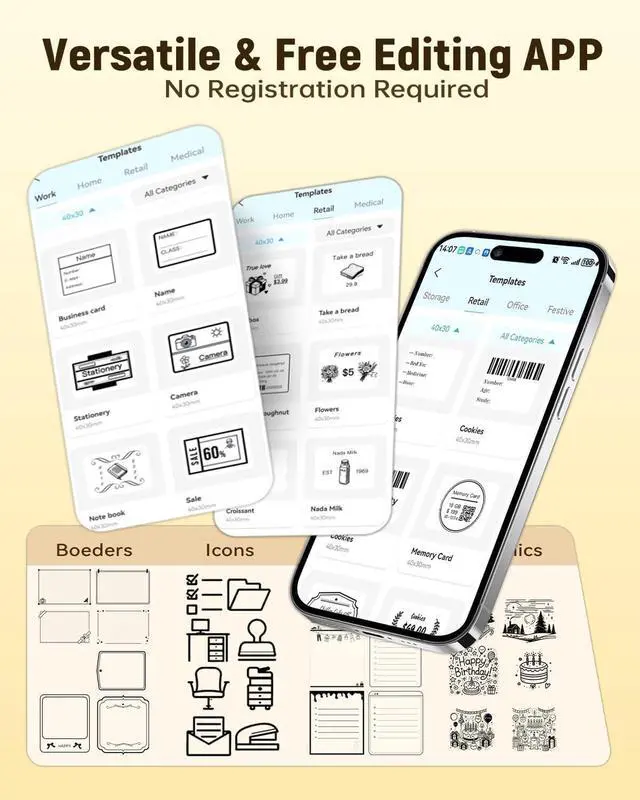
- Effortless Connectivity : N20 printer connects seamlessly with iOS, Android. Simply download the "NADA Print" app and choose from templates or create your own designs to print labels instantly. Note: Please use the app/driver for setupThis bluetooth label maker Does Not connect via Bluetooth directly
+
+
Overview
Reviews

Any questions? Our AI mode will help you find out quickly.
Try me now
Inkless & Sharp Printouts: Utilizing direct thermal technology, N20 thermal label printer delivers crisp prints without ink or toner. This address label maker works seamlessly with square, round, cable and file labels to meet all your needs
Powerful APP: The free "Nada Print" app offers 60+ fonts, 50+ borders and 1000+ symbols/iconsall accessible without registration. Our label maker machine with save templates and use batch printing for quick, allowing you to create a variety of labels with ease
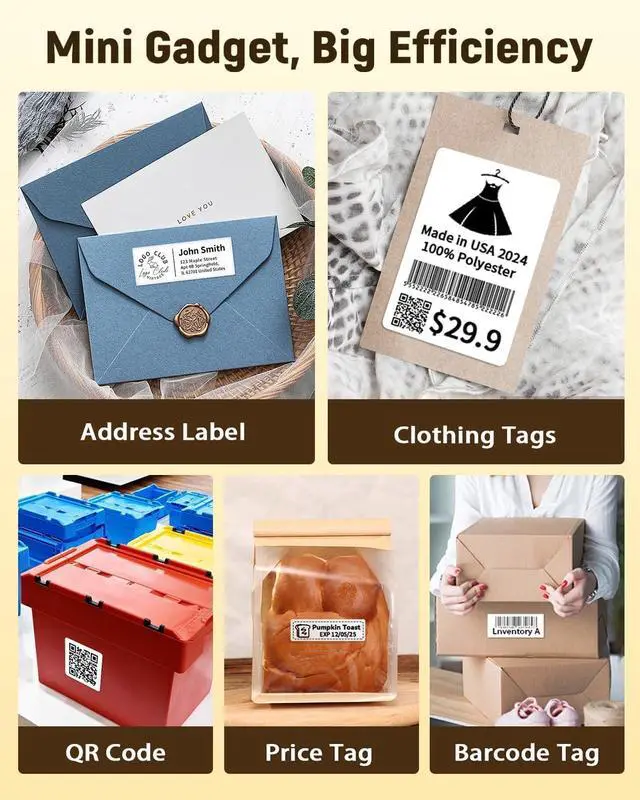
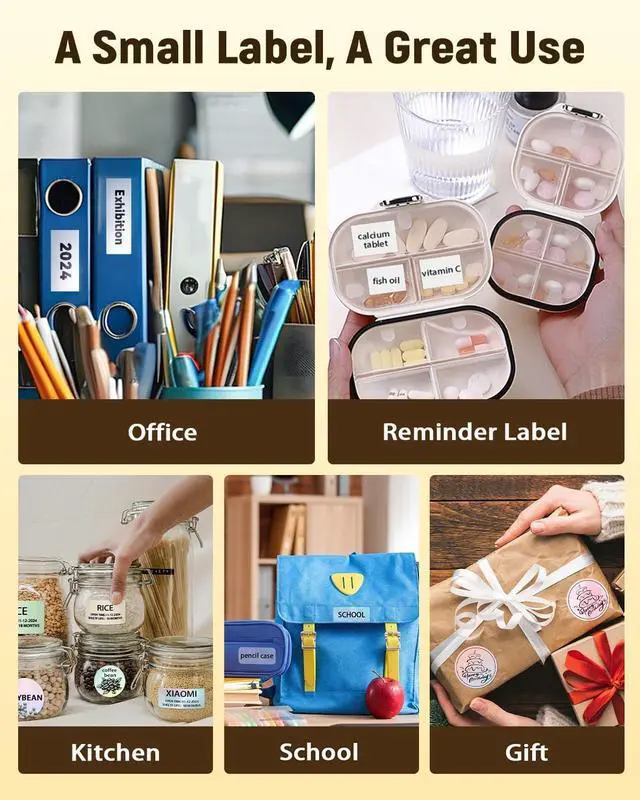
Widely Use: This 2 inch label printer is ideal for small business, office, school, retail store and home organization like storage box, bottle, jar, food container, homemade food, bakery, jewelry, price tags, QR code, address, and logo, name tag, folder, documentation. Whether for Halloween, Thanksgiving and Christmas, this Sticker Printer serves as an excellent gift choice
How to Connect Phone to Print1) Download the Nada Print APP. 2) Turn on the printer and enable Bluetooth on your phone. 3) Select "N20" as your printer model, connect printer via Bluetooth in the App, and select the thermal paper size type to start printing
Powerful APP: The free "Nada Print" app offers 60+ fonts, 50+ borders and 1000+ symbols/iconsall accessible without registration. Our label maker machine with save templates and use batch printing for quick, allowing you to create a variety of labels with ease
Widely Use: This 2 inch label printer is ideal for small business, office, school, retail store and home organization like storage box, bottle, jar, food container, homemade food, bakery, jewelry, price tags, QR code, address, and logo, name tag, folder, documentation. Whether for Halloween, Thanksgiving and Christmas, this Sticker Printer serves as an excellent gift choice
How to Connect Phone to Print1) Download the Nada Print APP. 2) Turn on the printer and enable Bluetooth on your phone. 3) Select "N20" as your printer model, connect printer via Bluetooth in the App, and select the thermal paper size type to start printing
Warranty & Returns
Warranty, Returns, And Additional Information
Warranty
- Please contact the Seller directly for warranty information. Warranty information may also be found on the Manufacturer's website.
- CONTACT
Return Policies
- Return for refund within: 30 days
- Return for replacement within: 30 days
- This item is covered by Grandwood Tech Limited Return Policy
Manufacturer Contact Info
- For a directory of all our manufacturers, please click below.
- Manufacturers Directory
LOADING...