

Your Browsing History

Meet Your Seller


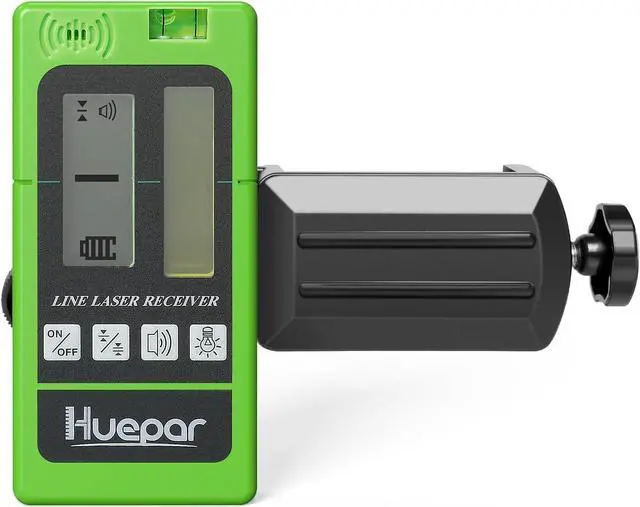
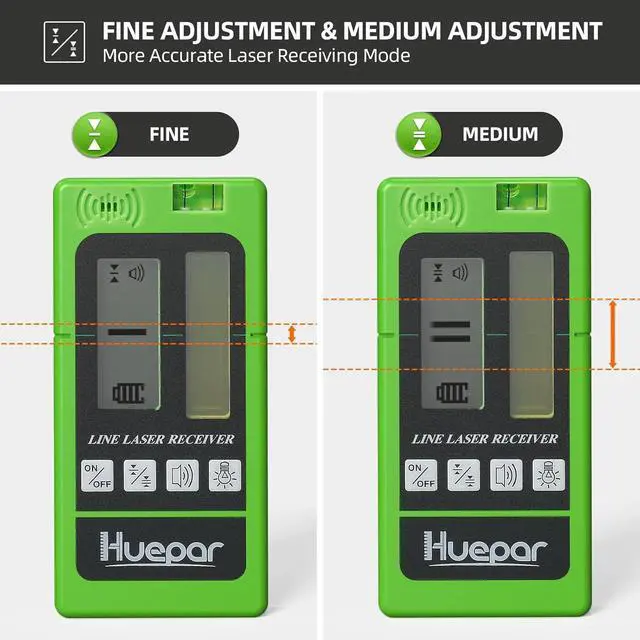
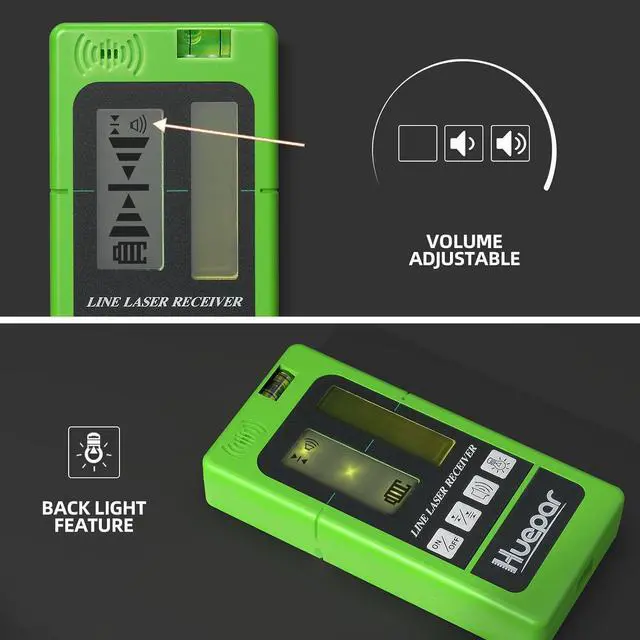


Laser Receiver LR-5RG for Laser Level - Green and Red Beam Detector for Pulsing Line Lasers, Two-Sided Back-lit LCD Displays, Automatic Shut-Off Timer, Use for 901CG/902CG, BOX-1G/R
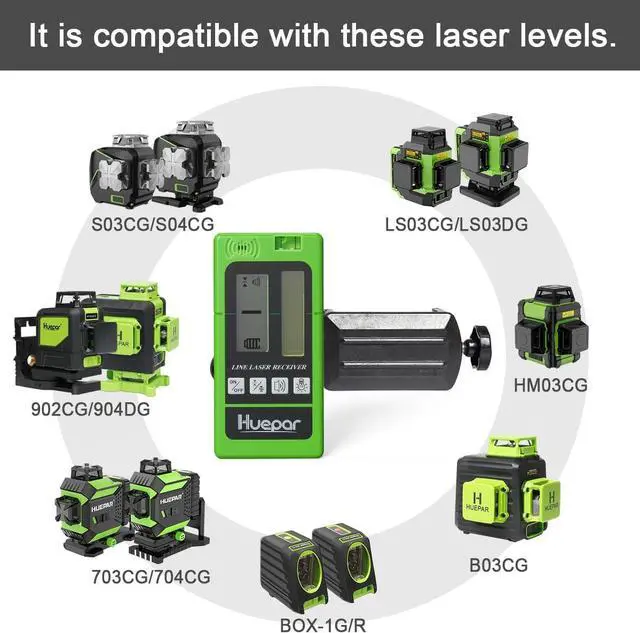
- Compatible Items: LR-5RG receiver can only be used with line laser levels that have pulse mode function!!! Compatible with BOX-1G, BOX-1R, Y03CG, Y04CG, B03CG, B02CG, B21CG, 5011G, 602CG, 602CR, 603CG, 603CG-BT, 603CR, 703CG, 704CG, 901CG, 902CG, 903CG, 904DG, 8211G, S02CG, S03CG, S03CG-L, S03DG, S03DG-L, S04CG, S04CG-L, LS03CG, LS03DG, LS04CG, NT411G, L141G, LS41G, E011G, P02CG, P03CG, P04CG, R03CG, 621CG, 621CR, 622CG, 622CR, GF360G,GF360R, 7211CG, HM03CG, W03CG, W04CG etc.
- Not Compatible Items: Please NOTE this laser receiver LR-5RG is NOT Compatible with Rotary Laser Level !!! And can NOT be used with 9011G, 9211G, FL360R, FL360G, 8300G, B011G, B011R, FC011G, FC011R, 9300G, GK011DG Laser Level and RL200HR, RL200HVG, RL300HR, RL300HVG Rotary Laser Level !!!
+
+
Overview
Reviews

Any questions? Our AI mode will help you find out quickly.
Try me now
Instruction for
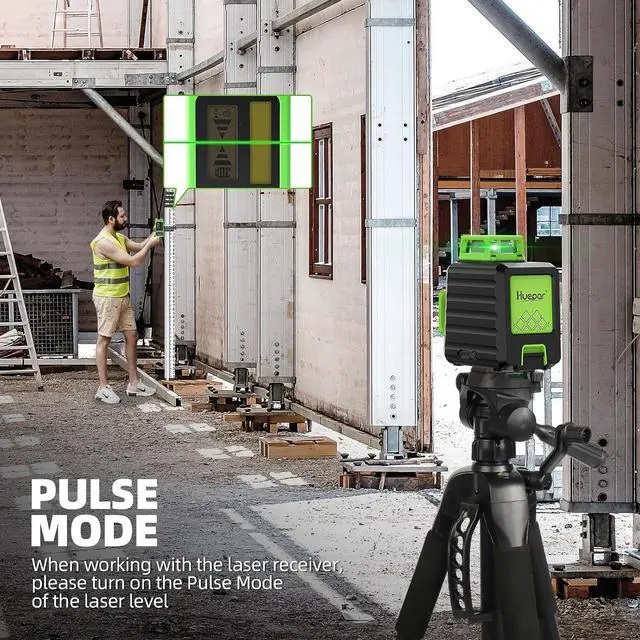
Use This Laser Receiver LR-5RG: When use with this laser receiver LR-5RG, make sure the laser level is in pulse mode function. It is Necessary to Turn ON the Pulse Mode of the Laser Level when Using With this LR-5RG Laser Receiver!!! Please Keep the Pulse Mode ON All The Time When Working
Available for Red and Green Pulse Laser: It is necessary to turn on the pulse mode of the laser level when using with LR-5RG laser receiver. The receiver allows detection of red and green pulse laser beams in difficult light conditions, distances up to 197 feet
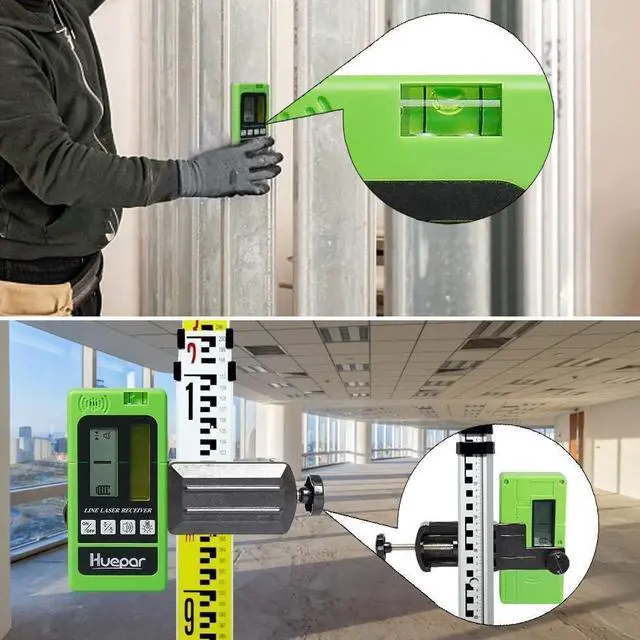
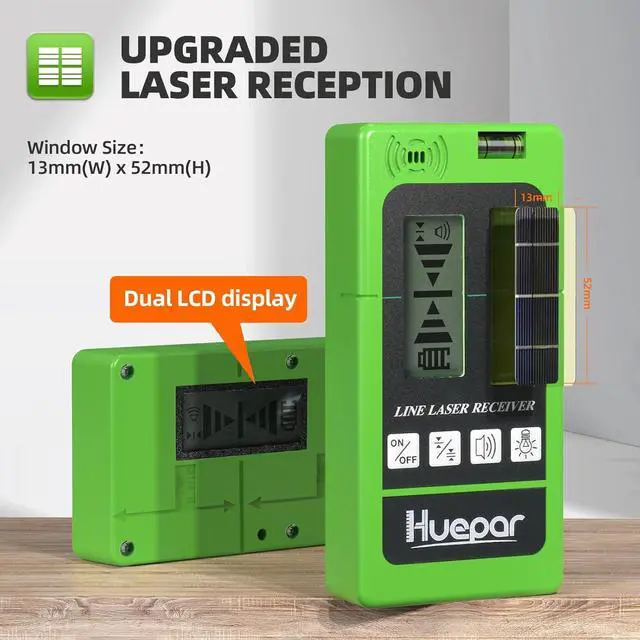
Large Reception Window & Dual LCD Display: Large reception window of 2 inches helps to locate the laser plane quickly and accurately. Dual LCD displays for easy visual readout on both sides of the receiver. LCD backlight provides a clear look even in low light conditions. Adjust the height until the horizontal datum line and the arrow disappear on the LCD display
Use This Laser Receiver LR-5RG: When use with this laser receiver LR-5RG, make sure the laser level is in pulse mode function. It is Necessary to Turn ON the Pulse Mode of the Laser Level when Using With this LR-5RG Laser Receiver!!! Please Keep the Pulse Mode ON All The Time When Working
Available for Red and Green Pulse Laser: It is necessary to turn on the pulse mode of the laser level when using with LR-5RG laser receiver. The receiver allows detection of red and green pulse laser beams in difficult light conditions, distances up to 197 feet
Large Reception Window & Dual LCD Display: Large reception window of 2 inches helps to locate the laser plane quickly and accurately. Dual LCD displays for easy visual readout on both sides of the receiver. LCD backlight provides a clear look even in low light conditions. Adjust the height until the horizontal datum line and the arrow disappear on the LCD display
Warranty & Returns
Warranty, Returns, And Additional Information
Warranty
- Please contact the Seller directly for warranty information. Warranty information may also be found on the Manufacturer's website.
- CONTACT
Return Policies
- Return for refund within: 30 days
- Return for replacement within: 30 days
- This item is covered by Grandwood Tech Limited Return Policy
Manufacturer Contact Info
- For a directory of all our manufacturers, please click below.
- Manufacturers Directory
LOADING...