

Your Browsing History
- Free 30-day Returns
$137.99

Meet Your Seller

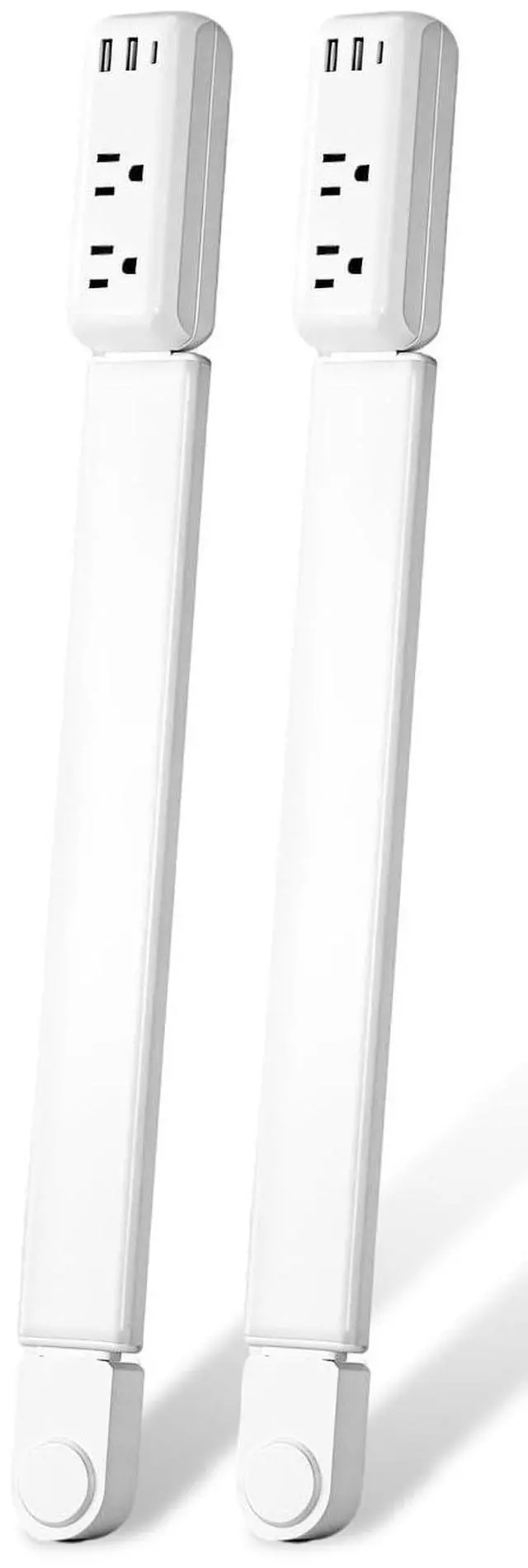


2-Pack Electrical Outlet Extender Stick with USB-A & USB-C, 2 AC Outlets Adjustable 22"-34", 180° Rotating for Hard-to-Reach Outlets Behind Sofa, Bed & Desk
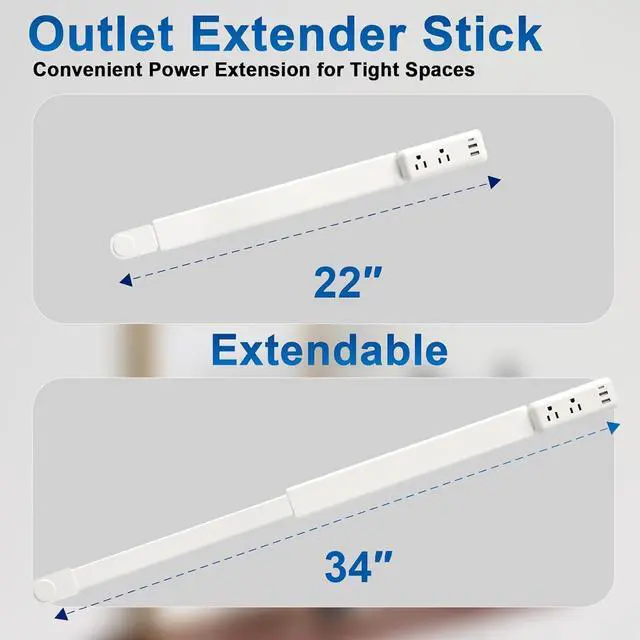
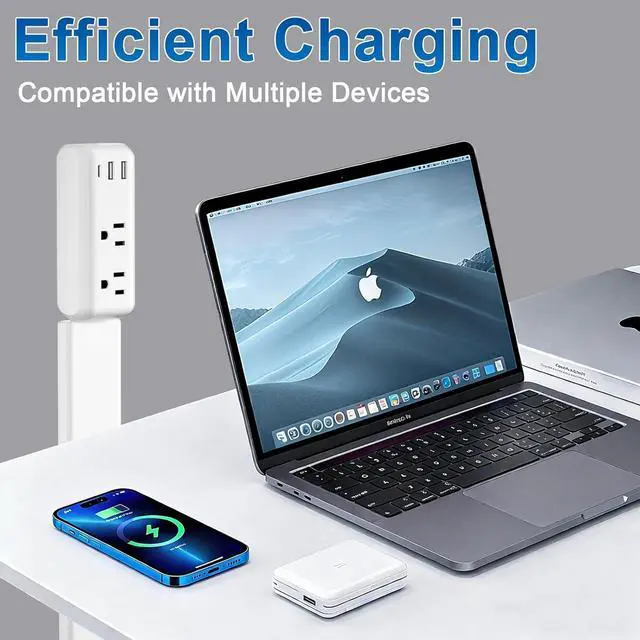
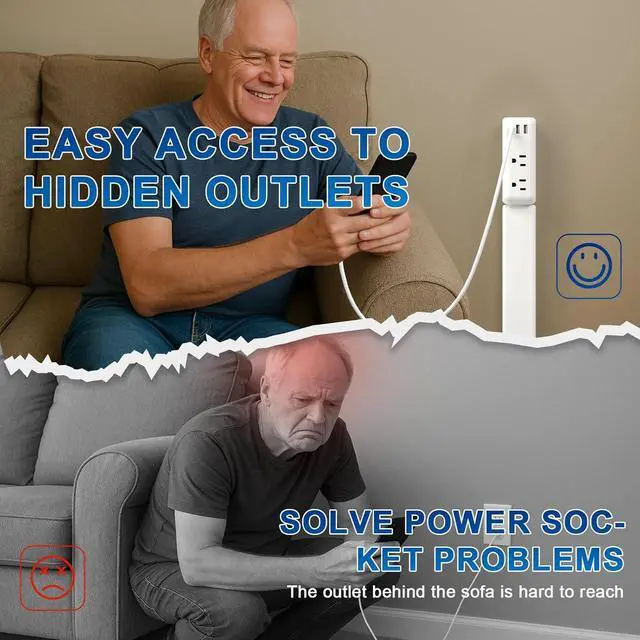
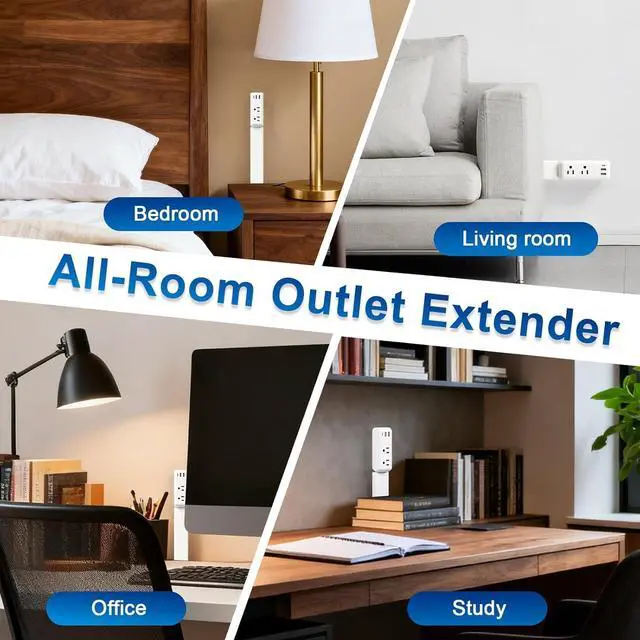
- 2-Pack Adjustable Electrical Outlet Extender Stick Extends from 22" to 34" with 180° Rotation. Perfect for Accessing Hard-to-Reach Outlets Behind Sofas, Beds, Desks, and Nightstands
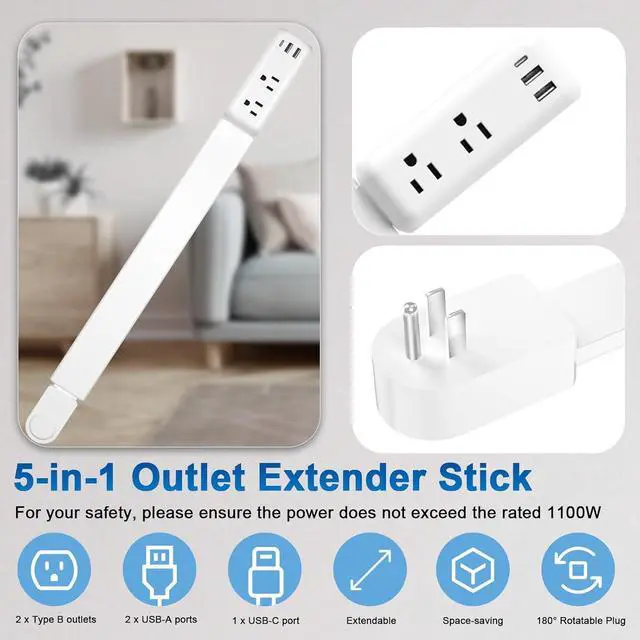
- All-in-One Charging Hub Features 2 AC outlets, 2 USB-A, and 1 USB-C port (5V/2.4A). Convenient for charging phones, tablets, laptops, and small appliances with one compact hub
- Made from ABS+PC flame-retardant material and heat resistant up to 110130°C, safe for daily use in homes, dorms, and offices
+
+
Overview
Reviews

Any questions? Our AI mode will help you find out quickly.
Try me now
Tool-Free, Renter-Friendly Setup Plug directly into any wall outlet. Comes with hook-and-loop straps for secure mounting on walls, tiles, or wood surfaces without drilling
Portable & Space-Saving Solution Compact, lightweight design reduces cable clutter. Ideal for travel, apartments, dorms, kitchens, and home offices where outlets are limited
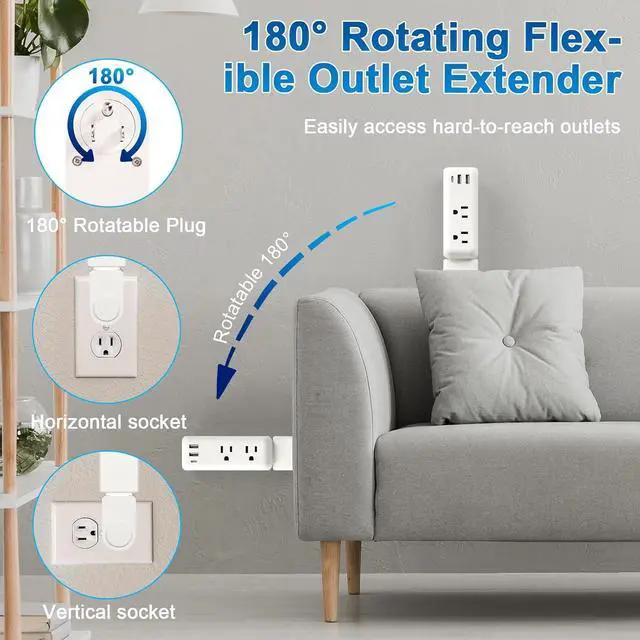
How to Use the 180° Rotating Plug?
Correct Steps:
1. Plug the extender fully into the wall outlet first.
2. Once inserted, gently rotate the extender body left or right to adjust the angle (up to 180°).
3. Stop rotating when the desired position is reached.
Can it rotate after plugging in?
Yes. Once fully inserted into the wall outlet, simply rotate the extender body to adjust the angle (up to 180°).
This makes it easy to fit behind sofas, beds, and other tight spaces.
Why does the plug feel stiff before inserting?
This is normal. The rotation mechanism only activates after the unit is plugged in.
Before insertion, the plug will feel fixed to prevent accidental bending.
Do I need to apply force to rotate it?
No. It should rotate smoothly with light pressure after being plugged in.
If using excessive force, please stop and check if it is fully inserted
Portable & Space-Saving Solution Compact, lightweight design reduces cable clutter. Ideal for travel, apartments, dorms, kitchens, and home offices where outlets are limited
How to Use the 180° Rotating Plug?
Correct Steps:
1. Plug the extender fully into the wall outlet first.
2. Once inserted, gently rotate the extender body left or right to adjust the angle (up to 180°).
3. Stop rotating when the desired position is reached.
Can it rotate after plugging in?
Yes. Once fully inserted into the wall outlet, simply rotate the extender body to adjust the angle (up to 180°).
This makes it easy to fit behind sofas, beds, and other tight spaces.
Why does the plug feel stiff before inserting?
This is normal. The rotation mechanism only activates after the unit is plugged in.
Before insertion, the plug will feel fixed to prevent accidental bending.
Do I need to apply force to rotate it?
No. It should rotate smoothly with light pressure after being plugged in.
If using excessive force, please stop and check if it is fully inserted
Warranty & Returns
Warranty, Returns, And Additional Information
Warranty
- Please contact the Seller directly for warranty information. Warranty information may also be found on the Manufacturer's website.
- CONTACT
Return Policies
- Return for refund within: 30 days
- Return for replacement within: 30 days
- This item is covered by Grandwood Tech Limited Return Policy
Manufacturer Contact Info
- For a directory of all our manufacturers, please click below.
- Manufacturers Directory
LOADING...