

Your Browsing History

Meet Your Seller

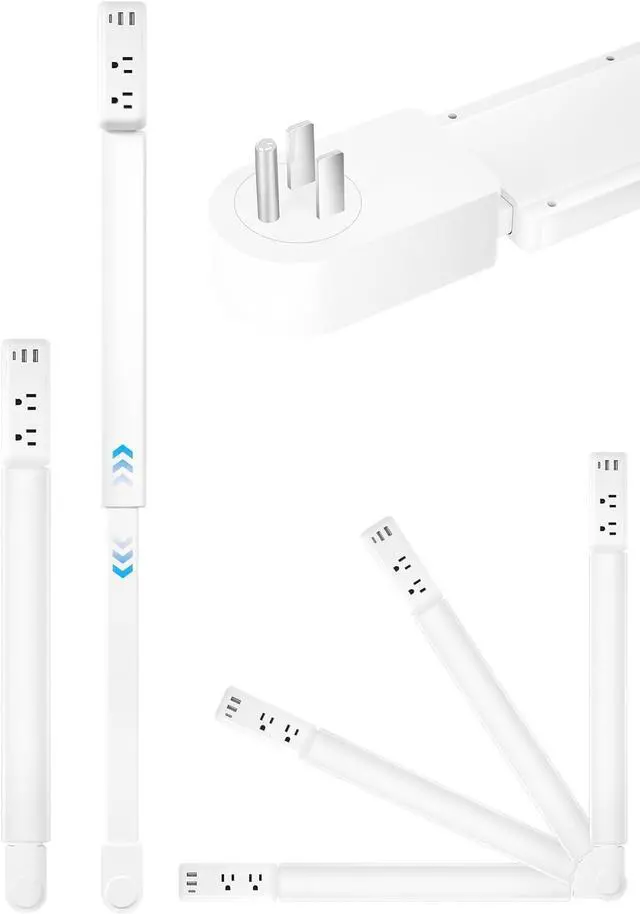
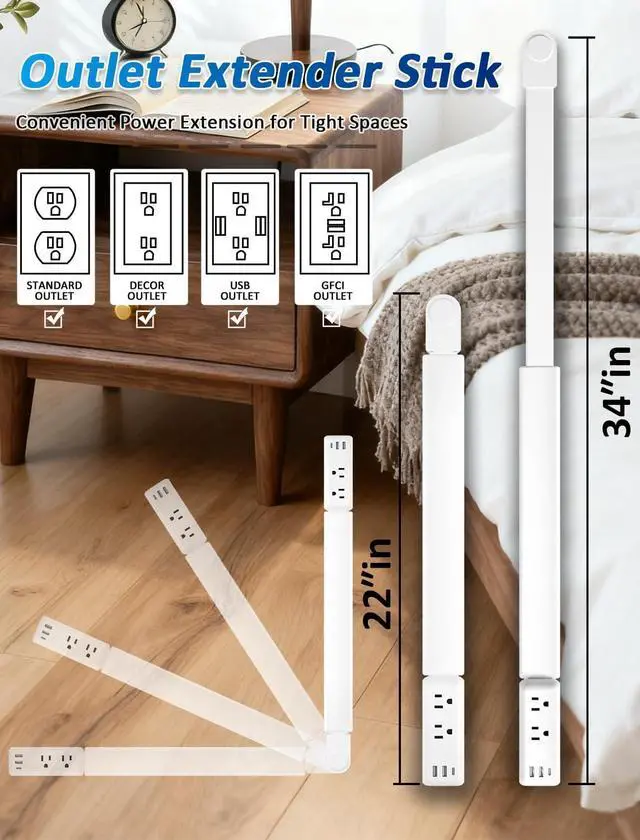
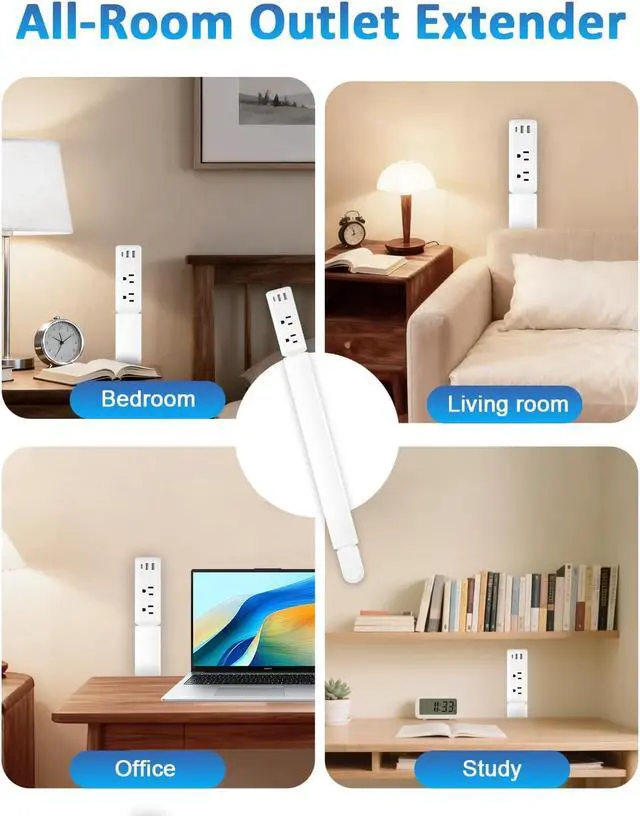
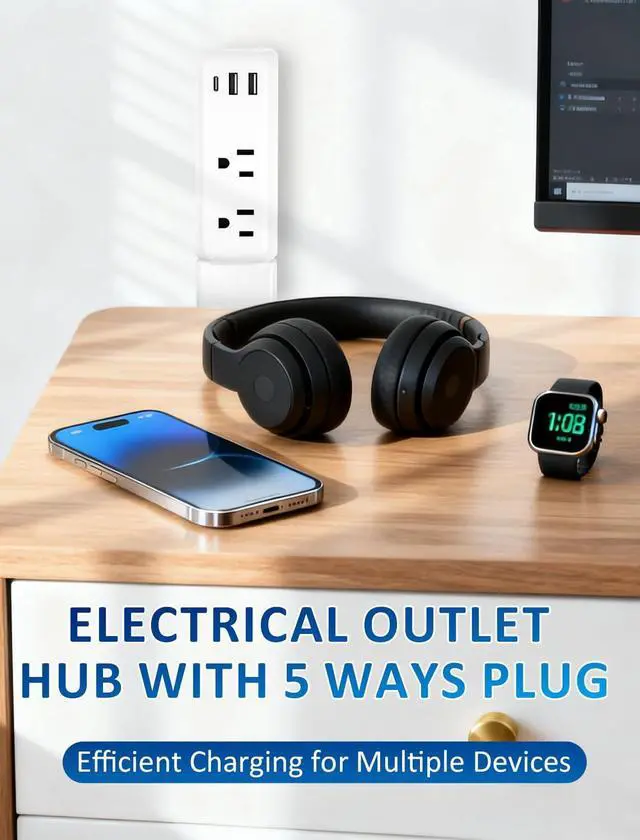
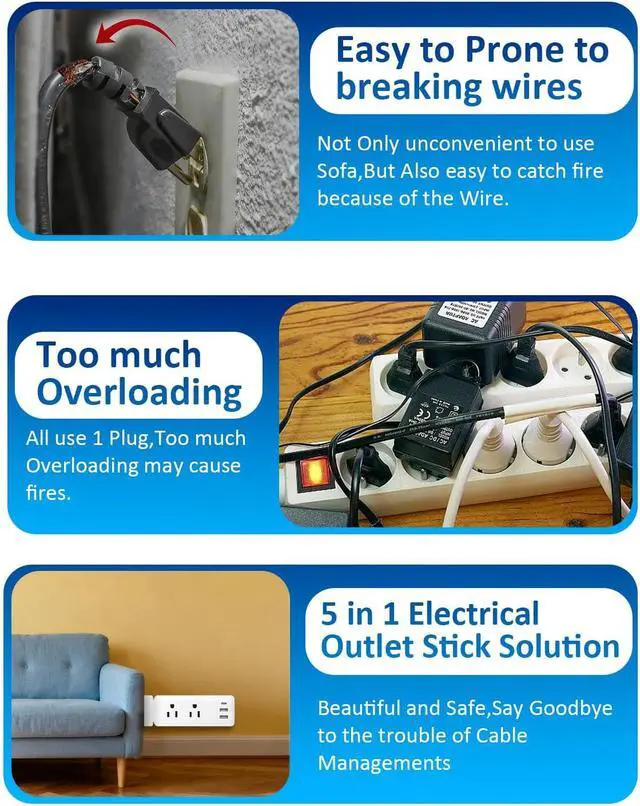


Eletrical Outlet Extender Stick 22"-34" Vertical Power Socket Expander with 2 AC Outlets, USB-A,USB-C Ports,180° Rotating Wall Outlet Extender for Hard-to-Reach Extension Cord Extender Behind Sofa
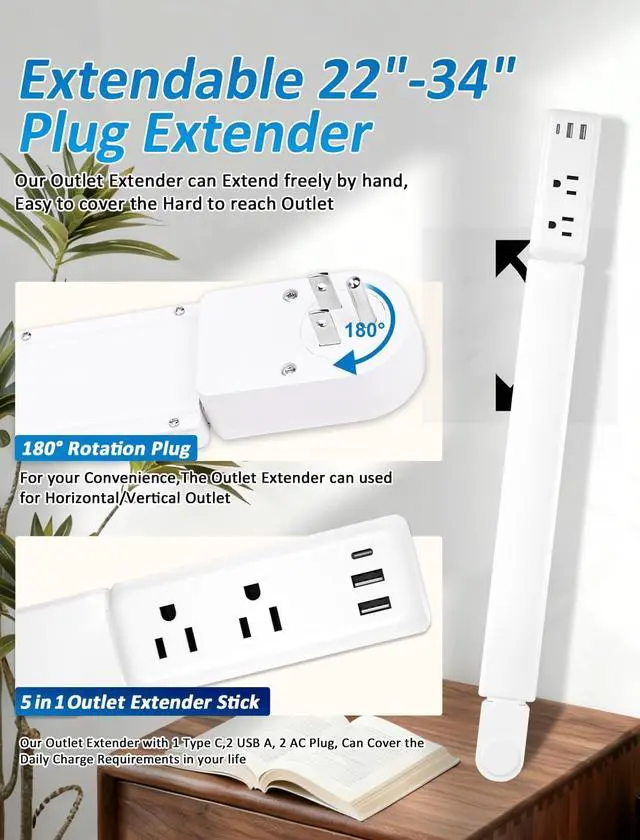
- Electric Outlet Extender can easily extends from 22 to 34 inches and rotates 180,Access Hard-to-Reach Outlets behind Nightstands, Sofa, Desks and More for keeping cords tidy and out of sight
- Power Outlet Expander with Versatile Charging for 2 AC outlets, 2 USB-A, and 1 USB-C port (5V/2.4A),Can be a Charge Hub for Phones,Laptops,and small Appliances simultaneously.keep your desk, bedside table, or workspace clean and efficient
- Power Socket Electrical Outlet Extender with FCC Certified,Built with ABS+PC fireproof material with Heat Resistance cab reach 110-130,Make ensures worry-free indoor use for Home,Dorm and Office
+
+
Overview
Reviews

Any questions? Our AI beta will help you find out quickly.
Try me now
Behind Couch Outlet Extender with Tool Free, Damage-free Settting. Plug and Play Outlet Extender Perfect for Painted Walls, Tiles, or Wood Surfaces without Drilling or mess
Outlet Extension Stick with Portable and Space Saving Solution, Extension Stick Design from 22-34inches can easy put in Luggage for travel or Business trips. Ideal for keeping cords tidy and out of sight
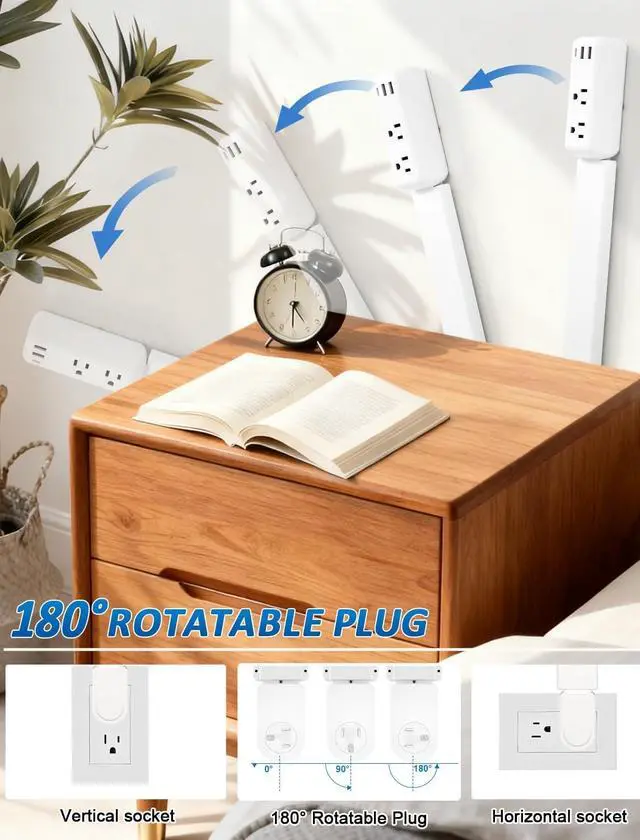
How to Make the 180° Rotation? If use the Hand to Move the 3-Plug Stand, It would be too tight. The Right way is as below
Correct Steps:
1. Plug the extender fully into the wall outlet first.
2. Once inserted, gently rotate the extender body left or right to adjust the angle (up to 180°).
3. Stop rotating when the desired position is reached.
Can it rotate after plugging in?
Yes. Once fully inserted into the wall outlet, simply rotate the extender body to adjust the angle (up to 180°).
This makes it easy to fit behind sofas, beds, and other tight spaces.
Why does the plug feel stiff before inserting?
This is normal. The rotation mechanism only activates after the unit is plugged in.
Before insertion, the plug will feel fixed to prevent accidental bending.
Do I need to apply force to rotate it?
No. It should rotate smoothly with light pressure after being plugged in.
If using excessive force, please stop and check if it is fully inserted
If the socket needs to be positioned horizon, acute angle, or obtuse angle, the product may fall due to its own weight.
Advise to use the Velcro fasteners included in the accessories. Tear off the Velcro and stick one side tothe back of the socket and the other to the wall.
Outlet Extension Stick with Portable and Space Saving Solution, Extension Stick Design from 22-34inches can easy put in Luggage for travel or Business trips. Ideal for keeping cords tidy and out of sight
How to Make the 180° Rotation? If use the Hand to Move the 3-Plug Stand, It would be too tight. The Right way is as below
Correct Steps:
1. Plug the extender fully into the wall outlet first.
2. Once inserted, gently rotate the extender body left or right to adjust the angle (up to 180°).
3. Stop rotating when the desired position is reached.
Can it rotate after plugging in?
Yes. Once fully inserted into the wall outlet, simply rotate the extender body to adjust the angle (up to 180°).
This makes it easy to fit behind sofas, beds, and other tight spaces.
Why does the plug feel stiff before inserting?
This is normal. The rotation mechanism only activates after the unit is plugged in.
Before insertion, the plug will feel fixed to prevent accidental bending.
Do I need to apply force to rotate it?
No. It should rotate smoothly with light pressure after being plugged in.
If using excessive force, please stop and check if it is fully inserted
If the socket needs to be positioned horizon, acute angle, or obtuse angle, the product may fall due to its own weight.
Advise to use the Velcro fasteners included in the accessories. Tear off the Velcro and stick one side tothe back of the socket and the other to the wall.
Warranty & Returns
Warranty, Returns, And Additional Information
Warranty
- Please contact the Seller directly for warranty information. Warranty information may also be found on the Manufacturer's website.
- CONTACT
Return Policies
- Return for refund within: 30 days
- Return for replacement within: 30 days
- This item is covered by Grandwood Tech Limited Return Policy
Manufacturer Contact Info
- For a directory of all our manufacturers, please click below.
- Manufacturers Directory
LOADING...