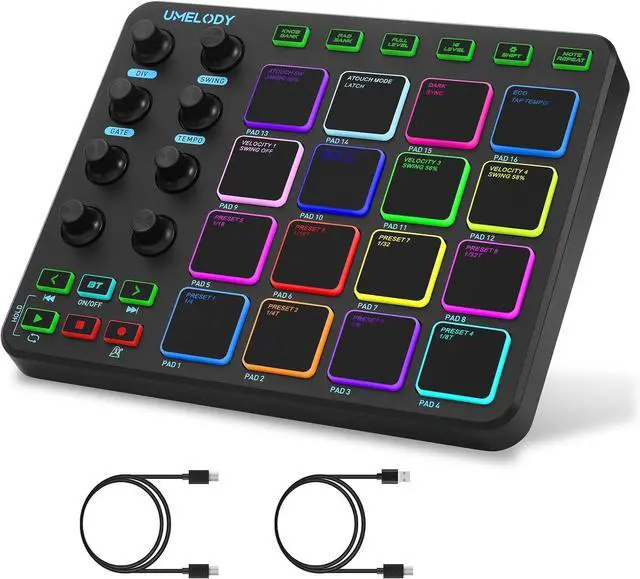
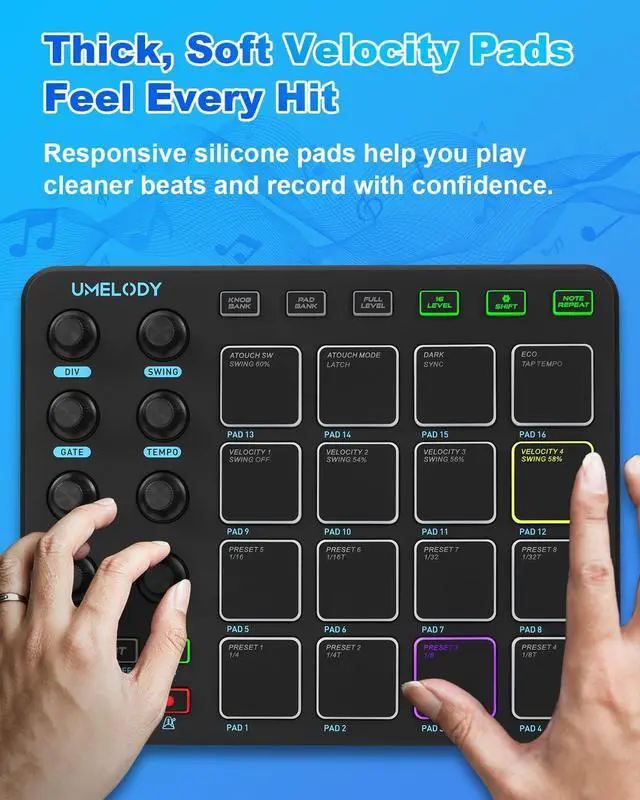
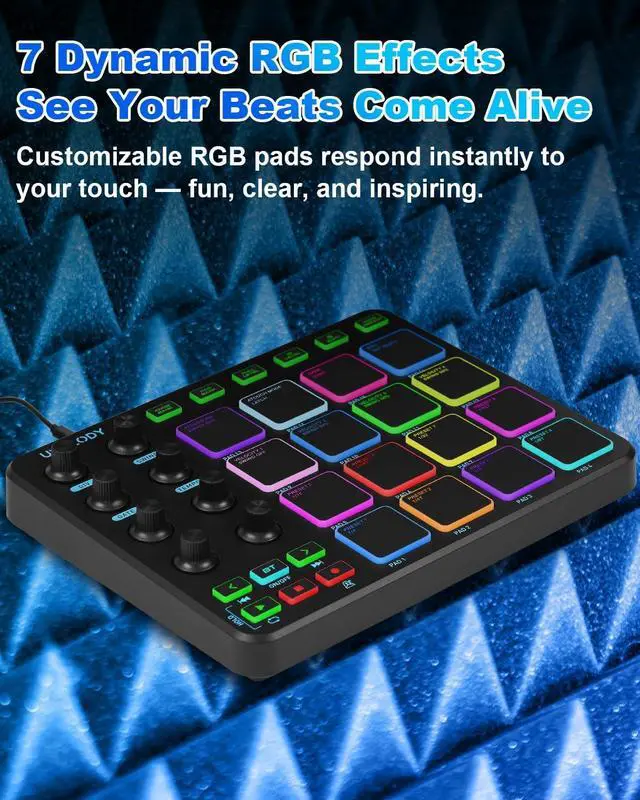
Responsive Pads for Creative ExpressionPads react to how you play, adding variation and feel to your beats and making your music more expressive.
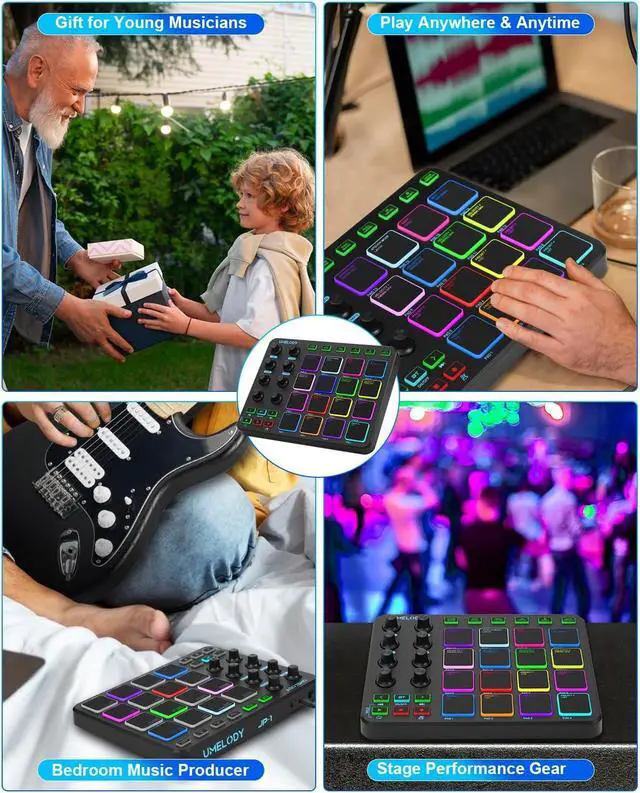
A Fun Way to Learn and Explore Music CreationHelps beginners develop rhythm, creativity, and confidence while enjoying the process of making music.
Why is there no sound when connected to my device?
This MIDI controller requires connection to DAW/music software for audio output.
Confirm DAW software is running.
Check MIDI device selection in DAW settings matches product model.
Verify USB cable integrity and connection
Is Lightning interface compatibility supported for iOS devices?
Requires separate USB-A to Lightning OTG cable (not included)
How to resolve DAW software recognition failure?
Try other USB ports/cables.
Restart your device and DAW.
Check MIDI settings for B-16 input.
Switch Pad Banks.
Still not working? Note OS & DAW used. Pad Editor (Windows only) available upon request.
How to fix unresponsive pads?
Check for dust under the pad.
Try different Curve modes (Hard/Soft/Normal).
Use Pad Editor to restore factory settings.
If still unresponsive, note pad number and usage.
Is this device suitable for music production beginners?
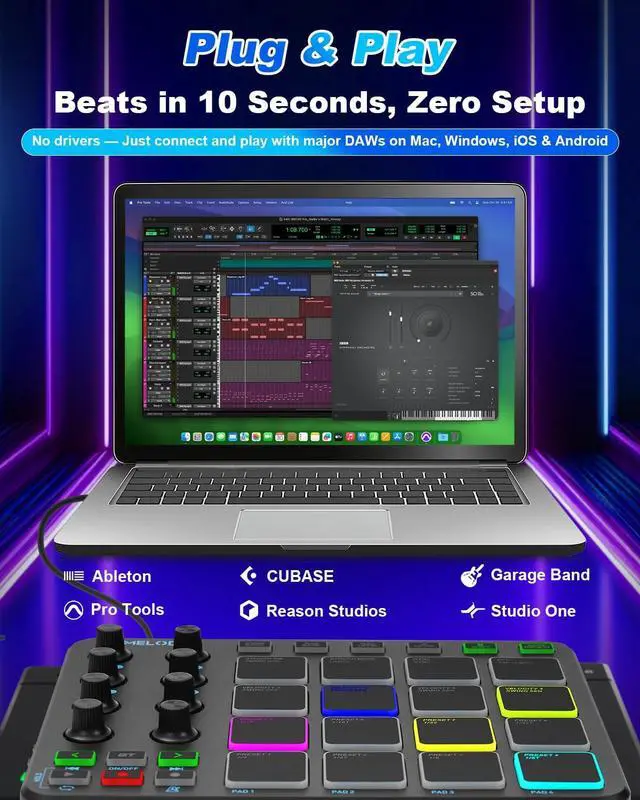
Great for beginnersjust connect and create, no complicated installations required. Need Help?
Contact Support: Visit your order page for direct assistance.
Learn & Grow: Discover DAW tutorials on social media channels.





 here!
here!