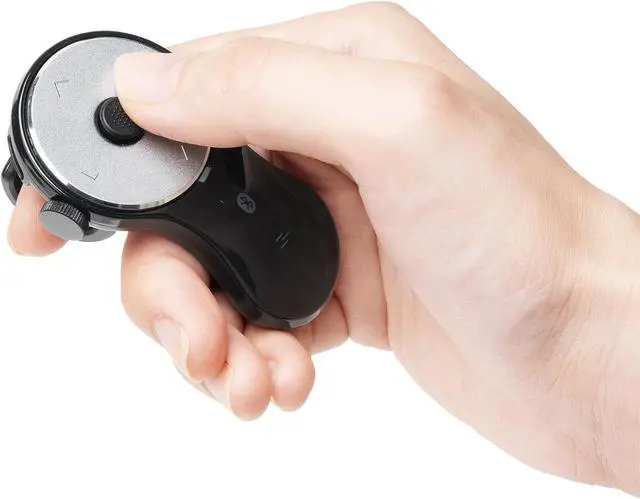
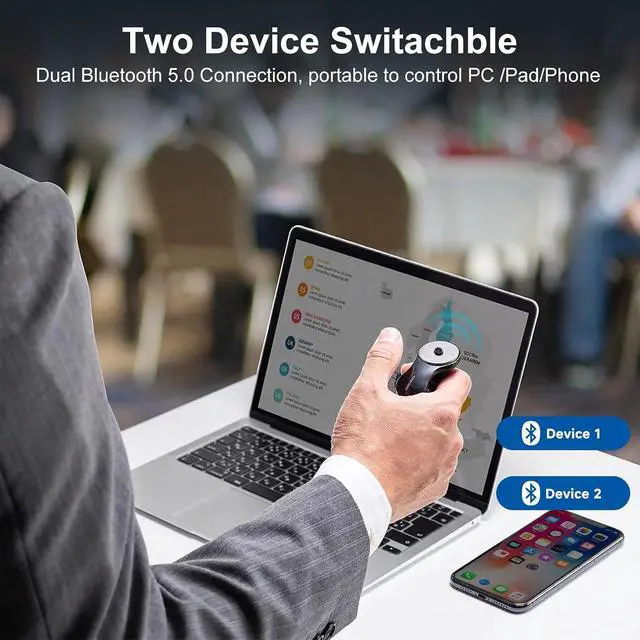
Ergonomic Handheld Design - Designed for ergonomic comfort, the wearable bluetooth mouse mini can ease harm on your wrist joint and muscle, and effectively reduce strain injury caused by regular mouse. Help to avoid Arthritis and CTS suffering. The soft silicone ring provides optimal comfort even during prolonged use and can be worn while typing without causing disruption.
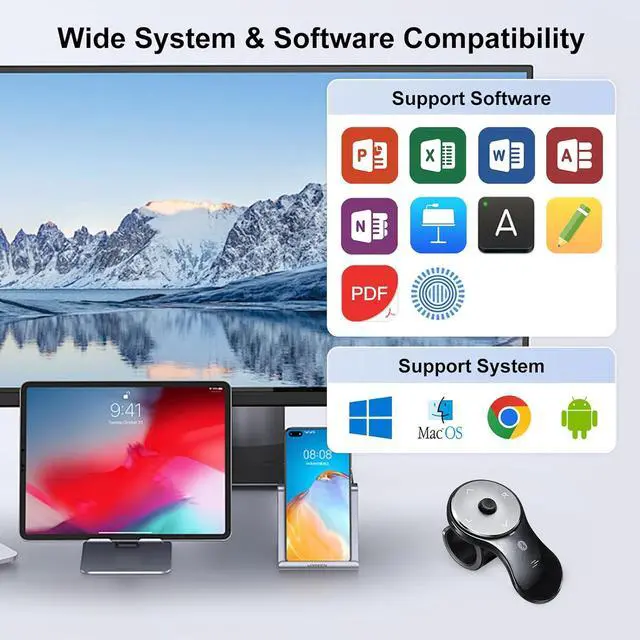
Wide OS Compatibility - The wireless clicker mouse is compatible with Windows 11/10 macOS 11-15, iPad OS 13-18 iOS 14-18, Chrome OS, Android 10-16, and versions later on.
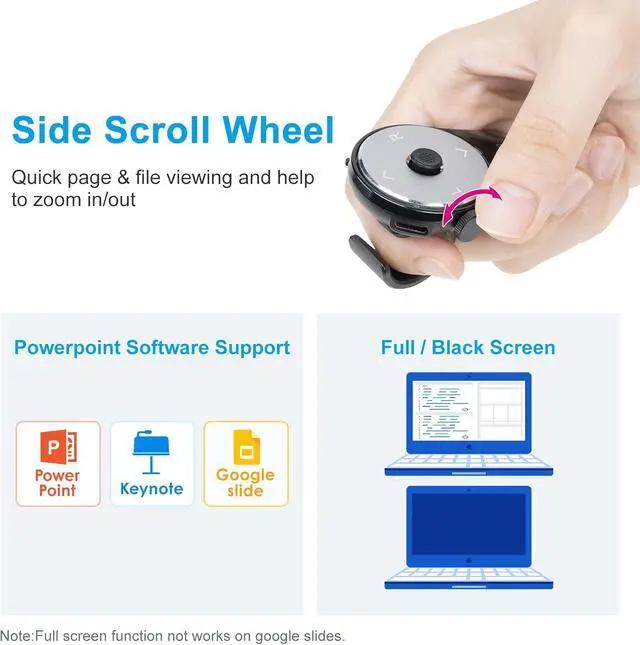
Support PowerPoint versions: Windows 2013/2019/2021, mac 2016, Keynote 9-14,, etc.
Note: Does not work on Keynote for iPad.
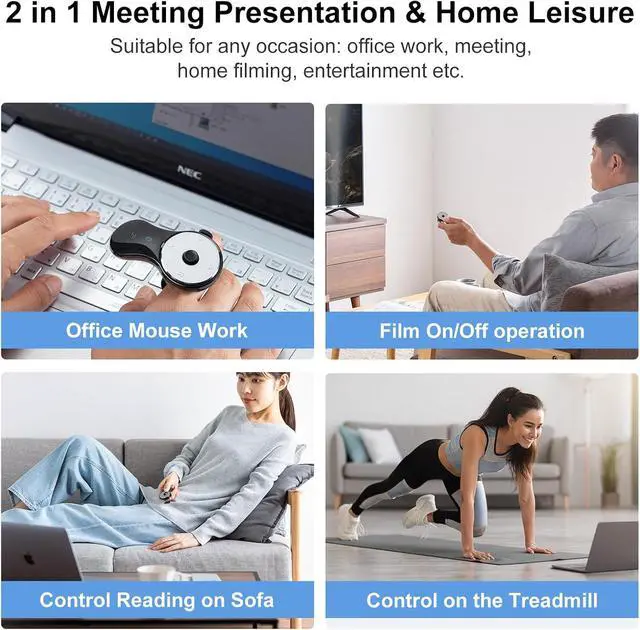
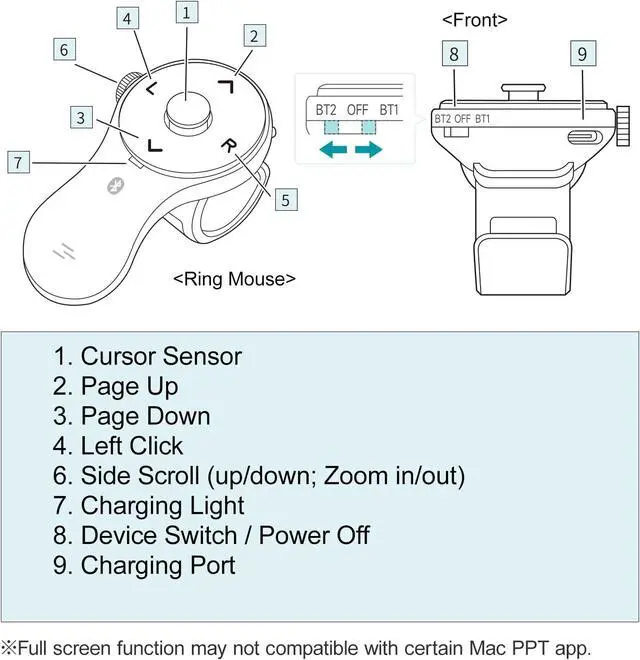
Versatile Usage Scenarios - Lightweight, small & portable, this air mouse is an excellent travel companion. Provide great mouse functionality and presentation features, including left/right click, page up/down, side scroll wheel, and full/black screen. Ideal for office work, meeting presentations, classroom teaching, working from home, watching movies on the sofa or bed, and even during yoga sessions. A perfect gift for friends and family.
1 Windows Connection 2 Mac Device Connect 3 Chrome Connection 4 Android & iPad & iOS
What's the sleeping mode of this mouse? (At this time, cursor cannot move)
This product goes into sleep mode when the ring mouse is not operated for a while. It will take a few seconds to recover when the button is pressed.
The ring mouse is recognized and connected, but does not work.
Please check if the Bluetooth device driver of your PC is not updated and try again.
The ring mouse (mouse cursor) does not move.
1. Check if the pairing (connection) is disconnected; 2. Check if the ring mouse has power; 3. Check if the power switch is turned ON.
Did not receive a USB receiver.
This product is a Bluetooth ring mouse, which connects wirelessly through a Bluetooth channel, and therefore does not come with a USB receiver. Your device needs to support Bluetooth functionality.
Why i feel the cusor jumpy or hard to maneuver precisely?
The 156BK6's cursor speed is factory preset. Adjust your original mouse's DPI to change 156BK6's speed(auto-detects new DPI). If the preset speed isnt suitable, you can manually adjust it in computer settings. See the A+ page for details.





 here!
here!