Ambidextrous Design with
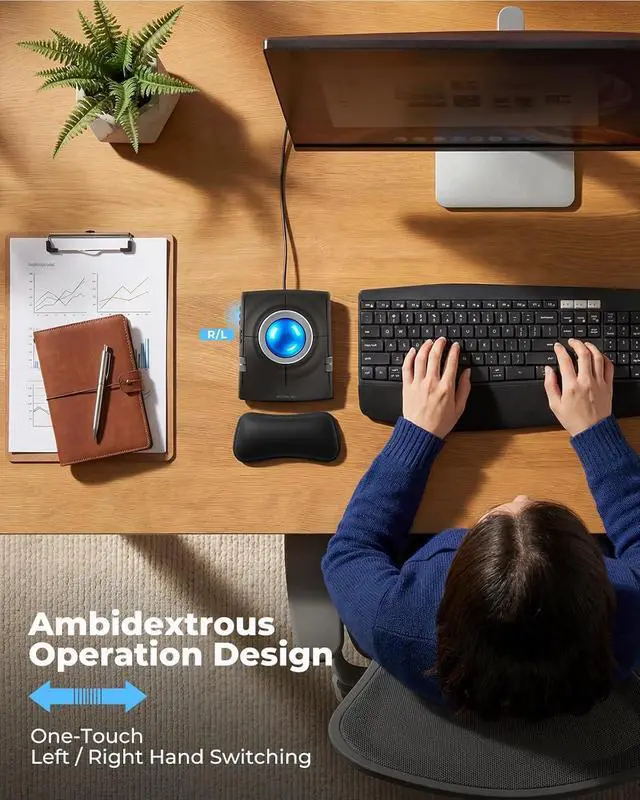
One-Touch Hand Switching: Designed for both left and right-handed users, with a dedicated button to instantly swap button functions. This versatile feature ensures a seamless experience for all users, making it an ideal choice for shared workspaces.
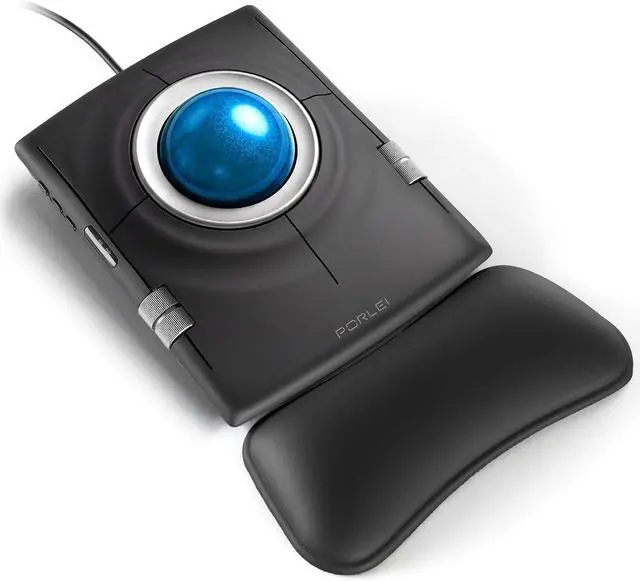
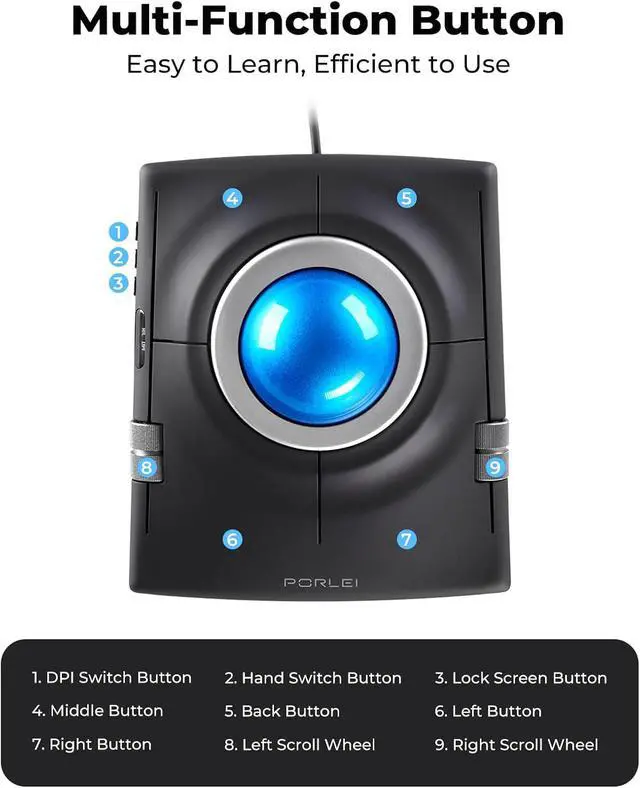
Multi-Function Buttons for Better Productivity: Includes dual scroll wheels, DPI switch, screen lock, left/right-hand switch, middle and back buttons. All buttons feature fixed functions and are not programmable, with an intuitive layout that helps streamline daily tasks and improve efficiency.
Ergonomic Relief, Less Muscle Strain
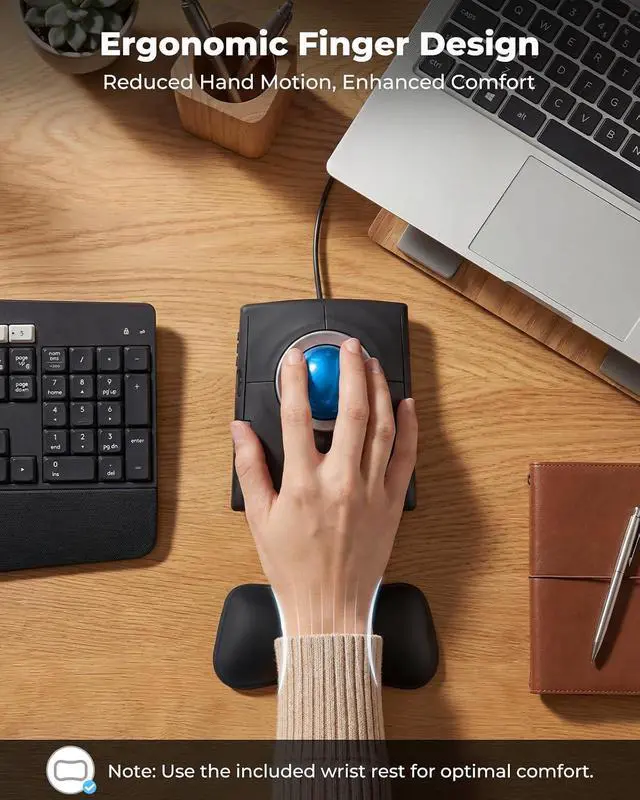
Alleviate wrist tension and arm fatigue for all-day comfortable computing.
Relaxed Posture, Sharper Focus
Stay relaxed and efficient with less effort and more productivity.
Smooth Control, Precise Tracking
Glide effortlessly on any surface with stable, accurate performance.
Are the buttons programmable? Can I adjust the functions?
The buttons are not programmable. It has a dedicated switch to toggle between right-handed and left-handed modes. All buttons and scroll wheels use fixed functions for stable daily use, with no driver or software needed.
Is the trackball smooth? Will it get stuck?
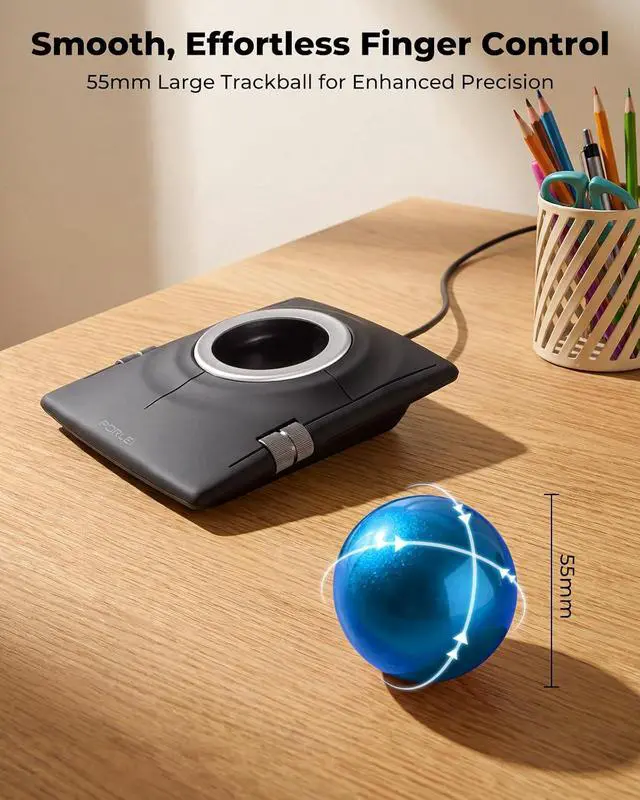
The large trackball uses smooth bearings for fluid and stable movement. If you feel slight resistance, you can gently remove the ball and clean the bearings to keep it rolling smoothly.
Is this trackball comfortable for long hours? Will my wrist get tired?
It comes with a soft wrist rest to reduce hand fatigue. The ambidextrous design keeps your hand in a natural posture. As a finger-control trackball, it may need a short adjustment period for first-time users.





 here!
here!