• $299.99
  • Free 30-day Returns
  • Price alert
    Shop it at NeweggBusiness.

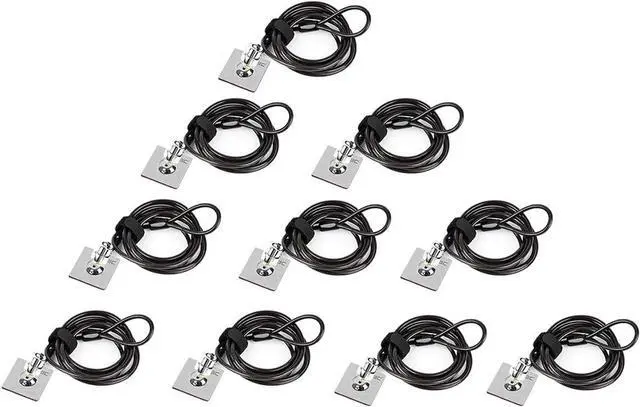
    Laptop Cable Lock Hardware Security Cable Lock Anti Theft Combination Lock, Laptop-Computer-Security-Locks for Laptop PC Monitors Projectors Docks Tablet Notebooks (10pack)

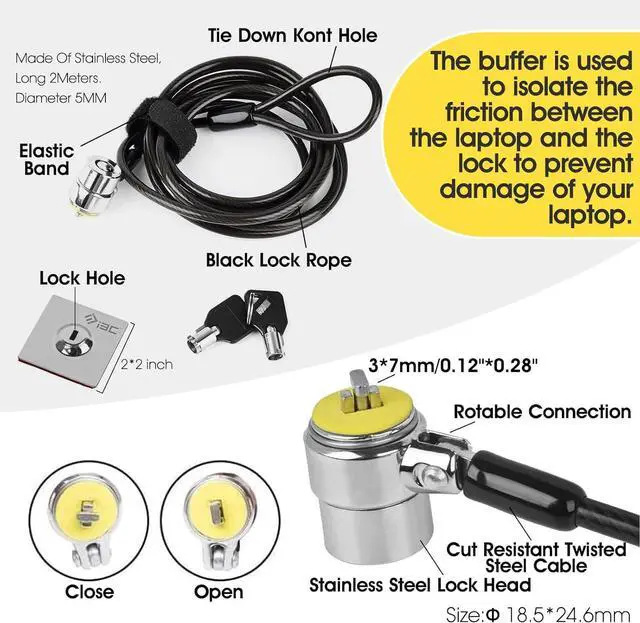
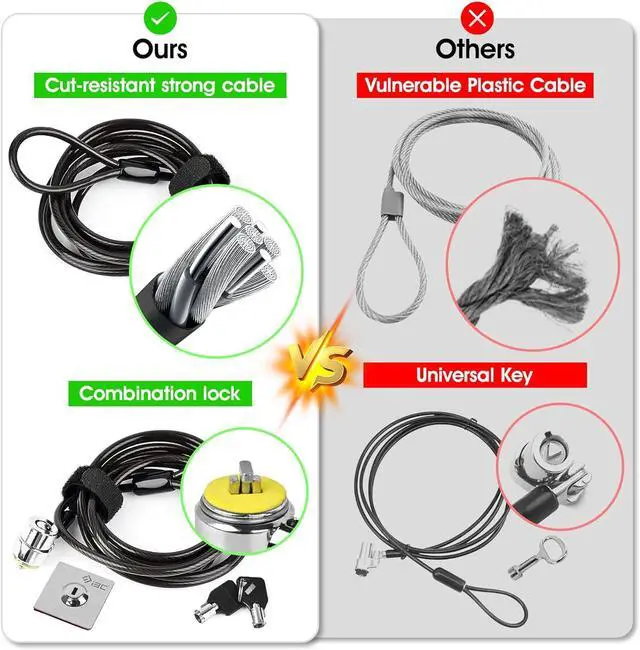
    • ANTI-THEFT: The lock head is made of super strong stainless steel and can be rotated 360 degrees. The cable is made of cut-resistant stranded steel and is covered with PVC coating. The extra length of 6.5 feet can help you easily move the device and fully meet your daily needs. Please note: The computer cable lock is fit for standard lock slots (7x3mm), not applicable to wedge-shaped lock slots and Nano-shaped lock slots
    • PASSWORD COMBINATION: The computer lock uses a 4-digit security code combination. You can set a significant number combination as the password. Put a safe lock on your device, dont worry about losing it. Push-to-lock function allows for easy one-handed use
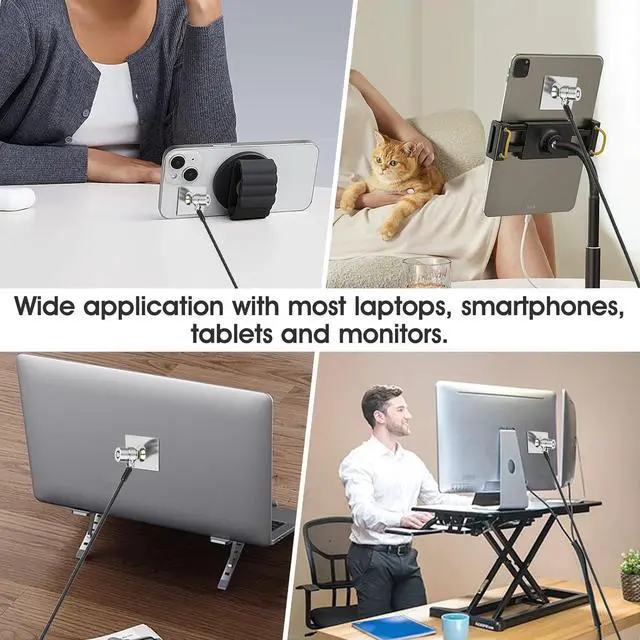
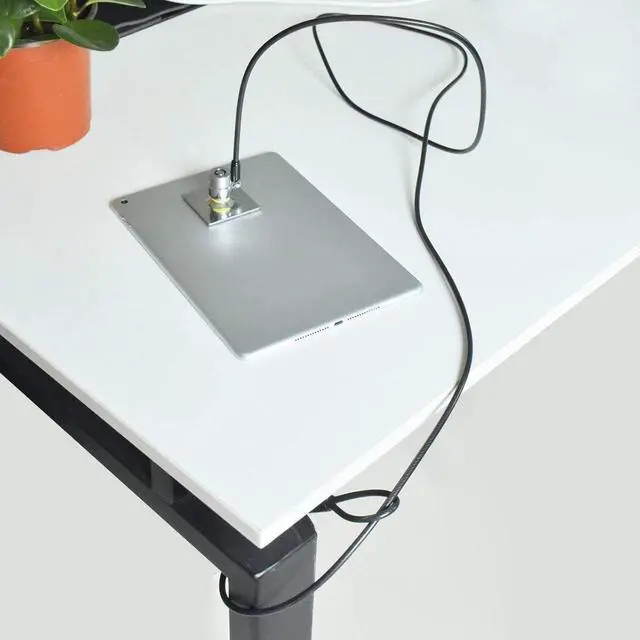
    • WIDE APPLICATION: Suitable for most tablets and laptops. There is an anchor plate, which can be applied to devices without a security keyhole. It also fits for most laptops that have standard slots. Works with the standard Security Slot (7x3mm). Note: Not all Laptop lock slots are the same size
    +
    +
    Overview
    Reviews
    avatar

    Any questions? Our AI beta will help you find out quickly.

    EASY TO USE: For
    devices without lock slot: Bound the anchor plate, which is lined with strong adhesive, to the hard surface of the devices, then insert the locking head into the plate with keys and loop the cable around a fixed object. For laptops with a lock slot, simply insert the lock head into the slot, and then wind the cable around a fixed object
    PACKAGE: 10*Anchor Plate, 10* 6.5 ft Cable Lock. There are some Models need to be used with Security Plate! Above, without a standard slot(size of slot: 37mm) could not use it directly, need to be used anchor plate

    1 For Office
    2 For Classroom
    3 For Outdoor Space
    4 For Retail Store
    Installation Guide
    The video showcases the product in use. The video guides you through product setup. The video compares multiple products. The video shows the product being unpacked.
    aplus content video

    Warranty & Returns

    Warranty, Returns, And Additional Information

    Warranty

    • Please contact the Seller directly for warranty information. Warranty information may also be found on the Manufacturer's website.
    • CONTACT

    Return Policies

    Manufacturer Contact Info

    LOADING...