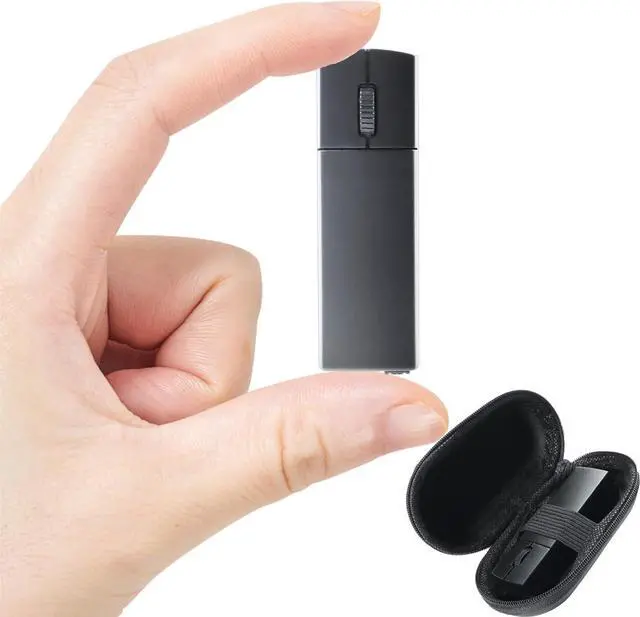
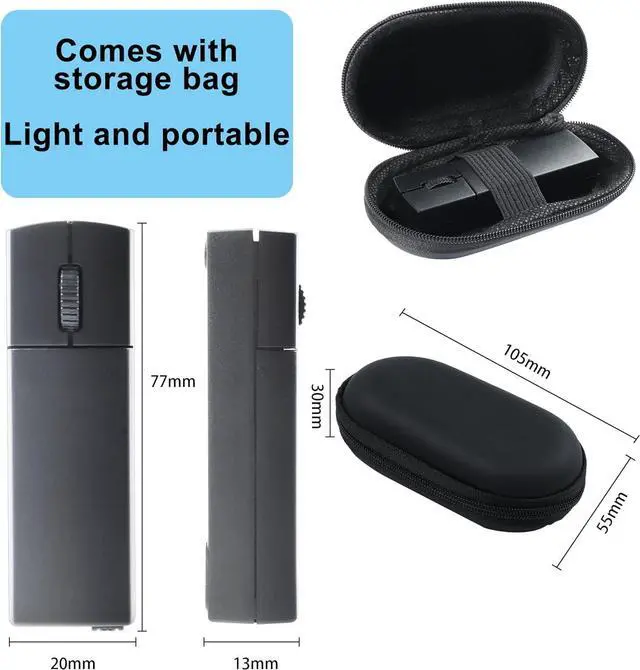
Compact and Portable The bluetooth mouse for laptop is compact and about the size of a lighter, suitable for small and medium-sized hands. The mouse is very suitable for daily office use or business trips. You can easily put the mouse into a school bag or even a pocket.
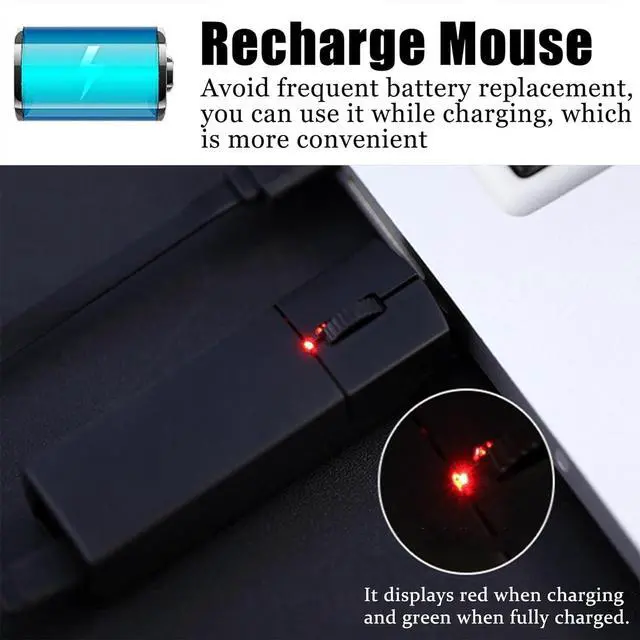
Rechargeable Energy-Saving DesignThe bluetooth mouse avoids the trouble of frequent battery replacement. The black mouse has a charging indicator light that shows red when charging and green when fully charged. (The small bluetooth mouse is recommended to use the included Micro USB cable for charging) The Bluetooth silent mouse will enter power-saving sleep mode after being left on the desktop for a period of time. Press any button and wait a few seconds to wake up the mouse.
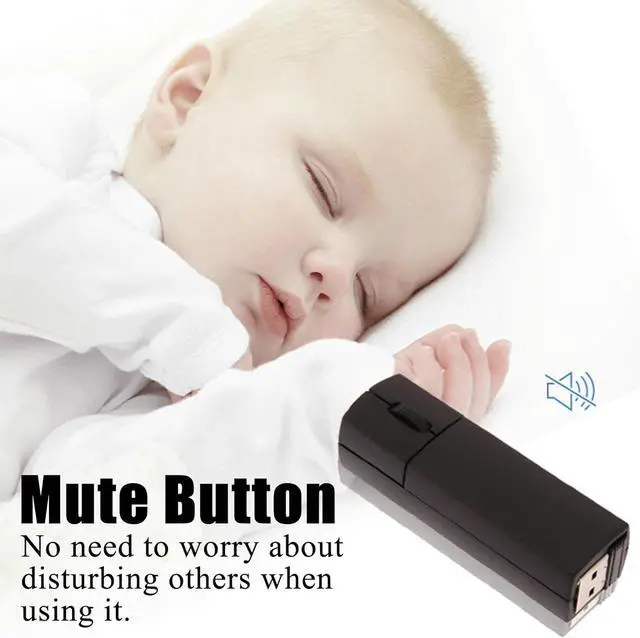
Silent ClickThe silent bluetooth mouse adopts a classic design and the silent button reduces noise, satisfying most people's pursuit of a silent mouse. Ideal for use in offices, conference rooms, cafes, libraries and bedrooms, allowing you to focus on work or study without disturbing those around you
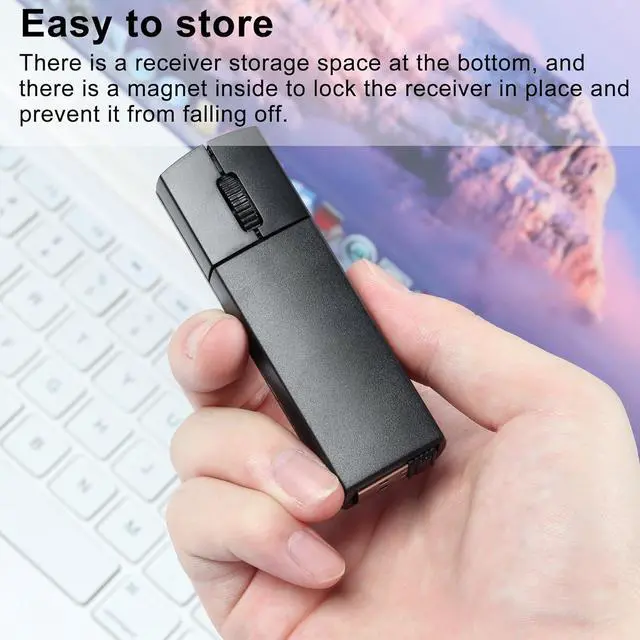
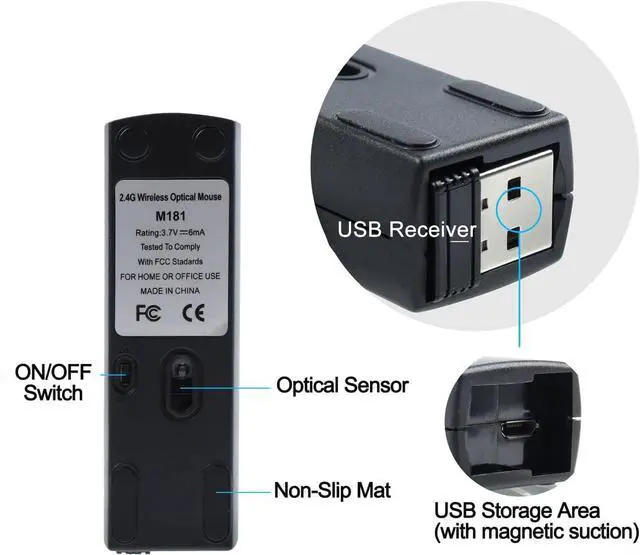
Plug and PlayPlug the USB receiver into your computers USB port and you can work or use your computer anytime, anywhere. (There is a receiver storage location at the bottom of the bluetooth mouse small mini), so there is no need to worry about losing the USB receiver. The location where the receiver is placed has a magnetic function.
Mini Portable Wireless Mouse
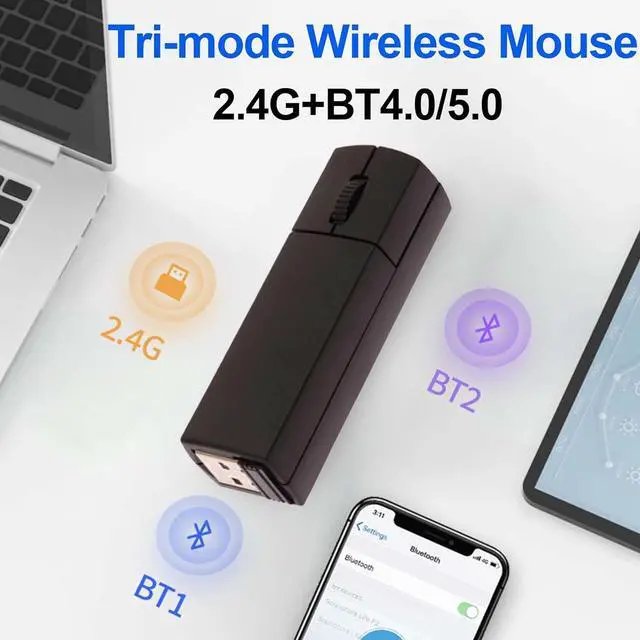
Wireless dual-mode connection, Bluetooth connection is available. There is a USB receiver on the bottom of the smart bluetooth dual mode wireless mouse, please take it out and plug in the USB device. Plug and play, no drivers required.
Wide Compatibility
Windows 10, 8, 7, Windows 2000, Windows XP, Android Linux, Windows Vista.
USB charging port
You can plug the USB cable into the bluetooth mouse for laptop mouse charging port for charging. Charging time is about 2 hours.
How to switch between dual modes?
It is recommended to charge the mouse for 1-2 hours before using it for the first time.
Bluetooth Mode:
Step 01: Power on the Bluetooth mode, and the blue light is flashing
Step 02: In Bluetooth mode, press the middle and right button for 1.5 s to enter the pairing state, and the blue light will flash (fast)
2.4G USB Mode:
Step 01: Turn on the mouse switch
Step 02: Press and hold the left and right keys for 4 seconds to switch to 2.4G mode (the blue light is always on)
Step 03: Remove the USB receiver on the bottom of the mouse
Step 04: Plug the USB receiver into the USB A port of your computer and wait a few seconds for it to be automatically recognized.
Specifications
:
Item: Mini Portable Wireless Mouse
Number of buttons: 3 buttons
Tracking system: optical
Resolution: 1200 DPI
Effective distance: 10m
Product size: 7.7 x 2 x 1.3 cm / 3.03" x 0.79" x 0.51"
Product weight: 40g / 1.41 oz
Connection Method: Bluetooth and 2.4G USB
Charging Port: Micro USB
Packing List:
1 x Bluet





 here!
here!