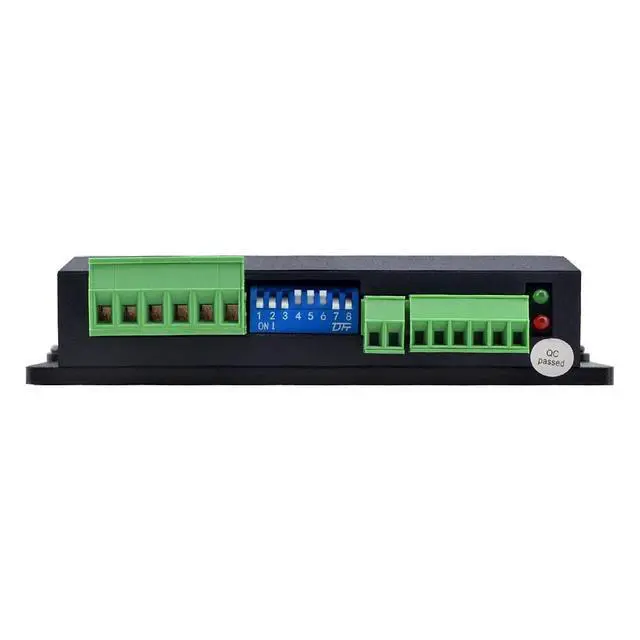
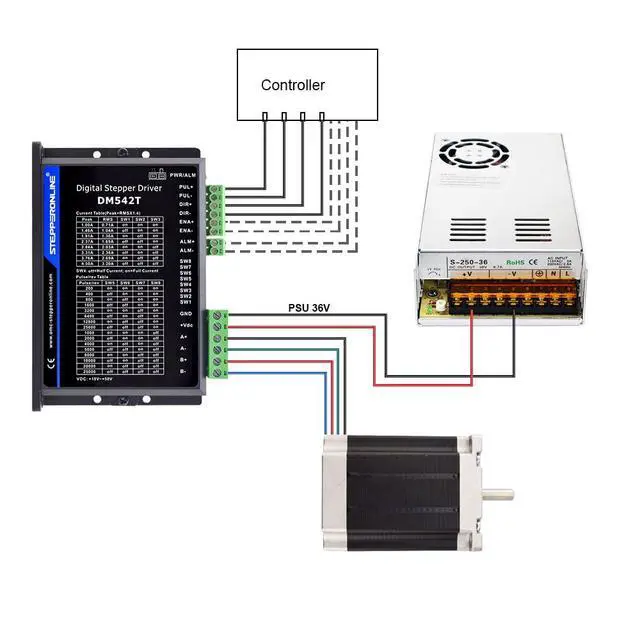
Pulse signal: 4-5V when PUL-HIGH, 0- 0.5V whenPUL-LOW. The same as DIR and ENA signals
We provided this stepper motor kit with 30 days free replacement or refund, 1 year warranty and whole life customer service from the date of purchasing.
Overview
The DM542T is a fully digital stepper driver developed with advanced DSP control algorithm based on the latest motion control technology. It has achieved a unique level of system smoothness, providing optimal torque and nulls mid-range instability. Its motor auto-identification and parameter auto-configuration feature offers quick setup to optimal modes with different motors.
Compared with traditional analog drives, DM542T can drive a stepper motor at much lower noise, lower heating, and smoother movement.
Its unique features make DM542T an ideal choice for high requirement applications. It is highly recommended to work as nema 17 driver and nema 23 driver.
Features
Step & direction (PUL/DIR) control
Input voltage 20-50VDC (recommended 24-48VDC)
200 KHz max pulse input frequency
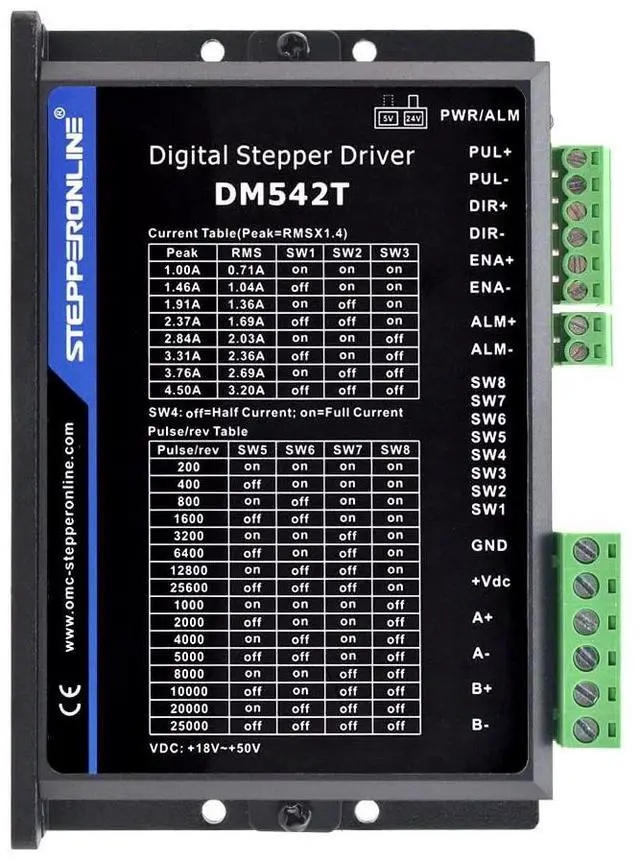
16 microstep resolutions of 200-25, 600 via DIP switches
8 output current settings of 1.0 - 4.5A via DIP Switches
Idle current reduction to 50% or 90% selection via SW4
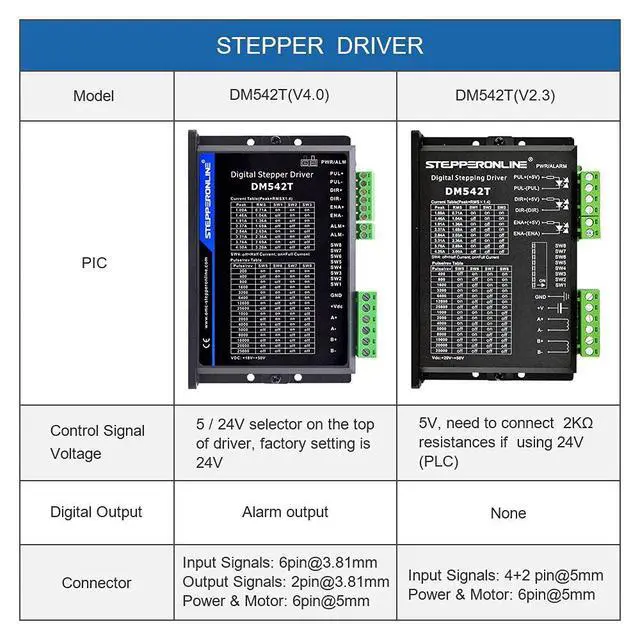
Optically isolated inputs with 5V or 24V
Specifications
Mechanical Specfications
DIP Switch Configurations
Protection Functions
Troubleshooting
In the event that your drive doesnt operate properly, the first step is to identify whether the problem is electrical or mechanical in nature. The next step is to isolate the system component that is causing the problem. As part of this process you may have to disconnect the individual components that make up your system and verify that they operate independently. It is important to document each step in the troubleshooting process.





 here!
here!