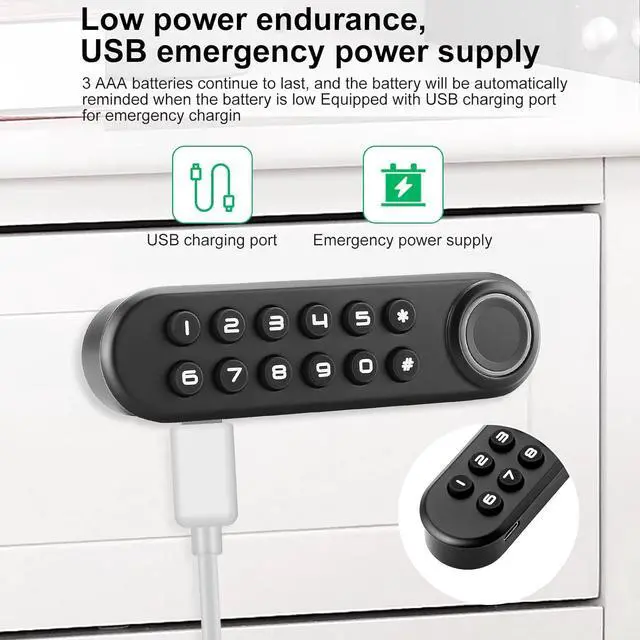
Power Efficient & Emergency Backup Power This biometric cabinet lock use 3 AAA batteries (batteries not included) as the only power supply, and battery can be used up to 1 year normally before replacement. There is an USB port on the side of the keypad as an emergency power supply just in case that it runs out of battery suddenly.
Sturdy Mechanism & Strong Protection The lock case for this electronic cabinet lock can be upgraded to metal mechanism, which is way more stronger and safer for protecting your belongings. The metal lock case is a fantastic option for weapon storages or any important file saving.
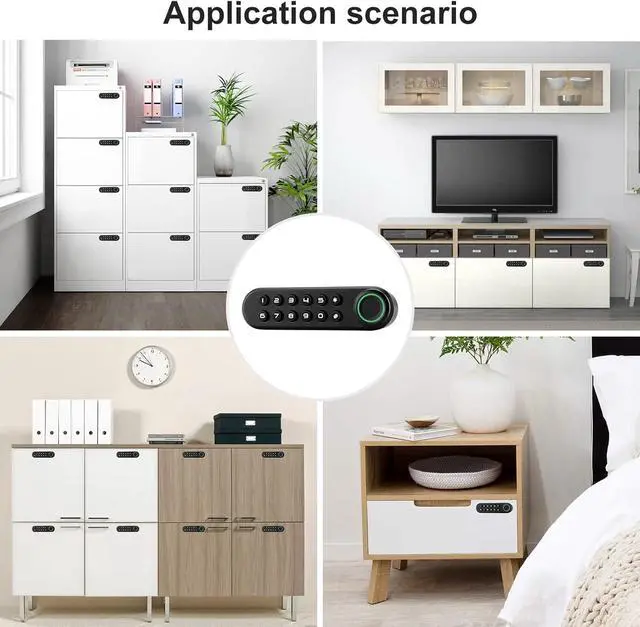
Easy Installation & Warm TipsPlease kindly check the manual before installation. Our fingerprint cabinet lock is suitable for single-door wooden cabinets with a thickness of 0.47 inches to 0.62 inches. If the thickness is smaller than this size, just install it with thinner screws. If the thickness is greater than this size, you can buy longer screws to install. If you have any questions about this item, Don't hesitate to contact us, we will help you immediately
Fingerprint Deletion:
Press and hold the reset button (in the hold on the side of the lock case) for 4 seconds, there will be 4 beeps, and then release the button. All fingerprints on database will be deleted. (Reminder: For security, delete all fingerprints before any registrations. )
Password Setup:
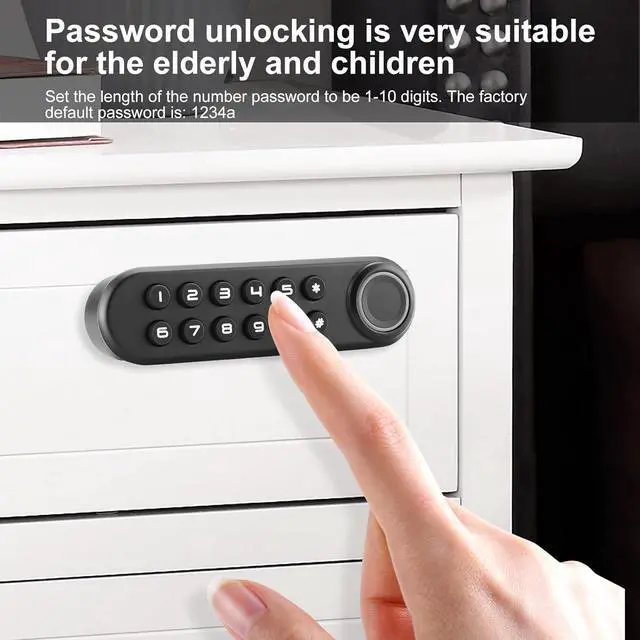
The original password is
1234. Press and hold * for 2 seconds, then enter the previous password and press #. After a beep, enter a new password with no more than 10 digits and press #. The new password will be valid after 2 beeps.
Note:
Please kindly check the manual and Installation Panel before use.
Please set the administrator fingerprint first.
Package List
User manual & Installation Panel
Screws
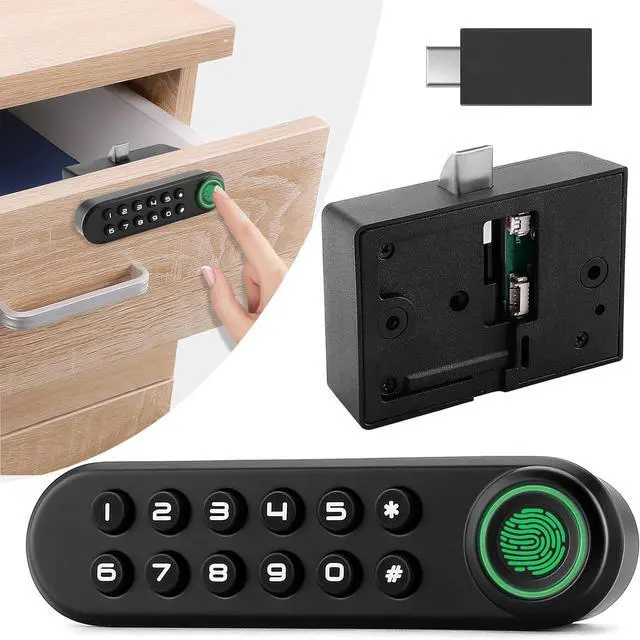
USB key
Keypad with fingerprint sensor
Lock case
Striking plate
Connecting wire
Fingerprint Cabinet Lock
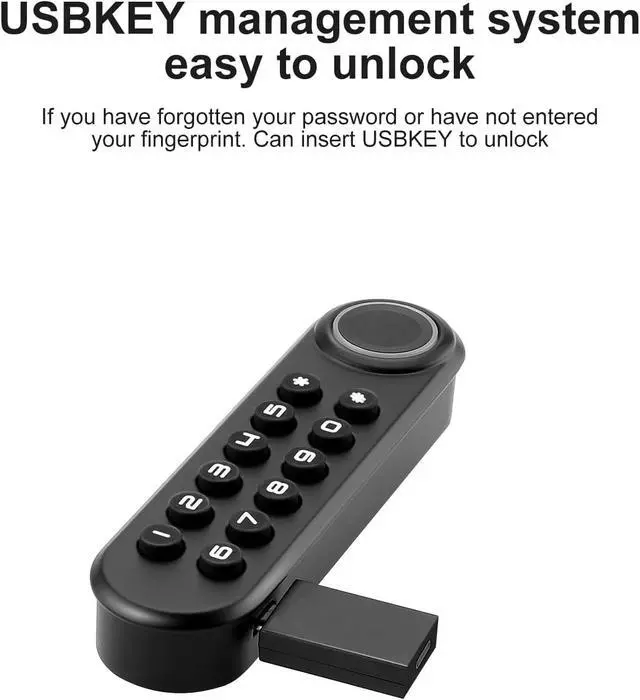
Three way to unlock: Fingerprint, Password, USB Key
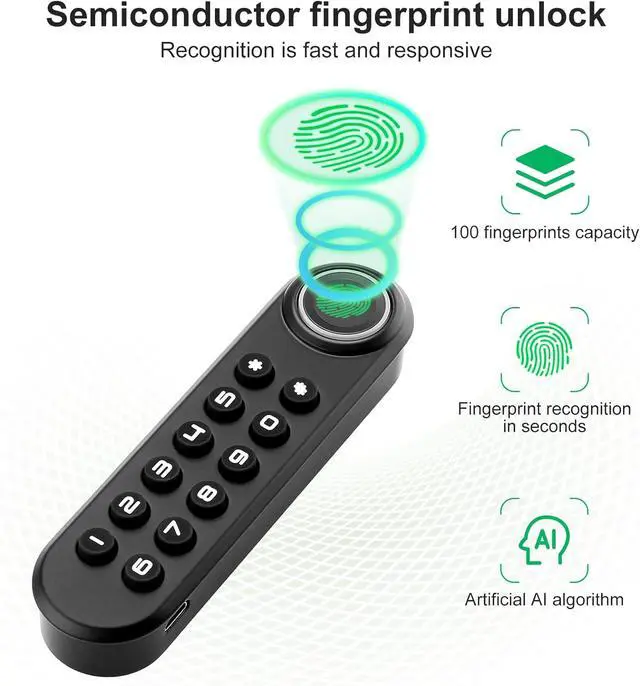
100 different fingerprints: Up to 100 different fingerprints can be added to a padlock.
Easy monitoring of activity: Includes unlocking logs and sharing logs.
Easy Installation
Support up to 100 Different Fingerprints
Up to 100 different fingerprints can be added to a padlock.
It can correctly recognizes registered fingerprints up to 99% of all time when your finger is placed correctly on the sensor.
Emergency USB Key
There is also an additional USB key for the metal one as an backup plan just in case the lock does not function properly.
Emergency Power Supply
There is a micro USB port on the keypad for you to charge the lock with a portable power bank just in case of any sudden power outage.
Low Power Warning
When the power is less than 10%, the machine will generate an alarm, please change the power supply or charge in time
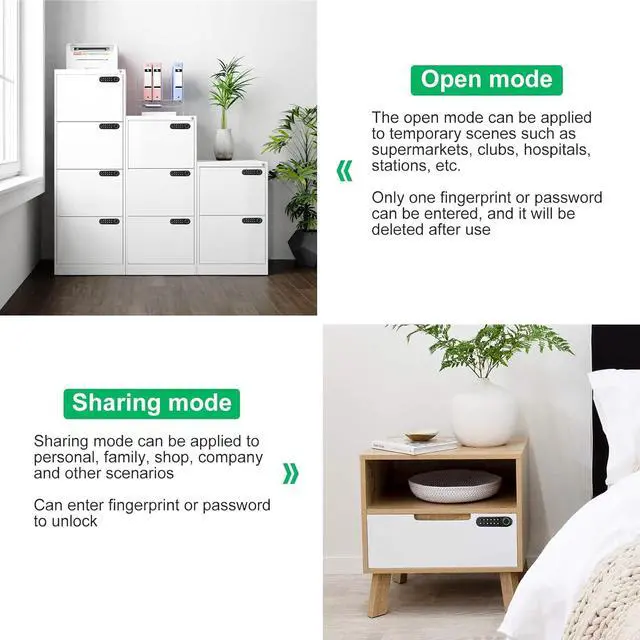
Open Mode & Sharing Mode
Since there are three different unlocking methods, you can choose to set different unlocking methods according to different occasions
Suitable for Double Door
As shown in the figure, if it is installed





 here!
here!