Your Browsing History
Meet Your Seller
S6 Mini Stream Controller Deck, Macro Keypad Shortcut Keyboard
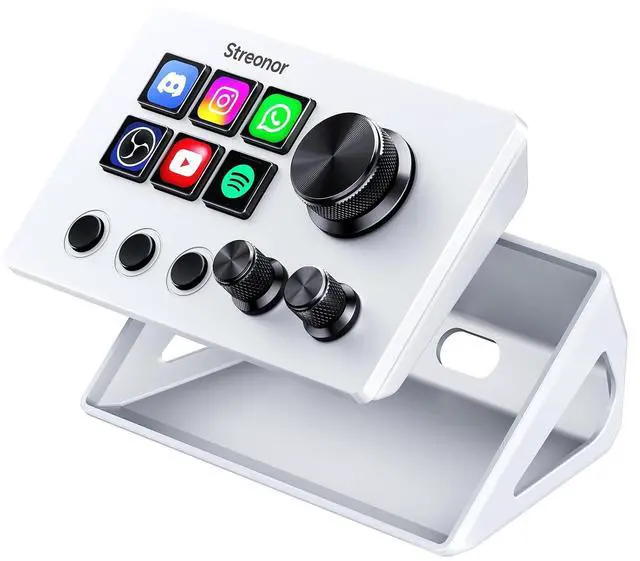
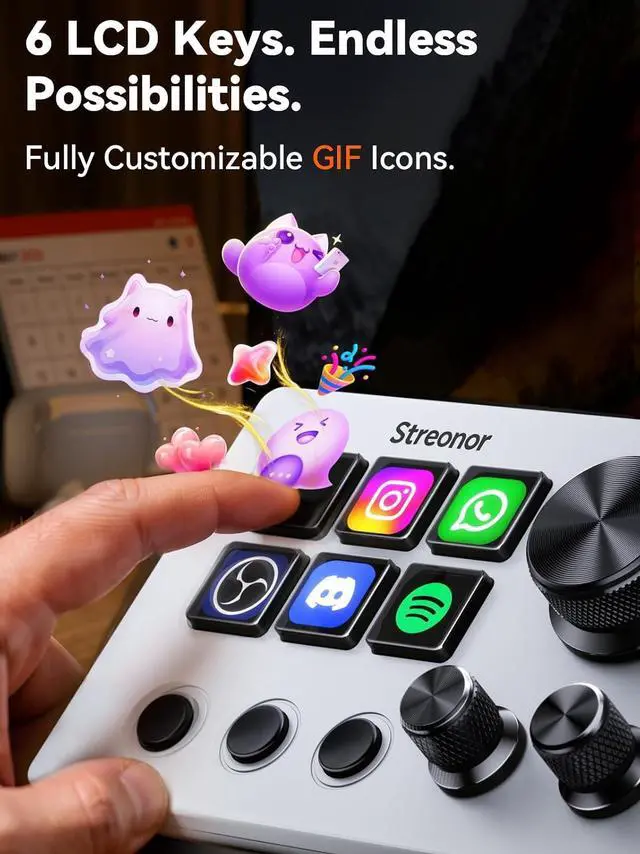
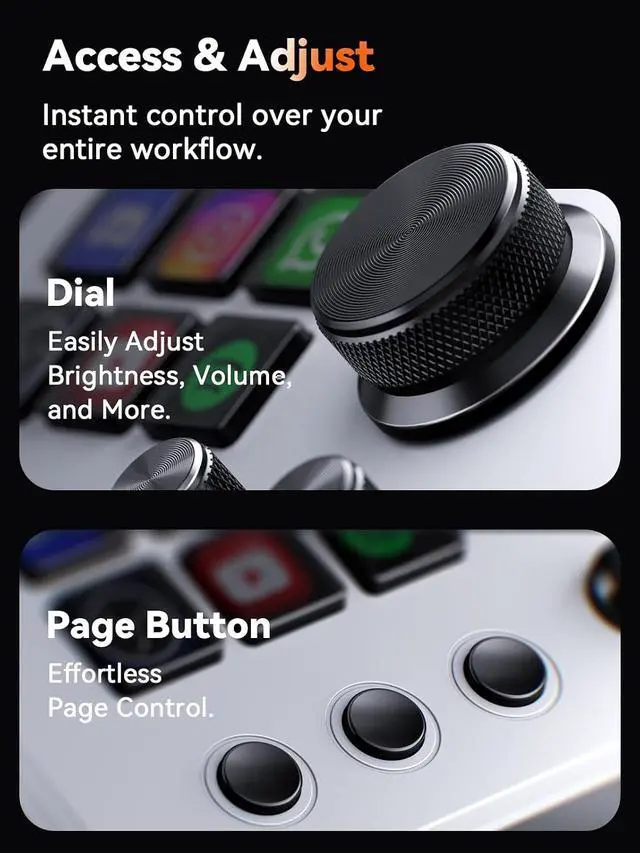
- Compact Control Without Compromise The S6 Mini combines 6 customizable LCD keys, 3 rotary knobs and 3 dedicated scene keys in a space-saving stream controller. It gives smaller desks, mobile setups and first-time controller users the convenience of a programmable macro keypad without taking over the workspace.
- Turn Repeated Steps into One-Touch Workflows Assign shortcuts, hotkeys, app launches, folders, media controls and multi-action sequences to the LCD keys. Use the knobs for supported functions such as volume, microphone level, scrolling, zooming or editing timeline control, keeping frequent actions close at hand.
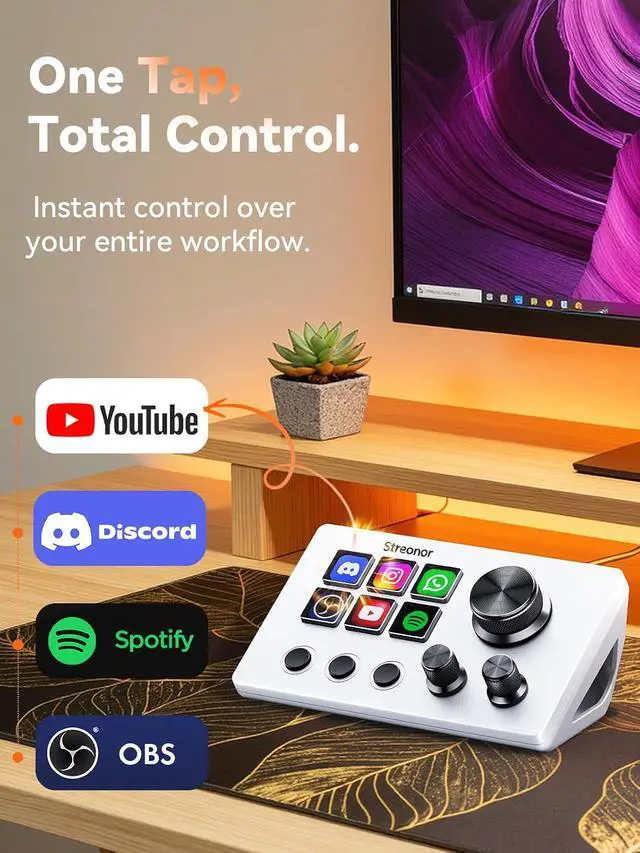
- Made for Streaming, Editing and Everyday Work Create dedicated layouts for OBS Studio, Twitch, YouTube, Streamlabs, video editing, music playback, gaming and office productivity. Switch scenes, mute audio, launch tools or move between profiles from one compact macro deck instead of repeatedly switching windows.
+
+
Overview
Reviews
Any questions? Our AI mode will help you find out quickly.
Try me now
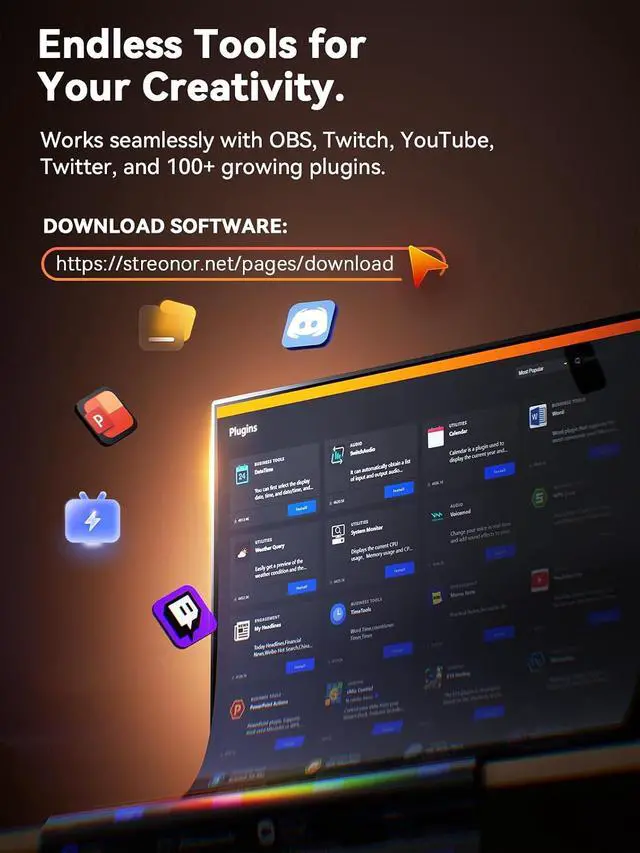
100+ Plugins and Personalized Visuals Explore 100+ plugins in the software store, along with icon packs, GIF icons, scenes, tutorials and customizable layouts. Personalize each key for different apps and projects, then visit the Space forum to discover additional resources and workflow ideas.
Simple Setup for Windows and Mac Compatible with Windows 10 64-bit or higher and macOS Big Sur 11.0 or higher; Linux is not supported. For stable operation, connect directly to your computer with a USB 3.0 cable and uninstall similar stream controller software before setup. Some third-party integrations may require an active account or subscription.

Warranty & Returns
Warranty, Returns, And Additional Information
Warranty
- Please contact the Seller directly for warranty information. Warranty information may also be found on the Manufacturer's website.
- CONTACT
Return Policies
- Return for refund within: 30 days
- Return for replacement within: 30 days
- This item is covered by Grandwood Tech Limited Return Policy
Manufacturer Contact Info
- For a directory of all our manufacturers, please click below.
- Manufacturers Directory
LOADING...