Built for
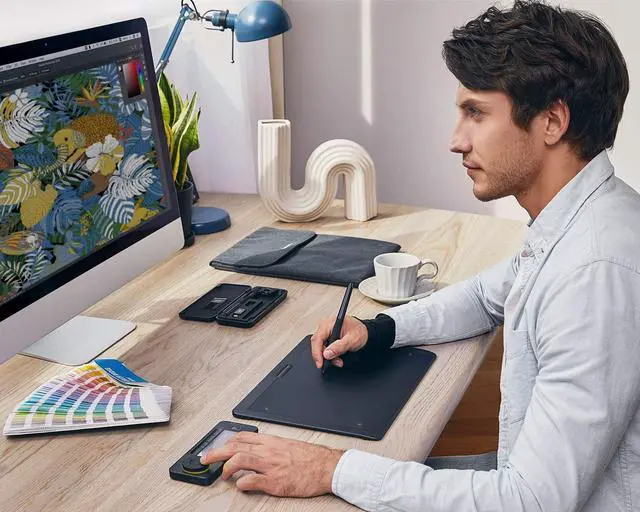
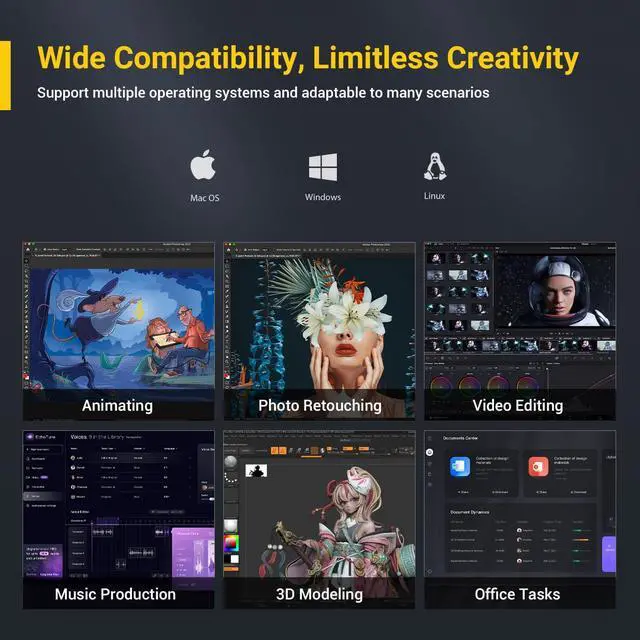
Multi-Scenario Creation: Perfect for digital artists, video editors, photographers, and music producers. Seamlessly integrates with Photoshop, Lightroom, Premiere Pro, DaVinci Resolve, Clip Studio Paint, and more.
Standalone Shortcut Pad No Drawing Tablet Required: Supports Windows 7 and later, macOS 10.13 and later, and Linux systems. Whether you're on a desktop, laptop, tablet, or hybrid device, experience seamless performance with your favorite creative tools. From digital painting and video editing to audio editing, photo retouching, and office tasks.
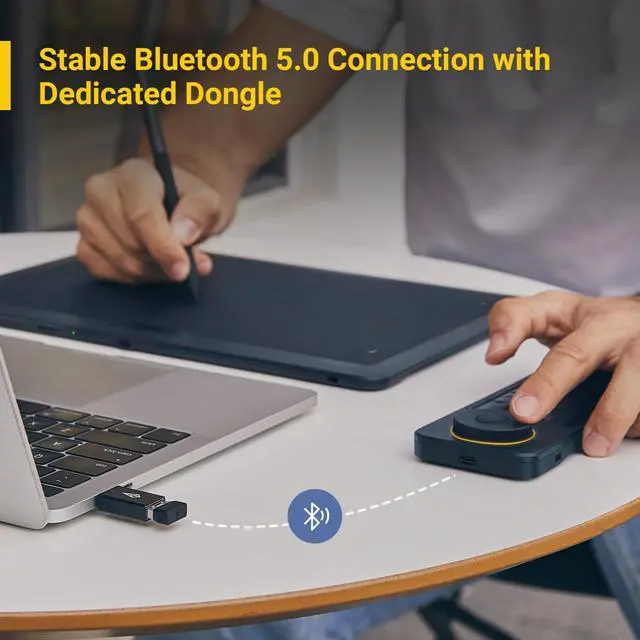
Wireless Shortcut Remote with Private Bluetooth 5.0:
Channel: delivers a faster, more reliable connection than regular Bluetooth, even in high-interference environments. The dedicated dongle allows for hassle-free pairingJust plug it in and start creating. USB wired connectivity is also available for added convenience.
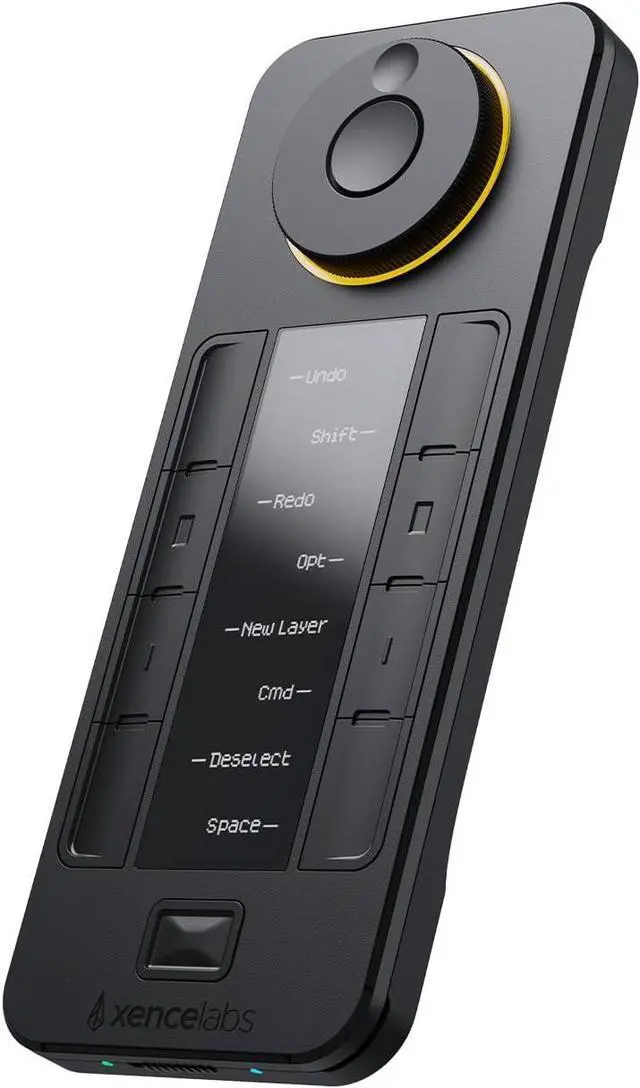
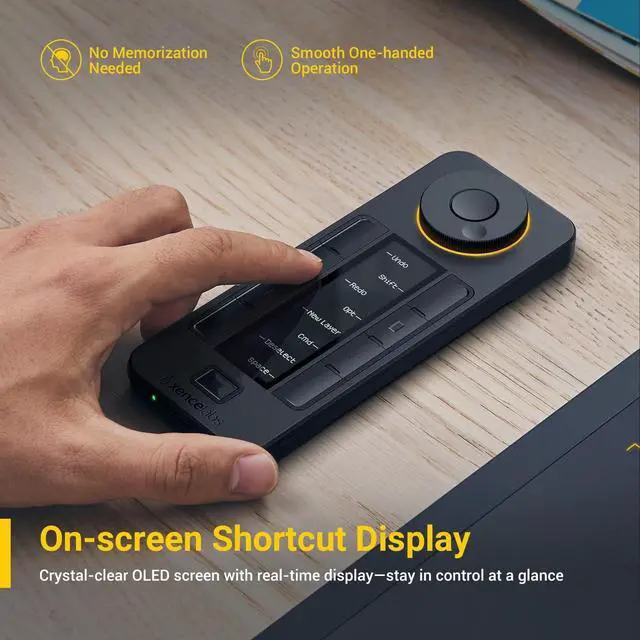
Oled Display
2 On-screen Shortcuts
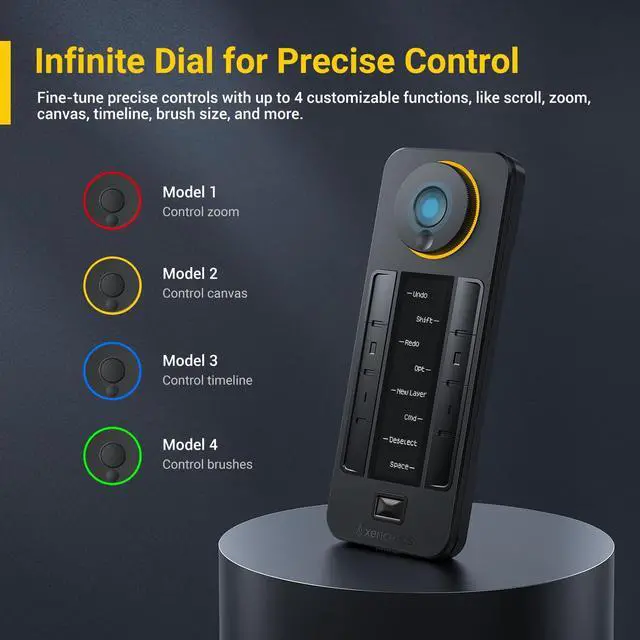
3 Infinite Dial
Digital Drawing
2 Photo Retouching
3 Video Editing
4 Audio Editing
5 Office Work
Wide Compatibility
2 Easy-to-Use Driver
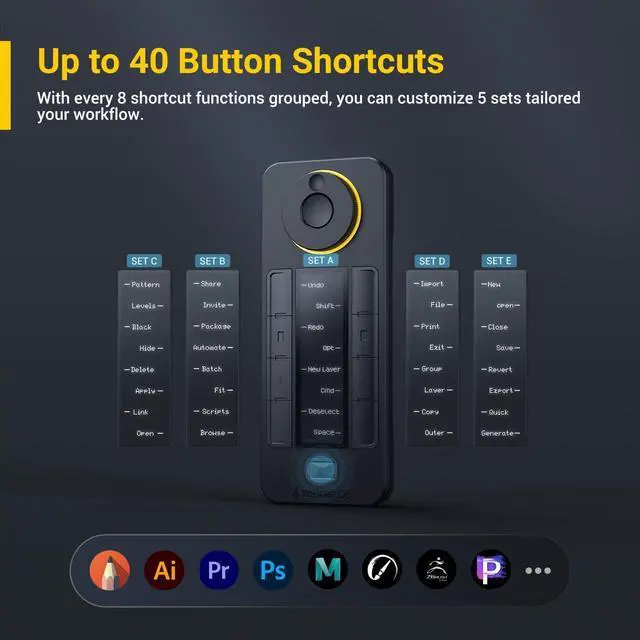
3 Preloaded Shortcusts
4 Auto-switching Layouts
5 Settings On-the-Go
Can I use Quick Keys with other brands pen tablets or pen displays?
Yes, you can! When installing the driver, youll be asked whether youd like to install just the Quick Keys component. Feel free to choose what fits your setup best.
Which software is compatible with Quick Keys?
Quick Keys is compatible with most major creative and Microsoft Office software, including Adobe Photoshop, Illustrator, Premiere, After Effects, Lightroom, DaVinci Resolve, Clip Studio Paint, Blender, ZBrush, and more.
Does Quick Keys support macros or complex scripts?
No. At this time, Quick Keys focuses on reliable, easy-to-use shortcut keys. While you can set up combinations like Ctrl+Z, advanced scripting and multi-step macros arent supported yet.
Can Quick Keys control multiple devices or cross-platform workflows?
No. Quick Keys is designed for use with one device at a timeWindows, macOS, or Linux. However, you can export your settings and easily import them on another device if needed.
Will driver conflict with drivers from other brands?
Theres a small chance of conflict. To ensure smooth operation, we suggest installing the driver first, followed by any drivers from other brands.





 here!
here!