Your Browsing History
- Free 30-day Returns
$96.99
Meet Your Seller
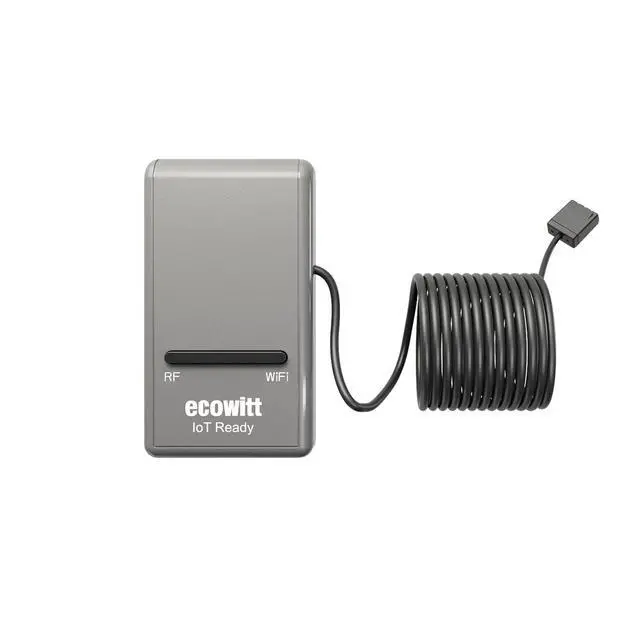
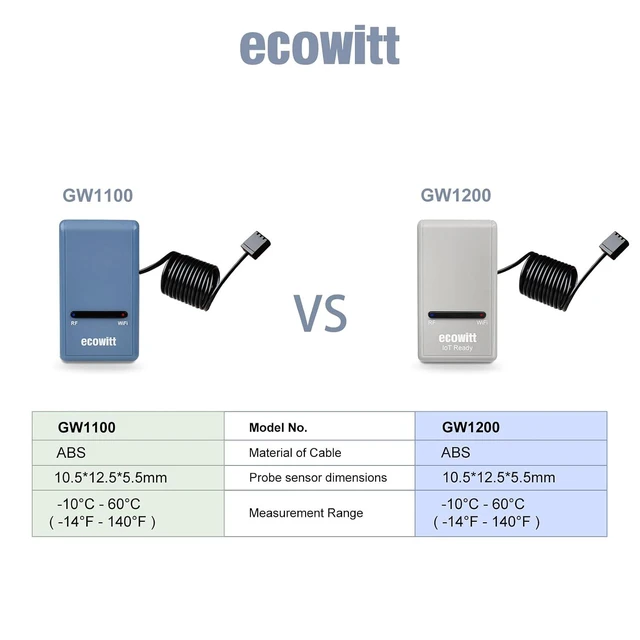
Wi-Fi Gateway Weather Station Built-in Temperature, Humidity & Barometric Sensors, IoT Ready, Supports Ecowitt Sensors, USB Power, 915 MHz
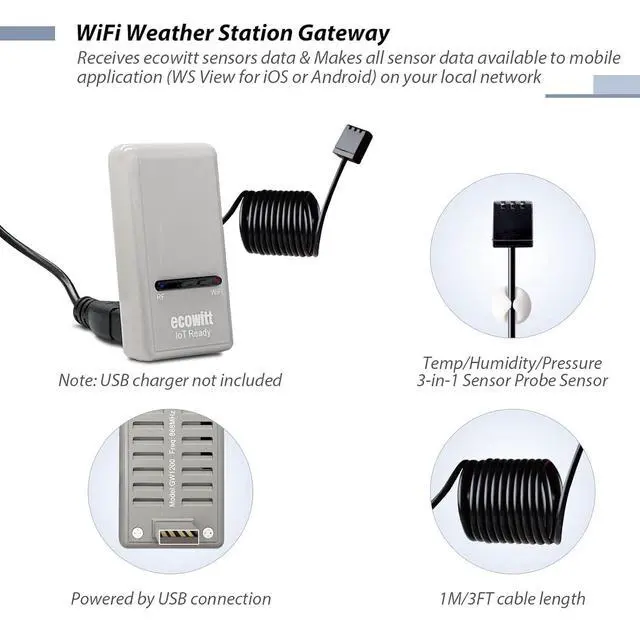
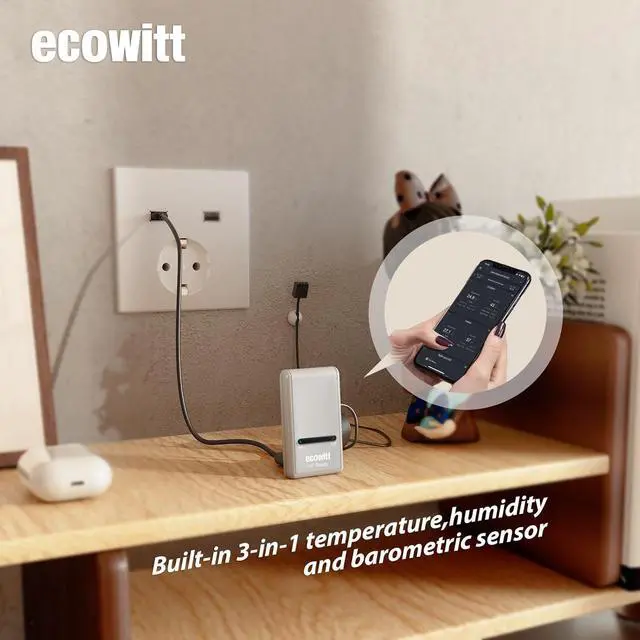
- ECOWITT Wi-Fi Gateway Weather Station: With bulti-in temperature, humidity, and barometric pressure 3-in-1 sensor, the Ecowitt GW1200 Wi-Fi gateway could not only be an indoor weather station but also be a Wi-Fi gateway to connect to Ecowitt all developed sensors/subdevices. An additional 1.5m/3ft USB extension cable for powering the gateway, allowing you to measure more accurate values at any location.
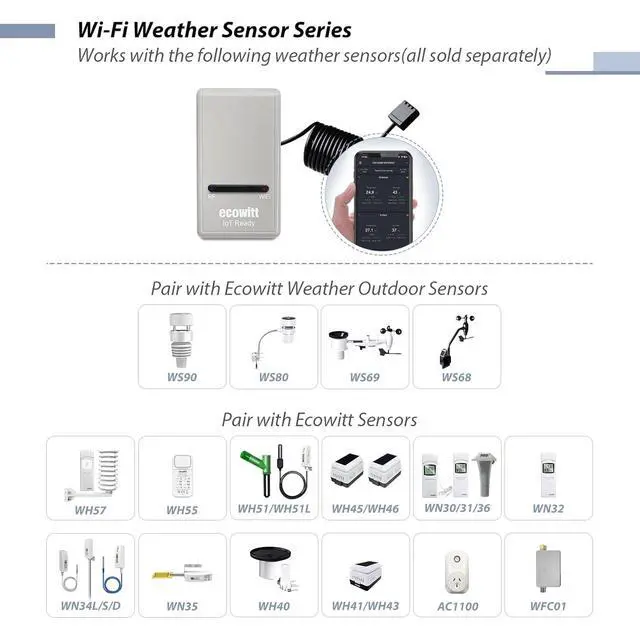
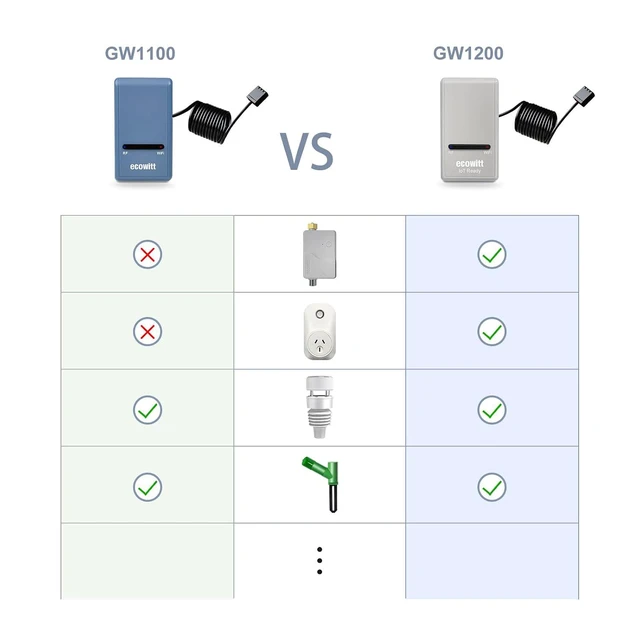
- IOT Ready: Ecowitt GW1200 Wi-Fi gateway could not only pair with all ecowitt-developed sensors and upload their data to the Internet after Wi-Fi configuration but also could pair with ecowitt smart control devices, such as WFC01 watering timer and AC1100. After Wi-Fi configuration, you can control these smart control devices on the Ecowitt APP, realizing APP control watering timers and switches.
+
+
Overview
Reviews
Any questions? Our AI mode will help you find out quickly.
Try me now
Various Sensors Supported: GW1200 WiFi weather station gateway can collect sensor data from various Ecowitt-developed sensors (sold separately), such as WN32 outdoor temperature and humidity sensor, WH40 rain gauge sensor, WS68 wireless anemometer, WS90 outdoor sensor array, up to 8 WN31 thermo-hygrometer sensors, up to 8 WH51/WH51L soil moisture sensors, up to 8 WN34L/WN34D pool thermometers, up to 4 WH41/WH43 PM 2.5 air quality sensors, WH45/WH46 air quality sensor, WH55 Water leak sensors, and WH57 Lightning sensor, up to 16 Iot devices, such as WFC01/AC1100.
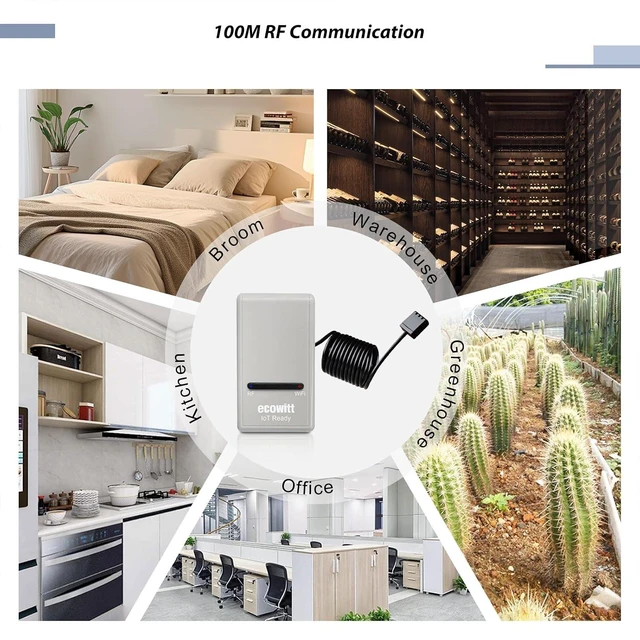
Easy to Install & Easy Wi-Fi Configuration: Ecowitt GW1200 is powered by USB( 2.0 or later). With a cable clip and a USB extension cable, you can place it anywhere in your home. There are 2 methods to finish the
Wi-Fi configuration: The Ecowitt APP or the website. It is recommended that you download the Ecowitt APP and finish the Wi-Fi configuration. The details about how to configure Wi-Fi are on the Quick Start Guide.
Upgrade Firmware: According to your needs decide whether to automatically update the firmware. With the firmware update, you can use the latest function of GW1200. Besides, the original data can be retained. This option is unchecked as a default setting, which means the device will not upgrade firmware by itself. If this option is enabled, it will upgrade firmware automatically (precondition: gateway GW1200 connected to your router with internet access from the network).
View Live Data & Publish to Internet Weather Services: You can use the Ecowitt APP to view collected live data, manage sensor calibration setup, and manage sensor selection. Besides, After the Wi-Fi configuration is successful, data can be uploaded to the following weather station servers: A. ecowitt. net (Default upload to this server); B. wunderground. com; C. weathercloud. net27; D. wow. metoffice. gov. uk; E. Customized servers.

Easy to Install & Easy Wi-Fi Configuration: Ecowitt GW1200 is powered by USB( 2.0 or later). With a cable clip and a USB extension cable, you can place it anywhere in your home. There are 2 methods to finish the
Wi-Fi configuration: The Ecowitt APP or the website. It is recommended that you download the Ecowitt APP and finish the Wi-Fi configuration. The details about how to configure Wi-Fi are on the Quick Start Guide.
Upgrade Firmware: According to your needs decide whether to automatically update the firmware. With the firmware update, you can use the latest function of GW1200. Besides, the original data can be retained. This option is unchecked as a default setting, which means the device will not upgrade firmware by itself. If this option is enabled, it will upgrade firmware automatically (precondition: gateway GW1200 connected to your router with internet access from the network).
View Live Data & Publish to Internet Weather Services: You can use the Ecowitt APP to view collected live data, manage sensor calibration setup, and manage sensor selection. Besides, After the Wi-Fi configuration is successful, data can be uploaded to the following weather station servers: A. ecowitt. net (Default upload to this server); B. wunderground. com; C. weathercloud. net27; D. wow. metoffice. gov. uk; E. Customized servers.
Warranty & Returns
Warranty, Returns, And Additional Information
Warranty
- Please contact the Seller directly for warranty information. Warranty information may also be found on the Manufacturer's website.
- CONTACT
Return Policies
- Return for refund within: 30 days
- Return for replacement within: 30 days
- This item is covered by Grandwood Tech Limited Return Policy
Manufacturer Contact Info
- For a directory of all our manufacturers, please click below.
- Manufacturers Directory
LOADING...