• $174.99
  • Free 30-day Returns
  • Price alert
    Shop it at NeweggBusiness.

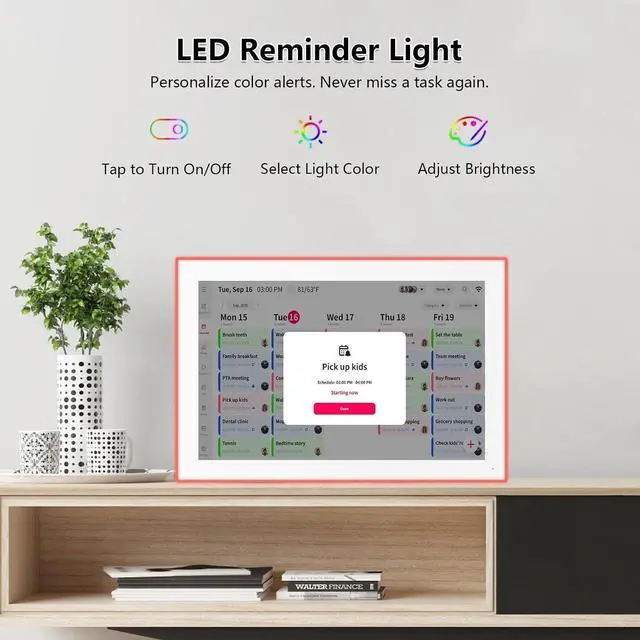
    Moonka 10.1" Wall Planner Digital Calendar & Chore Chart with LED Reminder Light, Smart Full HD Touchscreen Interactive Display for Family Schedules, Meal Planner, To Do List

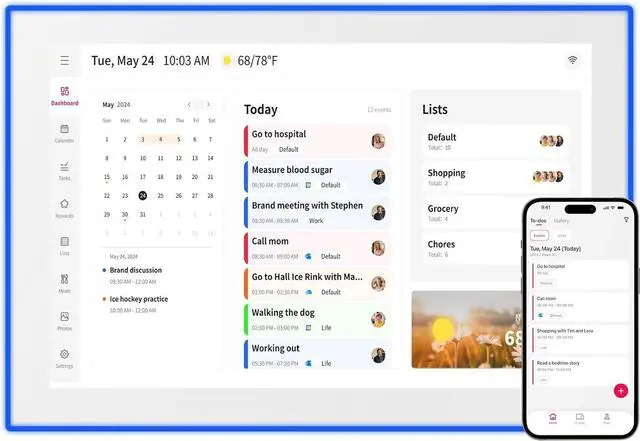
    • All-in-One Digital Family Hub: Streamline your family's life with a WiFi-enabled smart calendar that makes scheduling visual and effortless. Color-code and assign tasks to each member, plan weekly meals, and enjoy a digital photo frame that showcases your favorite memories 24/7.
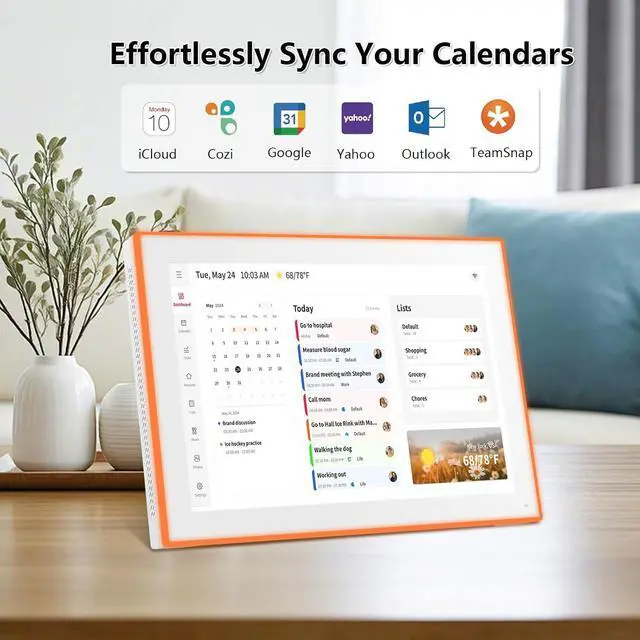
    • Auto-Sync & Easy SetupJust plug it in, connect to Wi-Fi, and sync your calendarsyour events load automatically and stay up to date. Precise timekeeping is built in, with automatic synchronization to internet time servers. Add events or chores directly on the device, or via the free mobile app. Compatible with Google Calendar, iCloud, Outlook, Cozi, Yahoo Calendar and TeamSnap.
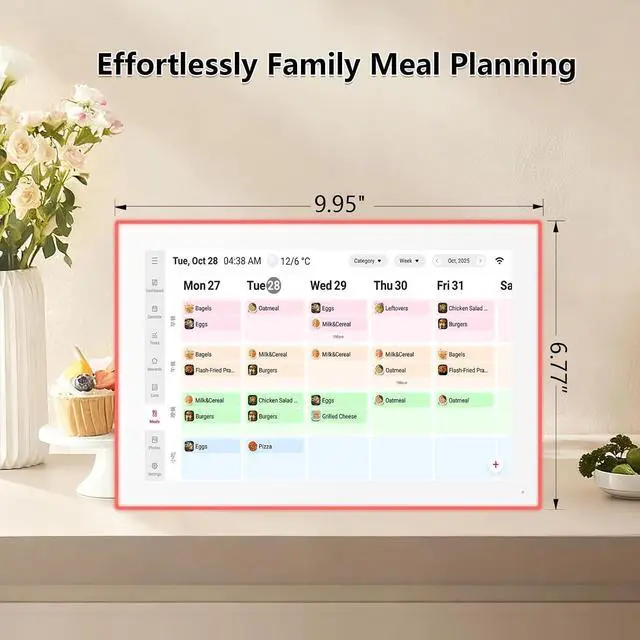
    • Meal Planner & Chores ChartBuild responsibility and healthy habits in your children with the interactive chore chart. Then, display your weekly meal plan to keep the whole family in syncand finally put an end to the daily "What's for dinner?" question.
    +
    +
    Overview
    Reviews
    avatar

    Any questions? Our AI mode will help you find out quickly.

    Live Frame & ScreensaverTurn moments into memories. Share photos and videos directly from your phone using the free appno matter where you are. Watch your gallery come alive as cherished family moments move from hidden files to a dynamic display that everyone can enjoy.
    The Gift of a Calmer DaySimplify your family's life with the Moonka smart calendarthe all-in-one command center for a more organized, stress-free home. It displays schedules, plans meals, and doubles as a beautiful digital photo frame that showcases your favorite memories. The perfect gift for any busy family.
    Tips for First-Time Use Give it a moment to settle in After powering on for the first time, let the system process data without rushing. Avoid rapid operations while it gets ready. Check for the latest updates Follow the on-screen prompts to install any available system updates. This ensures your device runs smoothly with the newest features.

    Warranty & Returns

    Warranty, Returns, And Additional Information

    Warranty

    • Please contact the Seller directly for warranty information. Warranty information may also be found on the Manufacturer's website.
    • CONTACT

    Return Policies

    Manufacturer Contact Info

    LOADING...