




 here!
here!
I’m your shopping assistant for PC builds, upgrades, and everything tech.
Got questions? Ask away!
Start a conversation
here!
I’m your shopping assistant for PC builds, upgrades, and everything tech.
Got questions? Ask away!
Start a conversation



Any questions? Ask CelesteSM will help you find out quickly.
The most common problem when a APPS sensor is failing is a "Dead Pedal." You will be driving down the road and hit the accelerator and NOTHING will happen. Your truck will not go. The most common codes associated with this problem are the P2121, P0121, P0122, P0123 codes. Another issue is a surging or a bucking and this oftentimes will not throw any codes.
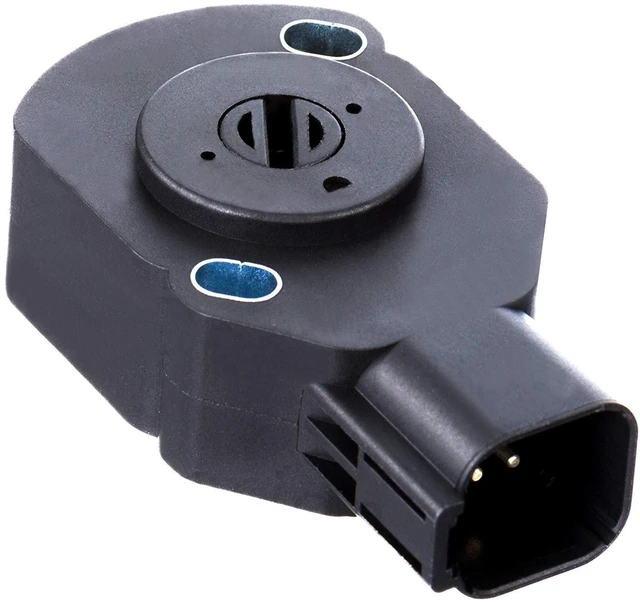
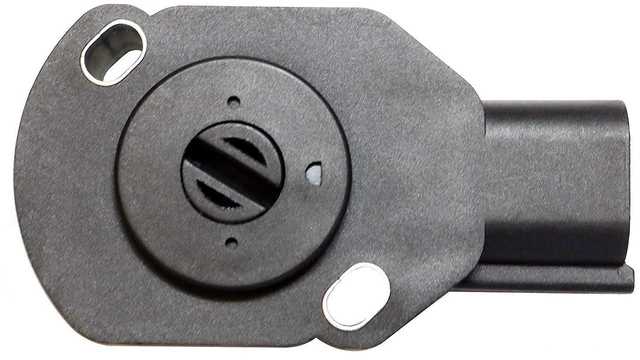
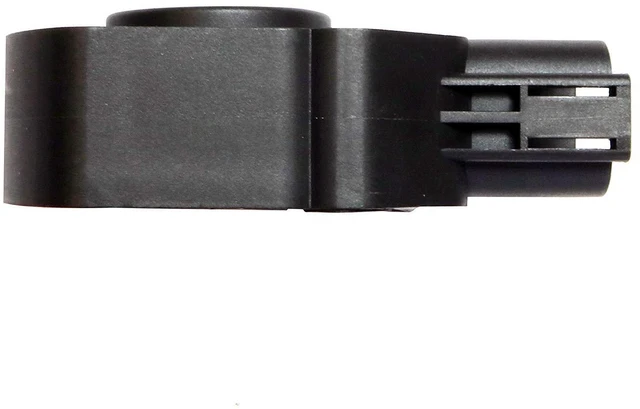
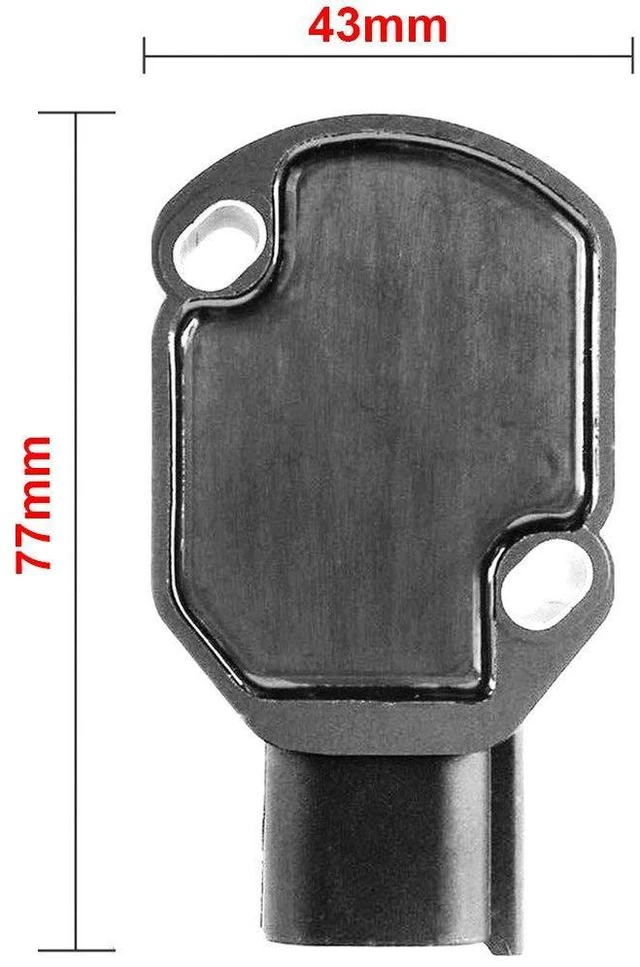
This is an aftermarket throttle position sensor for '98.5-'07 Dodge Cummins Turbo Diesel trucks and is not a factory-style replacement. This TPS is not application specific and works on trucks equipped with either a manual or automatic transmission. Please check vehicle fitment tab above to see if TPS fits your vehicle.
Detailed instructions are included that explain how to install and calibrate the throttle position sensor.
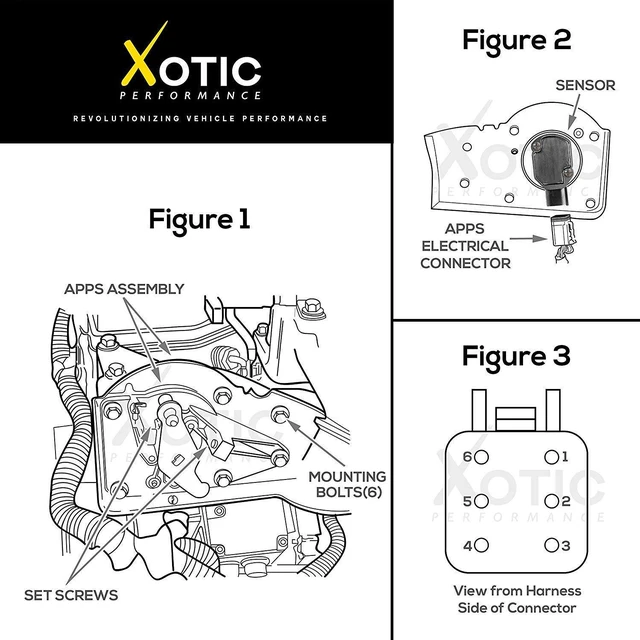
1. Remove the black APPS (accelerator pedal position sensor) assembly cover.
2. Remove the six mounting bolts and partially pull the assembly away from the engine. Be sure not to place excessive strain on cables or electrical connector.
3. Disconnect the electrical connector form the APPS assembly.
4. Remove the two torx screws and remove the sensor.
1. Install the new sensor. Tighten the torx screws just tight enough to hold the sensor in place.
2. Connect the electrical connector to the new sensor.
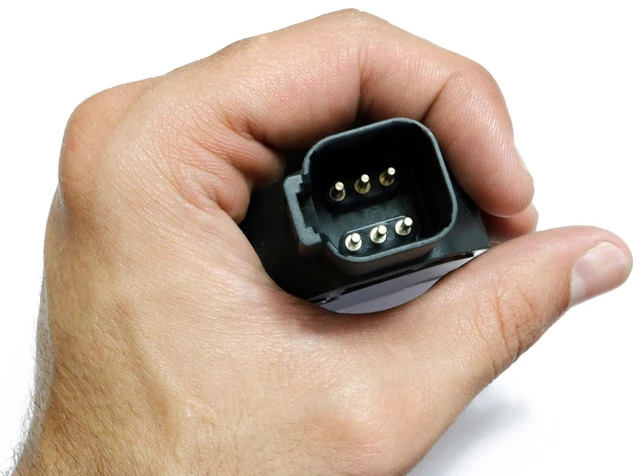
3. Turn the key to the run position, do not start the engine. Monitor the APPS voltage with the scan tool. APPS voltage can also be monitored by back probing pin # 3 on the APPS electrical connector.
4. Rotate the sensor until APPS voltage reads 0.55V +/- 0.05V. The set screws should not be adjusted. Tighten the torx screws to a final torque of 50 in. lbs. Verify that the reading is still within the specified range after the torx screws have been tightened. Turn the key to the off position.
5. Reposition the assembly to the engine with the six mounting bolts. Tighten the bolts to a torque of 105 in. lbs.
6. Reinstall the black APPS assembly cover.
1. Turn the key to the run position, do not start the engine. Press the pedal slowly to the full throttle position and release slowly back to the idle position one time.
2. Clear any DTC's that may have set during the installation procedure.
Do you have a "dead pedal"?
Technical Specifications
STEP 1 - REMOVAL
STEP 2 - INSTALLATION
STEP 3 - CALIBRATION


