

Your Browsing History
- Free 30-day Returns
$98.99


Meet Your Seller

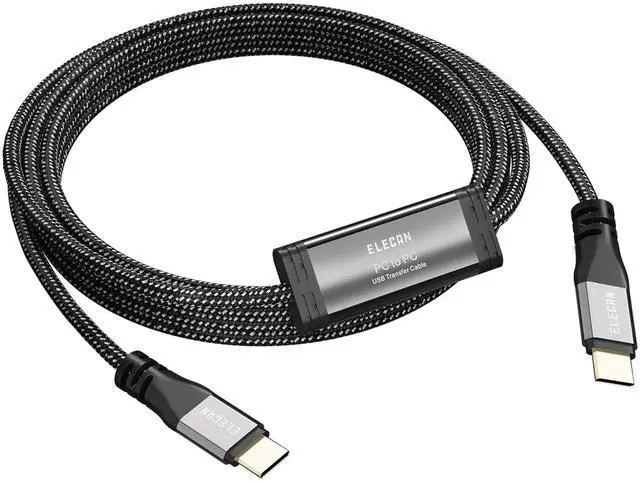




High Speed USB 3.1 PC to PC Transfer Cable 4 FT for Windows & macOS, USB C to C Direct Data Sync Link Bridge Cord with Built-in Software, for File Transfer & Data Migration Between 2 Computers
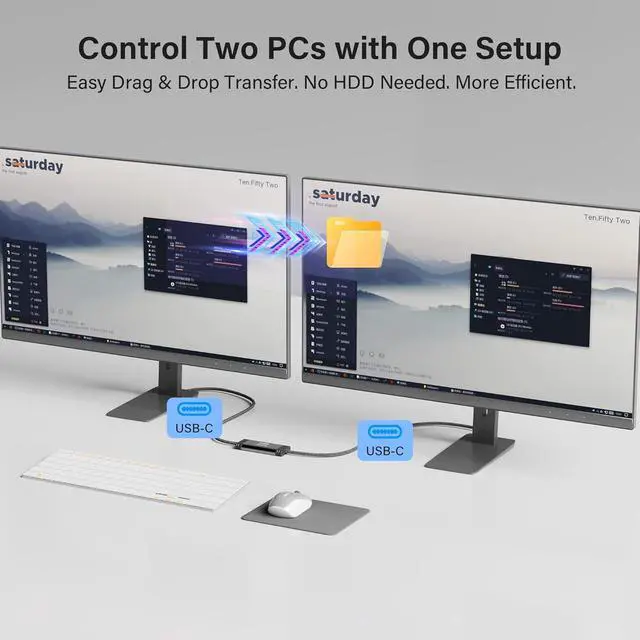
- Superior Performance: Maximum transfer speed up to 5Gbps ----Supports sharing keyboard and mouse across two computers (Windows Windows or Windows macOS), allowing easy switching; users can drag files or folders directly to the other computer----Built-in PCBA intelligent chip ensures stable and reliable communication----Gold-plated usb connectors improve signal stability and corrosion resistance----Thick cable (28+28+24AWG) with high-density black braided outer layer, OD 5.0mm, balances flexibility and durability----Each cable undergoes 100% data testing before leaving the factory----Aluminum alloy housing ensures fast heat dissipation and stable performance
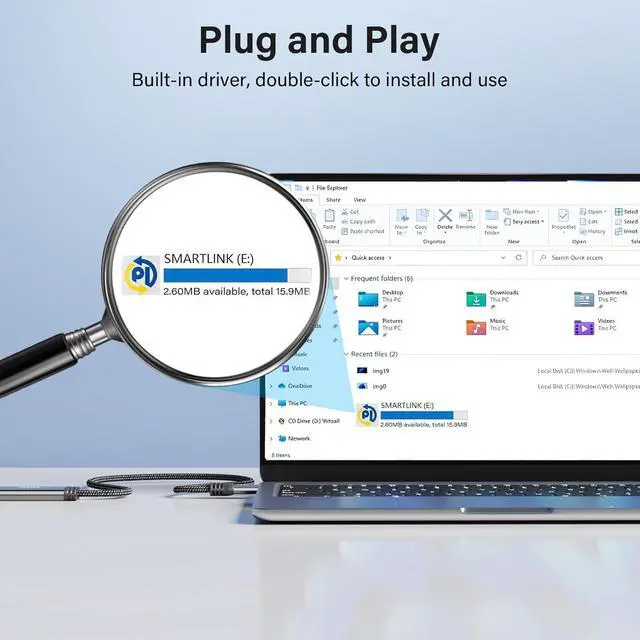
- Built-in Software: Instructions: First-time use requires installing the PCLINQ6 software, it will not automatically transfer upon plugging in----The data transfer software is preloaded inside the cable and will appear as a virtual disk when connected to a computer.
+
+
Overview
Specs
Reviews

Any questions? Our AI mode will help you find out quickly.
Try me now
Reminder: This product is a PC-to-PC transfer cable, not an ordinary USB charging cable or standard C-to-C data cable; it does not support device charging nor video signal transmission----Some anti-virus software may prevent/block the installation of the PCLINQ6 application. If PCLINQ6 cannot be installed successfully, you need to allow its installation in your anti-virus software or add PCLINQ6 to the allowed list----For more usage information and operation instructions, please refer to the included manual
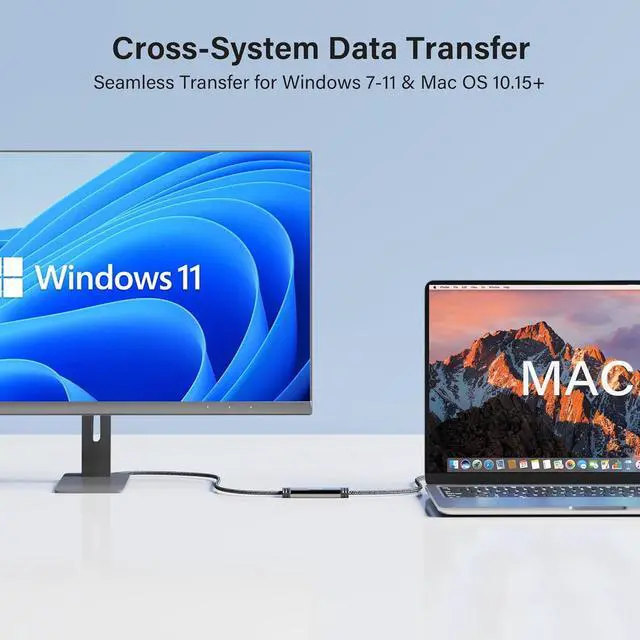
Attention Mac Users: On macOS 10.15+ systems, be sure to go to System Settings > Privacy & Security and grant PCLINQ6 Accessibility and Screen Recording permissions. This is necessary to enable cross-screen mouse control (used only for cursor positioning, does not involve privacy); otherwise, the software will not run----Interface selection: it is recommended to connect the cable to the computers USB 3.0 port (usually blue) for optimal speed
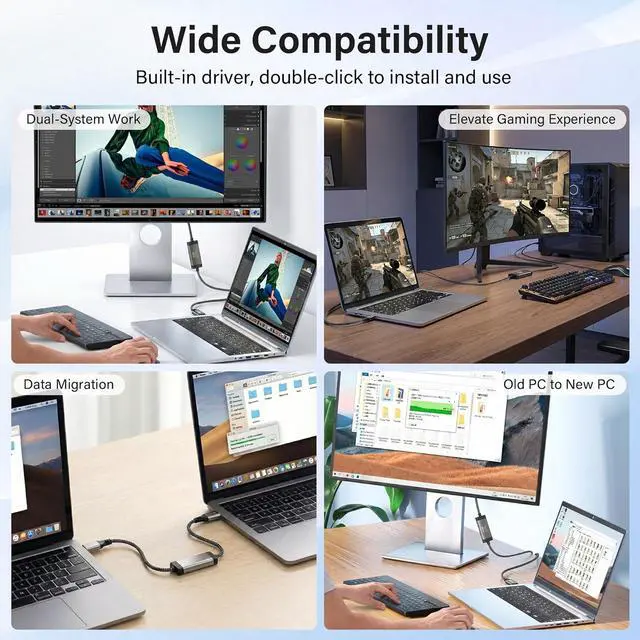
Wide Compatibility: Supports Windows XP / Vista / 7 / 8 / 10 / 11 and macOS 10.15+ ----Users can securely migrate files, folders, and user data, and share keyboard and mouse between two computers----Perfect for old computer upgrades or new PC setup: quickly migrate personal files, work documents, photos, and videos; laptop-to-desktop transfer; file backup; multi-user or team data management; efficient organization of work or study files for quick backup in emergencies
Attention Mac Users: On macOS 10.15+ systems, be sure to go to System Settings > Privacy & Security and grant PCLINQ6 Accessibility and Screen Recording permissions. This is necessary to enable cross-screen mouse control (used only for cursor positioning, does not involve privacy); otherwise, the software will not run----Interface selection: it is recommended to connect the cable to the computers USB 3.0 port (usually blue) for optimal speed
Wide Compatibility: Supports Windows XP / Vista / 7 / 8 / 10 / 11 and macOS 10.15+ ----Users can securely migrate files, folders, and user data, and share keyboard and mouse between two computers----Perfect for old computer upgrades or new PC setup: quickly migrate personal files, work documents, photos, and videos; laptop-to-desktop transfer; file backup; multi-user or team data management; efficient organization of work or study files for quick backup in emergencies


Warranty & Returns
Warranty, Returns, And Additional Information
Warranty
- Please contact the Seller directly for warranty information. Warranty information may also be found on the Manufacturer's website.
- CONTACT
Return Policies
- Return for refund within: 30 days
- Return for replacement within: 30 days
- This item is covered by Halo Electronics Return Policy
Manufacturer Contact Info
- For a directory of all our manufacturers, please click below.
- Manufacturers Directory
LOADING...