Your Browsing History
Meet Your Seller
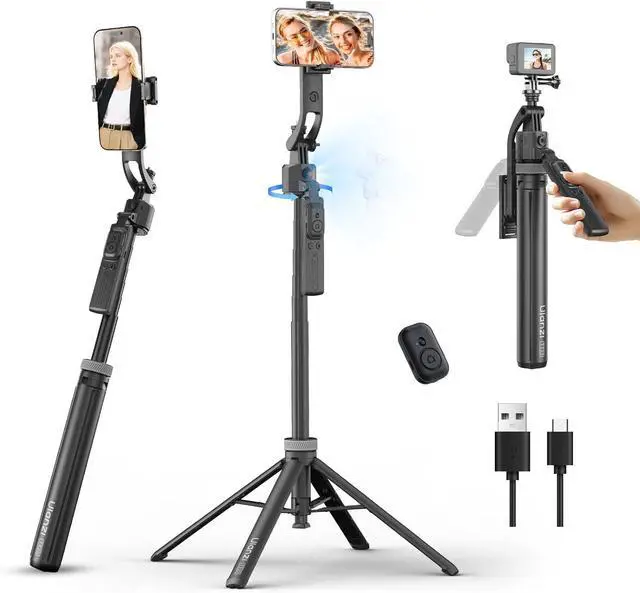
TT23 64" Auto Face Tracking Tripod for iPhone/Android with Remote, 360°Rotating Selfie Stick That Follows Your Movement, Facial Recognition Tripod for iPhone 17/16/15/14/13/Android/Camera/GoPro
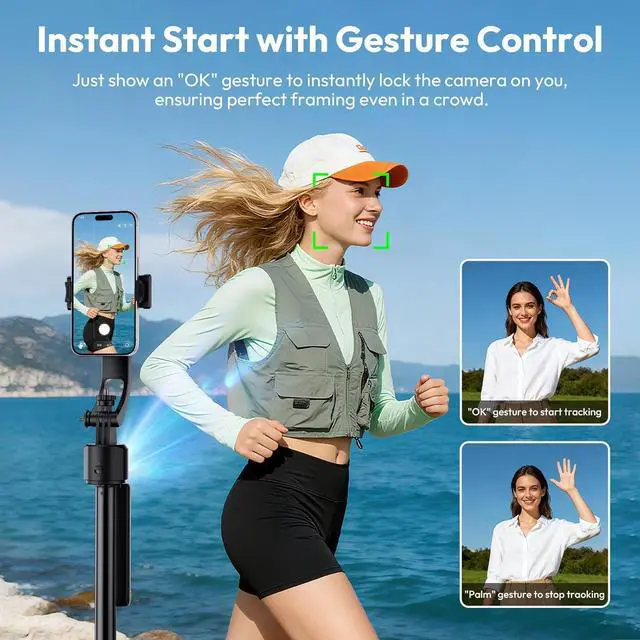
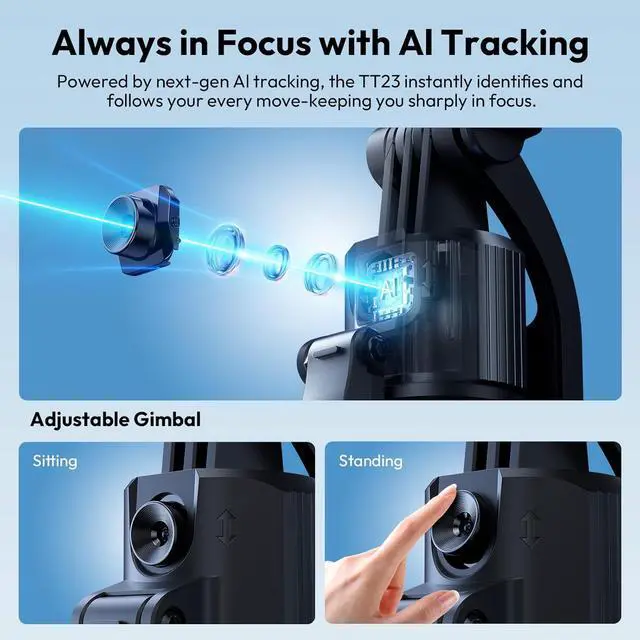
- Smart Gesture Control with Precise TrackingInnovative 360° auto face tracking ensures you stay perfectly in focus without manual adjustments. Activate tracking with an "" gesture and pause with a "" gesture. Effortlessly capture every exciting moment with sharp clarity, even while moving.
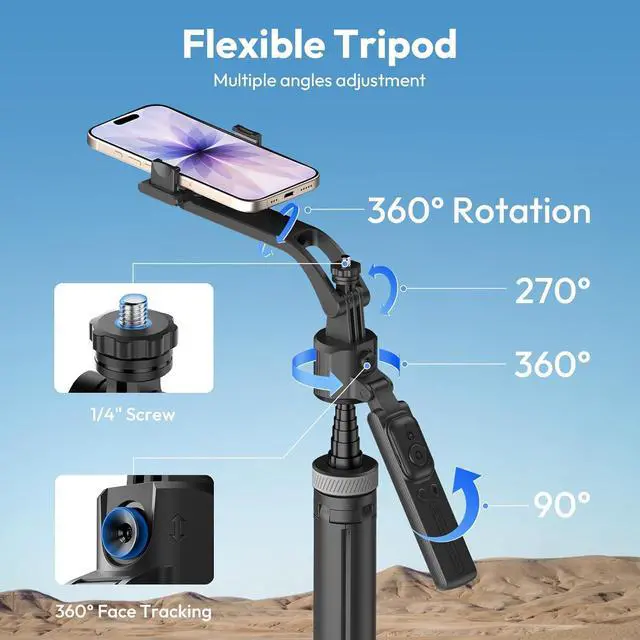
- Full-Angle Flexible AdjustmentEquipped with a 360° rotating gimbal, 270° tilt adjustment, and a 360° balancing handle, this tripod supports multi-directional movement. Whether shooting low-angle, high-angle, or panoramic scenes, it adapts to your needs with ease for any scenario.
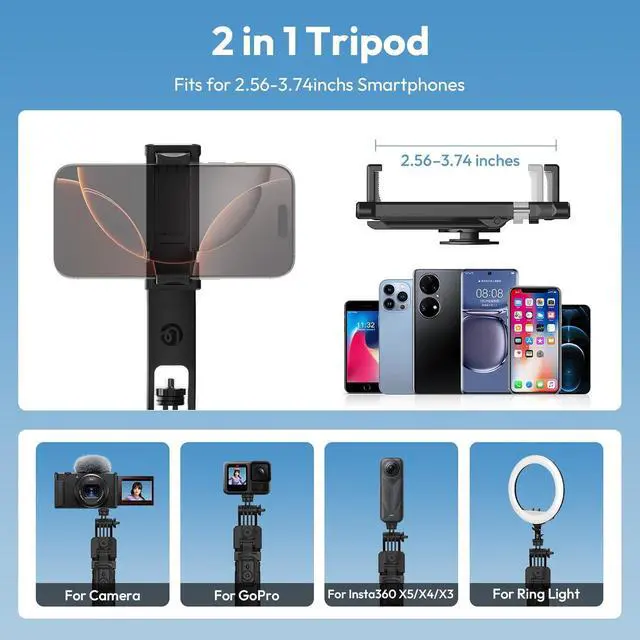
- Wide CompatibilityFeatures a standard 1/4-inch screw interface for connecting cameras, GoPro action cameras, and ring lights. The adjustable phone holder (2.563.74 inches) compatible with iPhone 17/16/15/14/13/12 series and most Android devices, making it versatile for multi-device shooting.
+
+
Overview
Reviews
Any questions? Our AI mode will help you find out quickly.
Try me now
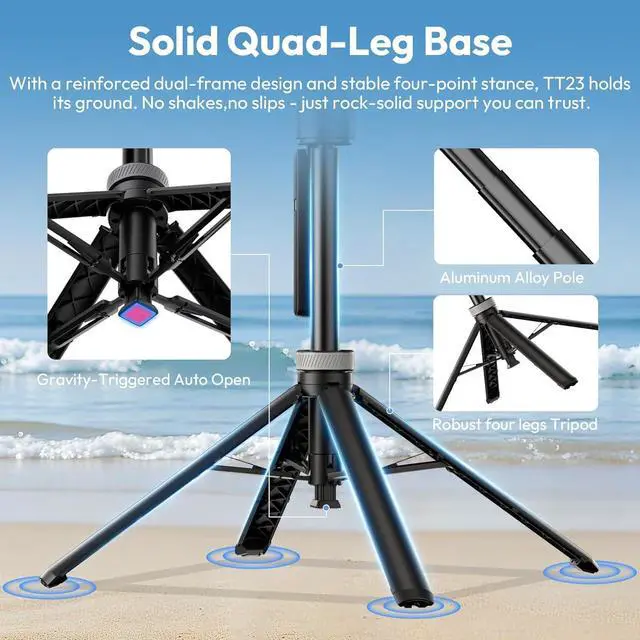
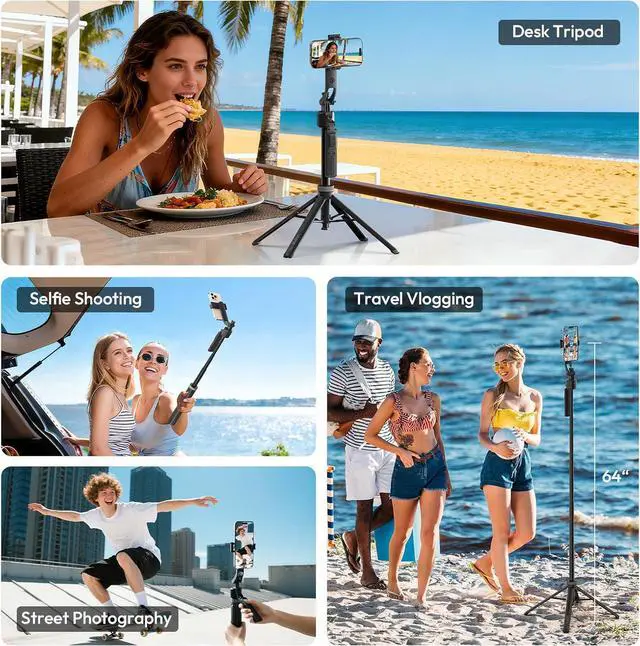
Durable & Portable for On-the-Go StabilityBuilt with durable ABS and aluminum alloy, it offers strong support. Extends up to 64 inches for overhead shots and folds to a compact 13 inches, weighing only 1.1 lbs. The four-leg design ensures exceptional stability, preventing slips and guaranteeing steady shots every time.
Removable Design for Multi-Purpose UseComes with a detachable Bluetooth remote and phone holder. The phone holder doubles as a tabletop stand for live streaming, video calls, or binge-watching. Unlock more possibilities with one compact device.
Usage TipsFor optimal face tracking, use within 1.6 feet (5 meters) and avoid moving too quickly. This ensures maximum tracking sensitivity and smooth, precise shooting every time.
***If you notice that the captured frame of your TT23 is not centered, you can adjust it using the "L" gesture. Here are the specific steps: 1.Ensure the device is in Pause Tracking Mode. 2.Move the shooting subject to your desired positionthis can be the center, left, or right of the frame. 3.Press and hold the "Double L" gesture for 2 seconds to initiate tracking.
Removable Design for Multi-Purpose UseComes with a detachable Bluetooth remote and phone holder. The phone holder doubles as a tabletop stand for live streaming, video calls, or binge-watching. Unlock more possibilities with one compact device.
Usage TipsFor optimal face tracking, use within 1.6 feet (5 meters) and avoid moving too quickly. This ensures maximum tracking sensitivity and smooth, precise shooting every time.
***If you notice that the captured frame of your TT23 is not centered, you can adjust it using the "L" gesture. Here are the specific steps: 1.Ensure the device is in Pause Tracking Mode. 2.Move the shooting subject to your desired positionthis can be the center, left, or right of the frame. 3.Press and hold the "Double L" gesture for 2 seconds to initiate tracking.



Warranty & Returns
Warranty, Returns, And Additional Information
Warranty
- Please contact the Seller directly for warranty information. Warranty information may also be found on the Manufacturer's website.
- CONTACT
Return Policies
- Return for refund within: 30 days
- Return for replacement within: 30 days
- This item is covered by DingPeak Smart Tech Return Policy
Manufacturer Contact Info
- For a directory of all our manufacturers, please click below.
- Manufacturers Directory
LOADING...