• $100.99
  • Free 30-day Returns
  • Price alert
    Shop it at NeweggBusiness.

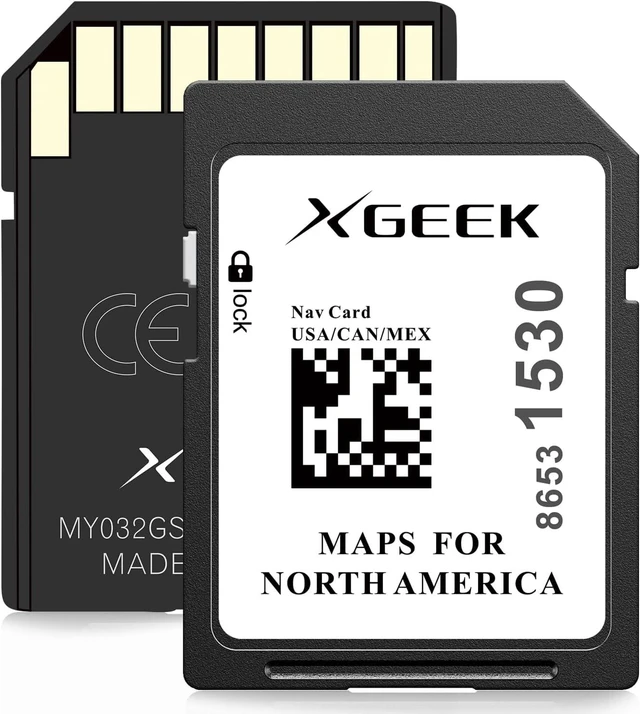
    2026 Navigation SD Card Map Update for GMC Chevrolet Cadillac Buick

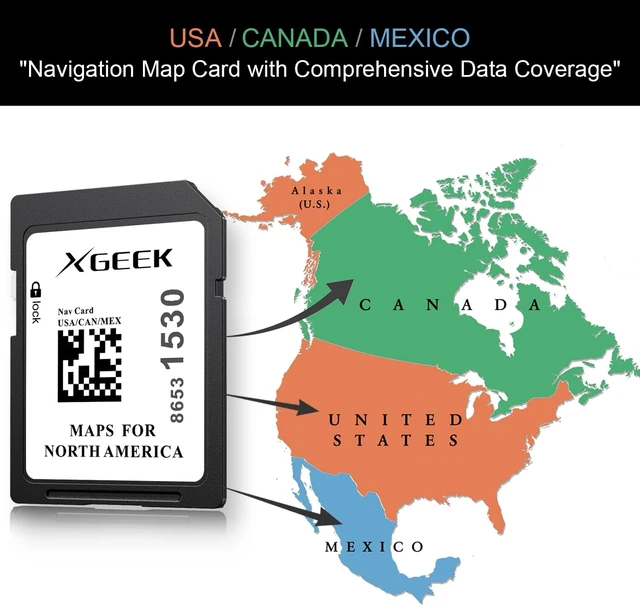
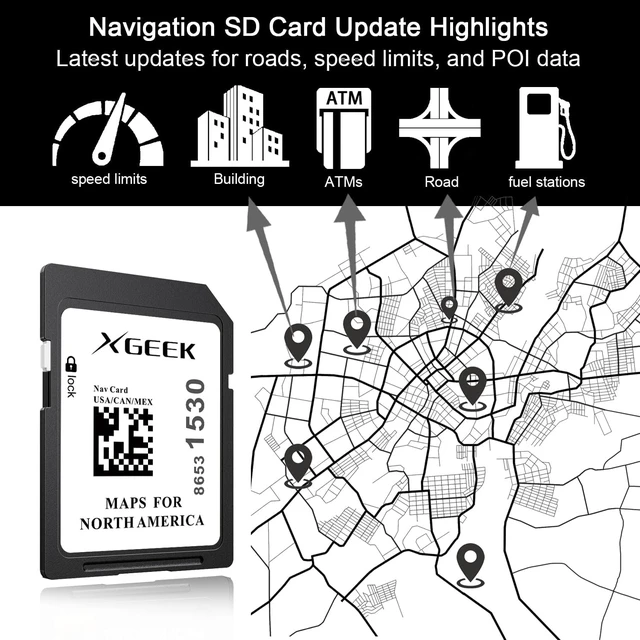
    • 2026 Navigation SD Card Latest Map Data:Comes equipped with brand-new North American map data covering the United States, Canada and Mexico entirely, featuring precise road networks and continuously updated POIs. Preloaded offline GPS map data enables steady navigation without cellular data or Wi-Fi access, delivering accurate routing even in remote areas with no cellular signal. Fully compatible with all vehicle models of GM, Chevrolet, GMC, Cadillac and Buick.
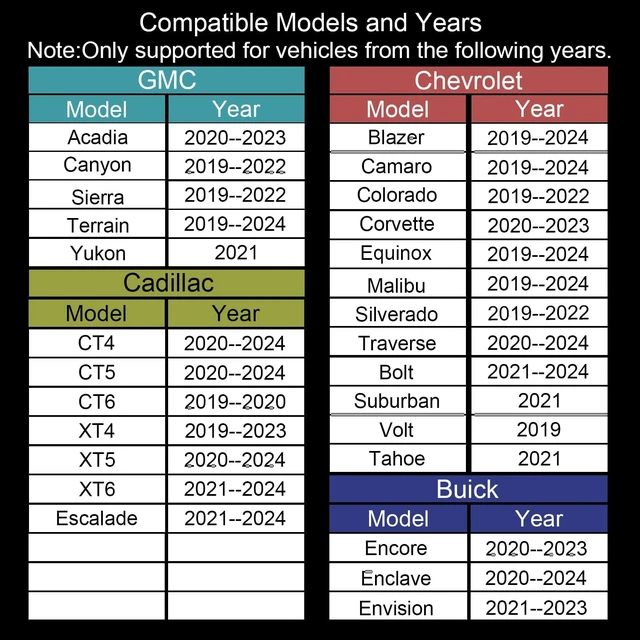
    • Compatible with GMC series: Acadia (2020-2023), Canyon (2019-2022), Sierra (2019-2022), Terrain (2019-2024), Yukon (2021)
    • Compatible with Chevrolet series: Blazer (2019-2024), Camaro (2019-2024), Colorado (2019-2022), Corvette (2020-2023), Equinox (2019-2024), Malibu (2019-2024), Silverado (2019-2022), Traverse (2020-2024), Bolt (2021-2024), Suburban (2021), Tahoe (2021), Volt (2019)
    +
    +
    Overview
    Reviews
    avatar

    Any questions? Our AI mode will help you find out quickly.

    Compatible with Buick series: Enclave (2020-2024), Encore (2020-2023), Envision (2021-2023)
    Compatible with Cadillac series: CT4 (2020-2024), CT5 (2020-2024), CT6 (2019-2020), XT4 (2019-2023), XT5 (2020-2024), XT6 (2021-2024), Escalade (2021-2024)
    Map Data Collection and Update Cycle: This 2026 version navigation SD card is preloaded with map data collected in 2025. While we strive to ensure the map is accurate and up-to-date, updates in some areas may be delayed due to third-party data and timing factors. With a biennial map update cycle, this current version remains the latest available official edition until the 2027 map version is officially released
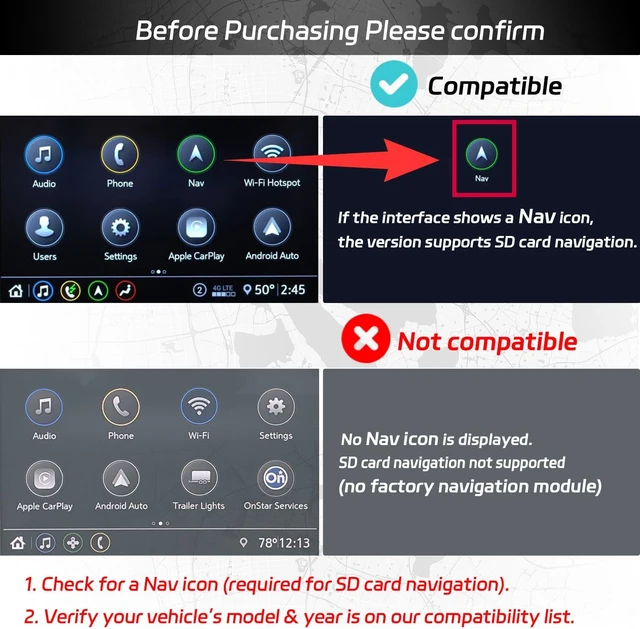
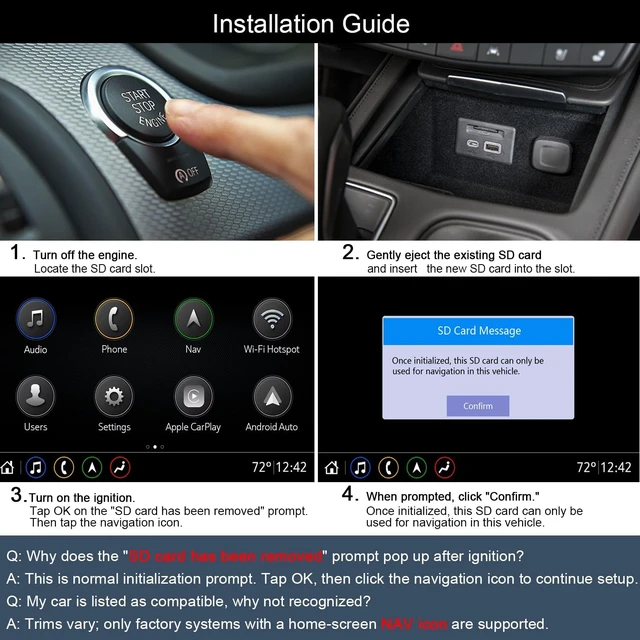
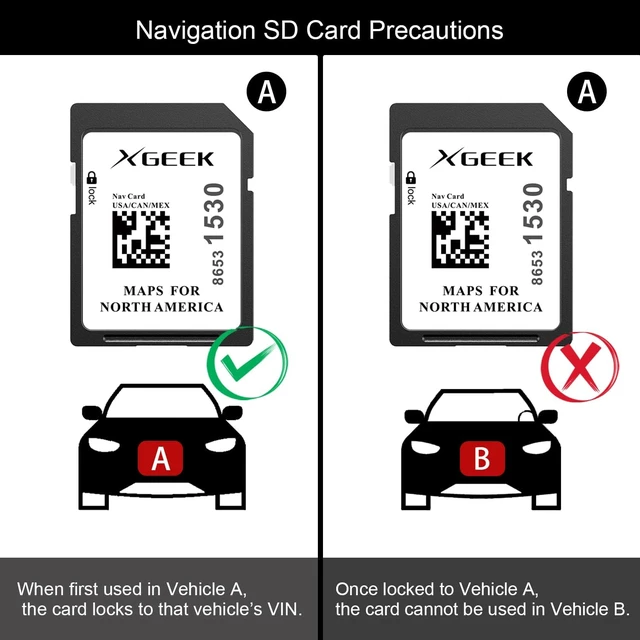
    Pre-Purchase Compatibility Verification: Please confirm that your vehicle displays a Nav/Navigation icon indicating it has the factory-installed navigation module and that your vehicle's model and year are included in our compatibility list
    Installation Steps: Turn off the engine and replace the navigation SD card, start the vehicle, confirm the pop-up message showing the old SD card has been removed, tap the navigation icon on the main interface to finish initialization, then the navigation card is successfully installed.



    Warranty & Returns

    Warranty, Returns, And Additional Information

    Warranty

    • Please contact the Seller directly for warranty information. Warranty information may also be found on the Manufacturer's website.
    • CONTACT

    Return Policies

    Manufacturer Contact Info

    LOADING...