• $106.99
  • Free 30-day Returns
  • Price alert
    Shop it at NeweggBusiness.

    Dual Bay Hard Drive Docking Station Hard Drive Cloner

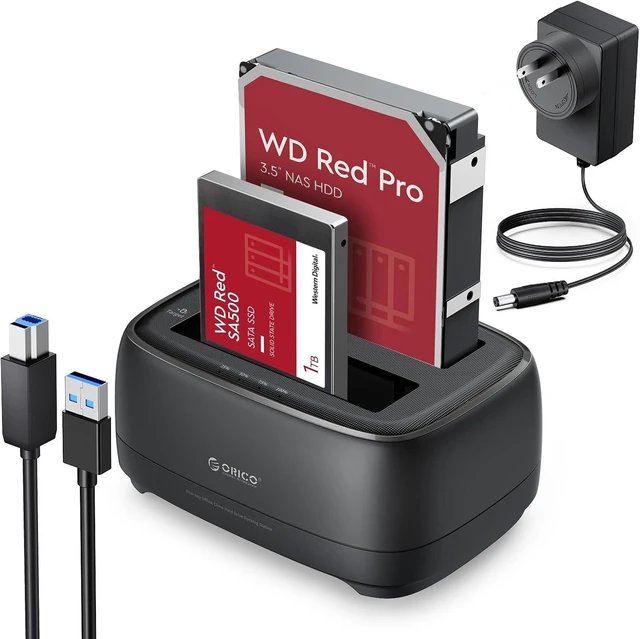
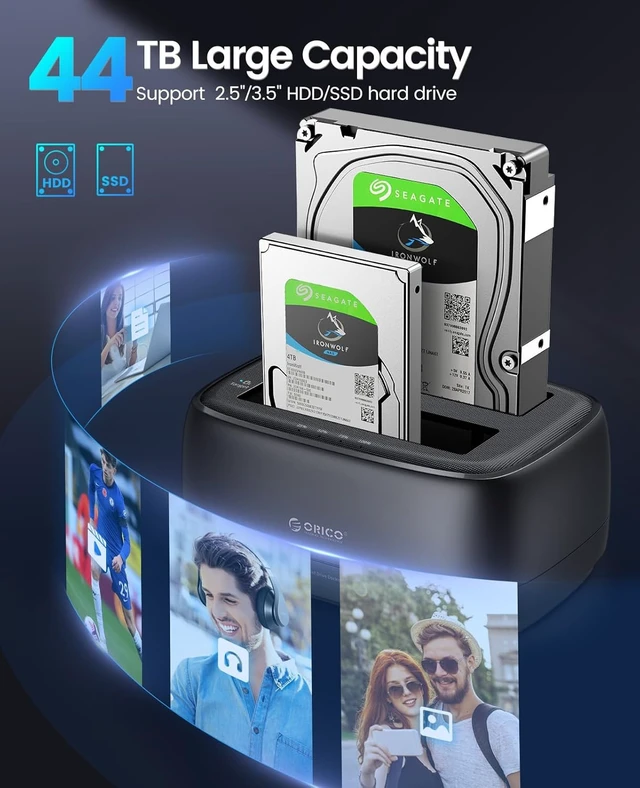
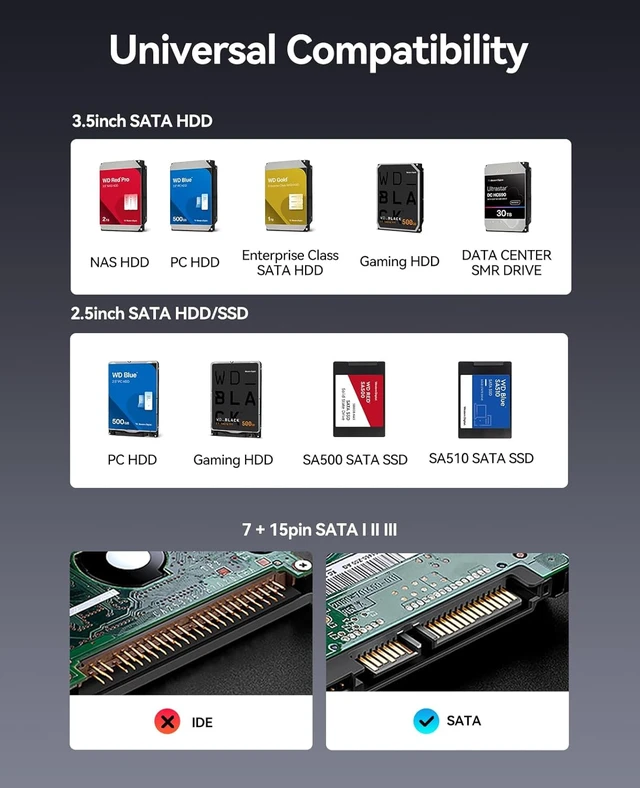
    • Full Compatibility HDD Docking Station supported 44TB(2*22TB) compatible with 2.5"/3.5" SATA I/II/III HDDs and SSDs; dual Bay hard drive docking Station includes 3ft (1m) USB-A cables and universal power adapter which can use in most places and is small in size and easy to use
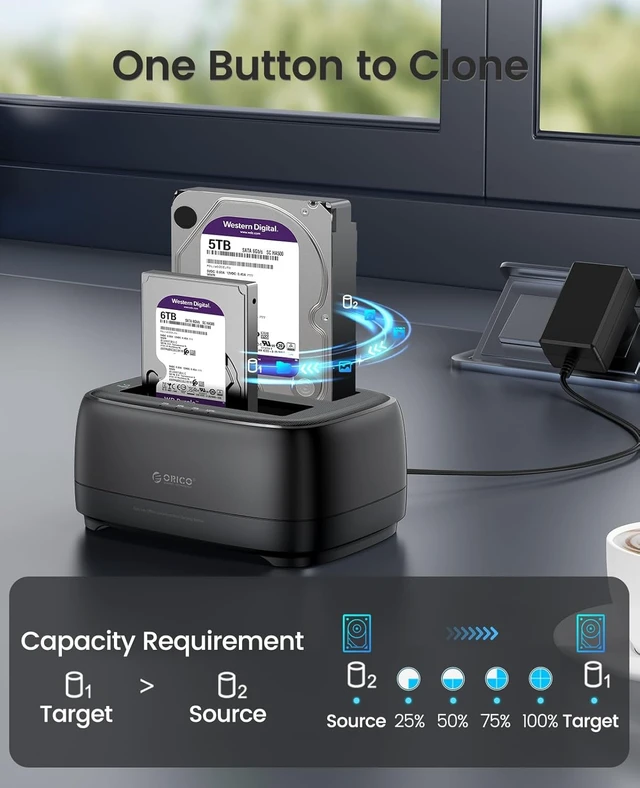
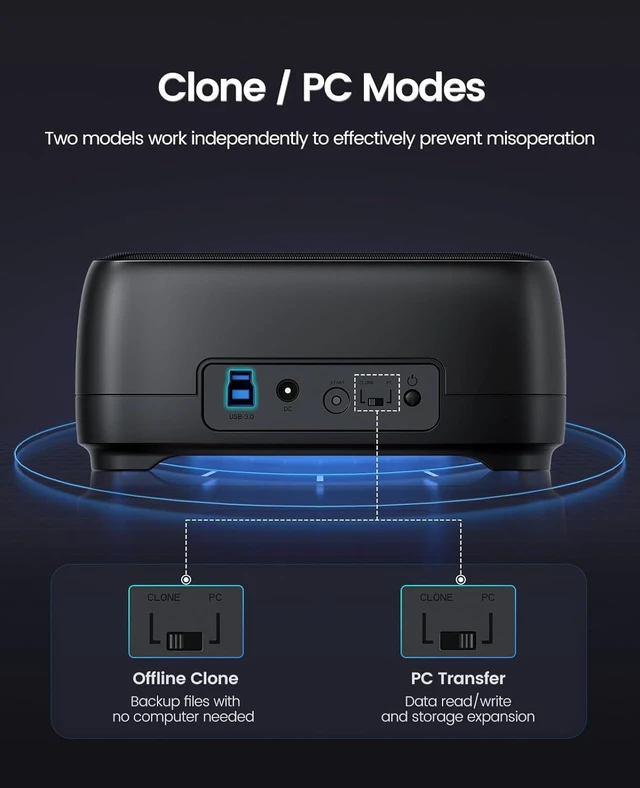
    • Offline Clone Hard Drive Duplicator hard drive docking station supports an offline clone function, it can be used to clone an existing hard drive without connecting to a computer, easy to duplicate data from one to another hard drive by pressing the CLONE button for about 3 seconds. Please note the target disk must be larger than the source disk.
    • Independent Power SupplyThe SATA hard drive docking station with a highly efficient 36W(12V/3A) power supply, guarantees a steady uninterrupted transmission process for maximum durability. external hard drive dock is inactive for 10 minutes, saving energy by automatically sleeping in mode
    +
    +
    Overview
    Reviews
    avatar

    Any questions? Our AI mode will help you find out quickly.

    Devices Connect FreedomThis Dual-Bay hard drive enclosure is designed to work with a variety of devices including PCs, laptops, smart TVs, smart routers, and even PS4. It supports multiple platform operating systems such as Windows, Mac, Linux, iPad OSThunderbolt, and Android. With this versatility, you can enjoy seamless connectivity across all your favorite devices.
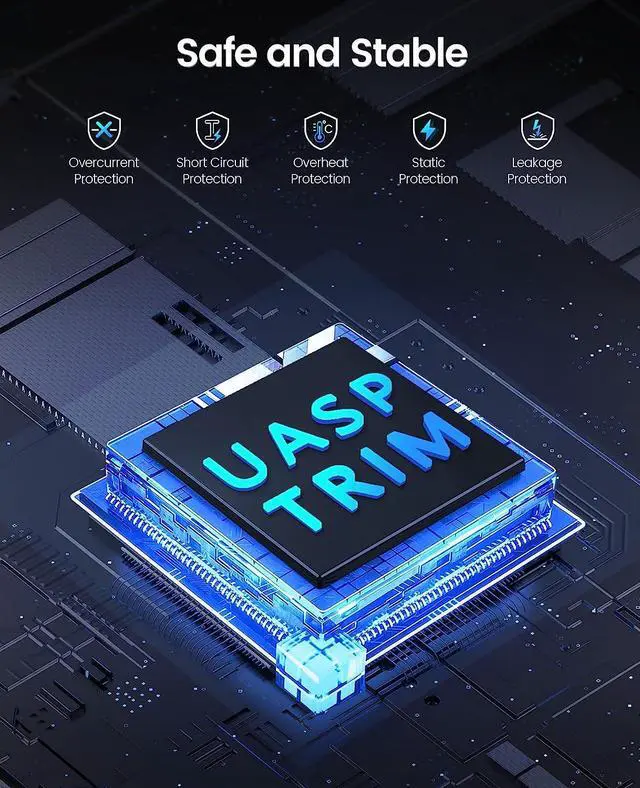
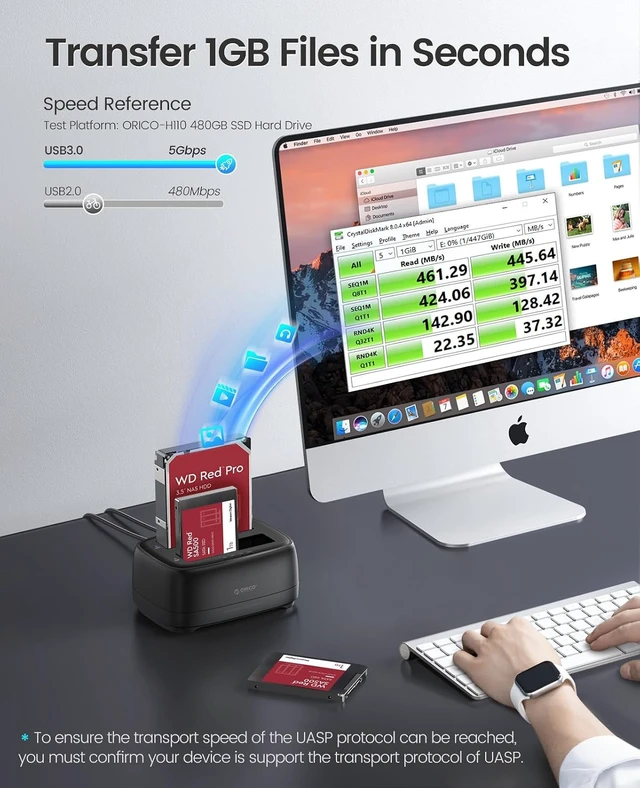
    High-Speed ProtocolUSB 3.0 hard drive docking station supports UASP &Trim protocol with transfer speeds of up to 5Gbps; USB hard drive dock enables instant access to 2.5/3.5" SATA drives for file backup, disk imaging, or data transfer - Toolless design facilitates quick drive hot-swapping
    Application DesignThe hard drive cloner adopts a unique dust-proof design cover plate and silicone anti-skid pad and is also designed with LED cloner Status indicators-Blue reading, Red Transfer
    Note: If there is no hard drive inserted, the Docking Station will not power on.


    Warranty & Returns

    Warranty, Returns, And Additional Information

    Warranty

    • Please contact the Seller directly for warranty information. Warranty information may also be found on the Manufacturer's website.
    • CONTACT

    Return Policies

    Manufacturer Contact Info

    LOADING...