Your Browsing History
Meet Your Seller
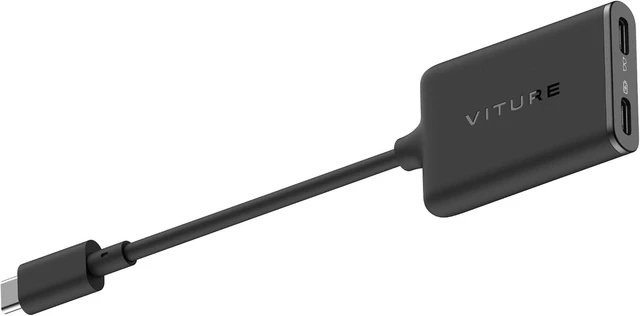
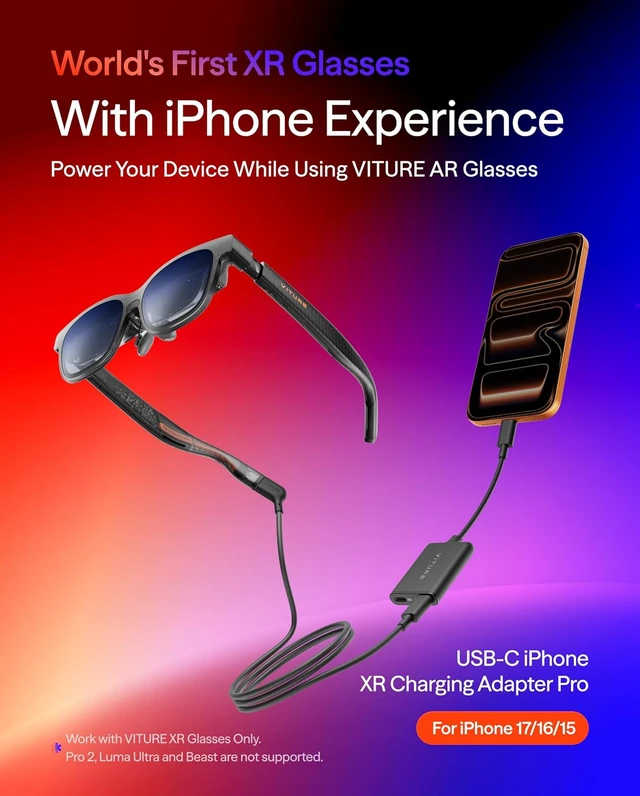
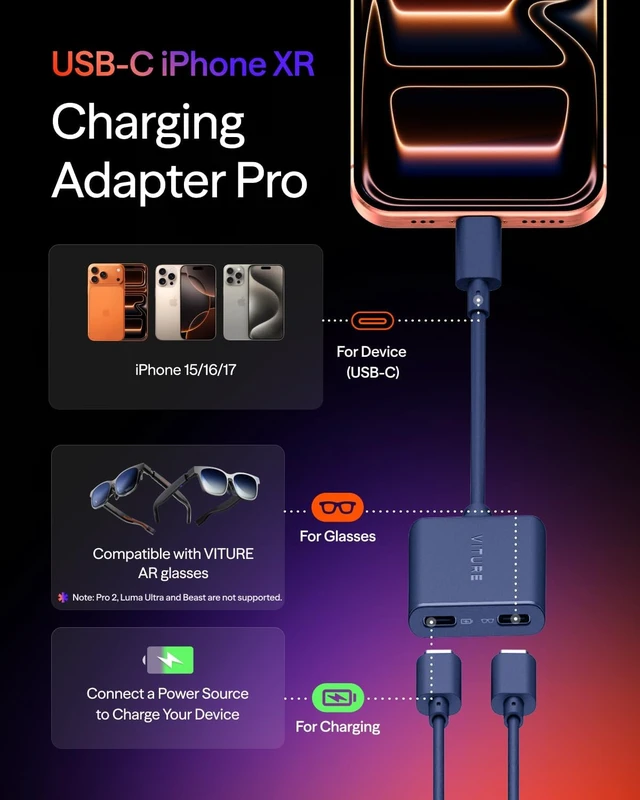
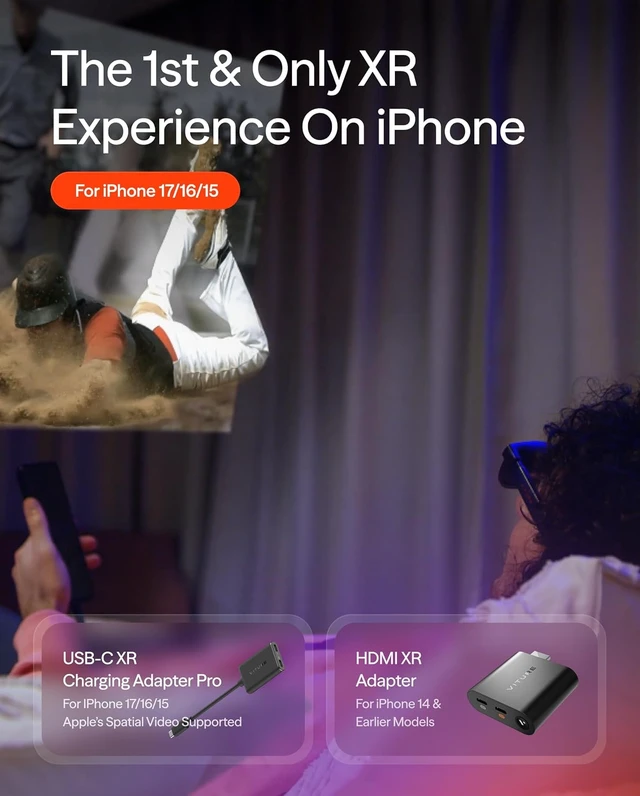
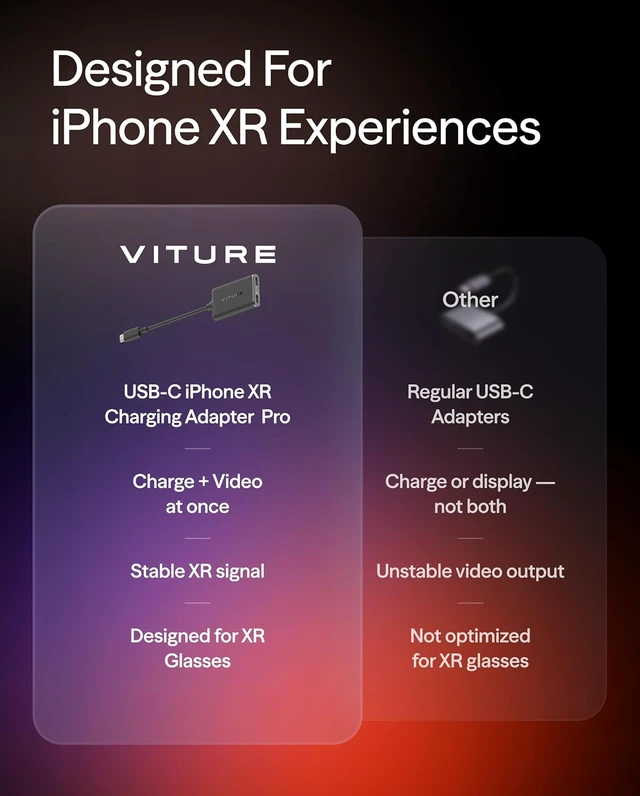
USB- C XR Charging Adapter Pro, for iPhone 15 & Later
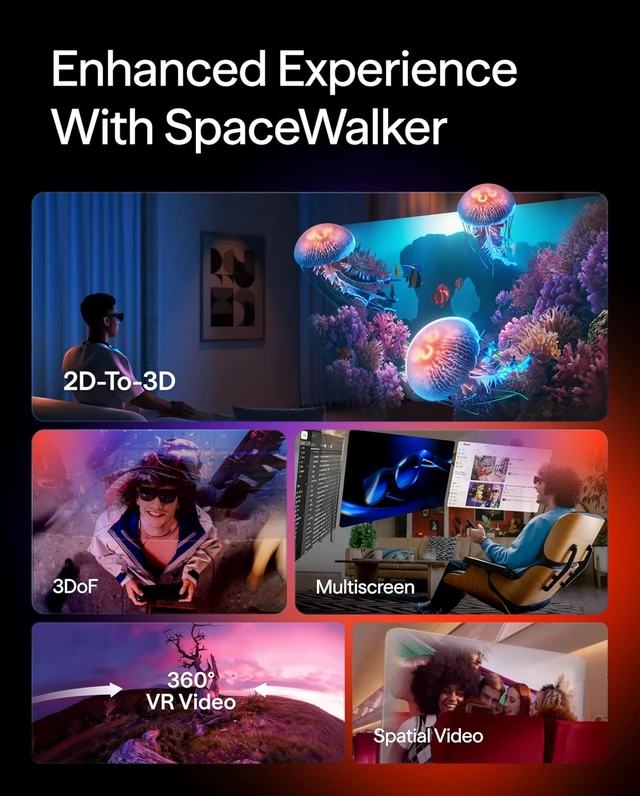
- The First XR Adapter to Unlock Head-Tracking on iPhone: Enjoy 3DoF, Multiple Screens, 1-Click 3D, Seamless Spatial Audio, and More! (***All features work within SpaceWalker, with 3DoF available in full-screen mode.)
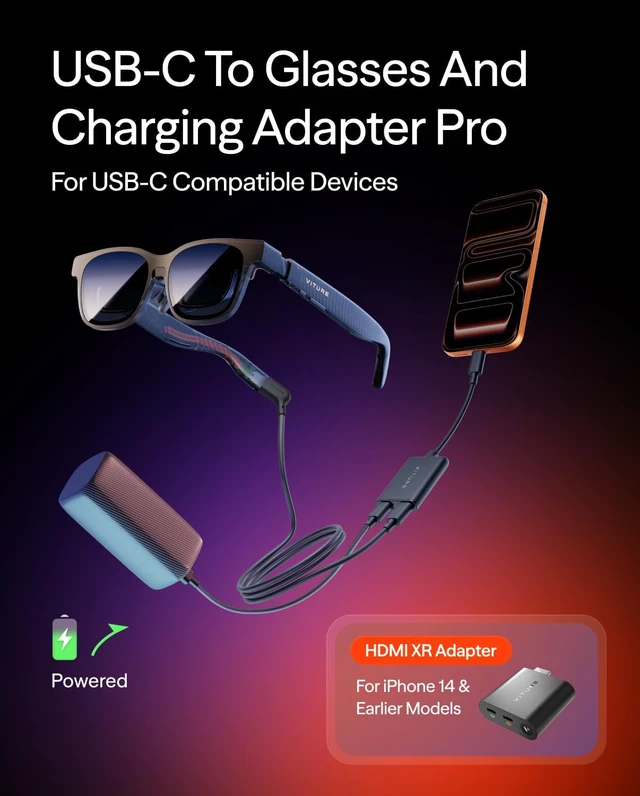
- Charge & Play: Connect to power without disconnecting your XR glasses.
- Clearly marked ports make connecting a breeze.
+
+
Overview
Specs
Reviews
Any questions? Our AI mode will help you find out quickly.
Try me now
Small, lightweight, and easy to carry
IMPORTANT: iPhone 16e and iPhone Air are not compatible with XR glasses.
Please note that XR Glasses are not included with this accessory.
How To Update: 1.Connect the USB-C XR Charging Adapter and XR Glasses to your iPhone, then open SpaceWalker App. 2. Once connected, the app will automatically detect the firmware version of your adapter. If an update is available, an update prompt will appear. *Please note: during the update, disconnect the XR Glasses from the adapter and update the adapter only. 3.Tap Confirm to start the upgrade. The screen will display the update progress. The entire process takes approximately 12 minutes. Keep the connection stable and leave the app open on the upgrade page. 4.After the upgrade is complete, follow the on-screen instructions and unplug the adapter to finish the firmware update.
IMPORTANT: iPhone 16e and iPhone Air are not compatible with XR glasses.
Please note that XR Glasses are not included with this accessory.
How To Update: 1.Connect the USB-C XR Charging Adapter and XR Glasses to your iPhone, then open SpaceWalker App. 2. Once connected, the app will automatically detect the firmware version of your adapter. If an update is available, an update prompt will appear. *Please note: during the update, disconnect the XR Glasses from the adapter and update the adapter only. 3.Tap Confirm to start the upgrade. The screen will display the update progress. The entire process takes approximately 12 minutes. Keep the connection stable and leave the app open on the upgrade page. 4.After the upgrade is complete, follow the on-screen instructions and unplug the adapter to finish the firmware update.



Warranty & Returns
Warranty, Returns, And Additional Information
Warranty
- Please contact the Seller directly for warranty information. Warranty information may also be found on the Manufacturer's website.
- CONTACT
Return Policies
- Return for refund within: 30 days
- Return for replacement within: 30 days
- This item is covered by DingPeak Smart Tech Return Policy
Manufacturer Contact Info
- For a directory of all our manufacturers, please click below.
- Manufacturers Directory
LOADING...