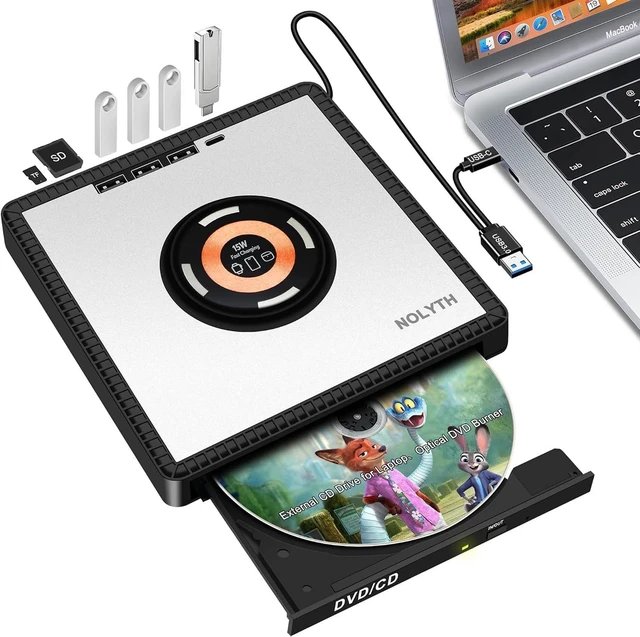
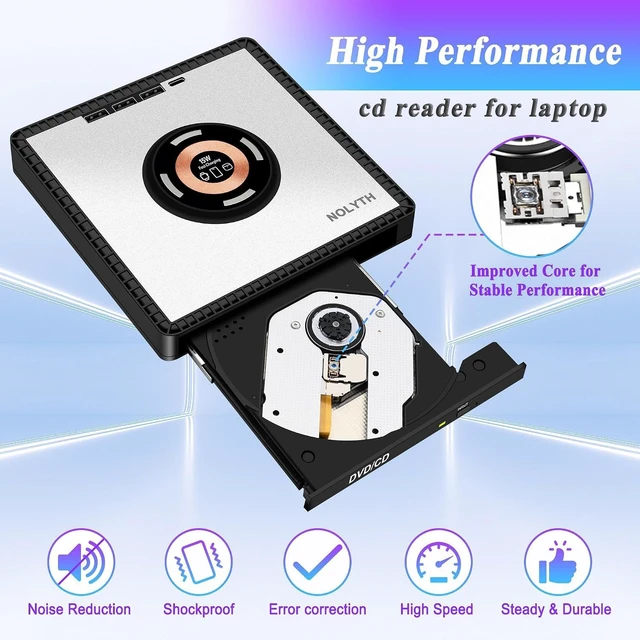
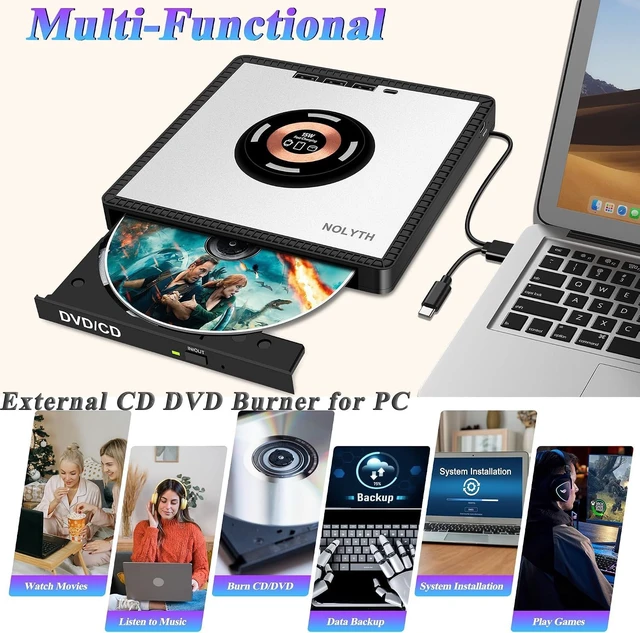
Compact & Portable Design: This ultra-slim external DVD burner weighs only 0.8 lb and easily fits into your laptop bag, ideal for home, office and business travel. It comes with an aluminum alloy top cover and non-slip rubber pads for stable placement. For best performance, plug the USB cable into rear ports of desktop computers. Avoid using extra USB HUBs or adapters; use the built-in cable for direct connection. Please read the user manual before operation.
How to Use: For Windows: Insert your disc and use VLC Media Player for disc playback.For Mac: Open Finder and ensure "CD, DVD and iPod" and "External Disk" are enabled. Insert the disc, adjust the region code if necessary. Go to System Settings(System Preferences for older macOS) > CD & DVD to configure playback settings.How to Eject Disc on Mac: Press the eject button on the drive, use the keyboard shortcut, click eject within your media player, or drag the DVD icon on the desktop to the Trash.
After-Sales Support: We offer thoughtful customer service and a 1-year quality guarantee for disk drive. Should you have any questions, please feel free to contact us. Our team will respond within 24 hours. Kind Reminder for Mac Users: No disc icon will show up on your desktop until a disc is inserted. Playback requires compatible media software. (CD DVD disk reader supports 12 cm standard discs, 8 cm mini discs, and DVD MDisc reading.)
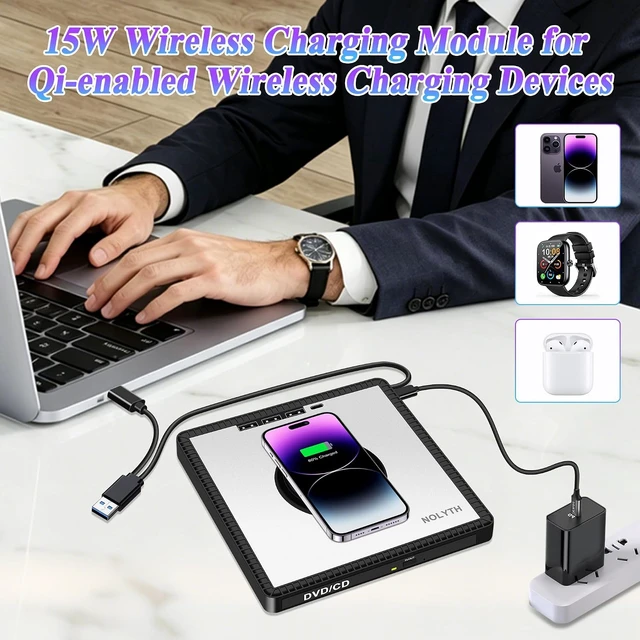
- Can the wireless charger charge Watch, AirPods as well as all other Qi-certified wireless charging devices? Yes. This wireless charger supports Watch, AirPods, iPhone 18/17/16/15/14/13/12 Pro Max/Plus and all other Qi-certified wireless charging devices. Please noteIt requires a dedicated external power supply.
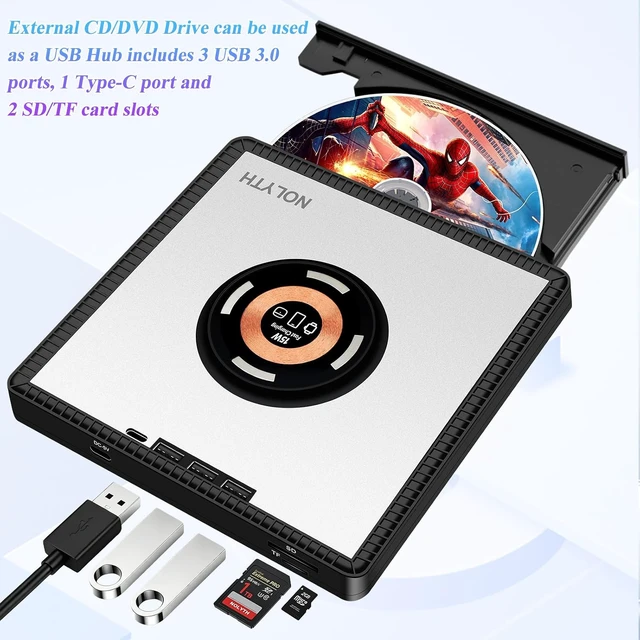
- What functions and applications does this external CD/DVD burner support? Equipped with a wireless charger and USB hub, this external CD/DVD drive can read and write CDs/DVDs, burn and rip discs, back up data, copy files, install systems, play music and DVD videos, read game discs, access photos/images, and convert data.
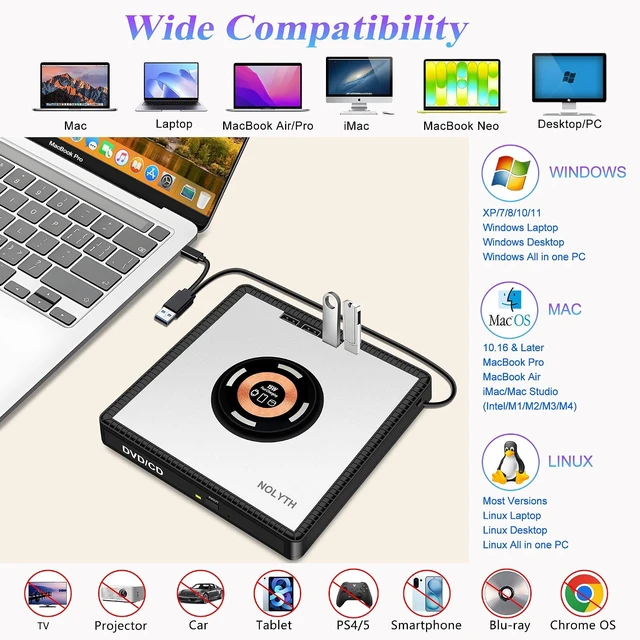
- Is this CD/DVD player plug-and-play? Yes, it is plug-and-play. No drivers needed. Compatible with Mac OS, Windows and Linux. Just plug into your computer using the built-in rear USB 3.0 / TypeC cable, and the system will auto-detect it right away.
- Which devices is this external CD/DVD drive compatible with? This CD/DVD drive works with Windows 11/10/8.1/7/Vista/XP/98SE/ME/2000, Linux and Mac OS. It supports MacBook Pro/Air/Neo, iMac, Mac Mini, laptops and desktops, compatible with , HP, , , , , LG, , and PCs.
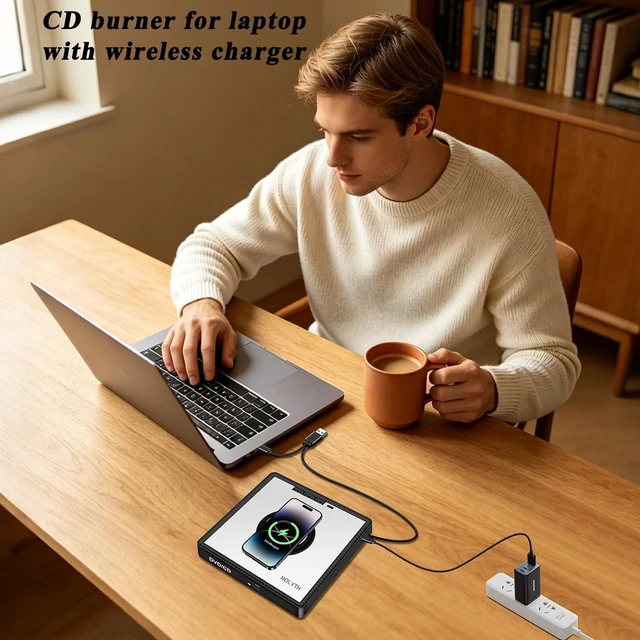
- Is a power adapter included for the built in wireless charger? No power adapter comes with the product. The wireless charger requires an extra 5V up to 3A USB C power adapter which you need to supply yourself.
Can the wireless charger charge Watch, AirPods as well as all other Qi-certified wireless charging devices?
What functions and applications does this external CD/DVD burner support?
Is this CD/DVD player plug-and-play?
Which devices is this external CD/DVD drive compatible with?
Is a power adapter included for the built in wireless charger?




 here!