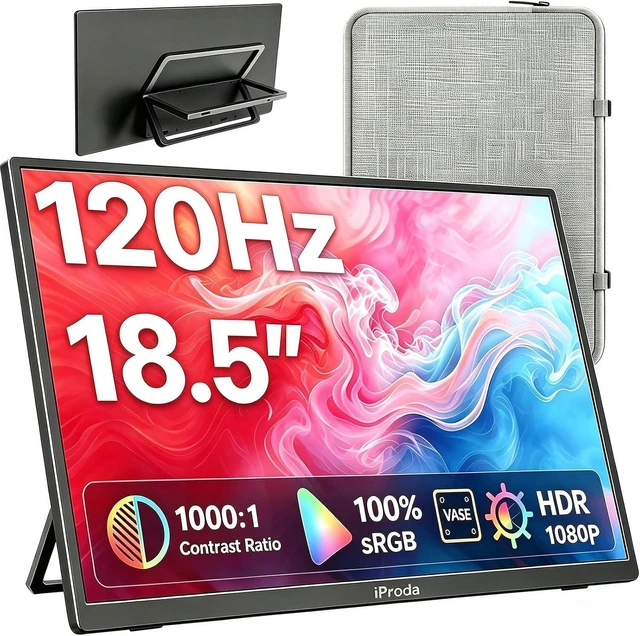
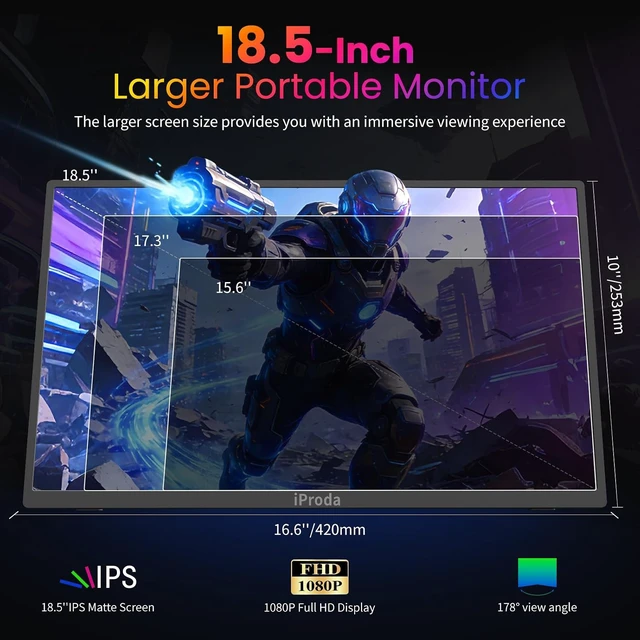
Ultra-Portable 18.5 Monitor: The large portable display is incredibly lightweight and slim, Weighing only 2.4 Lb, 0.23-inch in minimum thickness, and 0.5-inch in maximum thickness, making it easy to carry around in laptop bag.They are truly portable computer monitors for travelers, students, gamers,engineers, and everyone.The portable monitor comes with a lightweight, shockproof protective bag, making it even more portable and easy to carry on the go.Perfect for office use, travel, coffee shops, or on-the-go work setups
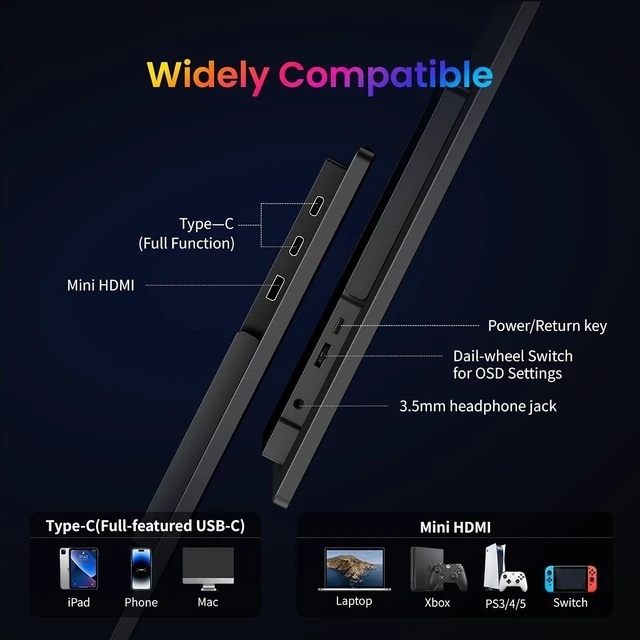
Easy to Use: portable computer monitor is very easy to set up. plug and play - simply connect it via USB-C and HDMI and it works right away without any driver installation or complicated configuration. all via the OSD with the wheel on the back-left, push in and then cycle up-down. Toggling power isn't needed since it will automatically turn on/off with the video signal.The 3.5mm audio output can also be used to connect to a outer speaker for better audio experience
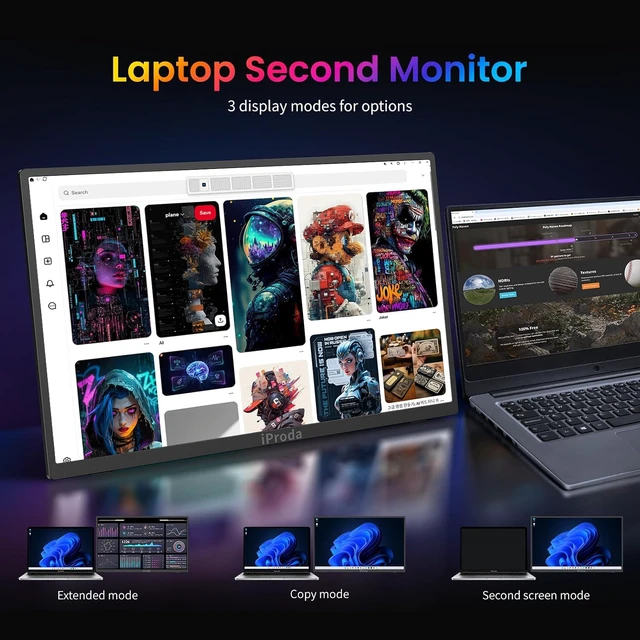
Portable Monitor for Laptop: The portable display has two USB-C ports and one HDMI port, so you can easily connect it to any major device you have, like Macbook, Surface, laptop, PC, Xbox, PS4/PS45 and more. If your device has a Thunderbolt 3/4/5 or Full-Featured USB-C port, all you need is a single USB-C to USB-C cable to connect without any hassle. (the issue of screen flickering, normally caused by insufficient power supply, then please use the original power adapter)
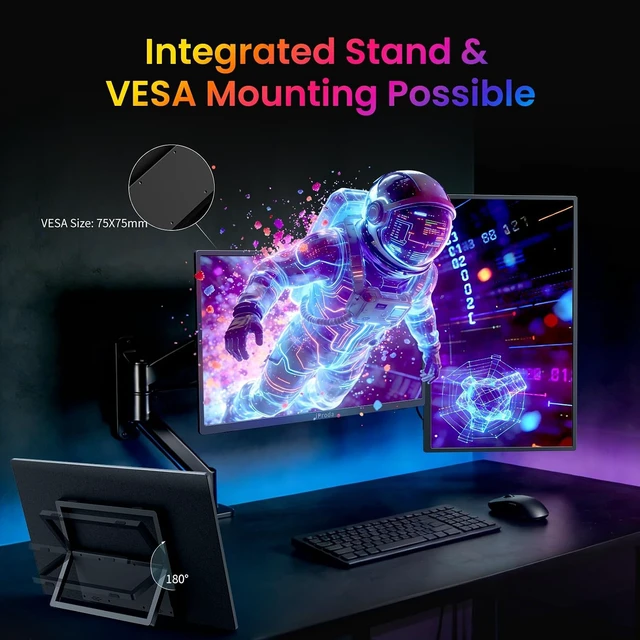
VESA Mountable and Integrated Stand: The portable second display has two mounting options to meet your needs,Standard 75x75mm VESA holes provide multiple options to mount the portable second display on any wall or tabletop. 180° adjustable stand integrated design is also very sturdy ,make this monitor stays up easily and can be adjusted to any angle won't tip over easily .portable laptop monitor super convenient and become the ideal travel companion for PCs, laptops and phones as a second screen to improve your work efficiency and simplicity
- What can I do if my portable monitor flickering or showing no signal This is caused by insufficient and unstable power supply, Please make sure youre powering the monitor by the original power adapter we provided in the package.
- Why it doesn't work when I connect the monitor with my device by my own USB-C to USB-C cable Please make sure the USB-C port on your laptop is a Thunderbolt 3/4/5 port or supports video display. There are two kinds of USB-C cables, USB-C charging cable and USB-C display cable (our original one). Your own cable may be only a charging cable.
- The brightness was very low when I first used it. How can I adjust it? Since the default brightness of this product is low, you can adjust the brightness using the buttons or by connecting the power cord. The volume can be adjusted in the same way.
What can I do if my portable monitor flickering or showing no signal
Why it doesn't work when I connect the monitor with my device by my own USB-C to USB-C cable
The brightness was very low when I first used it. How can I adjust it?




 here!