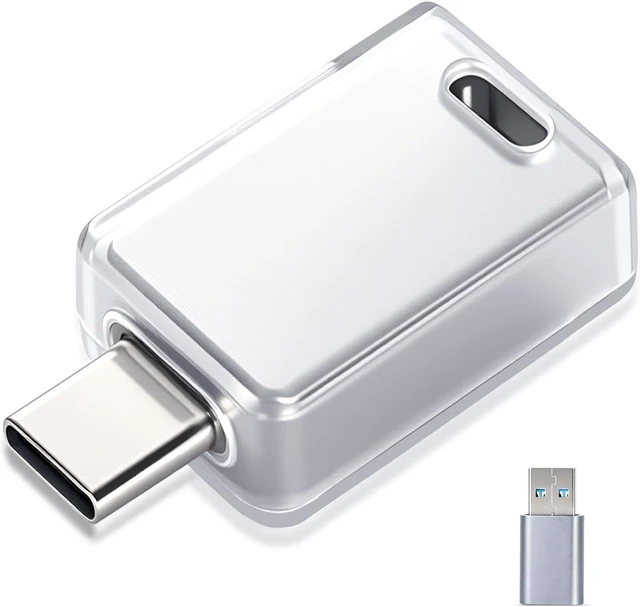
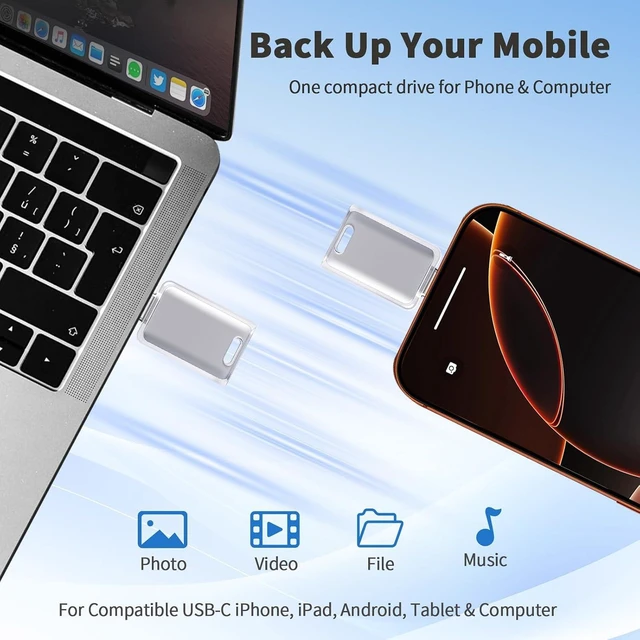
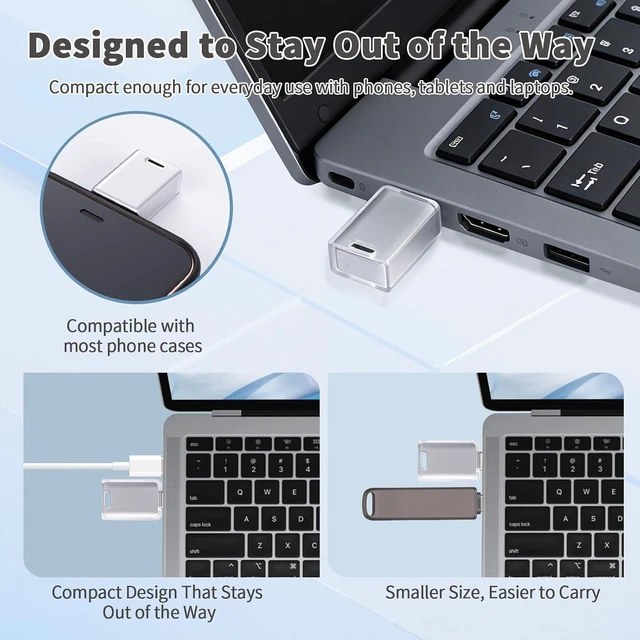
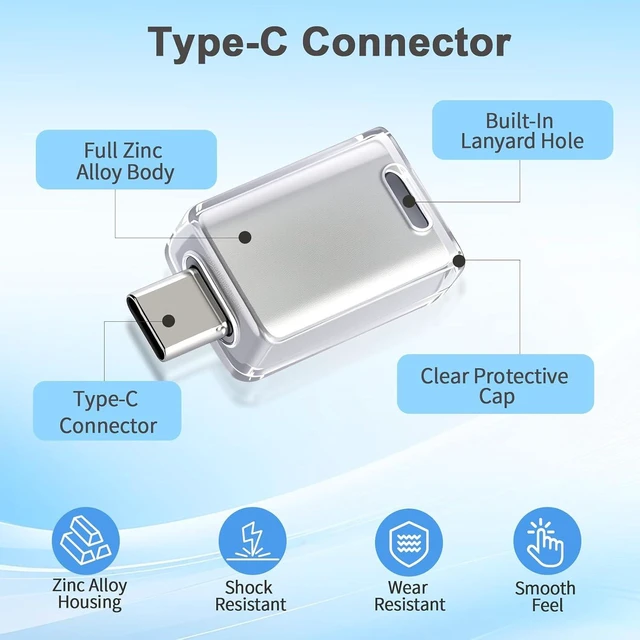
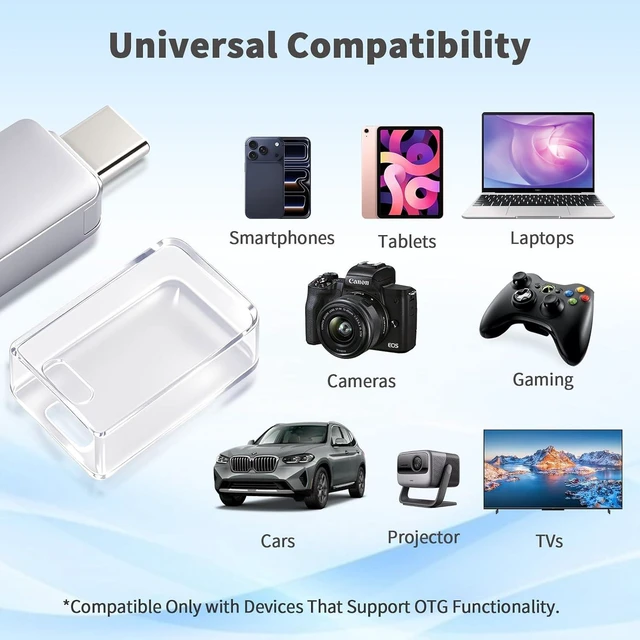
MADE FOR YOUR USB-C ECOSYSTEM: More than just a Memory Stick or USB flash drive, it keeps more of your digital life connected. Compatible with USB-C iPhone 15, 16 and 17 series, USB-C iPads, OTG-enabled Android phones, Windows PCs, Macs, MacBook Air and other USB-C laptops. It also works with compatible car stereos, projectors and TVs that support USB storage. Not compatible with Micro-USB devices. Please check your device port and OTG support before purchase.
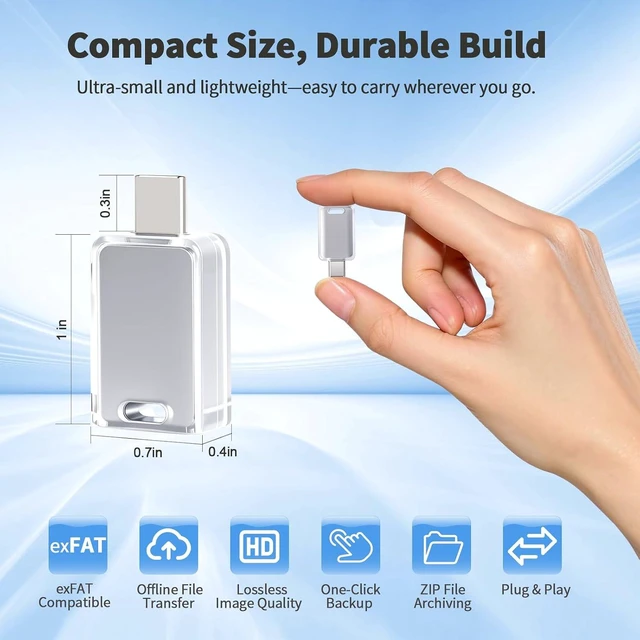
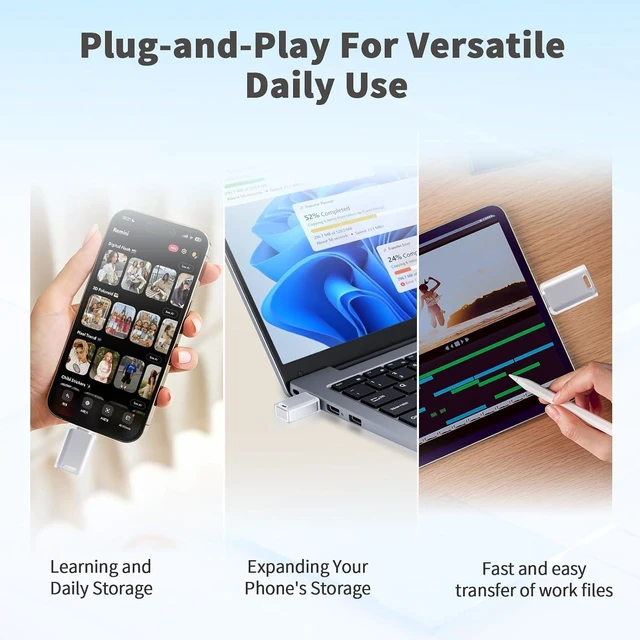
PLUG & PLAY 256GB STORAGE: Simple, reliable storage with no complicated setup. Just plug this 256GB flash drive into a compatible device to store, transfer and access photos, videos, music, documents, presentations and other everyday files. It supports common file formats including MP3, MP4, Excel, Word and PDF, making this USB flash drive 256GB a practical storage solution for phones, laptops and computers.
calculates 1 GB as 1,000 MB, while computers use a binary system that typically displays a lower available capacity. Some storage space is also used for device formatting and internal functions, so a 256GB flash drive will normally show less than the stated capacity.
- Why isn't the USB C flash drive recognized by my Android phone? OTG support varies by Android phone. Some phones require OTG to be enabled manually. Go to Settings, search for OTG, and turn on the OTG switch. Then insert the USB drive and try again.
- Why are some files on my USB flash drive corrupted? Removing the flash drive without safely ejecting it may cause file corruption or data loss. To protect your files, always complete transfers and select "Eject" or "Safely Remove" before unplugging the drive. Make sure transfers are complete first.
- Can I use this flash drive with my computer and iPhone 12, 13 or 14? Do I need an app? Yes. It includes a USB-A adapter for computers and a Lightning adapter for iPhone 12, 13 and 14. No app is needed for basic file transfers. users can optionally use the app to take photos and save them directly to the drive.
- Can I transfer thousands of photos at once and delete them from my phone afterward? For large photo libraries, we recommend transferring files in batches for a more stable experience. The first time you transfer files, copy them first and confirm they transferred successfully before deleting the originals from your phone.
- Is it normal for the USB flash drive to get warm during use? Yes. The IC chip may warm up when transferring large files. This is normal, similar to a phone heating up during heavy use or gaming. When plugged in without transferring files, the drive normally stays at room temperature.
Why isn't the USB C flash drive recognized by my Android phone?
Why are some files on my USB flash drive corrupted?
Can I use this flash drive with my computer and iPhone 12, 13 or 14? Do I need an app?
Can I transfer thousands of photos at once and delete them from my phone afterward?
Is it normal for the USB flash drive to get warm during use?




 here!