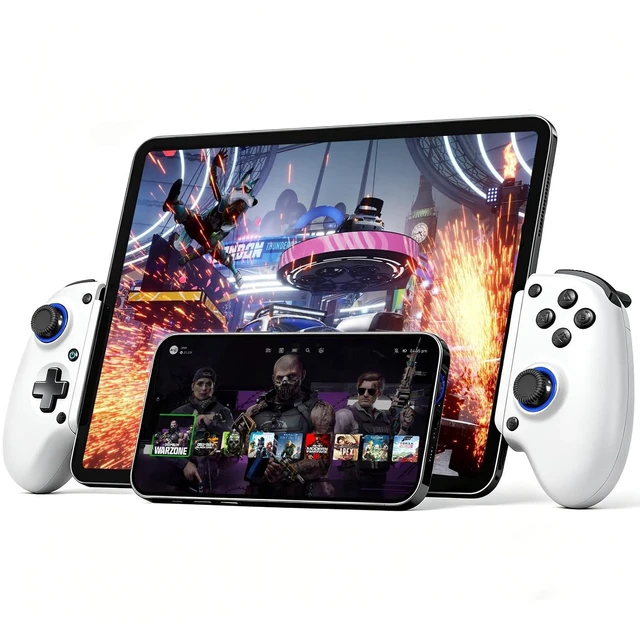
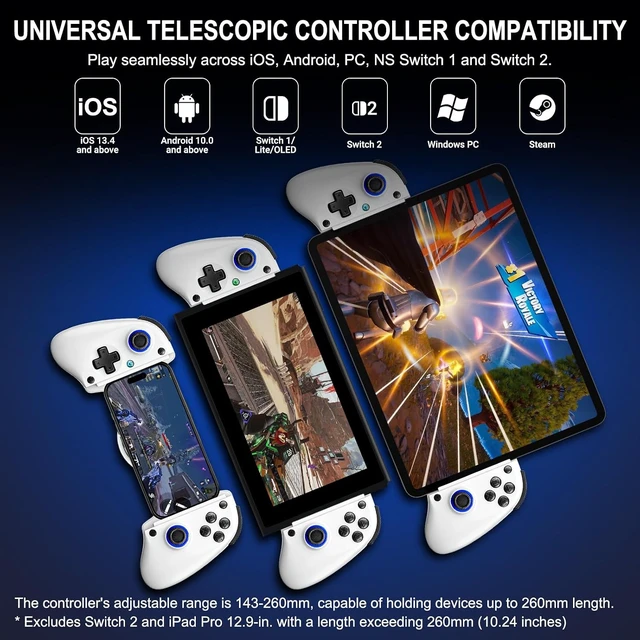
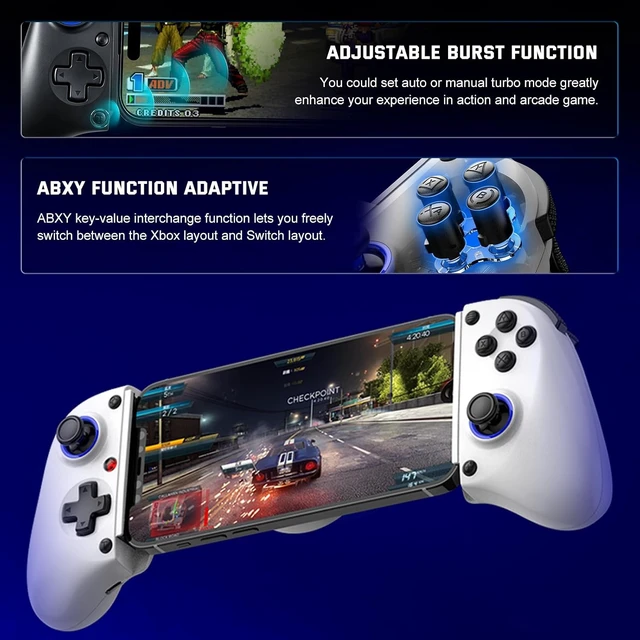
ABXY Value Swap & Stretch Design: Switch between Xboxand Switch button layout in-game via a combo key (software swap, not physical key replacement); The telescopic clamp (143260mm / 5.6210.24 in) securely holds phones, most tablets, and even the original Switch but will NOT fit devices longer than 260mm (e.g., 12.9 iPad Pro, Switch second generation)
Ergonomic, Long Battery Life: Anti-sweat textured grips prevent slipping during intense gameplay; Built-in 400mAh rechargeable battery: 23 hours charging gives up to 20 hours of gameplay or 60 days standby (varies with temperature)
Easy Setup & Troubleshooting Tips: Get started quickly: Power on the controller via 'hold RB, then press HOME' (for different modes), pair the controller via Bluetooth, and you're ready to play; Most connection issues can be resolved by refreshing the Bluetooth visibility: simply remove the controller from your device's Bluetooth list, power cycle the controller, and reconnect; For persistent issues, a quick reset using the 'RESET' pinhole often resolves them
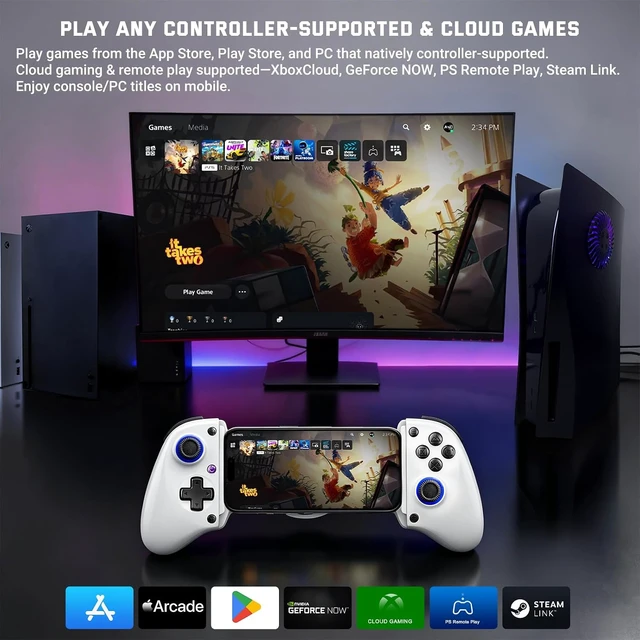
- Play games from the App Store, Play Store, and PC that natively controller-supported. Cloud gaming & remote play supportedXboxCloud, GeForce NOW, PS Remote Play, Steam Link. Enjoy console/PC titles on mobile.
- Play Switch games from the Switch 1/2.
- Connect the Bluetooth "Xbox Wireless Controller" on your iPhone.
- When the HOME button cyan light stays sold, the connection is successful. You can play App Store games that support controller.
- Connect the Bluetooth "Xbox Wireless Controller" on your iPad.
- When the HOME button cyan light stays sold, the connection is successful. You can play App Store games that support controller.
- Mode 2: Press the X and HOME buttons, then pair the Bluetooth BSP-D11 on your Android. For games where buttons don't work properly in Mode 1, simply switch to this connection mode and enjoy.
- The controller will automatically connect to your switch.
If the controller is already connected to your Switch, but it won't control the switch, that means the Switch has defaulted to a connected pro controller or joycon. In that case, simply disconnect the pro controller or detach the joycon from the switch.
Play Any Controller-Supported & Cloud Games
Customized Buttons
Dedicated Turbo Key
Immersive Experience
Enjoy Games Longer
Telescopic Controller (143260mm / 5.6210.24 in)
No Removal, No Hassle
Easy Setup - Connect to iPhone, Android, and Switch
Prior to Bluetooth pairing, ensure the controller is powered off.
Prior to Bluetooth pairing, ensure the controller is powered off.
Prior to Bluetooth pairing, ensure the controller is powered off.
First, navigate to the "Change Grip/Order" menu on your Switch.




 here!