Your Browsing History
Meet Your Seller
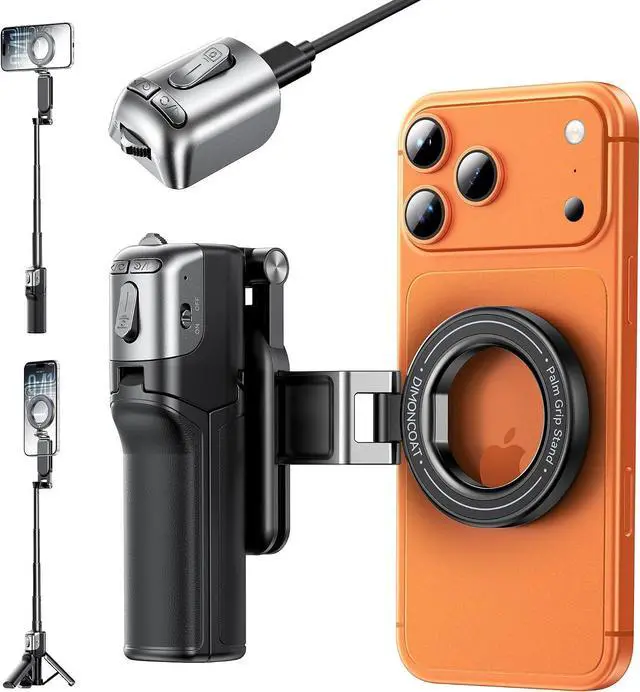
Magnetic Phone Camera Grip with Zoom Wheel, 4-in-1 Selfie Stick & TripodMAX 19" ExtendablePocket 4.8" Detachable Bluetooth Remote, Compatible with MagSafe for iPhone, Vlogging & Content Creation
- : :
- : 1.Go to Settings > Accessibility > Zoom and turn it on. 2.Double-tap the screen with three fingers to restore normal view
- : Go to Settings > Wallet & Pay, then turn off Double-Click Side Button to avoid Pay conflict.
+
+
Overview
Specs
Reviews
Any questions? Our AI beta will help you find out quickly.
Try me now
!.
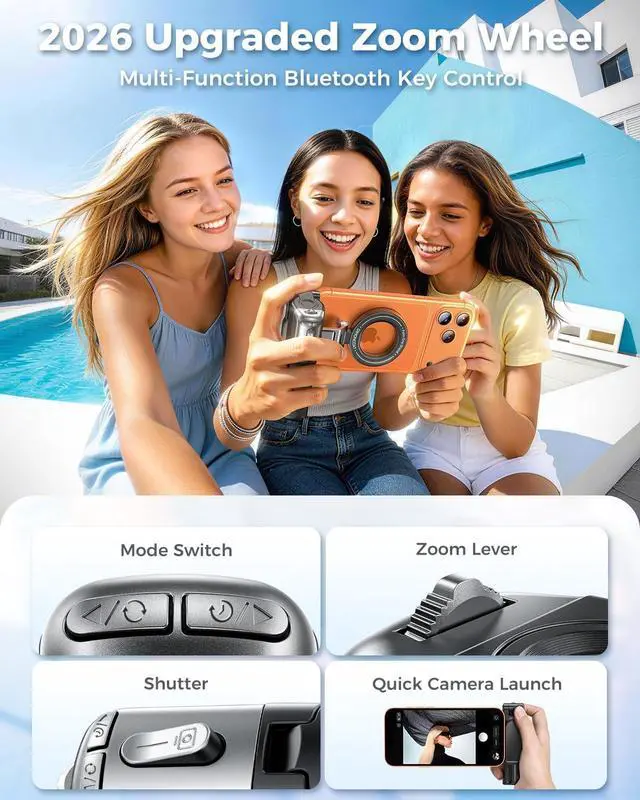
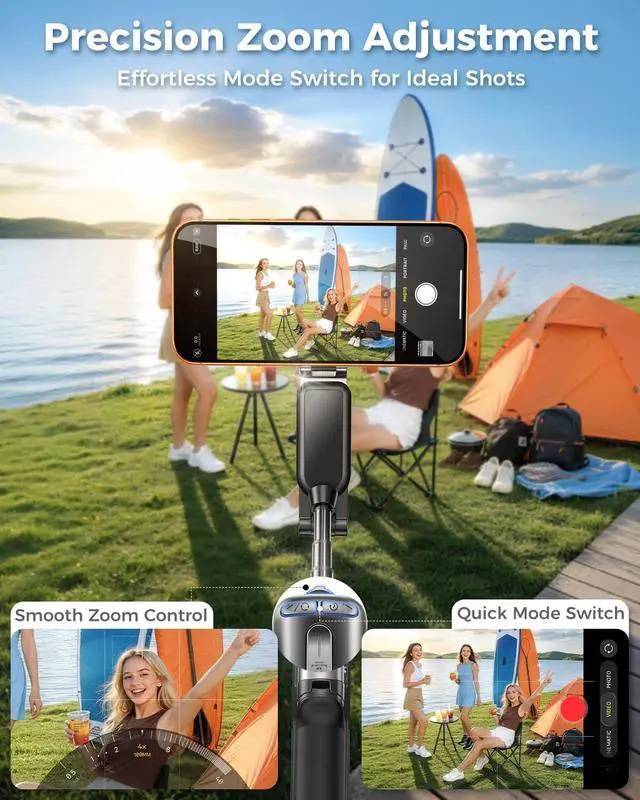
Pro Camera Controls at Your FingertipsTake full control of your shots with the built-in Zoom Wheel and upgraded Bluetooth remote. Smoothly zoom, capture photos, switch between front and rear cameras, change shooting modes, and instantly wake your cameraall wirelessly, without touching your phone.
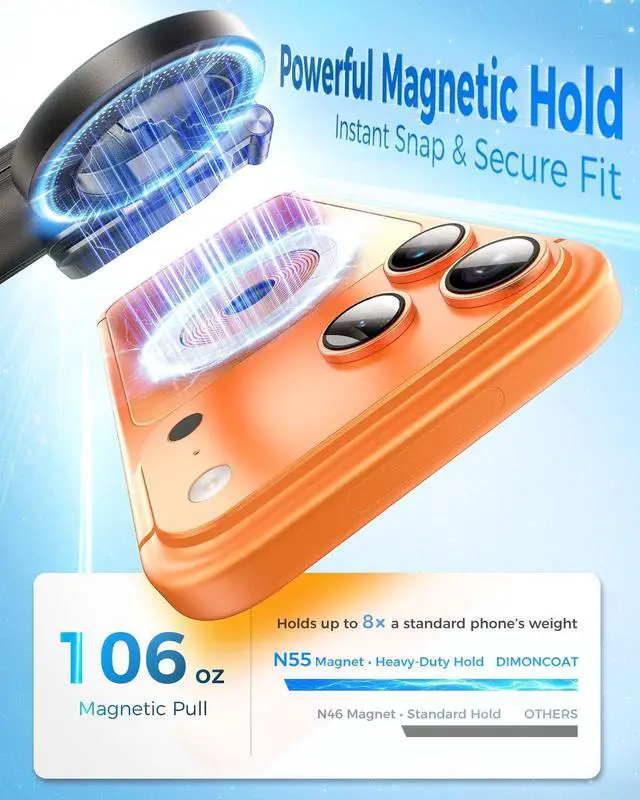
Snap On and Start ShootingCompatible with MagSafe for iPhone, delivering a secure magnetic hold in seconds. The included magnetic ring also works with Android phones and non-magnetic devices, giving you reliable attachment for everyday shooting and content creation.
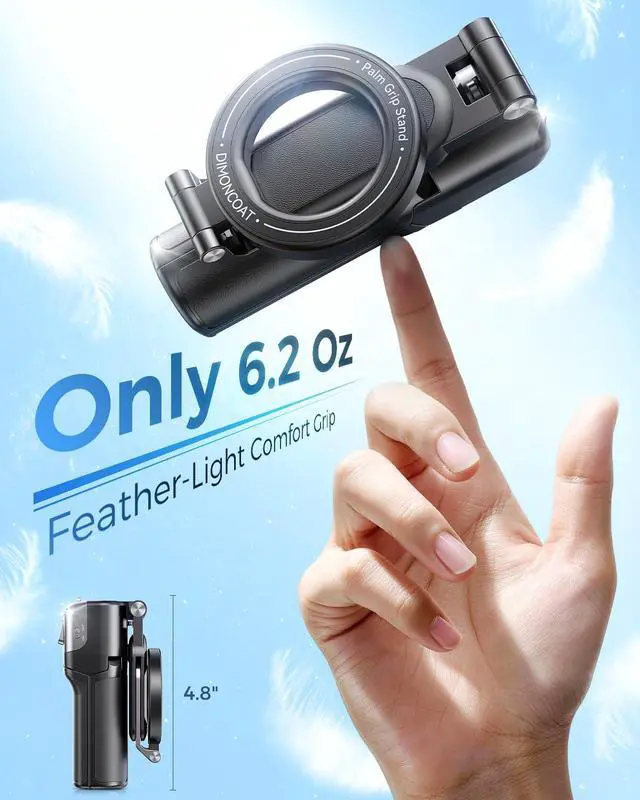
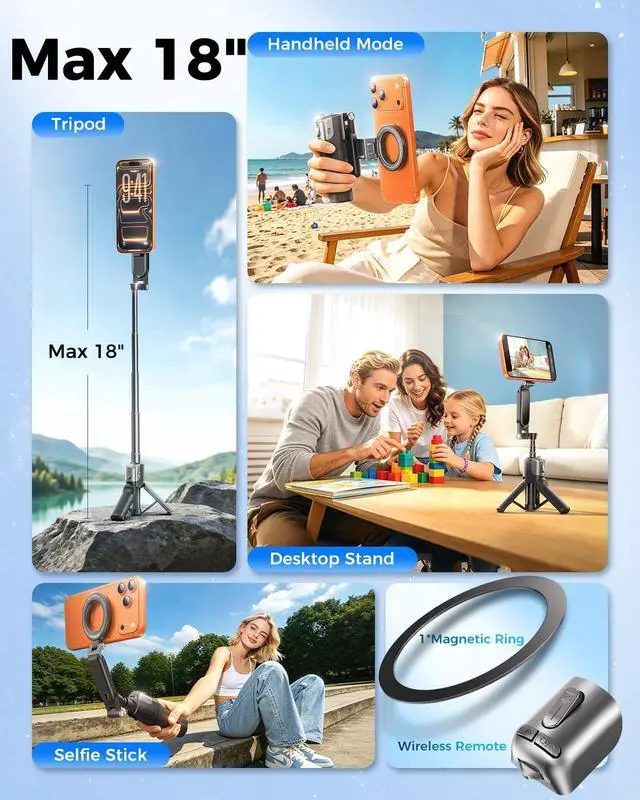
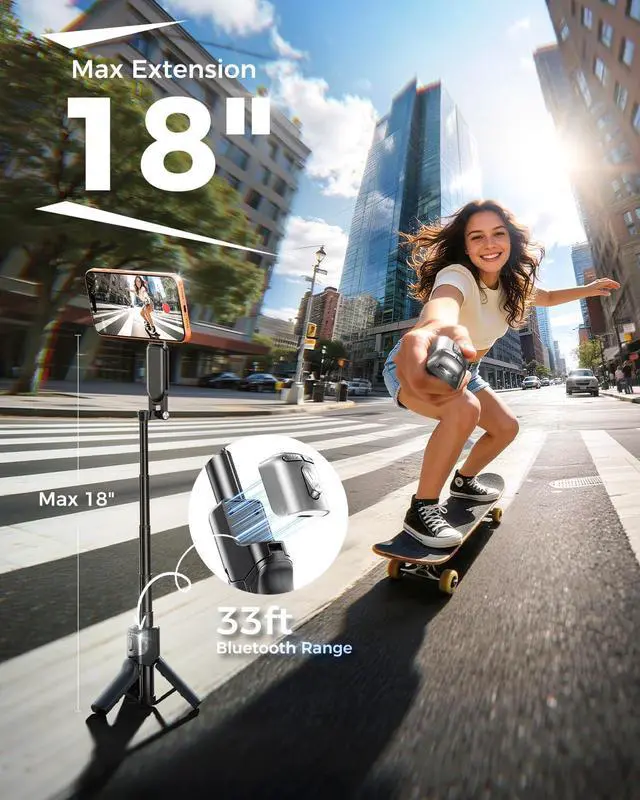
Max overall height: 18" | Min folded size: 4.8"
Travel-Friendly Lightweight Foldable Stick
Zoom Wheel Magnetic Selfie Stick
Your Go-To Portable Vlogging Companion
Skip rushing back and forth remote zoom tweaks your shot in one tap
Secure Magnetic Snap-On Mount
No more huddling close33ft Bluetooth range supports remote shooting far away
Charge via included Type-C
Bluetooth Connection Guide | WONEW-M
1. Go to Settings > Bluetooth, turn on Bluetooth.
2.
Power On: Slide switch from OFF to ON, blue light lights up.
3. Choose WONEW-M and confirm Pair.
How to connect Bluetooth?
Enable Zoom Function
Settings > Accessibility > Zoom > Turn on Zoom
1. Go to Settings > Accessibility > Zoom, turn it on.
2. Double-tap with three fingers to exit zoom.
How to Enable Zoom Function
Grip Modes & Bluetooth Tips
Press Button 1/2 once to switch shooting modes
Mode Button: Double press to switch between front and rear cameras.
How to use this multifunctional Bluetooth remote
Quick Camera Launch Settings
Double-press Mode Button 1 to automatically open the camera
1. Open Settings and go to Wallet & Pay.
2. Enter Pay default settings.
3. Turn off Double-Click Side Button.
How do I quickly launch the camera?
Do NOT place the ring between phone and case
Works with All Phones
1. Direct magnetic fit for iPhone 1217 & magnetic cases.
2. Stick the included ring on Android phones for magnetic connection.
Is it compatible with my phone?

Pro Camera Controls at Your FingertipsTake full control of your shots with the built-in Zoom Wheel and upgraded Bluetooth remote. Smoothly zoom, capture photos, switch between front and rear cameras, change shooting modes, and instantly wake your cameraall wirelessly, without touching your phone.
Snap On and Start ShootingCompatible with MagSafe for iPhone, delivering a secure magnetic hold in seconds. The included magnetic ring also works with Android phones and non-magnetic devices, giving you reliable attachment for everyday shooting and content creation.
Max overall height: 18" | Min folded size: 4.8"
Travel-Friendly Lightweight Foldable Stick
Zoom Wheel Magnetic Selfie Stick
Your Go-To Portable Vlogging Companion
Skip rushing back and forth remote zoom tweaks your shot in one tap
Secure Magnetic Snap-On Mount
No more huddling close33ft Bluetooth range supports remote shooting far away
Charge via included Type-C
Bluetooth Connection Guide | WONEW-M
1. Go to Settings > Bluetooth, turn on Bluetooth.
2.
Power On: Slide switch from OFF to ON, blue light lights up.
3. Choose WONEW-M and confirm Pair.
How to connect Bluetooth?
Enable Zoom Function
Settings > Accessibility > Zoom > Turn on Zoom
1. Go to Settings > Accessibility > Zoom, turn it on.
2. Double-tap with three fingers to exit zoom.
How to Enable Zoom Function
Grip Modes & Bluetooth Tips
Press Button 1/2 once to switch shooting modes
Mode Button: Double press to switch between front and rear cameras.
How to use this multifunctional Bluetooth remote
Quick Camera Launch Settings
Double-press Mode Button 1 to automatically open the camera
1. Open Settings and go to Wallet & Pay.
2. Enter Pay default settings.
3. Turn off Double-Click Side Button.
How do I quickly launch the camera?
Do NOT place the ring between phone and case
Works with All Phones
1. Direct magnetic fit for iPhone 1217 & magnetic cases.
2. Stick the included ring on Android phones for magnetic connection.
Is it compatible with my phone?
Warranty & Returns
Warranty, Returns, And Additional Information
Warranty
- Please contact the Seller directly for warranty information. Warranty information may also be found on the Manufacturer's website.
- CONTACT
Return Policies
- Return for refund within: 30 days
- Return for replacement within: 30 days
- This item is covered by MINGPIN YOUCHUANG E-COMMERCE LIMITED Return Policy
Manufacturer Contact Info
- For a directory of all our manufacturers, please click below.
- Manufacturers Directory
LOADING...